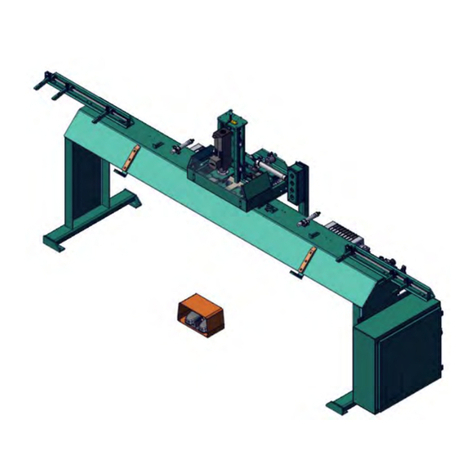
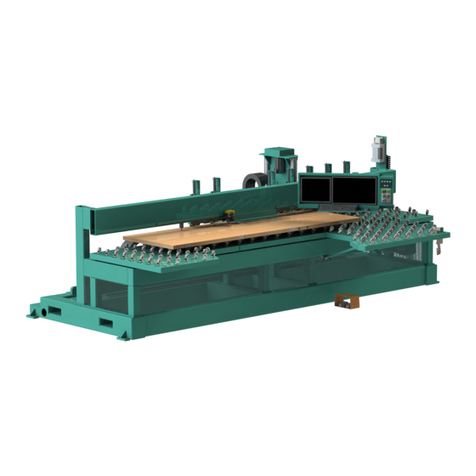
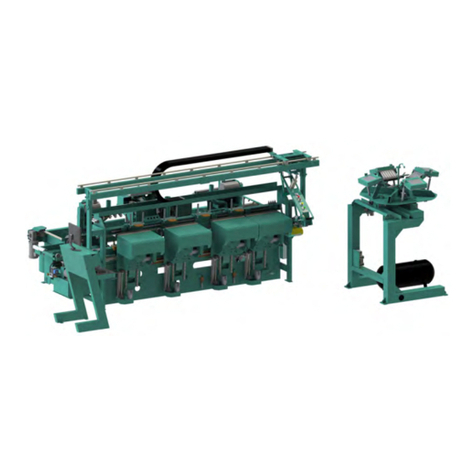
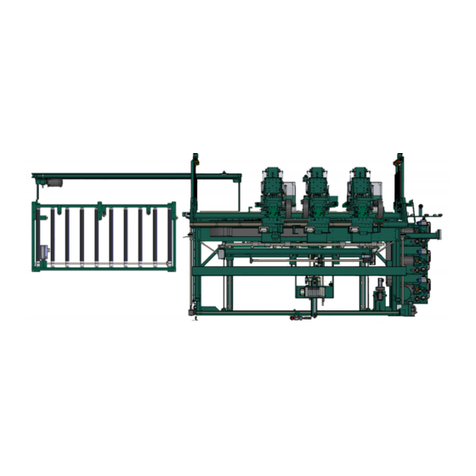
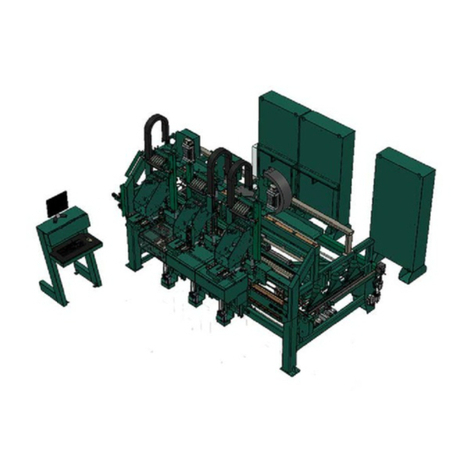
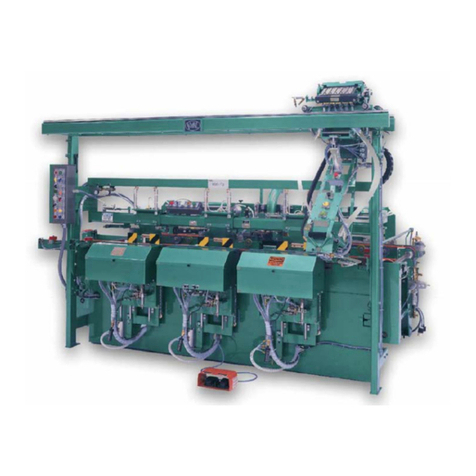
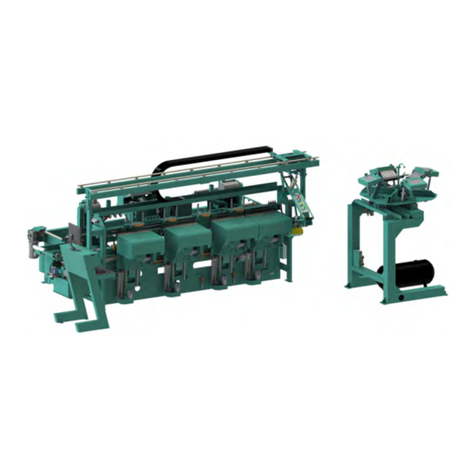
990-F4
Table of Contents
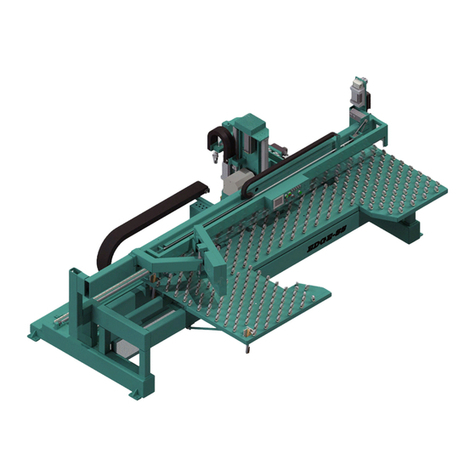
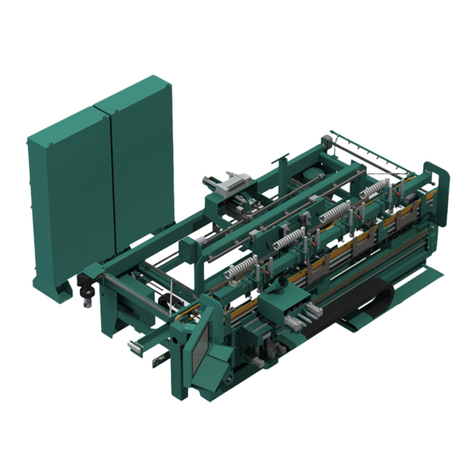
About the 990-F4..................................................................................2-7
About the In-Feed Section....................................................................2-7
About the Front Section........................................................................2-8
Option: Securing Split Jambs ...............................................................2-9
About the Operators Station ...............................................................2-10
About the Machine Control .................................................................2-11
About the Foot Pedal..........................................................................2-11
About the Hinge Carriage ...................................................................2-12
Front Section Gauges.........................................................................2-12
About the Six Shooter System............................................................2-13
About the Six Shooter Controls ..........................................................2-14
About the Hopper................................................................................2-15
Driver Assembly..................................................................................2-17
About the Overhead Track..................................................................2-18
About the Back Section: .....................................................................2-19
About the Electrical Panels...................................................... 2-21
Description of the Six Light Panel ......................................................2-22
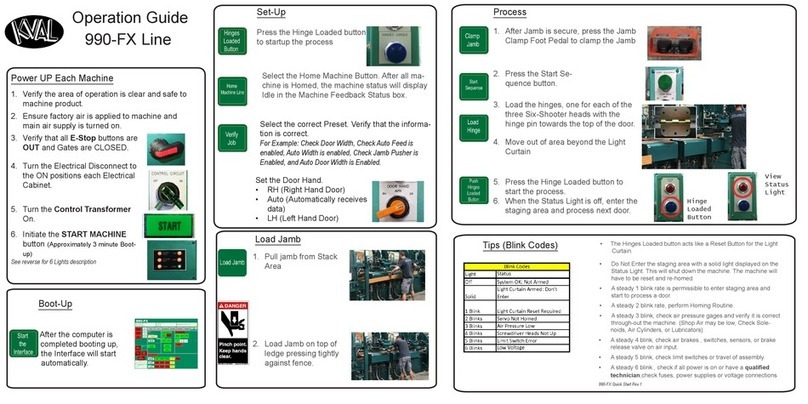
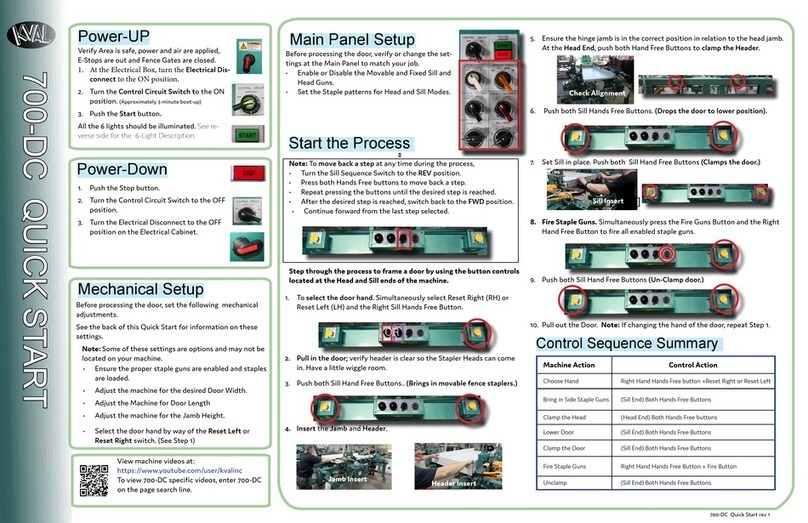
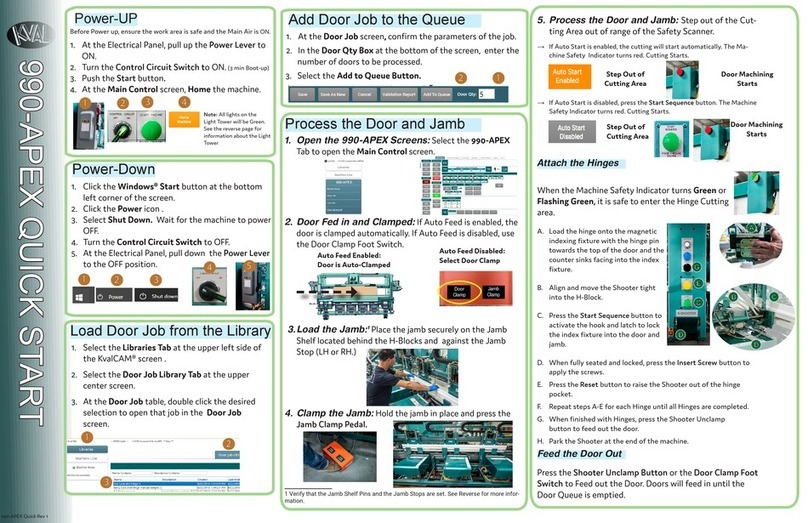
Quick Start ............................................................................... 2-24
Powering Operations for the 990-F4........................................ 2-26
How to Power Up the 990-F4 .............................................................2-26
Home the 990-F4................................................................................2-27
How to Power Down the 990-F4.........................................................2-27
Emergency Shutdown and Recovery .................................................2-28
Menu Map of Interface Screens............................................... 2-29
Screen Selection Menu Map...............................................................2-29
Machine Feed Back............................................................................2-31
About the Main Screen ............................................................ 2-32
Machine Buttons.................................................................................2-33
Preset Buttons ....................................................................................2-34
Door Specs.........................................................................................2-34
Hinge Specs .......................................................................................2-34
Screw Setup Controls.........................................................................2-35
Lock Control Section...........................................................................2-35
About the Manual Screen ........................................................ 2-36
Test Mode ...........................................................................................2-36
Lock Jog .............................................................................................2-37
Table Jog ............................................................................................2-37
Hinge Jog............................................................................................2-38
Hopper Functions ...............................................................................2-38
About the Diagnostic Screen ................................................... 2-39