- 9 -
Feeder assembly
The feeder is designed for mounting on a DIN rail. The feeder may be mounted in the
installation box with a DIN rail or on a metal grip previously screwed to the wall with
dowels (included in the set). Connect the wires in accordance with the diagram.
To ensure safety put on the mains terminal covering (plastic element attached to the
feeder) after connect the feeder to the mains.
Assembly of electro-catch
Electro-catch is controlled by a transmitter located in the external panel. The electro-
catch requires an additional ACV feeder. Mount the electro-catch in the gate or the door
as prescribed by the manufacturer. Then, in accordance with the diagram (Figures 5,6,7)
connect the wires (yellow and brown) in the external panel, feeder wires and electro-
catch.
6. OPERATING VIDEO DOOR PHONE
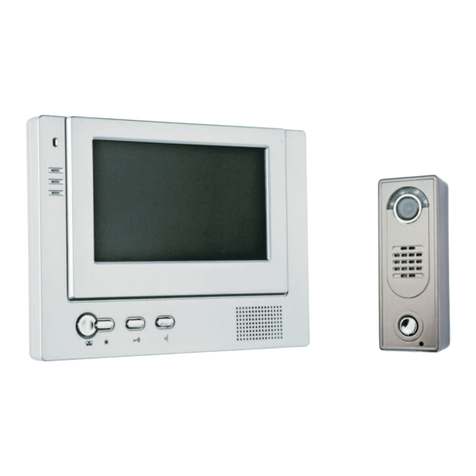
- By pushing the release button in the external panel, the doorbell signal in the monitor
will be activated and the monitor will switch on, displaying image from the camera (If
an additional monitor is mounted the doorbell signal and the image from the camera
will appear on two monitors).
- Push button (conversation - see Figure 1) to launch voice communication. In the
case of two monitors mounted, once the voice communication is launched on one
monitor, the other one switches off.
- Should the voice communication after launching fail to activate, the monitor will be
automatically switched off after ca. 1 minute.
- The conversation may last up to ca. 100s. After this time, the conversation is automatically
ended.
- Connect the wires in accordance with the diagram. A cable with colour wires (see
Figures 2 and 5) is located in the external panel. Connect those wires with the wiring
of the video door phone using a soldering iron, protecting the joint with shrink wrap
or insulation.
- Put the panel to the housing and screw the assembly screws (Figure 9d).
a) b c) d
Figure 9. Assembly of external panel
150 cm