manuals.online logo
Brands
  1. Home
  2. •
  3. Brands
  4. •
  5. LeCroy
  6. •
  7. Test Equipment
  8. •
  9. LeCroy WaveRunner LT224 User manual

LeCroy WaveRunner LT224 User manual

This manual suits for next models

1

Other LeCroy Test Equipment manuals

LeCroy WaveRunner 6000A Series User manual
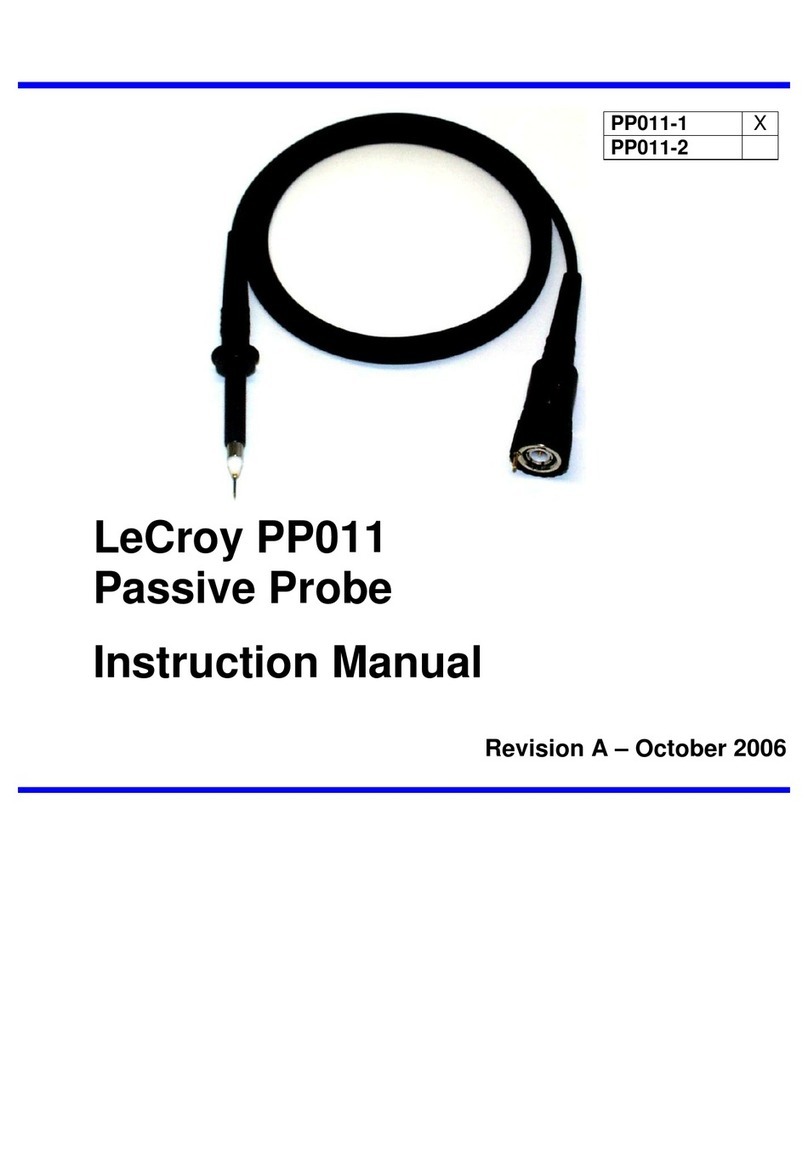
LeCroy

LeCroy WaveRunner 6000A Series User manual

LeCroy PP011 User manual

LeCroy

LeCroy PP011 User manual
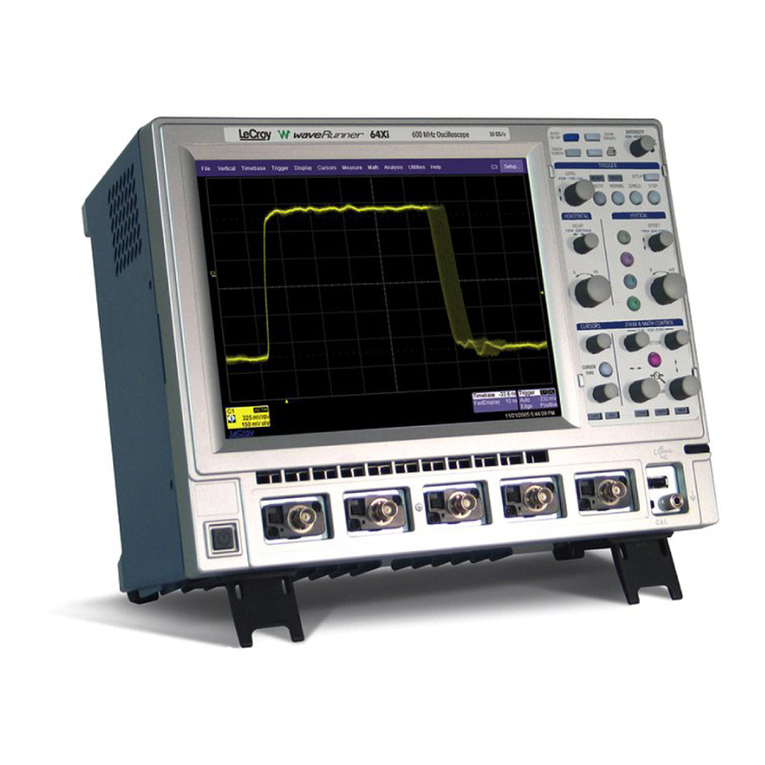
LeCroy XI SERIES User manual

LeCroy

LeCroy XI SERIES User manual
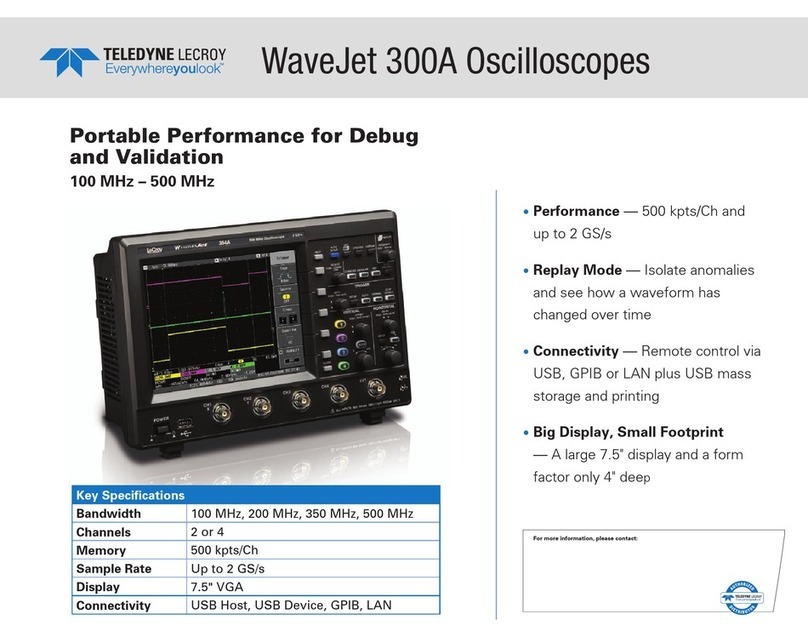
LeCroy WaveJet 300A series User manual
LeCroy

LeCroy WaveJet 300A series User manual

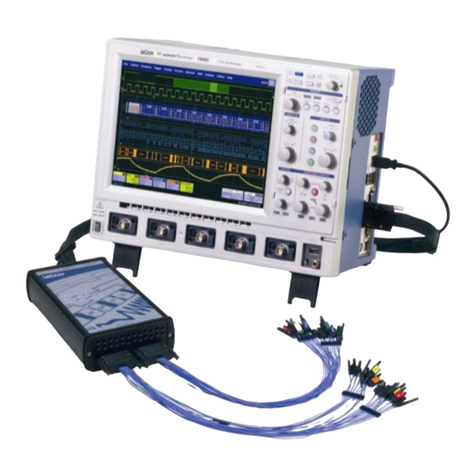
LeCroy WaveAce series Parts list manual
LeCroy

LeCroy WaveAce series Parts list manual

LeCroy MS-500 User manual

LeCroy

LeCroy MS-500 User manual
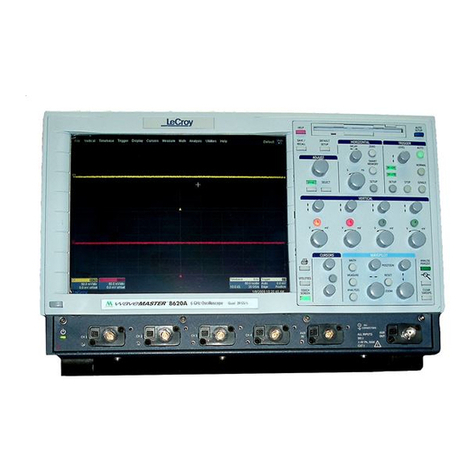
LeCroy WaveMaster 8600A User manual

LeCroy

LeCroy WaveMaster 8600A User manual
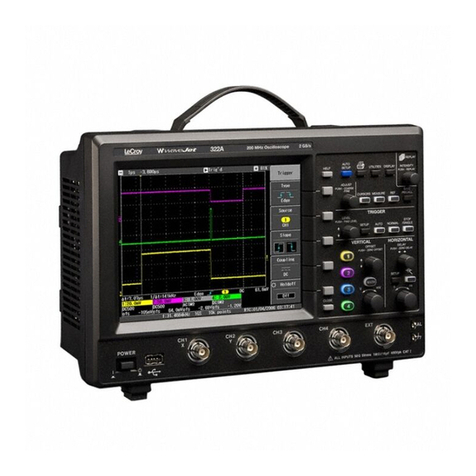
LeCroy WaveJet 300A series Parts list manual
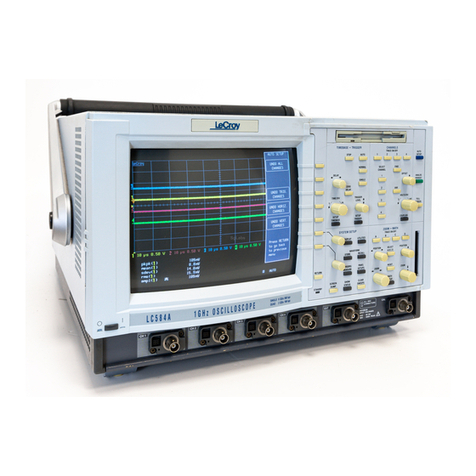
LeCroy

LeCroy WaveJet 300A series Parts list manual

LeCroy LC Series User manual

LeCroy

LeCroy LC Series User manual
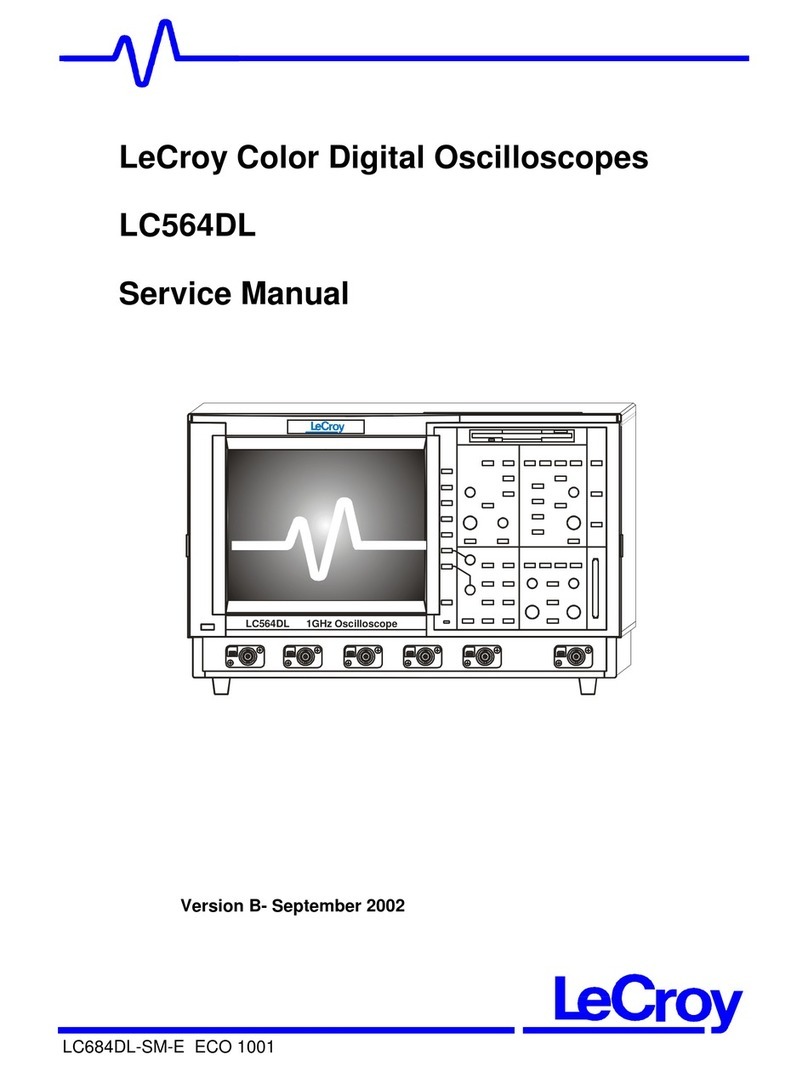
LeCroy LC564DL User manual

LeCroy

LeCroy LC564DL User manual
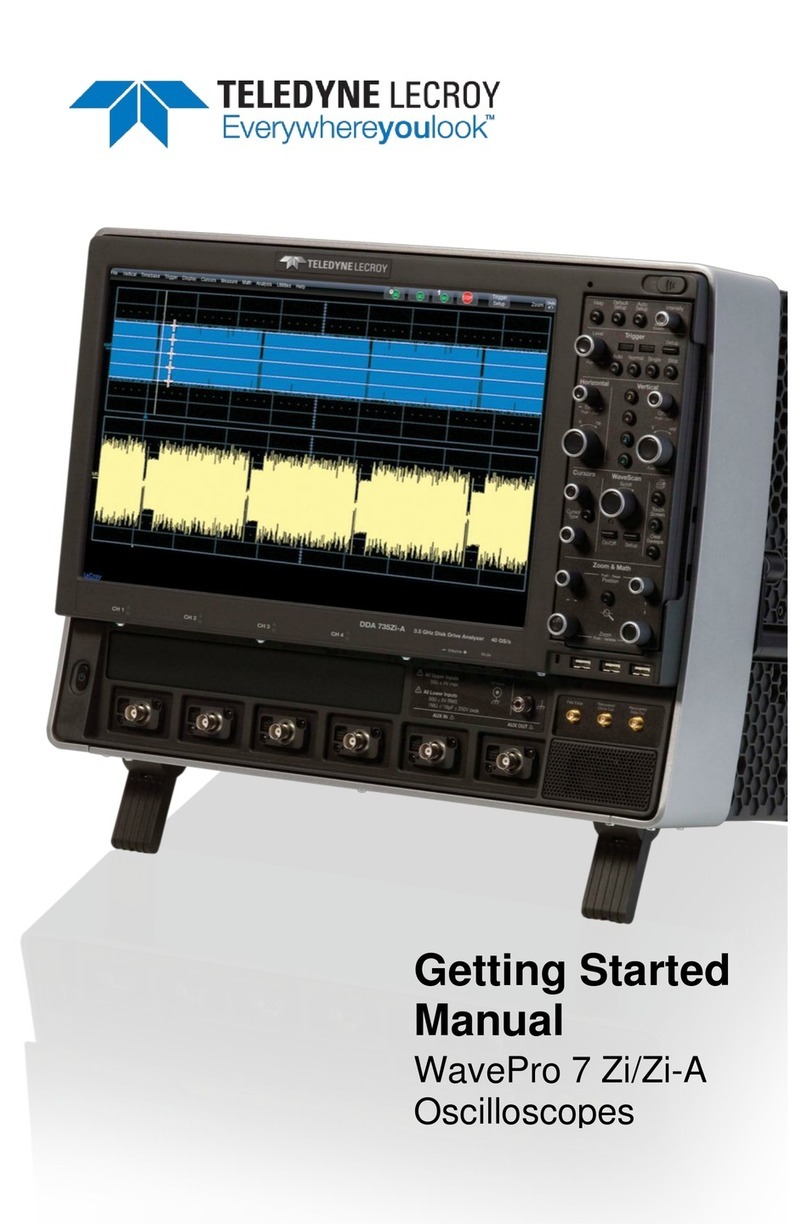
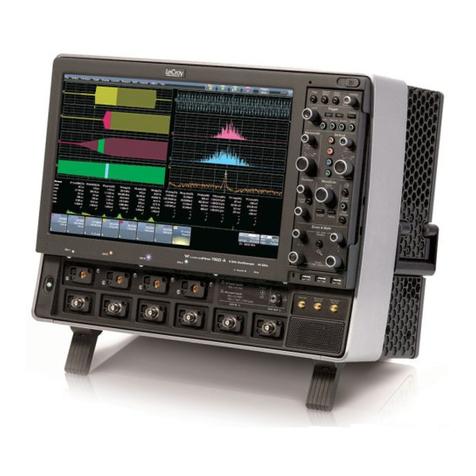
LeCroy WavePro 7 Zi series Parts list manual
LeCroy

LeCroy WavePro 7 Zi series Parts list manual

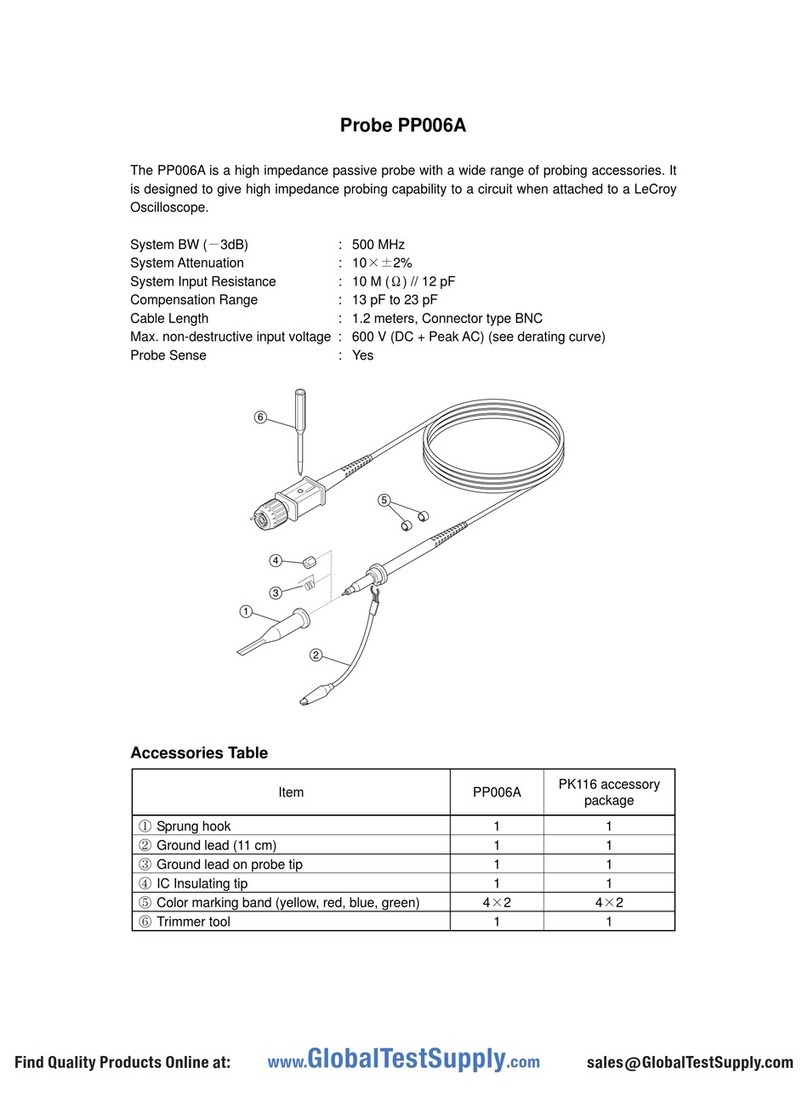
LeCroy PP006D User manual

LeCroy

LeCroy PP006D User manual
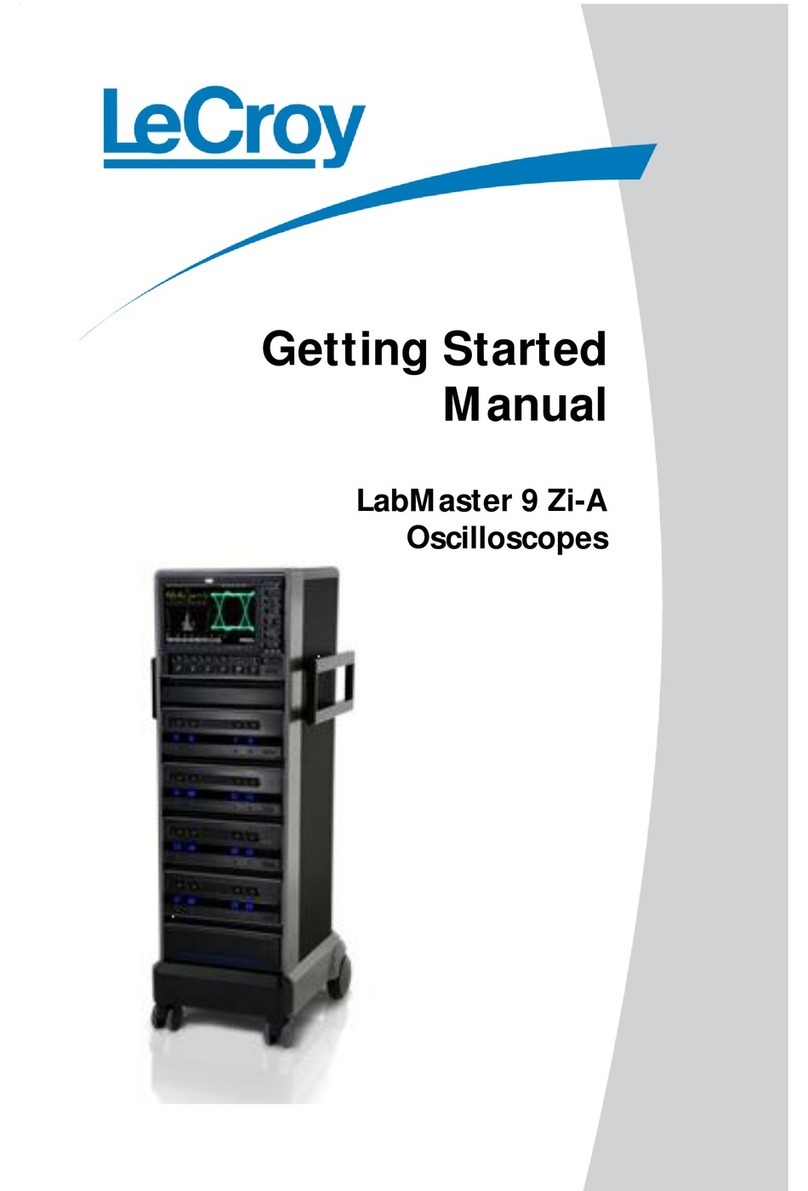
LeCroy LabMaster 9 Zi-A Parts list manual
LeCroy

LeCroy LabMaster 9 Zi-A Parts list manual

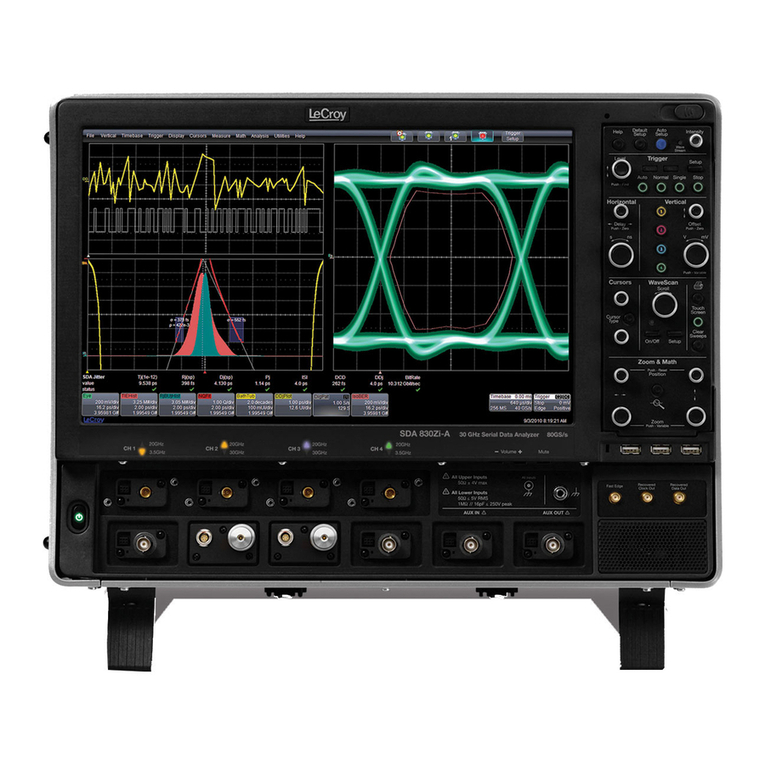
LeCroy WavePro 7 Zi series User manual
LeCroy

LeCroy WavePro 7 Zi series User manual

LeCroy WaveMaster 8 Zi Parts list manual
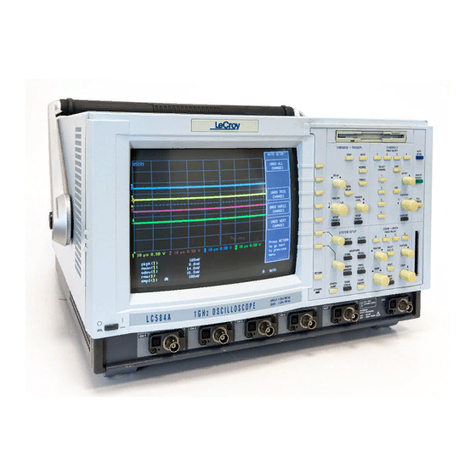
LeCroy

LeCroy WaveMaster 8 Zi Parts list manual

LeCroy Digital Oscilloscopes User manual
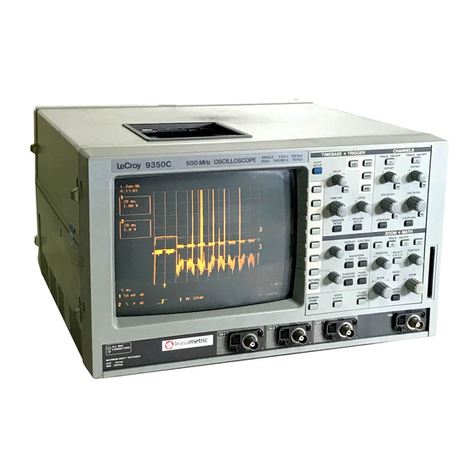
LeCroy

LeCroy Digital Oscilloscopes User manual

LeCroy 9300C Series User manual

LeCroy

LeCroy 9300C Series User manual
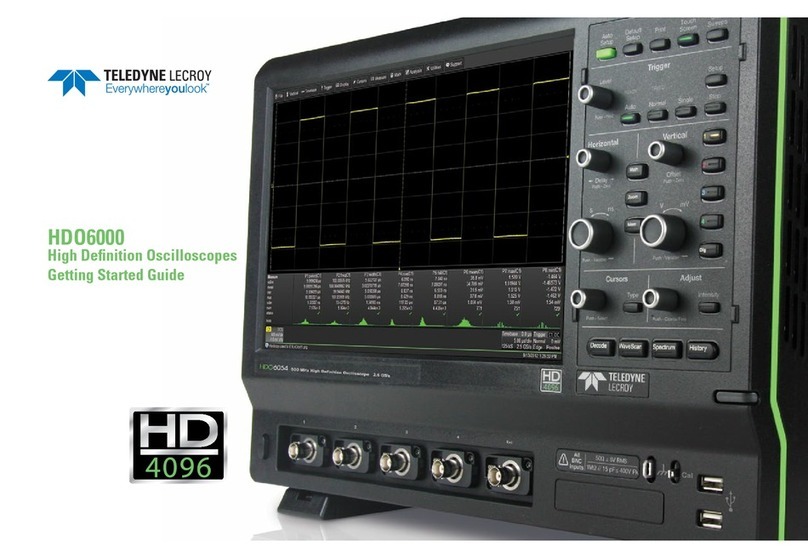
LeCroy HDO6000 User manual

LeCroy

LeCroy HDO6000 User manual
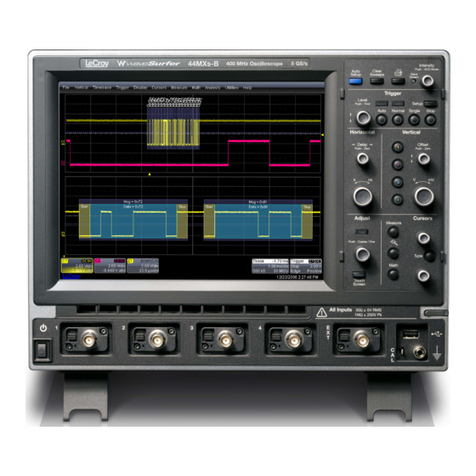
LeCroy WAVESURFER 44MXS-B User manual

LeCroy

LeCroy WAVESURFER 44MXS-B User manual

LeCroy WaveJet 300A series User manual
LeCroy

LeCroy WaveJet 300A series User manual
LeCroy Xs-A User manual

LeCroy

LeCroy Xs-A User manual

LeCroy WaveAce 1000 series User manual

LeCroy

LeCroy WaveAce 1000 series User manual

LeCroy LSA1000 User manual

LeCroy

LeCroy LSA1000 User manual

LeCroy PP007-WR Series User manual

LeCroy

LeCroy PP007-WR Series User manual

Popular Test Equipment manuals by other brands

Ambit P.F. Series instruction manual

Ambit

Ambit P.F. Series instruction manual

Megger BMM500 Series user guide

Megger

Megger BMM500 Series user guide

RJG Lynx Sensor Tester operating instructions

RJG

RJG Lynx Sensor Tester operating instructions

Mark-10 TT02 Series user guide

Mark-10

Mark-10 TT02 Series user guide

Martel 3001 Operator's manual

Martel

Martel 3001 Operator's manual

ElproSys DiagProg4 instruction manual

ElproSys

ElproSys DiagProg4 instruction manual

Redtech TRAILERteck T05 user manual

Redtech

Redtech TRAILERteck T05 user manual

Venmar AVS Constructo 1.0 HRV user guide

Venmar

Venmar AVS Constructo 1.0 HRV user guide

Test Instrument Solutions SafetyPAT operating manual

Test Instrument Solutions

Test Instrument Solutions SafetyPAT operating manual

Hanna Instruments HI 38078 instruction manual

Hanna Instruments

Hanna Instruments HI 38078 instruction manual

Kistler 5495C Series instruction manual

Kistler

Kistler 5495C Series instruction manual

Waygate Technologies DM5E Basic quick start guide

Waygate Technologies

Waygate Technologies DM5E Basic quick start guide

StoneL DeviceNet CK464002A manual

StoneL

StoneL DeviceNet CK464002A manual

Seica RAPID 220 Site preparation guide

Seica

Seica RAPID 220 Site preparation guide

Kingfisher KI7400 Series Training manual

Kingfisher

Kingfisher KI7400 Series Training manual

Kurth Electronic CCTS-03 operating manual

Kurth Electronic

Kurth Electronic CCTS-03 operating manual

SMART KANAAD SBT XTREME 3G Series user manual

SMART

SMART KANAAD SBT XTREME 3G Series user manual

Agilent Technologies BERT Serial Getting started

Agilent Technologies

Agilent Technologies BERT Serial Getting started

manuals.online logo
manuals.online logoBrands
  • About & Mission
  • Contact us
  • Privacy Policy
  • Terms and Conditions

Copyright 2025 Manuals.Online. All Rights Reserved.

LeCroy
Digital Oscilloscopes
G e t t h e C o m p l e t e P i c t u r e
Quick Reference Guide
1. Connect your signal. When you use a probe,
Probus automatically sets the vertical scale factor.
2. Press Aut oset up , and view.
Press Analog Persist to access the power of Analog
Persistence. The three-dimensional view shows variations in
a waveform as intensity or color-graded variations.
Press Display to customize the display.
1. Use Channel Select for signal selection.
(TIP - choose a grid style - single, dual, quad, or octal
for maximum signal fidelity.)
2. Select ZOOM and view - Use the zoom controls to
magnify and inspect.
Q U I C K S T A R T T O S I G N A L V I E W I N G
Adjust the Time/Div and SMARTMemory automatically assures the
maximum resolution for each timebase setting.
Press Setup Timebase to setup the scope’s timebase and acquisi-
tion system.
Press a Channel Select button and use the control knobs to adjust
that channel’s Volts/Div and offset settings. Press twice to toggle the
channel between on and off.
Quickly display a signal View with Analog Persistence
Quickly zoom on signal details
Q U I C K L Y M E A S U R E A N D A N A L Y Z E
Press M easure Tools to choose measure-
ments with cursors or automatic parameter measure-
ments with statistics for multiple sweeps.
1. Select standard Tim e or Volt age measurements.
2. Turn parameter statistics on and off.
3. Select Custom to establish your own set of
measurements. Press Panels to save for later.
Histograms are math functions which are displayed on
traces A, B, C, or D.
1. Press button A,B,C, or D.
2. Select Set up
3. Select Use M at h and select a Parameter.
Histograms show the graphical result of multiple measure-
ments. Histogram parameters quantify the graphical result.
Press button A,B,C, or Dto setup a zoom trace for
math processing.
1. Select Set up
2. Select Use M ath
3. Choose a function to set up.
Math and analysis can be performed on any trace. The
result is displayed on trace A, B, C, or D.
Rotary controls adjust the hori-
zontal position and magnifica-
tion of the selected zoom trace.
Rotary controls adjust the verti-
cal position and magnification
of the selected zoom trace.
Buttons A,B,C,D, select a
zoom trace for setup and con-
trol. Press twice to toggle
between on and off.
Press to reset the zoom
magnification to 1:1. Also used
to reset math and analysis
functions.
Measure with parameters and cursors Waveform math for enhanced resolution
Parameter analysis with histograms
M A T H - M E A S U R E M E N T S - A N A L Y S I S
STANDARD MATH IN ALL WAVERUNNER OSCILLOSCOPES
Arit hm e t ic: Sum (add), Difference (subtract), Product (multiply), Ratio
(divide).
Av eraging: Summed, or linear, average of up to 1000 sweeps.
Ext re m a: Display trace envelope, floor, and roof.
FFT: Fast Fourier Transform to 50 000 points; Power Spectrum, Phase,
Magnitude; FFT Windows include Flat Top, Rectangular, Blackman
Harris, Von Hann, Hamming.
Ot he r Funct ions: Identity, Negation (Invert), Sine x/x.
Re sam ple : To deskew as well as resample signals.
Rescale: Assign new physical units or rescale.
ERES: Enhanced Resolution for up to 11 bits of vertical resolution.
Trending: Plot a parameter versus time or versus another parameter.
STANDARD MEASUREM ENTS IN ALL WAVERUNNER
OSCILLOSCOPES
am pl Amplitude
area Integral of waveform data
base Lower of two most probable states
cycles Number of cycles of a periodic waveform
cm ea n Cyclic mean: The average of waveform data
Crm s Cyclic root mean square
delay Time from trigger to transition
Ddly Time between 50% level of two sources
dut y Duty cycle: Width as percentage of period
f80-20% Fall time from 80-20%
fa ll Fall time from 90-10%
freq Frequency
m axim um The highest point in waveform
m ean Average of data for time domain waveform
m inim um Measures the lowest point in a waveform
over- Overshoot negative
over+ Overshoot positive
period Period of a cyclic signal
pkpk Peak-to-peak
phase Phase difference between signal analyzed and signal
used as reference
r20-80% Rise time from 20% to 80%
rise Rise time from 10% to 90%
rm s Root Mean Square of data between the cursors
t op Higher of two most probable states
w idt h Width of cyclic signal: all waveform pulses are averaged
then displayed
WAVEANALYZER OPTION (WAVA)
All st andard m at h and m e asure m ent t ools plus...
Ext e nd ed Av era ging
Summed, or linear, Average of up to one million waveforms; Continuous
Average.
Ext e nd ed FFT
Fast Fourier Transform to one million points; FFT Average; Power Averaging,
Power Density, Real, Real + Imaginary.
Hist og ra m s
Graphical analysis with Histograms and Histogram Analysis Parameters.
M at h Funct ions*
Absolute Value, Derivative, Exp (base e), Exp (base 10), Integral, Log (base
e), Log (base 10), Reciprocal (1/x), Square, Square Root.
Para m et er M e asurem e nt s*
Cm edia n Cyclic median: average of base and top values over
an integral number of cycles.
Csde v Cyclic standard deviation.
Dc2d± D clock to data ± (setup and hold time)
Dt @lv The transition time between selected levels on a
single trace or between two traces.
first Indicates value of horizontal axis at left cursor.
last Time from trigger to last (rightmost) cursor.
m edia n The average of base and top values.
r@leve l Rise time between selected voltage levels.
Point s Number of points in the waveform between
the cursors.
sdev Standard deviation of data between the cursors.
t @le ve l Time from trigger (t= 0) to crossing at a level.
f@leve l Fall time between selected voltage levels.
Dur The time between triggers in segment or other
history modes.
* Also included w ith EM M
Name Description
Glitch Triggers at endof positive or negative pulses downto 2 ns.
Trigger when pulse is > or < or withina range (< and>) or outside a range.
Interval Triggers onintervals betweenpositive or negative edges.
Trigger when interval is > or < or within a range (< and>) or outside a range.
Qualified Qualifybyedge or state. Triggers on one channel after a definedstate or edge has occurred
onanother channel.
Set a time that the secondmust occur withinto trigger or a wait time or number events
before triggering.
Dropout Triggers if the inputsignal drops out for longer thanselectedtime.
TV Triggers online (upto 1500) in oddor evenfields for PAL, NTSC, or non-standardvideo.
WAVERUNNER SMART TRIGGERS®
T R I G G E R I N G
Name Description
Edge Select positive or negative slope andholdoff bytime or events.
Window Set a windowaroundthe trigger level. Trigger whenever the signal crosses outside the
windowineither direction.
WAVERUNNER BASIC TRIGGERS
Delay – Selects a pre- or post-
trigger delay. Use to view the
signal events prior to the trigger
point.
Zero Delay – Presets the
trigger delay to zero.
Setup – Accesses the
trigger setup menus.
Single – Arms the trigger. The
scope triggers once when the
trigger conditions are met and
displays the signal.
Auto – Triggers even if a signal
is not present.
Normal – Triggers whenever the
trigger conditions are met.
Sets the trigger level.
Stop - Prevents triggering
the scope.
Trigger level
indicator
Trigger time
indicator
Trigger icons indicate the type and
characteristics of the trigger in use.
Indicator flashes when a trigger
occurs and text indicates status.
Setup width
conditions
Select pulse type
Select coupling
Select trigger
source
Select trigger
type - Glitch
G E N E R A L C O N T R O L S Sales and Service
Throughout the World
Corporate Headquarters
700 Chestnut Ridge Road
Chestnut Ridge, NY 10977
USA
See the LeCroy web site for the latest
applications notes, lab briefs, free soft-
ware, and hypertext manuals.
http:/ / www.lecroy.com
Utilities – Functions include setup of hardcopy
printing, Cal Out signal, GPIB, and I/O interfaces, as
well as other functions.
Setup display characteristics and
functions, including color schemes,
and persistence conditions. Toggling
Analog Persist on shows a second
menu.
Store and recall waveforms
to/from internal scope memory,
floppy disk, or PC cards.
Check the status of the scope’s systems,
and setup conditions; add software options,
and free up memory.
Clear data acquired in persistence
displays, sweep averaging, and
measurement statistics.
Print to the hardcopy device
setup in the utilities menu (hard-
copy selection).
Two rotary controls are
multipurpose, including
menu item selection, cursor
movement, and setting
memory length.
R E A R P A N E L
RS-232-C
GPIB Port
Centronics Port VGA Port PC Card Slot (optional)
Rear BNC
Signal Output
Trigger Ready
Trigger Out
Pass/Fail
LTXXX-QRG-E
REV-A
Copyright © February 1999
LeCroy, ProBus,
SmartMemory and
SmartTrigger are registered
trademarks of LeCroy
Corporation.
Waverunner, WaveAnalyzer
and Analog Persistence are
trademarks of LeCroy
Corporation.
Centronics is a registered
trademark of Data Computer
Corp.
All rights reserved.
Information in this
publication supersedes all
earlier versions.
Specifications subject to
change without notice.