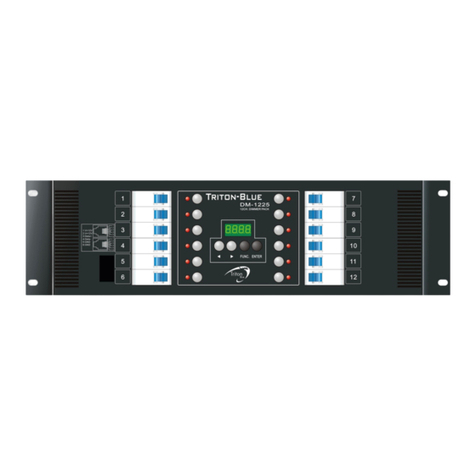
CX-12 DIRECTOR PLUS
OPERATING DESCRIPTION............... A/B cross faders
Each cross fader, A and B, can be operated independently.
Each cross fader can operate up to 24 sequences, each with a Total of 64 steps.
(The sequence programs can be loaded by pressingfader VR keys’#1~24 or keying in
the number with the No. keys.)
A. Setting speed of fading effect
1. The time of fade in & out of cross fader A or B is controlled by SPEED
fader VR.
First: Adjust speedfader VR to desired speed level
Second: Press SPEED key to save speed level.
Note: Speed will not change until SPEED key is pressed again.
B. Manual operation of fading through each step in a sequence program
1. Press PROG key-----àLCD shows: 1. Scene 2. Sequence
2. Press Function key #2(Sequence)------àLCD Shows: 1. Load 2. Save
3.Edit 4. Clear
3.Press function key #1(Load).
4. Hold both cross fader"A"key (or "B" key) and desired program key #
Example : Press Cross fader "A", andfader key #1(PAGE 1)
Crossfader "A" will follow P01 (Program 01).
Note: Every step is a scene previously saved in that program.
5. As cross fader "A" is adjusted to thetop position, the brightness of step 01
increase until maximum level at speed rate previously set.
6. Slowly adjust cross fader "A" to lowest position. At this time, step 01faders out,
while step 02 fades in.
7. Continue as above through each step.
8. When all steps have been completed, program automatically restarts with step #1.
B. Button operation
1~3 see steps #1~3 mentioned above in "manual operation".
4. Hold both “A”key (or “B”key) and CH1 key. Crossfader “A”will follow P01
(program 01).
5. Adjust cross fader VR to the top position.
6. Press thefader VR’s key to fade through each step at the speedpreviosly set.
7. Continue as above through each step.
Note: To clear “cross fading”operation;