manuals.online logo
Brands
  1. Home
  2. •
  3. Brands
  4. •
  5. Living Spaces
  6. •
  7. Indoor Furnishing
  8. •
  9. Living Spaces Prospero User manual

Living Spaces Prospero User manual

Other Living Spaces Indoor Furnishing manuals

Living Spaces 1807 BRIDGET POWER SOFA GROUP User manual

Living Spaces

Living Spaces 1807 BRIDGET POWER SOFA GROUP User manual

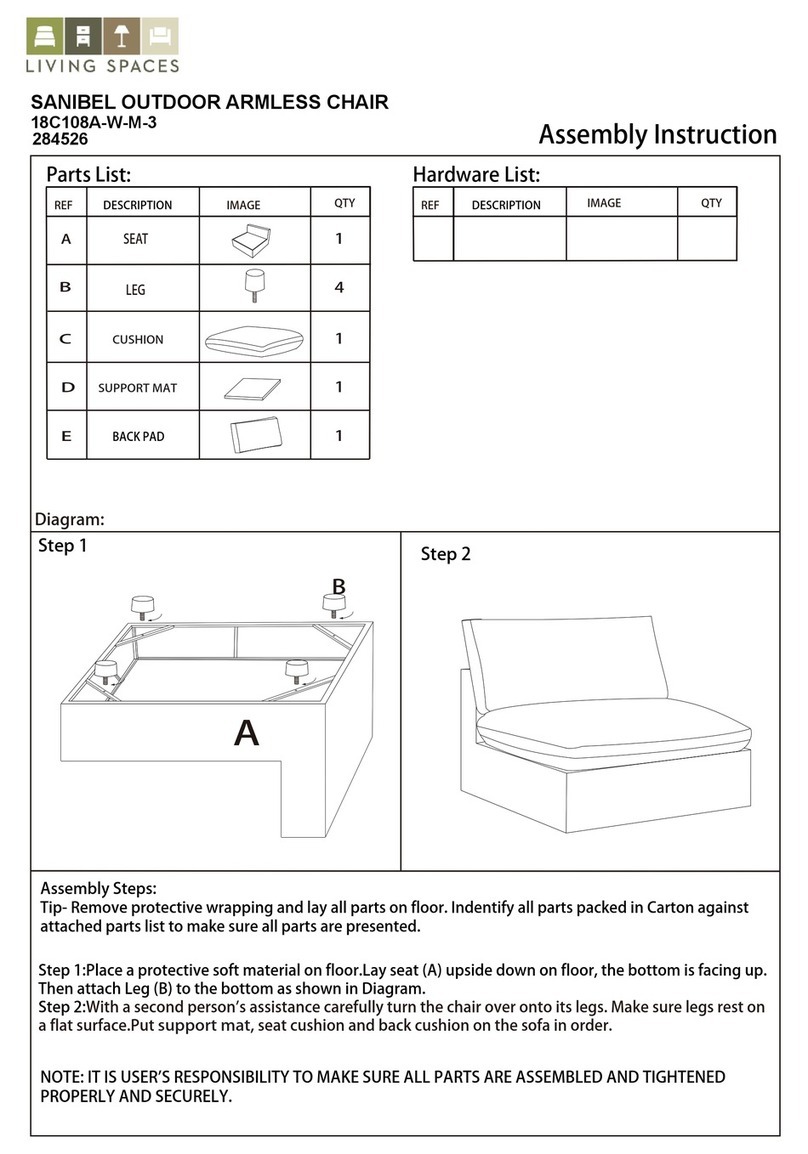
Living Spaces SANIBEL 284568 User manual

Living Spaces

Living Spaces SANIBEL 284568 User manual

Living Spaces revive User manual

Living Spaces

Living Spaces revive User manual

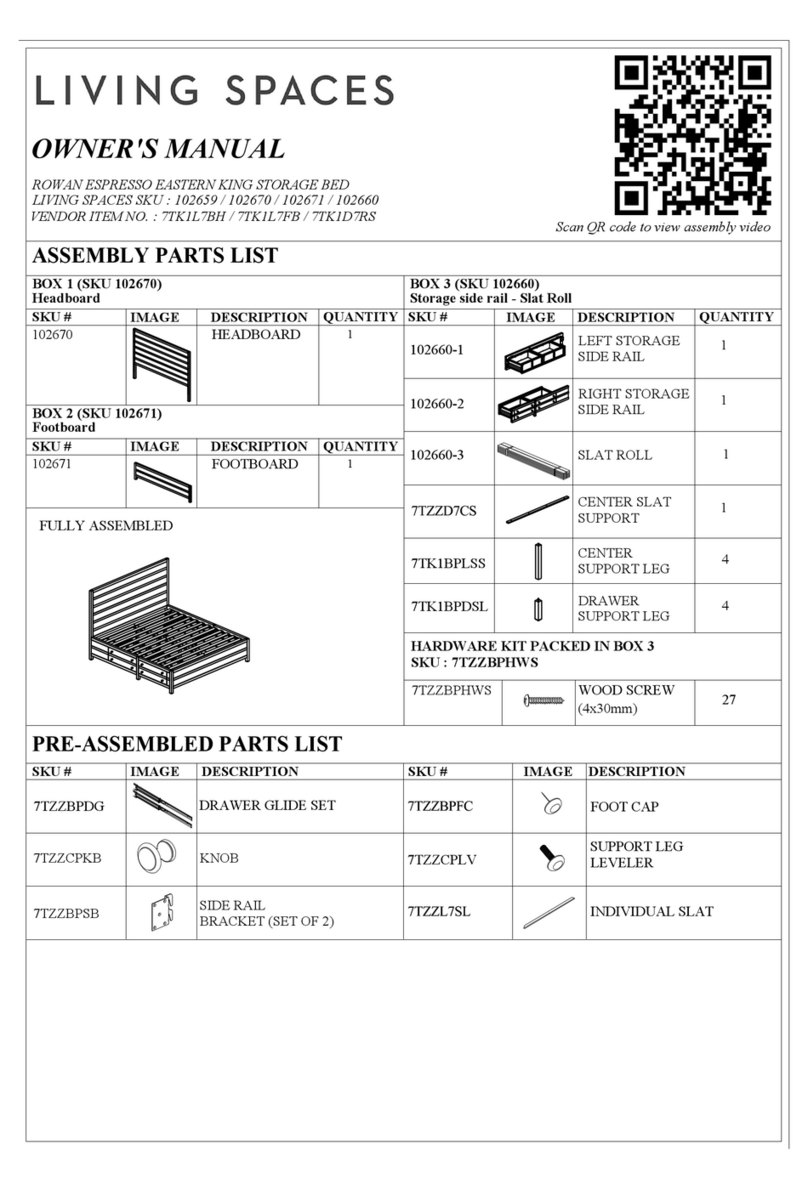
Living Spaces ROWAN 102659 User manual

Living Spaces

Living Spaces ROWAN 102659 User manual

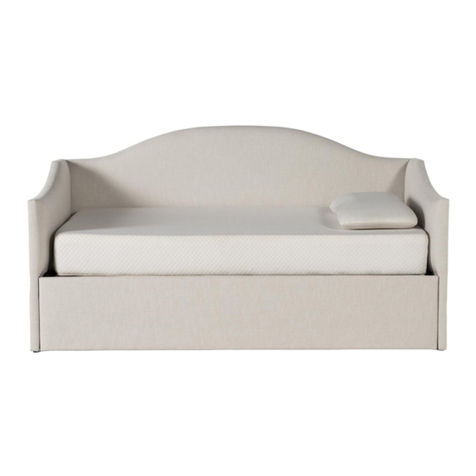
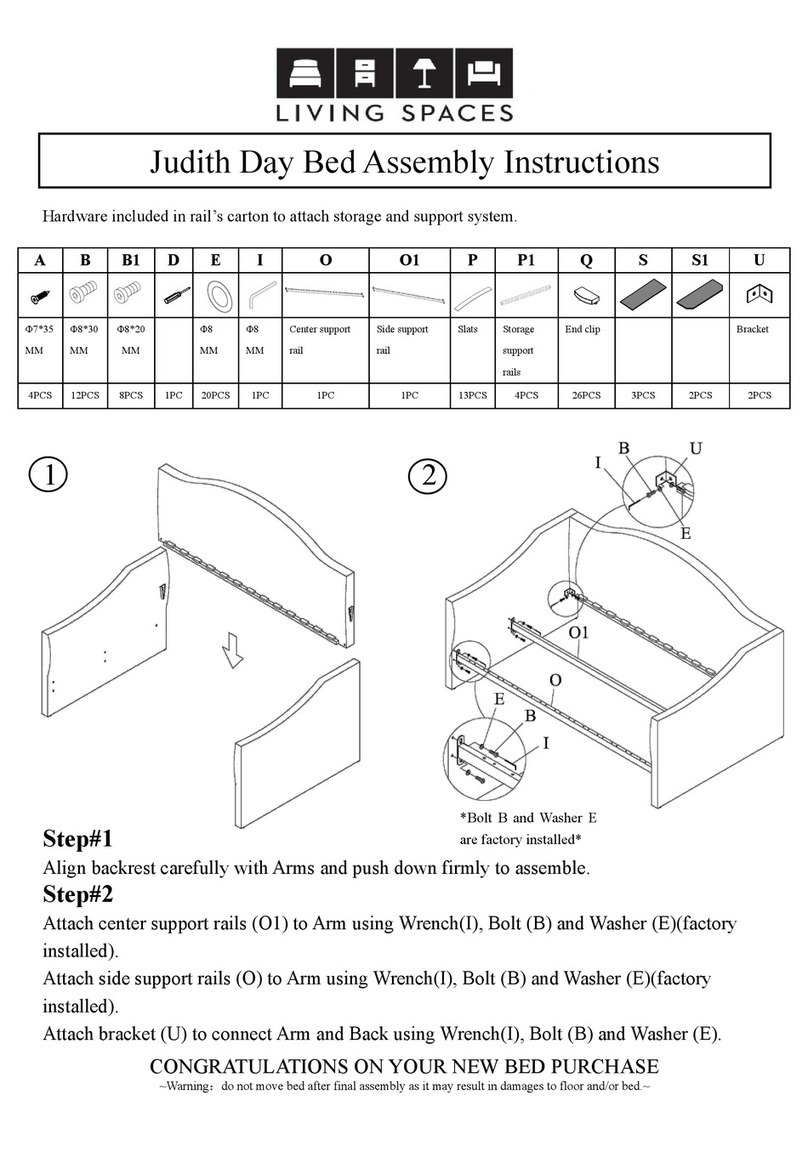
Living Spaces Judith Day Bed User manual

Living Spaces

Living Spaces Judith Day Bed User manual

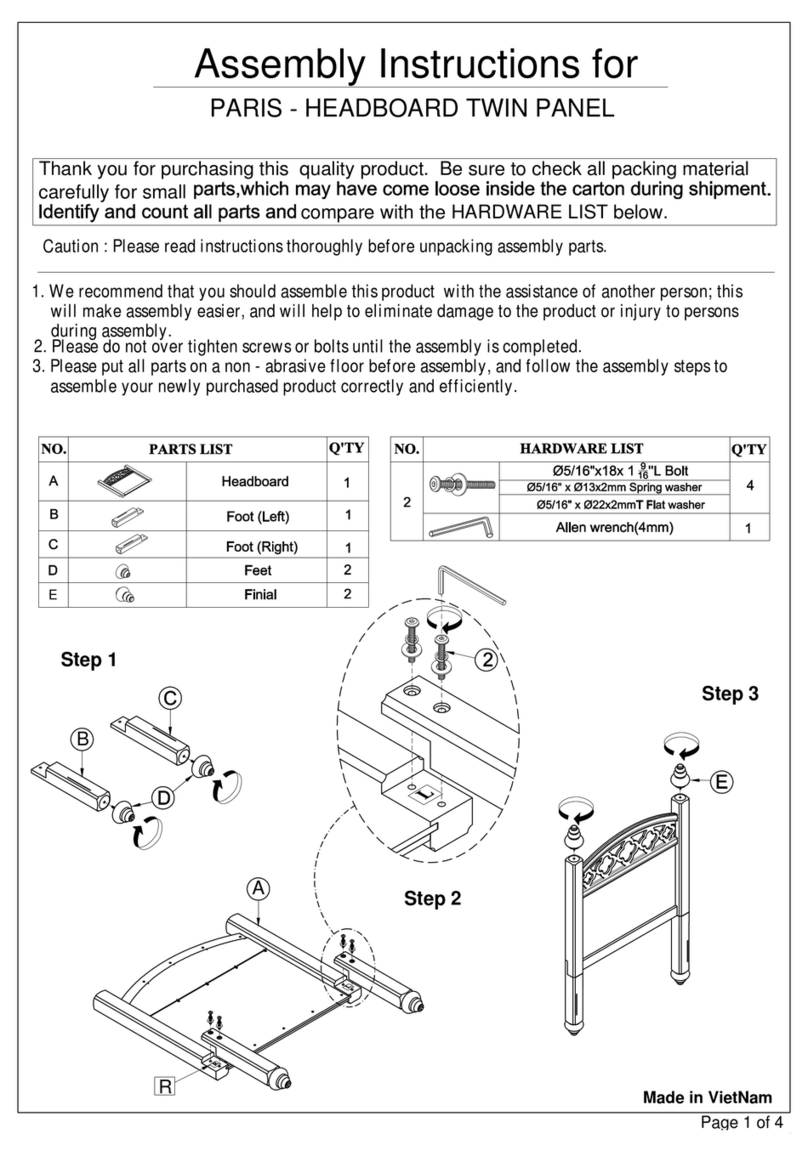
Living Spaces PARIS - HEADBOARD TWIN PANEL User manual

Living Spaces

Living Spaces PARIS - HEADBOARD TWIN PANEL User manual

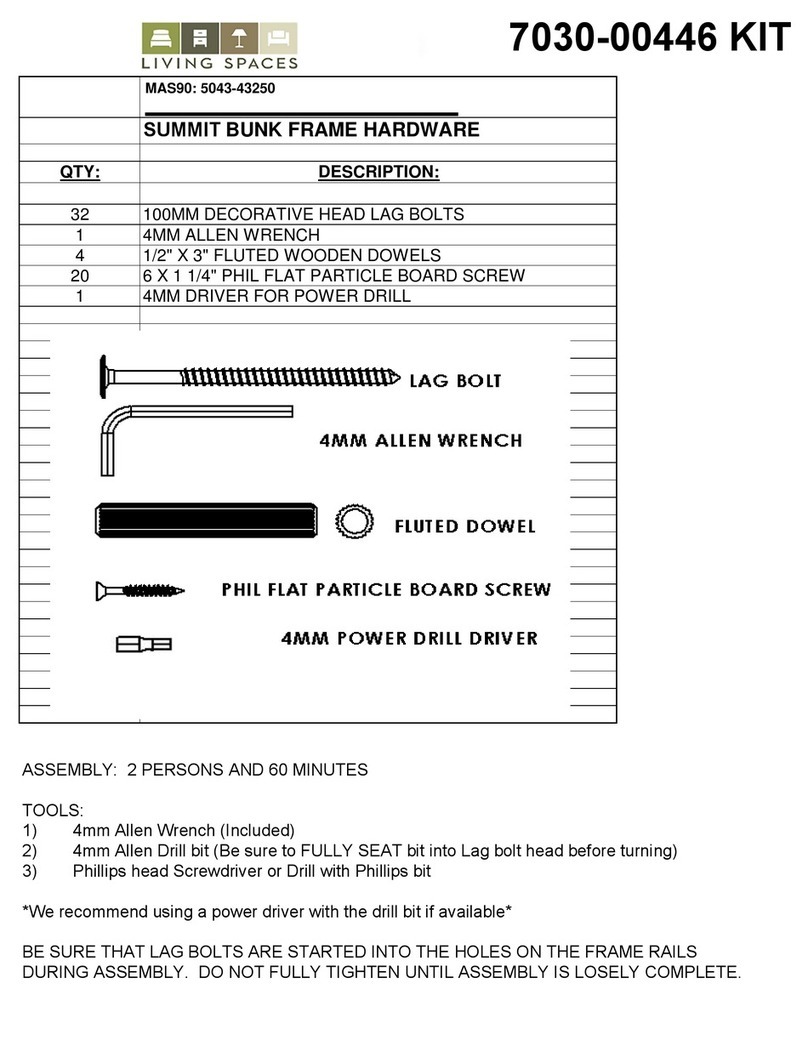
Living Spaces 7030-00446 KIT User manual

Living Spaces

Living Spaces 7030-00446 KIT User manual

Living Spaces Delfina 2831 User manual

Living Spaces

Living Spaces Delfina 2831 User manual

Living Spaces JAXON 241188 User manual

Living Spaces

Living Spaces JAXON 241188 User manual

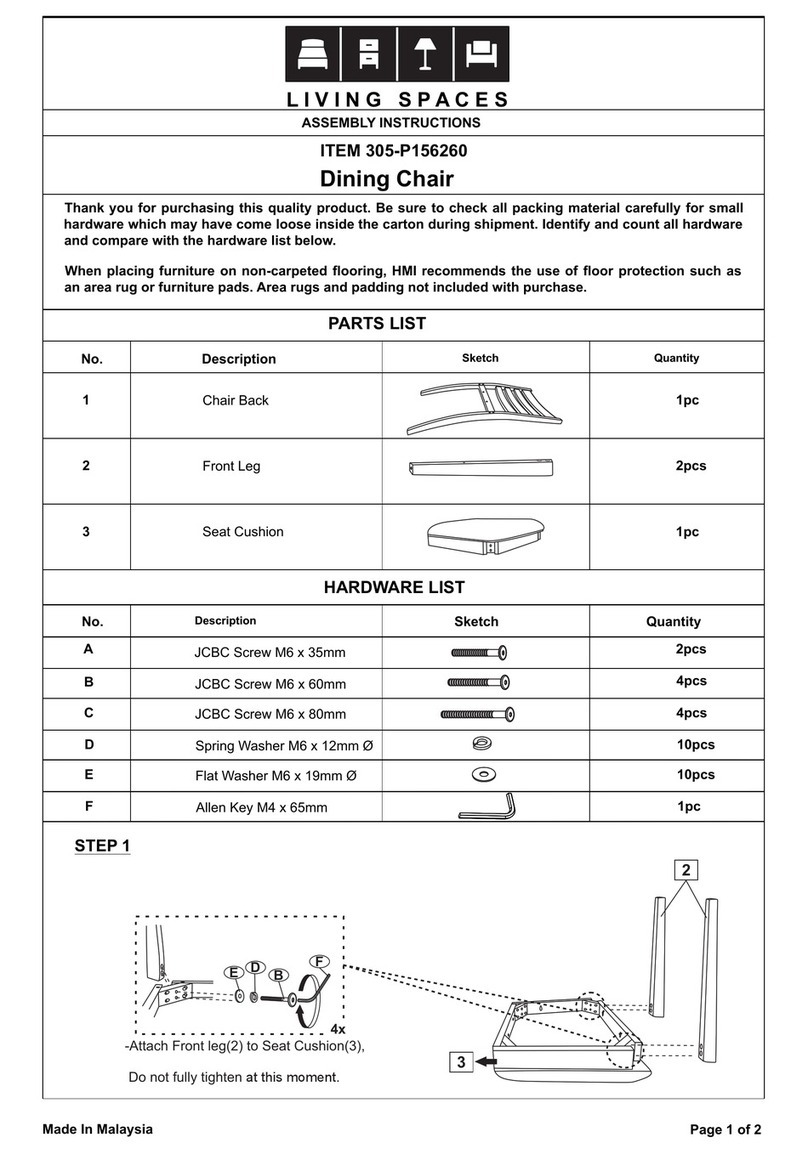
Living Spaces 305-P156260 User manual

Living Spaces

Living Spaces 305-P156260 User manual

Living Spaces Judith User manual

Living Spaces

Living Spaces Judith User manual

Living Spaces Dean Storage Queen Bed User manual

Living Spaces

Living Spaces Dean Storage Queen Bed User manual

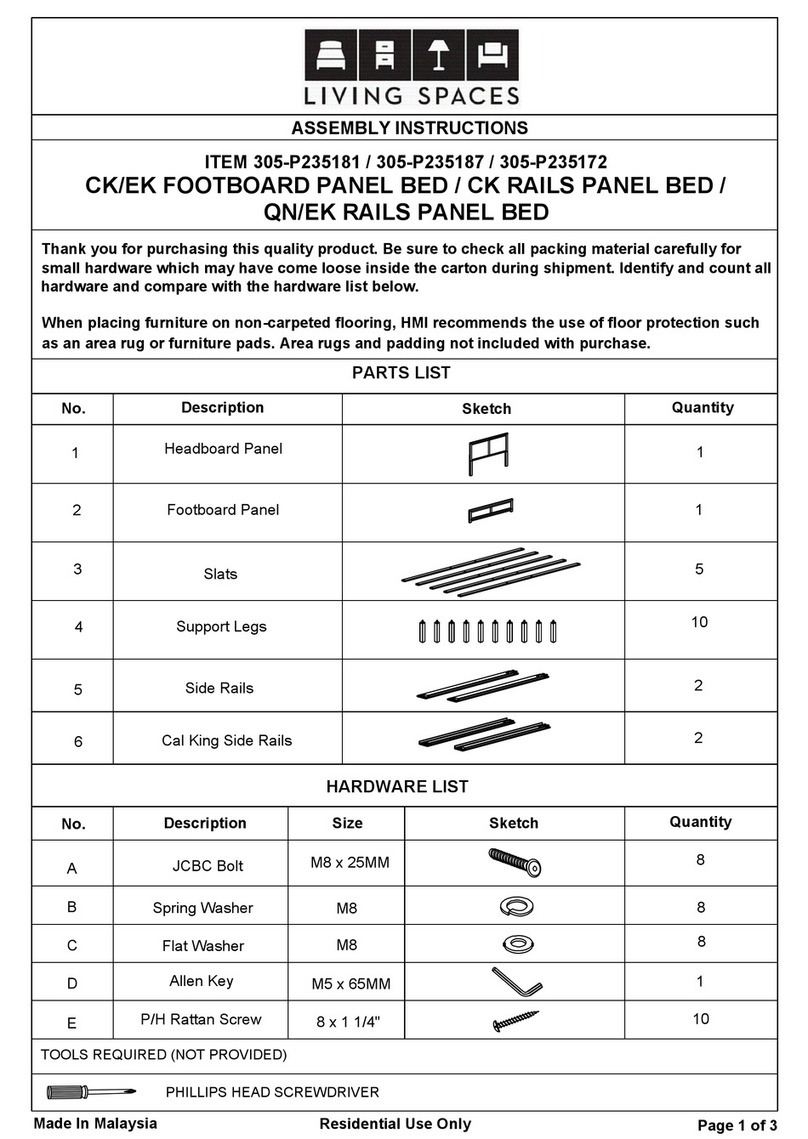
Living Spaces 305-P235181 User manual

Living Spaces

Living Spaces 305-P235181 User manual

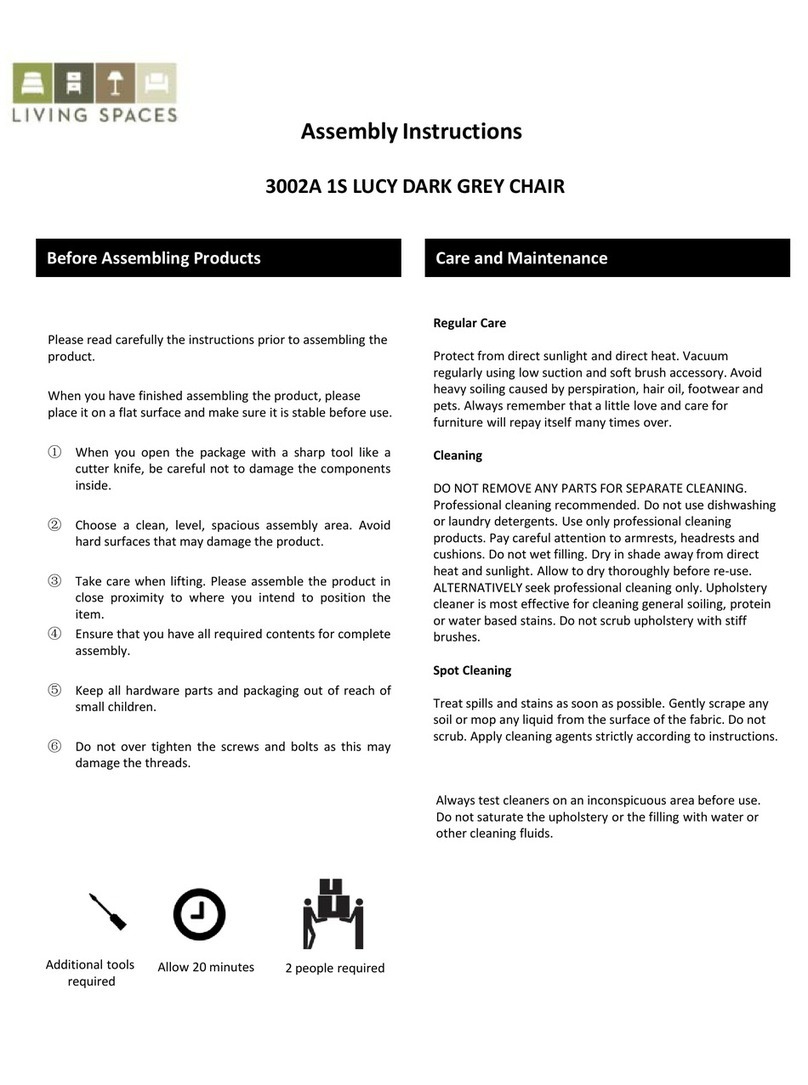
Living Spaces LUCY D 3002A 1S User manual

Living Spaces

Living Spaces LUCY D 3002A 1S User manual

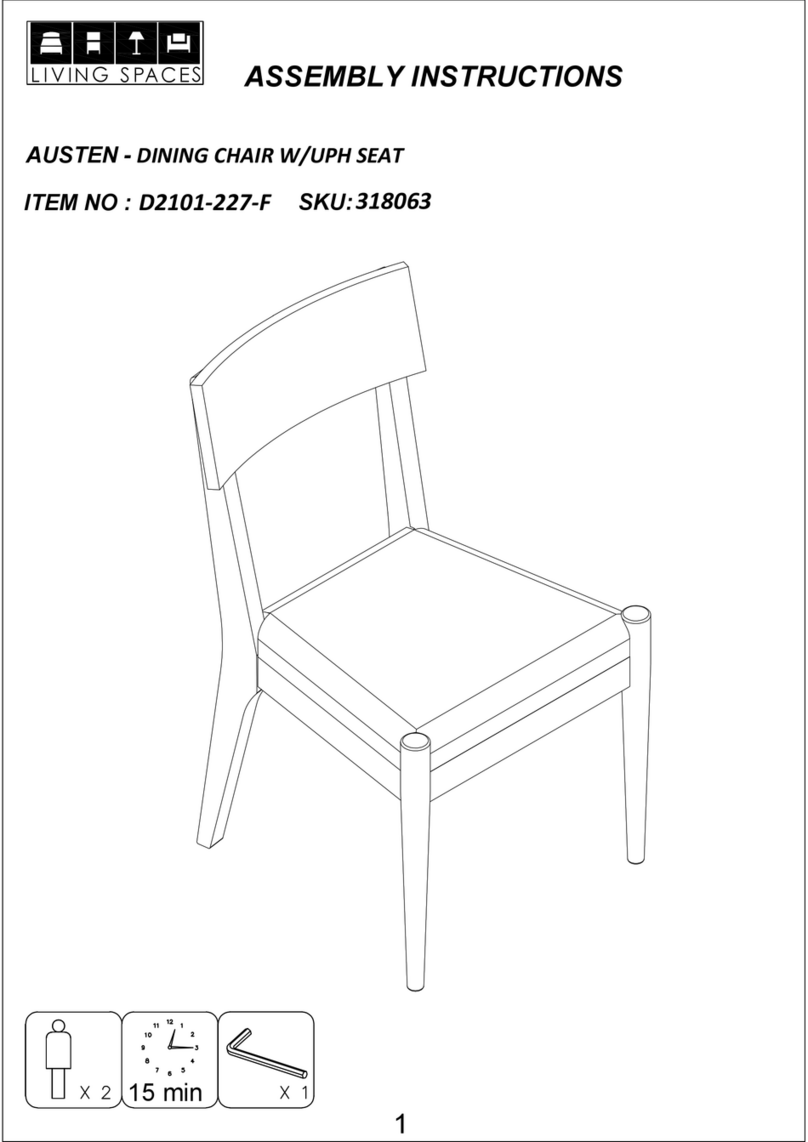
Living Spaces AUSTEN D2101-227-F User manual

Living Spaces

Living Spaces AUSTEN D2101-227-F User manual

Living Spaces Boris Collection User manual

Living Spaces

Living Spaces Boris Collection User manual

Living Spaces 7030-01270 KIT User manual

Living Spaces

Living Spaces 7030-01270 KIT User manual

Living Spaces 305-P085170 User manual

Living Spaces

Living Spaces 305-P085170 User manual

Living Spaces MAS90 User manual

Living Spaces

Living Spaces MAS90 User manual

Living Spaces SEDONA 4710 User manual

Living Spaces

Living Spaces SEDONA 4710 User manual

Living Spaces TITAN 51030838 User manual

Living Spaces

Living Spaces TITAN 51030838 User manual

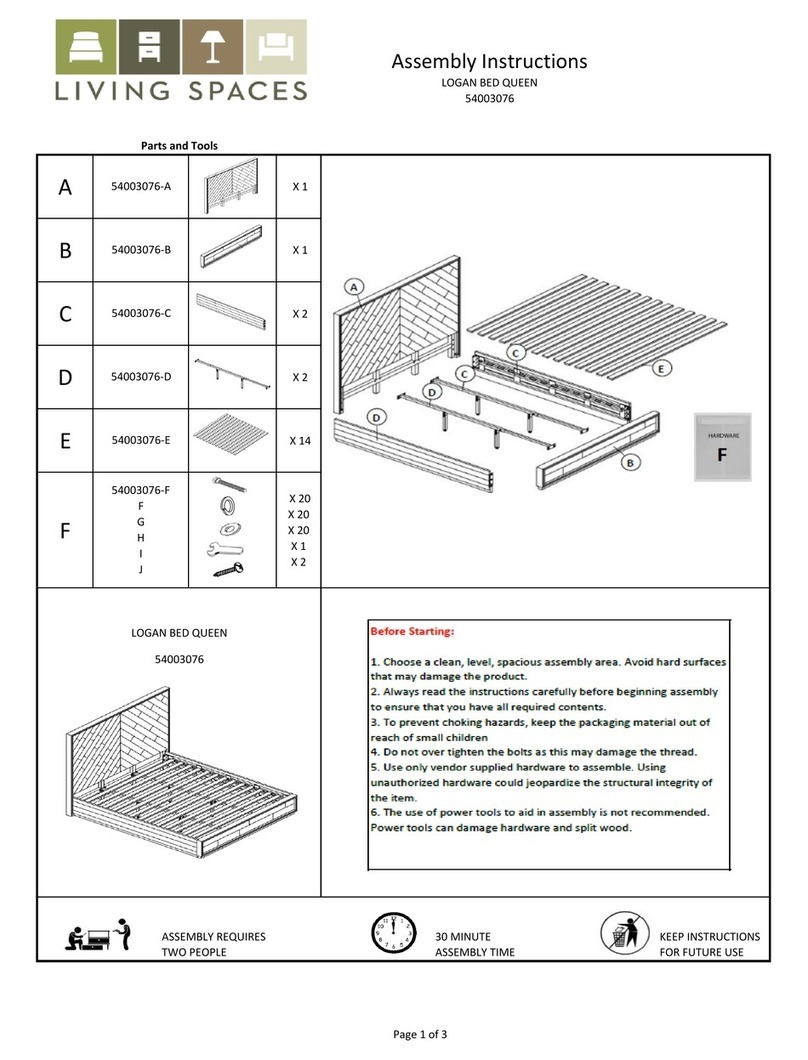
Living Spaces LOGAN BED QUEEN 54003076 User manual

Living Spaces

Living Spaces LOGAN BED QUEEN 54003076 User manual

Living Spaces Denny Smoke 207212 User manual

Living Spaces

Living Spaces Denny Smoke 207212 User manual

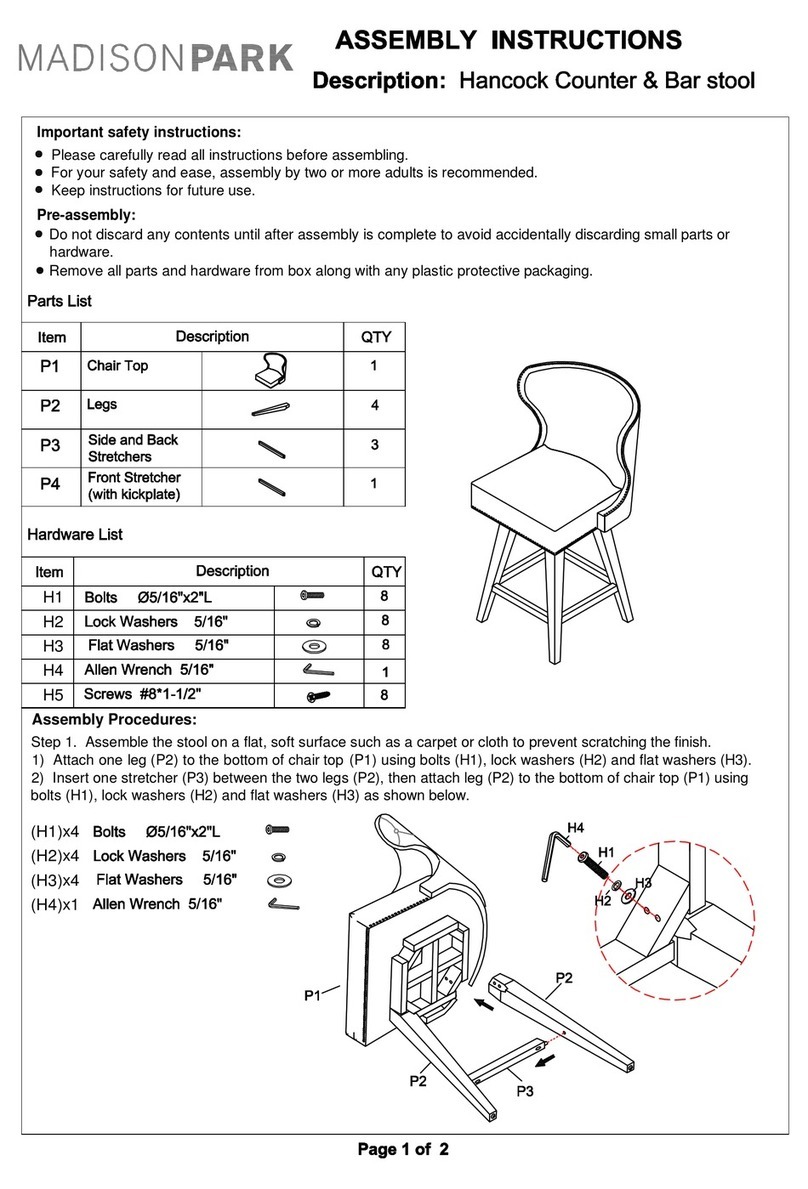
Living Spaces MADISON PARK User manual

Living Spaces

Living Spaces MADISON PARK User manual

Popular Indoor Furnishing manuals by other brands

Regency LWMS3015 Assembly instructions

Regency

Regency LWMS3015 Assembly instructions

Furniture of America CM7751C Assembly instructions

Furniture of America

Furniture of America CM7751C Assembly instructions

Safavieh Furniture Estella CNS5731 manual

Safavieh Furniture

Safavieh Furniture Estella CNS5731 manual

PLACES OF STYLE Ovalfuss Assembly instruction

PLACES OF STYLE

PLACES OF STYLE Ovalfuss Assembly instruction

Trasman 1138 Bo1 Assembly manual

Trasman

Trasman 1138 Bo1 Assembly manual

Costway JV10856 manual

Costway

Costway JV10856 manual

moss DESIGN Caisson Credenza Assembly instructions

moss DESIGN

moss DESIGN Caisson Credenza Assembly instructions

Aquaglide FULL DECK 15.0 owner's manual

Aquaglide

Aquaglide FULL DECK 15.0 owner's manual

AREBOS AR-HE-SW30 user manual

AREBOS

AREBOS AR-HE-SW30 user manual

Till-Hilft Fulda 87005.330 Assembly instructions

Till-Hilft

Till-Hilft Fulda 87005.330 Assembly instructions

Twoey Outside 2010 quick start guide

Twoey Outside

Twoey Outside 2010 quick start guide

Hettich Easys 200 operating instructions

Hettich

Hettich Easys 200 operating instructions

The bedboss RELAX 404 Series owner's manual

The bedboss

The bedboss RELAX 404 Series owner's manual

Oeseder Möbelindustrie Bern 991 720 Assembly instructions

Oeseder Möbelindustrie

Oeseder Möbelindustrie Bern 991 720 Assembly instructions

Costway HW68469 user manual

Costway

Costway HW68469 user manual

Next ALIX A27743 Assembly instructions

Next

Next ALIX A27743 Assembly instructions

BROSA Hans Assembly guide

BROSA

BROSA Hans Assembly guide

Prodigg MINIKA PBA015T-FUR installation manual

Prodigg

Prodigg MINIKA PBA015T-FUR installation manual

manuals.online logo
manuals.online logoBrands
  • About & Mission
  • Contact us
  • Privacy Policy
  • Terms and Conditions

Copyright 2025 Manuals.Online. All Rights Reserved.

1
SSD-S01-1
1
SSD-S01-2
2
SSD-S01-3
1
SSD-S01-4
1
SSD-S01-5
8
SSD-S01-A
8
SSD-S01-B
4
SSD-S01-C
1
SSD-S01-D
1
SSD-S01-E
x1 0:30 x1
SSD-S01/301803,301827
PROSPERO SIT-STAND
ADJUSTABLE DESK
M6x10
M6x16
5x5
2x2
A
A
BB
C C
Box 1 - SKU# 301802,301826
x2
Not Included
x4
1
2
3
1
4
D
A
5
5
D
x4B
x2
Part#
Part#
Box 2 - SKU# 301801,301825
Image QTY
QTY
Image
1
2
3
4
5
A
B
C
D
E
PAGE 1 OF 3
1
SSD-S01-1
1
SSD-S01-2
2
SSD-S01-3
1
SSD-S01-4
1
SSD-S01-5
8
SSD-S01-A
8
SSD-S01-B
4
SSD-S01-C
1
SSD-S01-D
1
SSD-S01-E
x1 0:30 x1
SSD-S01/301803,301827
PROSPERO SIT-STAND
ADJUSTABLE DESK
M6x10
M6x16
5x5
2x2
A
A
BB
C C
Box 1 - SKU# 301802,301826
x2
Not Included
x4
1
2
3
1
4
D
A
5
5
D
x4B
x2
Part#
Part#
Box 2 - SKU# 301801,301825
Image QTY
QTY
Image
1
2
3
4
5
A
B
C
D
E
PAGE 1 OF 2
Scan QR code to view assembly video
Insert all data cords
3
4
2
2
E
Move the Switch and tighten screws
PAGE 2 OF 3
Scan QR code to view assembly video
PAGE 3 OF 3
Scan QR code to view assembly video
Height Range
Base Width
Travel Speed
Weight Capacity
Duty cycle
27.5in-46.5in (without desktop)
41.75in
0.75in per second(no load)
176LBS
10%. Max. 2 mins on, 18 mins off
Soft start/stop
Adjustable leveling studs
4 Memory presets
This height adjustable desk has electric motors and is designed for
use in dry work areas only.
The desk height is adjustable so that it can be positioned at the most
ergonomically suitable height.
Any other use is at user’s risk.
Under no circumstances does the manufacturer accept warranty
claims or liability claims for damage caused from improper use or
handling of the desk frame.
Caution / Information
WARNING
Pinch Point
Keep hands and
fingers clear
Make sure no obstacles are in the desk’s path.
Make sure the desktop is not touching any walls.
Make sure all cords are appropriate length to
accommodate the change in height.

Keep children away from electric height-adjustable desks,
control units and handsets. There is a risk of injury and electric shock
Do not sit or stand on the desk frame.
Do not crawl or lie under the desk frame.
Keep all electrical components away from liquids.
Do not place any objects taller than 20”underneath the desk.
Do not open any of the components ---the Legs, Control Box, or Switch.
There is a danger of electric shock.
This product is designed with a duty cycle of 10%. (2 min. on, 18 min. off)
In the event of a power outage or if the power cord is unplugged,
a manual reset may be necessary--see Switch Instruction.
Use/Liability
Switch Instruction
Troubleshooting
If your desk is not functioning properly it may need to be reset. Unplug the power cord for 20 seconds.
Plug the power cord back in and follow the RESET procedure outlined in Switch Instruction.
If your desk has a handset with an LED readout and it displays “rES”(reset), perform the reset
procedure outlined in Switch Instruction.
If the LED readout displays an error message (“E01”-- “E60”) confirm that all wired connections are
secure(legs to cables, cables to control box). Then perform the reset procedure outlined in Switch Instruction.
If the error message persists after the reset procedure, contact your seller.
If the height between the legs exceeds 1.5 inches, stop the reset procedure&contact your seller.
If the handset displays “HOT”, let the base cool down for 18 minutes.
Plug the Power Cord into a 110V-240V outlet.
Important: You must Reset the desk prior to use.
Reset Procedure: Press and hold the DOWN button on the Switch until the desk reaches its lowest height.

Release the DOWN button. Press and hold the DOWN button again until the LED display reads “rES” or

about 10 seconds on non-LED handset models. Release the DOWN button. Press and hold the DOWN button
again until the desk lowers a little bit more, slightly rises and stops. Release the DOWN button. Your desk is
now ready to use.
To program up to four presets (on some models): Use the up/down buttons to find a desired height, then
press “M”(“S” on some models) followed by a number 1--4.
Conversion of metric and English units:
Press the “M” for 3 seconds until the display shows“---”.
Press the “M” again.
When the screen flashes, press the “M”again.
After that, the screen displays “1”, press the “DOWN”.
When the screen display “S1”, and then press “ M”.
Caution: Once a preset button is pushed, the desk will move to the programmed
height(see caution box above).
Make sure no obstacles are in the desk’s path.
Make sure the desktop is not touching any walls.
Make sure all cords are appropriate length to
accommodate the change in height.