LOX EM5000 User manual

1November 2021
Introduction:
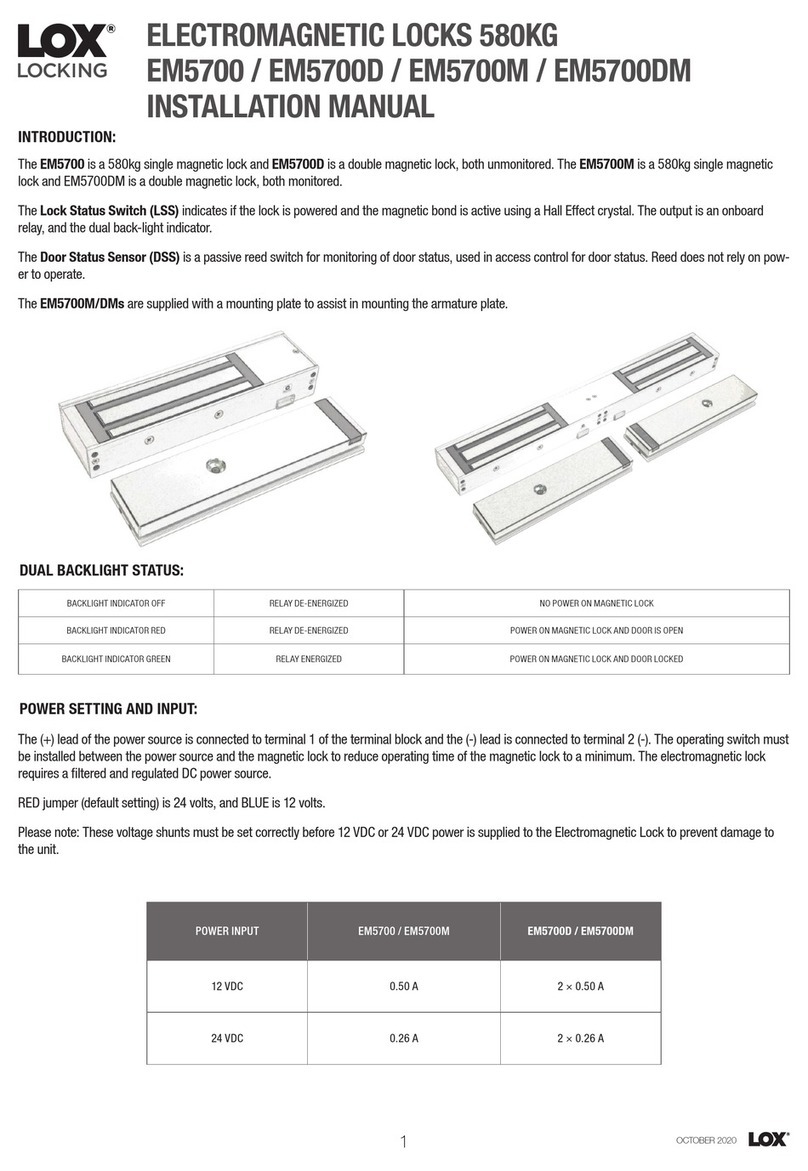
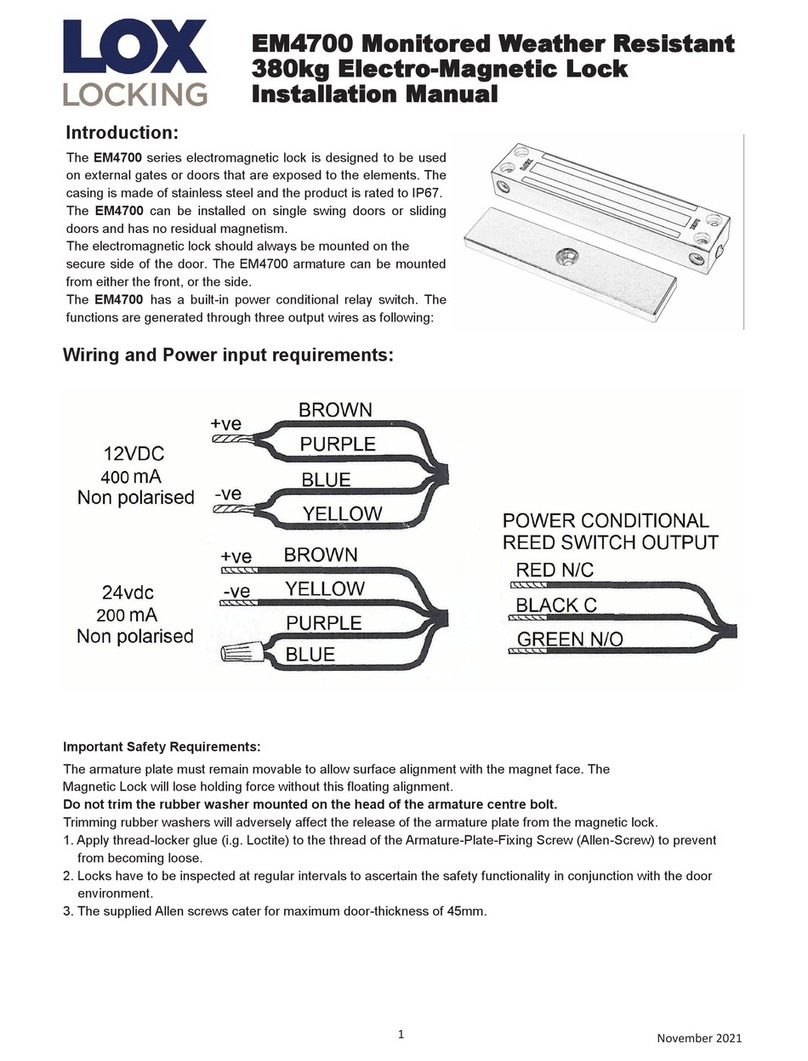
The EM5000 series electromagnetic lock is designed to be used
on external gates or doors that are exposed to the elements. The
casing is made of stainless steel and the product is rated to IP67.
The EM5000 can be installed on single swing doors or sliding
doors and has no residual magnetism.
The electromagnetic lock should always be mounted on the
secure side of the door. The EM5000 armature can be mounted
from either the Front, or the Side.
The EM5000 has a built-in power conditional relay switch. :
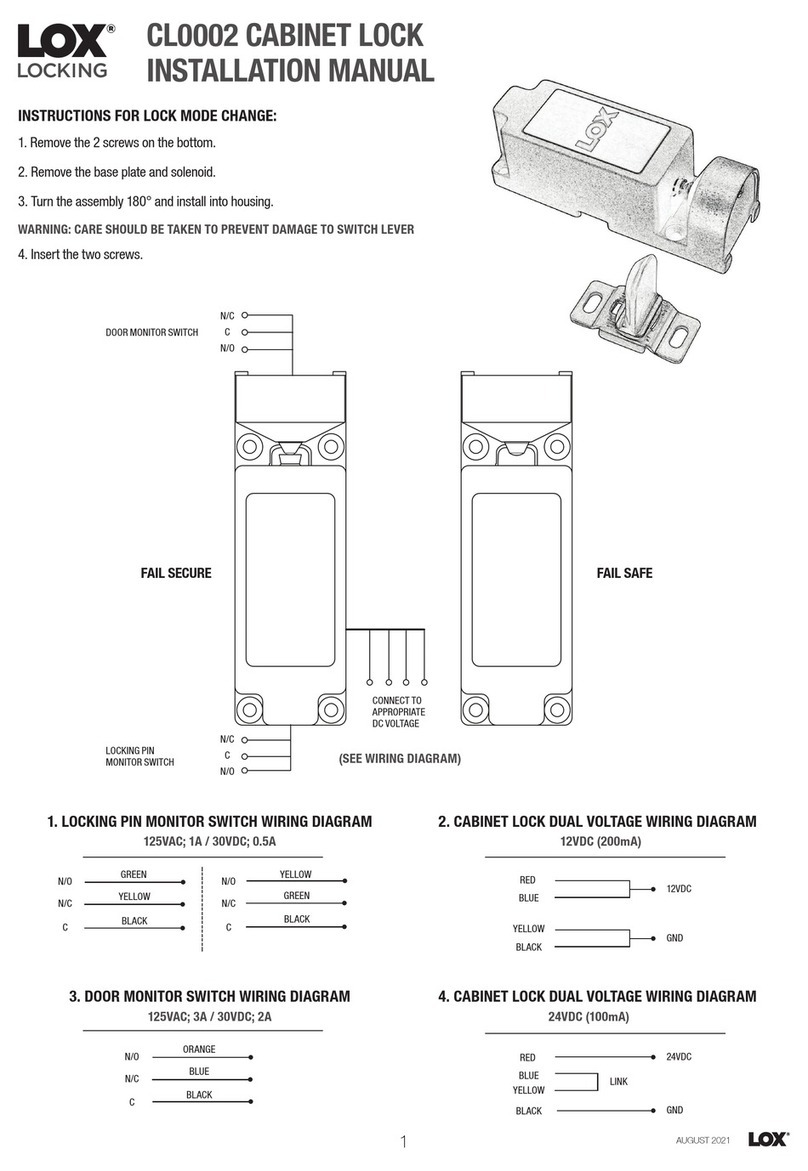
Important Safety Requirements:
The armature plate must remain movable to allow surface alignment with the magnet face. The
Magnetic Lock will lose holding force without this floating alignment.
Do not trim the rubber washer mounted on the head of the armature centre bolt.
Trimming rubber washers will adversely affect the release of the armature plate from the magnetic lock.
1. Apply thread-locker glue (e.g. Loctite) to the thread of the Armature-Plate-Fixing Screw (Allen-Screw) to prevent
from becoming loose.
2. Locks have to be inspected at regular intervals to ascertain the safety functionality in conjunction with the door
environment.
3. The supplied Allen screws cater for maximum door-thickness of 45mm.
Wiring and Power input requirements:
EM5000 Monitored Weather Resistant
630kg Electro-Magnetic Lock
Installation Manual

2November 2021
Maintenance: Contacting surface of the Electro-Magnet and Armature Plate must be kept free of contaminating
materials. Sur-faces should be cleaned periodically with a non-abrasive cleaner. Do not spray the Electro-
magnet or Armature Plate surface with any chemicals such as lacquer, etc. This will cause serious problems
with the release of the magnetic Lock and its Armature Plate resulting in serious safety problems.
Problem Possible Cause Solution
Door will not lock No DC voltage to lock. Check power supply and wiring to
magnetic lock.
Reduced holding force No contact between armature plate and
face of magnet.
Ensure mating surfaces are clean
and in proper alignment and the ar-
mature plate floats freely.
Low voltage or wrong voltage setting Correct to specified voltage setting
and power input requirement
Reed Switch Status is incorrect Misalignment of armature plate. Correct armature plate alignment.
Trouble Shooting:
EM5000 face
mounted
EM5000 side
mounted
EM5000
One way security
dome nut
This bracket is
part of the AMZB1
product used to
mount to armature
plate to the door.
Only one of the
three brackets in
this OPTIONAL
product is used.
Sliding door solution
Standard mounting
Other LOX Lock manuals