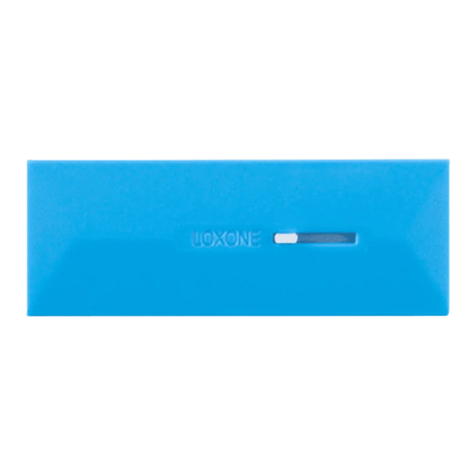
To open
Hold cover on both sides and gently pull towards you.
For additional information, declaration of confirmity,
visit www.loxone.com/help/window_handle_air
About the product
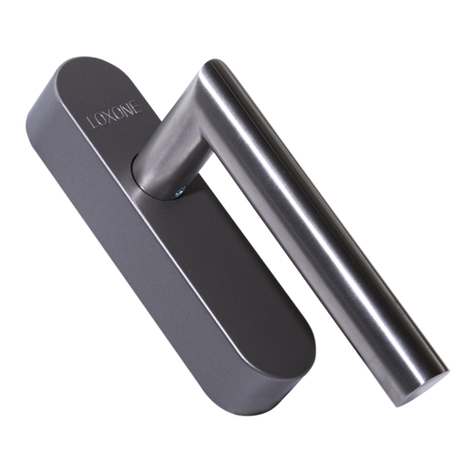
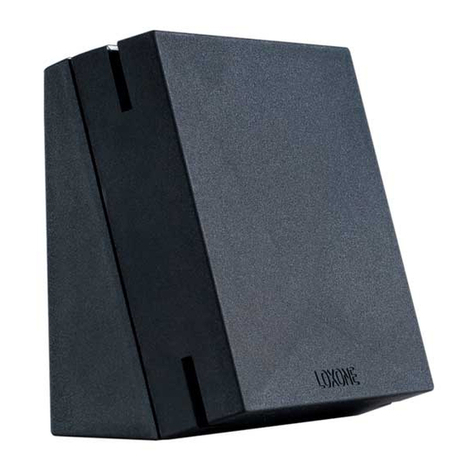
The Loxone Window Handle Air detects if a window has been
left unsecured based on the three positions of the the handle -
closed, open, tilt. Additionally an internal sensor can detect
vibrations and alert you if the window is forcefully opened. It
can be used to control a variety of non safety critical functions
in your smart home, however, we recommend it is configured
according to the Loxone Standard.
Installation
Adjust the length of the square spindle to the required length
and lock in place by tightening the fixing screw using the
provided hex key. Next use the appropriate length mounting
screws to secure the handle on the window frame.
Power up your Window Handle Air by using the provided AA
batteries. The Window Handle Air will now go immediately
into learning mode for the pairing with your Miniserver.
To finish the installation push the cover towards the window
frame.
Information
Contains FCC ID: COR-ZWIR4512AC1
This device complies with part 15 of the FCC Rules. Operation
is subject to the following two conditions:
1. This device may not cause harmful interference
2. This device must accept any interference received,
including interference that may cause undesired operation Fixing Screw
Loxone_Beipackfolder_Fenstergriff-Air.indd 4-6 13.07.18 14:08
This folder is a part of the product!
Spindle to screw ratio
Spindle length in mm 32/37mm 43mm
Screw length in mm 40 & 50mm 50 & 60mm
Learn Button
Status LED
Square Spindle
Mounting
Screws
2 x M5
Insert AA
batteries
Square spindle 7mm
Locking 4x 90° ball locking