manuals.online logo
Brands
  1. Home
  2. •
  3. Brands
  4. •
  5. LOXONE
  6. •
  7. Controllers
  8. •
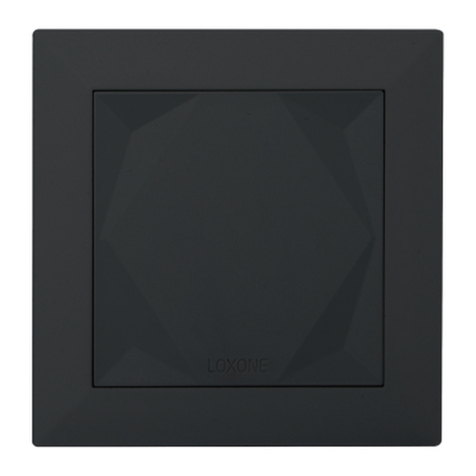
  9. LOXONE Shading Actuator Air User manual

LOXONE Shading Actuator Air User manual

This manual suits for next models

1

Other LOXONE Controllers manuals

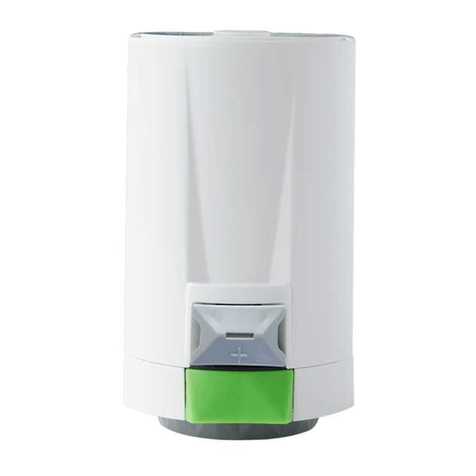
LOXONE Valve Actuator Air User manual

LOXONE

LOXONE Valve Actuator Air User manual

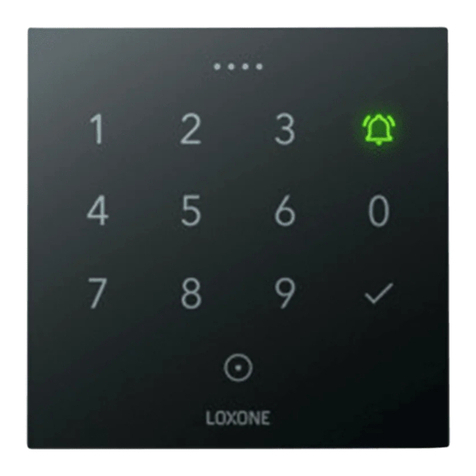
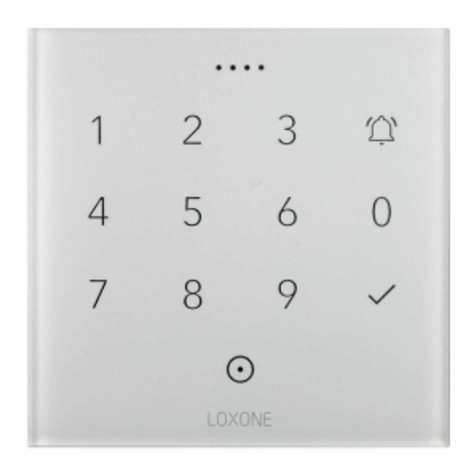
LOXONE NFC Code Touch Tree User manual

LOXONE

LOXONE NFC Code Touch Tree User manual

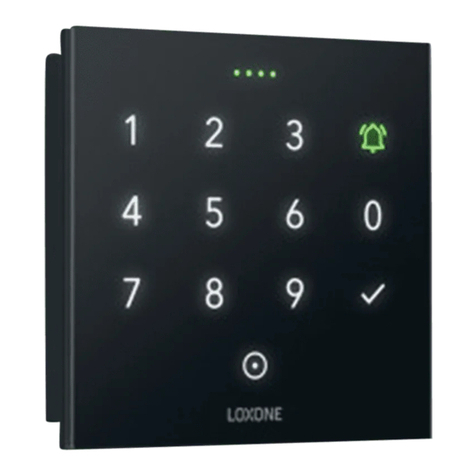
LOXONE NFC Code Touch Air User manual

LOXONE

LOXONE NFC Code Touch Air User manual

LOXONE Touch Tree User manual

LOXONE

LOXONE Touch Tree User manual

LOXONE NFC Code Touch for Nano User manual

LOXONE

LOXONE NFC Code Touch for Nano User manual

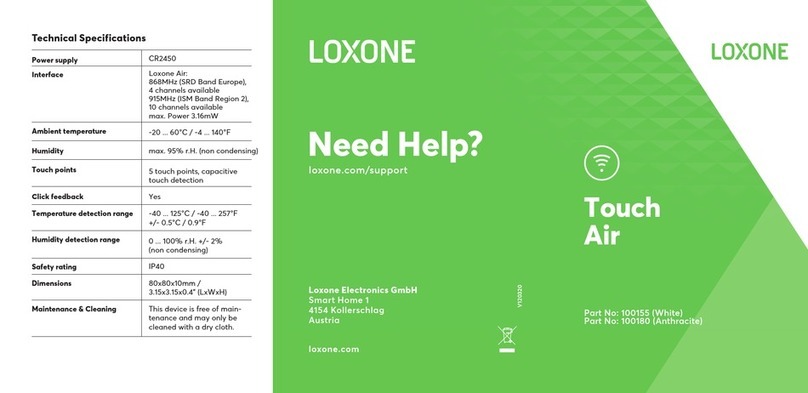
LOXONE Touch Air User manual

LOXONE

LOXONE Touch Air User manual

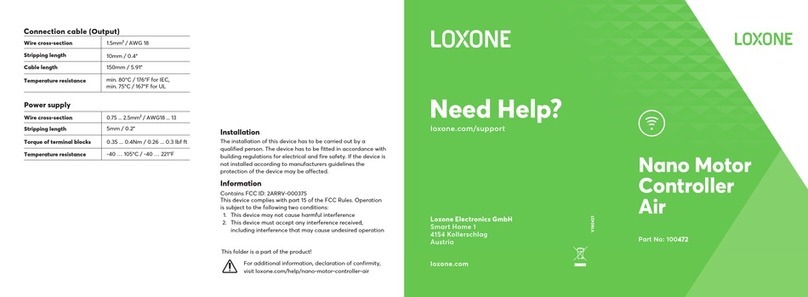
LOXONE Nano Motor Controller Air User manual

LOXONE

LOXONE Nano Motor Controller Air User manual

Popular Controllers manuals by other brands

Sunricher SR-ZV9003T3-RGBW-US Installation

Sunricher

Sunricher SR-ZV9003T3-RGBW-US Installation

Ksenia intro Installation and configuration manual

Ksenia

Ksenia intro Installation and configuration manual

Inovance CAN200 Series manual

Inovance

Inovance CAN200 Series manual

Gauzy LC6 FLEX Controller Installation and operation guide

Gauzy

Gauzy LC6 FLEX Controller Installation and operation guide

Viking SLP-1 Technical practice

Viking

Viking SLP-1 Technical practice

CKD KBX-30E-U Series instruction manual

CKD

CKD KBX-30E-U Series instruction manual

Sharp Energy Sun Flux User manual & installation guide

Sharp Energy

Sharp Energy Sun Flux User manual & installation guide

Yamaha RCX40 user manual

Yamaha

Yamaha RCX40 user manual

AB Quality PowerFlex 400 Frames D-H Service bulletin

AB Quality

AB Quality PowerFlex 400 Frames D-H Service bulletin

Yamaha MJC8 owner's manual

Yamaha

Yamaha MJC8 owner's manual

AL-KO ATC operating instructions

AL-KO

AL-KO ATC operating instructions

Savant SmartControl 2 Deployment guide

Savant

Savant SmartControl 2 Deployment guide

GameSir T3S user manual

GameSir

GameSir T3S user manual

Kostal inveor operating manual

Kostal

Kostal inveor operating manual

Emerson Yarway 20-55 Operating and safety instructions

Emerson

Emerson Yarway 20-55 Operating and safety instructions

CoCo ACM-LV24 Quick installation guide

CoCo

CoCo ACM-LV24 Quick installation guide

Brooks SLA5810/20 Installation and operation manual

Brooks

Brooks SLA5810/20 Installation and operation manual

SIGMA TEK SR 011 Technical manual

SIGMA TEK

SIGMA TEK SR 011 Technical manual

manuals.online logo
manuals.online logoBrands
  • About & Mission
  • Contact us
  • Privacy Policy
  • Terms and Conditions

Copyright 2025 Manuals.Online. All Rights Reserved.

Technical Specifications
Powersupply 110 ... 230VAC, 50/60Hz
Power consumption typ. 250mW, max. 900mW
Outputs 2 relays 5A each @cos φ
= 1 (total load max. 5A)
Min. load for end stop detection 90W
Connections Hirschmann STAK 3, STAS 3
Safety rating IP54
Ambient temperature -30 ... 50°C / -22 ... 122°F
Interfaces Loxone Air:
868MHz (SRD Band Europe),
4 channels available
915MHz (ISM Band Region 2),
10 channels available
max. Power 3.16mW
Maintenance & Cleaning This device is free of main-
tenance and may only be
cleaned with a dry cloth.
Loxone Electronics GmbH
Smart Home 1
4154 Kollerschlag
Austria
loxone.com
Need Help?
loxone.com/support
V140420
Part No: 100290
Shading
Actuator
Air
Power loss at max load 1.2W
Humidity max. 95% r.H. (non condensing)
About the product
The Shading Actuator Air enables easy integration of your
shading in the Loxone Smart Home. Thanks to the compatibi-
lity with the Hirschmann connectors STAS 3 & STAK 3, and the
in-built Loxone Air Technology, the installation and setup takes
only a few minutes. With the Miniserver monitoring sun position
and temperature, the Shading Actuator Air can ensure your
home remains at a comfortable temperature all year round.
Features
• Easy integration of your shading in the Loxone Smart Home
• Automatic recognition of the end stops (drive time)
• 2 freely programmable digital relay outputs
Installation
Connect your drive and power to the Shading Actuator Air and
secure it with the safety catch. Once powered, pair with the
Miniserver in the usual way for Loxone Air Devices using Loxone
Config.
For additional information, declaration of confirmity,
visit www.loxone.com/help/shading-actuator-air
Information
Contains FCC ID: COR-ZWIR4512AC1
This device complies with part 15 of the FCC Rules.
Operation is subject to the following two conditions:
1. This device may not cause harmful interference
2. This device must accept any interference received,
including interference that may cause undesired operation
Power SupplyDrive
Safety Catch