Model 19 MICRO R METER Technical Manual Section2
Ludlum Measurements, Inc. Page 2-2 February 2012
Note the (+) and (-) marks inside the battery door. Match the battery
polarity to these marks. Close the battery box lid, push down and turn the
quarter-turn thumb screw clockwise a quarter of a turn.
Note:
Center post of a flashlight battery is positive. The batteries are
placed in the battery compartment in opposite directions.
Operational Check
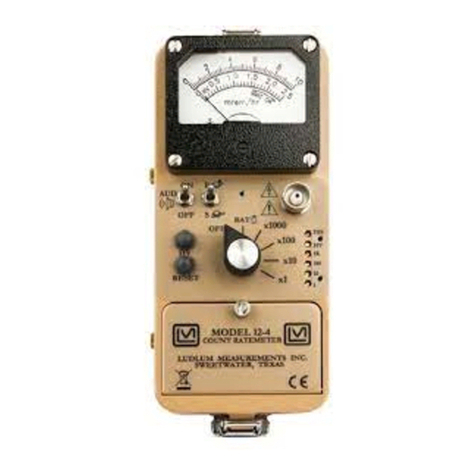
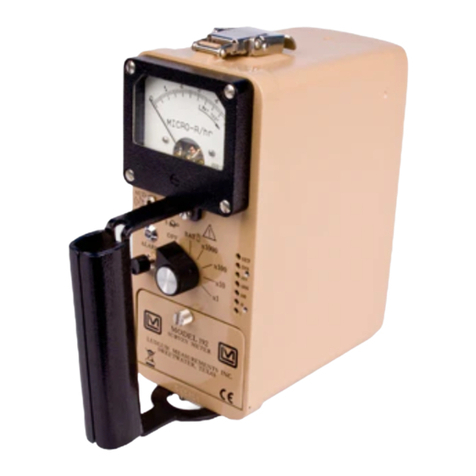
Turn the range selector switch to the “25” position. Depress the “BAT”
pushbutton switch and ensure that the meter needle falls within the “BAT
OK” marks. Check for a proper background reading. A typical reading would
be: 5-15 uR/hr
Turn the range selector switch to the “5000” position. Expose the
instrument to a check source and verify that the instrument indicates within
20% of the check source reading obtained during the last calibration.
Switch the “AUD ON/OFF” switch to the “ON” position and confirm that the
external unimorph speaker produces an audible click for each event
detected. The “AUD ON/OFF” switch will silence the audible clicks if in the
“OFF” position. It is recommended that the “AUD ON/OFF” switch be kept
in the “OFF” position when not needed in order to preserve battery life.
Turn the range selector switch to the “250” position and increase the source
activity for a meter reading of 10-100 uR/hr. While observing the meter
fluctuations, select between the fast and slow response time (F/S) positions
to observe variations in the display. The "S" position should respond
approximately five times slower than the “F” position.
Note:
The slow response position is normally used when the
instrument is displaying low numbers, which require a
more stable meter movement. The fast response position is
used at high rate levels.
Check the meter reset function by depressing RESET and ensuring the meter
needle drops to “0.”