2
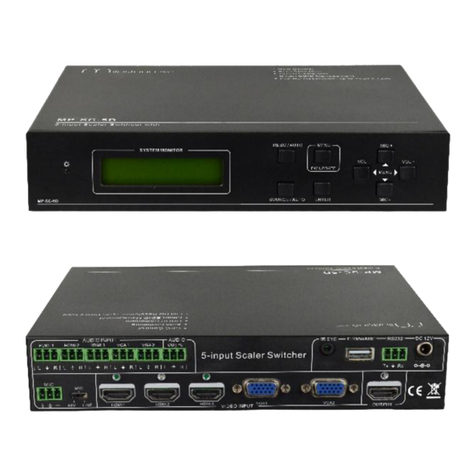
REAR PANNEL CONNECTORS DETAILS
1. Standard RCA for C-Video
2. Standard D15 Female for VGA.
3. D-9 F- for RS232C
4. D-9 M- for select from remote keypad.
The Connectors are:-
a) D15F VGA /P (1 to4) -4 Nos.
b) RCA C-Video Female (C-Video 1 t0 4) -4 Nos.
c) D15F VGA/Scaler O/P VGA 1 -1 No.
d) RCA C- Video female (C-Video) -1 No.
e) D9M (RS232 C). -1 No.
h) D9M Select (Remote Keypad) -2 Nos.
(as explained in remote keypad selection)
HOW TO USE THE UNIT
1) Connecting the cables .
a) Connect VGA inputs to Laptops or Computers.
b) Connect C-Video to CD or DVD player or Camera.
c) Connect one VGA output to the VGA input of the Projector.
(Similarly for C-Video if required).
2) Operation in individual output mode;-
n this mode scaler mode (scaler LED) should be OFF. Both 2
outputs i.e. VGA, C-Video work independently. Both two outputs are
independent of others.
Select the required channels using various selection methods.
3) Operation in Scaler output mode:-
Press the scaler key to go in scaler model (LED ON). When scaler
LED is ON, VGA (output) goes in Scaler mode. Whichever key is
pressed last the output is seen in VGA i.e. C-Video is converted to
VGA output.
C-Video output still works independently, only VGA output is scaled.