
Mini Gadgets HCSmokeConeSD User manual

SMOKE DETECTOR SD
HIDDEN CAMERA WITH
NIGHTVISION
SKU: HCSmokeConeSD
THANK YOU FOR PURCHASING THE SMOKE DETECTOR SD
Please read this manual before operating the Smoke Detector SD and
keep it handy.
Fewer things are more innocuous and less noticeable than a fire
detector. The HCSmokeConeSD is a self-contained DVR capable of
recording high resolution color video.
The twist-off mounting bracket installs quickly and is easy to take
down. Operated simply by wireless remote, it's a breeze to control.
When you're done retrieving footage is a snap—remove the SD card
or connect included USB cable. The HCSmokeConeSD supports up to
32GB cards, which translates to up to about 16 hours of footage. The
hidden camera can take pictures, record continuous video, or record
motion-activated video. This unit boasts clear 1280 x 720 resolution
video at 30 frames per second. These files are stored on removable
MicroSD cards up to 32GB and are easily retrieved from the card or
included USB cable. The internal li-ion battery lasts for up to two
hours.
Your purchase should include:
1 x Smoke Detector SD Hidden Camera with Night Vision
1 x Remote Control
1 x USB Cable
1 x Wall Mounting Kit
1 x Instruction Booklet

GET FAMILIAR WITH YOUR SMOKE DETECTOR SD
USB
Port
Camera
Lens
MicroSD
Card Slot
Indicator
Light
1. Slide metal door
down into the
OPEN position
2. Gently pull the
door open
Reset
On/Off
Switch

OPERATING THE SMOKE DETECTOR SD
IMPORTANT NOTICE: Allow the device to charge 4 –6 hours before
using.
HOW TO CHARGE THE DEVICE
1. Insert the USB cable into the USB Port of the device
2. Insert the USB cable into the USB Port of your computer
The red indicator light will turn on while charging
HOW TO TURN THE DEVICE ON/OFF
1. Insert a MicroSD Card into the MicroSD Card slot
2. To turn the device ON move the On/Off Switch into the ON
position
3. Press the Power button on the remote control
The red indicator light will turn on
The device is now ON and in standby mode
4. To turn the device OFF press the Power button on the remote
again
The red indicator light will flash twice and the turn off
5. Move the On/Off Switch into the OFF position
TIP: If the red indicator light flashes quickly and then turns off you
need to insert a MicroSD Card into the MicroSD Card Slot
HOW TO TAKE PHOTOS
1. In standby mode press the Photo button (B) on the remote
control
The red indicator light will flash once
Your photo has been saved
Insert a
MicroSD Card
Close the metal door
over the MicroSD Card
and slide it back up
into the LOCK position
Power
Photo
Motion
Detection
Video

HOW TO RECORD VIDEO
1. In standby mode press the Video button (C) on the remote
control
The red indicator light will flash three times and then
turn off
2. To stop and save your video press the Video button (C) again
The red indicator light will turn on
Your video has been saved and the device is now in
standby mode
HOW TO RECORD VIDEO USING MOTION DETECTION
1. In standby mode press the Motion Detection button (D)
The red indicator light will flash four times and then
turn off
When motion is detected the device will automatically
start recording
2. To stop and save your video press the Motion Detection
button (D) again
The red indicator light will turn on
Your video has been saved and the device is now in
standby mode
RETRIEVE THE FILES TO YOUR PC
1. Plug the device into your PC using the USB cable
2. Locate “Removable Disk” inside the (My) Computer folder
AutoPlay Removable Disk > Open folder to view files
Or…
Go to Start > Computer > Removable Disk
3. Open the Removable Disk drive
4. Open the DCIM folder
5. Double click the file you want to view
VLC Player is recommended for watching videos

TROUBLESHOOTING
THE DEVICE WON’T TURN ON
Charge the device for at least 4 hours before the first use
Make sure the charging cable is securely inserted into the
device and into the power source
THE DEVICE ISN’T CHARGING
Replace the battery or charging cable
If you are charging via a wall power source, you may need to
charge via your PC. The AC adapter might be bad
THE DEVICE HAS CRASHED
You need to reset the device
MY COMPUTER DOESN’T RECOGNIZE THE DEVICE
Unplug the device from your PC and reboot the device
Unplug the device from your PC and reboot your PC
Try using a different USB slot on your PC
Replace the USB cable
THE SOUND OR VIDEO IS UNCLEAR
The device needs charging
OTHER PROBLEMS
Call our technical support at 770–694–6923
SPECIFICATIONS
Video Resolution
1280x720
Video Format
AVI
Frames per Second
30
Motion Detection
Yes
Photo Resolution
4032x3024
Photo Format
JPEG
Water Resistant
No
Battery Life
3.5 hours
Type of Memory
MicroSD Card
Memory Capacity
32GB
Recording Capacity
2GB ≈ 1 hour
4GB ≈ 2 hours
8GB ≈ 4 hours
16GB ≈ 8 hours
32GB ≈ 16 hours
USB Interface
2.0 USB
Player Software
VLC recommended
Operating Systems
Windows 2000 –Windows 8
Mac OSX
Linux
Table of contents
Other Mini Gadgets Security Sensor manuals
Mini Gadgets
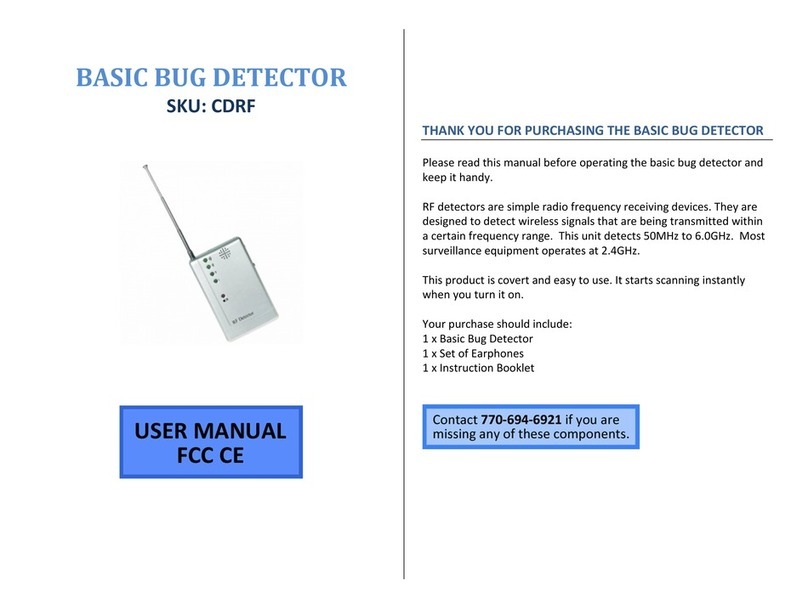
Mini Gadgets CDRF User manual
Mini Gadgets
Mini Gadgets CDB200 User manual

Mini Gadgets
Mini Gadgets CDHunter User manual
Mini Gadgets
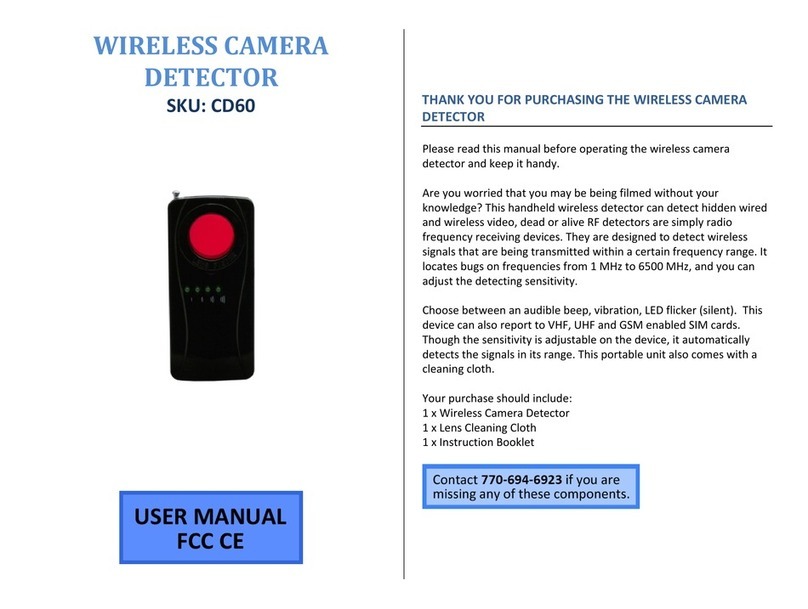
Mini Gadgets CD60 User manual
Mini Gadgets
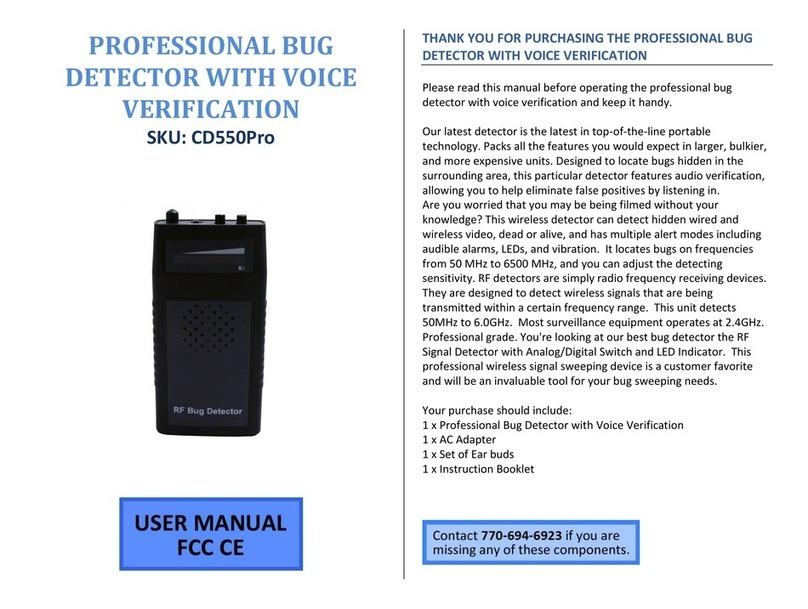
Mini Gadgets CD550Pro User manual
Mini Gadgets
Mini Gadgets OmniRadar User manual
Mini Gadgets
Mini Gadgets CDRFAD User manual
Mini Gadgets
Mini Gadgets OmniXSmoke User manual

















