M Mitel (design) is a registered trademark of Mitel Networks Corporation. © 2007, Mitel Networks Corporation.
All other products and services are the trademarks of their respective holders. All rights reserved.
Quick Reference Guide
5212/5224
Make a Call
uLift the handset, or
pPress .
rDial the number, or
sPress a Speed Call key, or
qPress , or
rDial the prefix for external calls (e.g. 9) and
the number.
Answer a Call
uLift the handset, or
pPress and begin speaking.
End a Call
qPress , or
uReplace the handset.
Place a Call on Hold
qPress .
The line key flashes.
uReplace the handset if necessary.
Retrieve a Call from Hold
uLift the handset, or
pPress .
sPress the flashing line key.
Retrieve a Message
qPress . It flashes when a message
is waiting.
Follow the voice mail prompts to retrieve
your message.
Transfer a Call
qPress .
rDial the number. Wait for an
answer.
uHang up, or announce the transfer
and then hang up.
Conference a Call
qPress .
rDial the number. Wait for an answer.
qPress .
Program a Speed Call
qPress .
rPress #until Personal Keys? appears.
rPress *.
sPress a Personal Key.
rPress *.
rDial the number, or
qPress (to redial the last number).
sPress the Personal Key again.
rPress *to make the number private, or
rPress #to keep the number visible.
qPress .
Adjust Volume Levels
Adjust ringer volume while the phone is
ringing. Adjust speaker volume while using the
handset or speaker.
pPress repeatedly to raise the volume,
or repeatedly to lower the volume.
pPress to mute the microphone. Refer to
the 5212/5224 IP Phone User Guide.
NOTE: For more information about Mute or other features, or about programming
Personal Keys on your 5212 IP Phone, refer to the 5212/5224 IP Phone User
Guide located at www.mitel.com, or contact your Administrator.
SIP Users: Refer to the 5212/5224 SIP User and Administrator Guide.
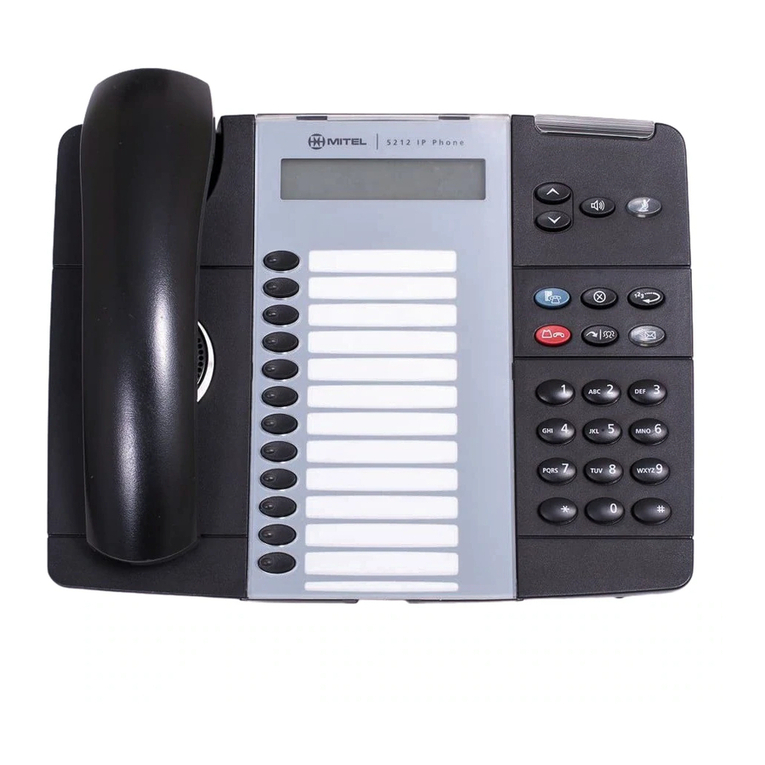
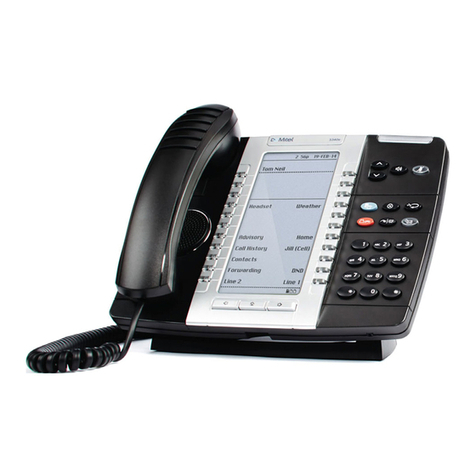
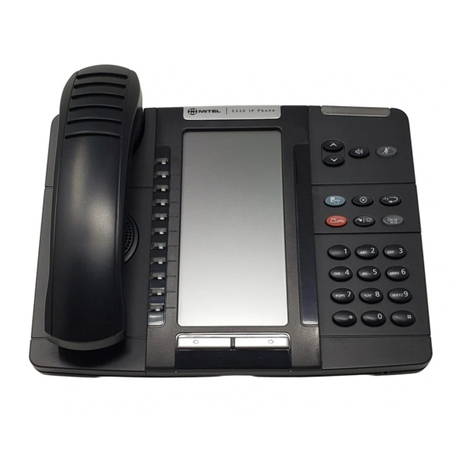
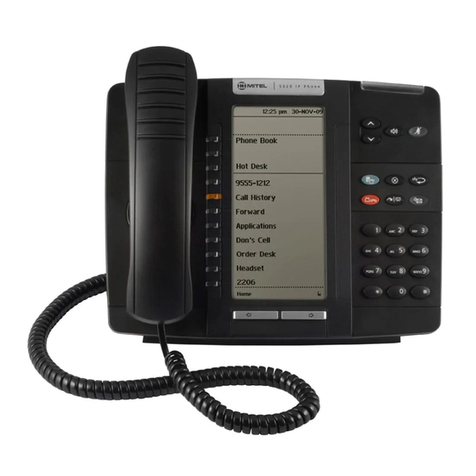
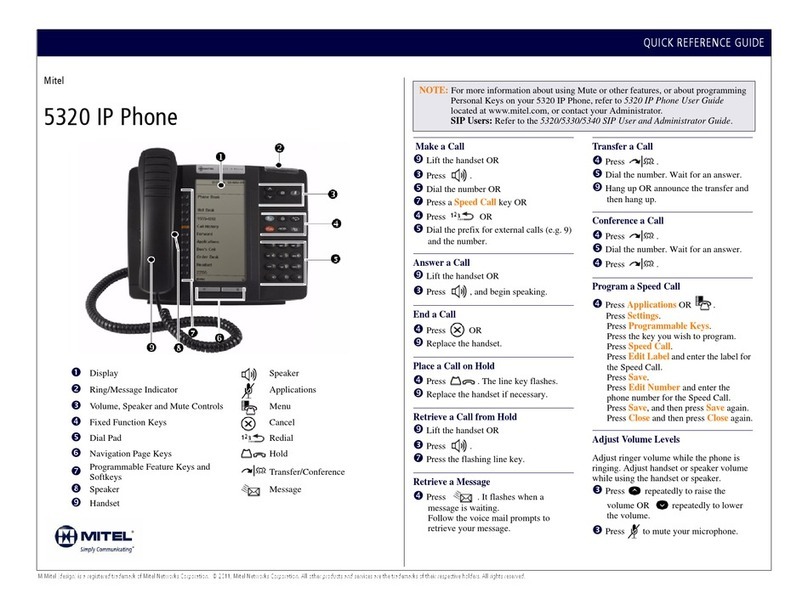
Mitel 5212 IP Phone
nDisplay
oRing/Message Indicator
pVolume, Speaker, and Mute Controls
qFixed-Function Keys
rKey Pad
sPersonal Keys
tSpeaker
uHandset
Fixed-Function Keys
SPEAKER
MUTE
SUPERKEY
CANCEL
REDIAL
HOLD
TRANSFER / CONFERENCE
MESSAGE