– 10 –
<Setting the Weekly Timer>
5. Press the appropriate Set Time button
a
as necessary to set the desired time (at
5
).
* As you hold the button down, the time first increments in minute intervals, then in
ten-minute intervals, and then in one-hour intervals.
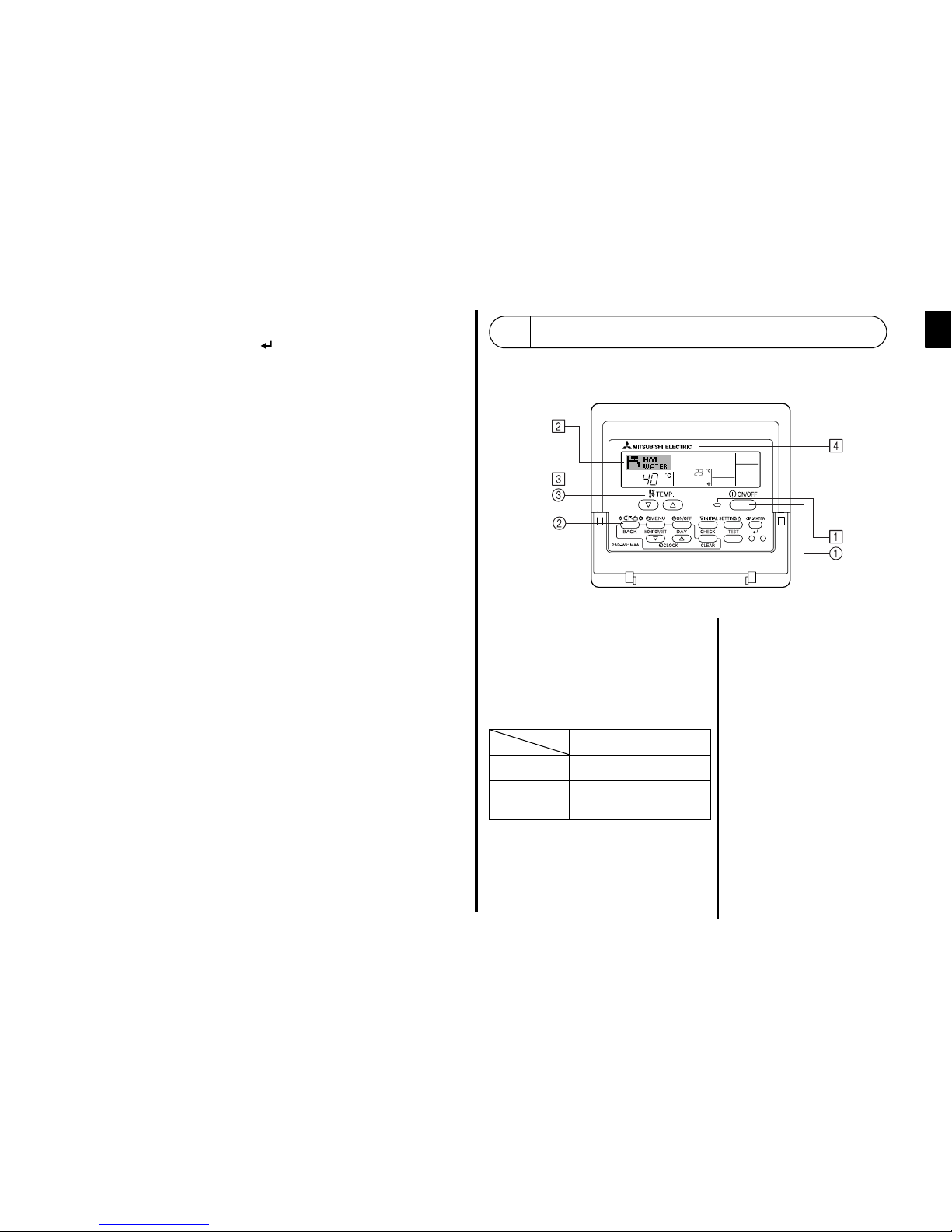
6. Press the ON/OFF button 1to select the desired operation (ON or OFF), at 6.
* Each press changes the next setting, in the following sequence: No display (no setting)
J“ON” J“OFF”
7. Press the appropriate Set Temperature button 3to set the desired temperature (at 7).
* Each press changes the setting, in the following sequence: No display (no setting)
⇔5 (41) ⇔6 (43) ⇔... ⇔89 (192) ⇔90 (194) ⇔No display.
(Available range: The range for the setting is 5°C (41°F) to 90°C (194°F). The actual
range over which the temperature can be controlled, however, will vary according to the
type of the connected unit.)
8. To clear the currently set values for the selected operation, press and quickly release the
Check (Clear) button 0once.
* The displayed time setting will change to “—:—”, and the ON/OFF and temperature
settings will all disappear.
(To clear all weekly timer settings at once, hold down the Check (Clear) button 0for two
seconds or more. The display will begin flashing, indicating that all settings have been
cleared.)
9. After making the appropriate settings at Steps 5, 6. and 7, press the CIR.WATER
button 4to lock in the values.
Note:
Your new entries will be cancelled if you press the Mode (Return) button 2before pressing
the CIR.WATER button 4.
If you have set two or more different operations for exactly the same time, only the operation
with the highest Operation No. will be carried out.
10. Repeat Steps 3 to 8 as necessary to fill as many of the available cells as you wish.
11. Press the mode (Return) button 2to return to the standard control screen and complete
the setting procedure.
12. To activate the timer, press the Timer ON/OFF button 9, so that the “Timer Off”
indication disappears from the screen. Be sure that the “Timer Off” indication is no
longer displayed.
* If there are no timer settings, the “Timer Off” indication will flash on the screen.
Shows the time setting
Shows the temperature setting
* Does not appear if temperature is not set.
Shows the selected operation (ON or OFF)
* Does not appear if operation is not set.
<How to View the Weekly Timer Settings>
1. Be sure that the weekly timer indicator is visible on the screen (at 1).
2. Press the Timer Menu button bso that “Monitor” is indicated on the
screen (at 8).
3. Press the Timer ON/OFF (Set Day) button 9as necessary to select the
day you wish to view.
4. Press the or INITIAL SETTING (7or 8) as necessary to change
the timer operation shown on the display (at 9).
* Each press will advance to the next timer operation, in order of time
setting.
5. To close the monitor and return to the standard control screen, press the
Mode (Return) button 2.
<To Turn Off the Weekly Timer>
Press the Timer ON/OFF button 9so that “Timer Off” appears at 0.
<To Turn On the Weekly Timer>
Press the Timer ON/OFF button 9so that the “Timer Off” indication (at 0)
goes dark.
Timer Settings