manuals.online logo
Brands
  1. Home
  2. •
  3. Brands
  4. •
  5. Motorola
  6. •
  7. Automobile Electronic
  8. •
  9. Motorola CMR 2100 User manual

Motorola CMR 2100 User manual

Other Motorola Automobile Electronic manuals

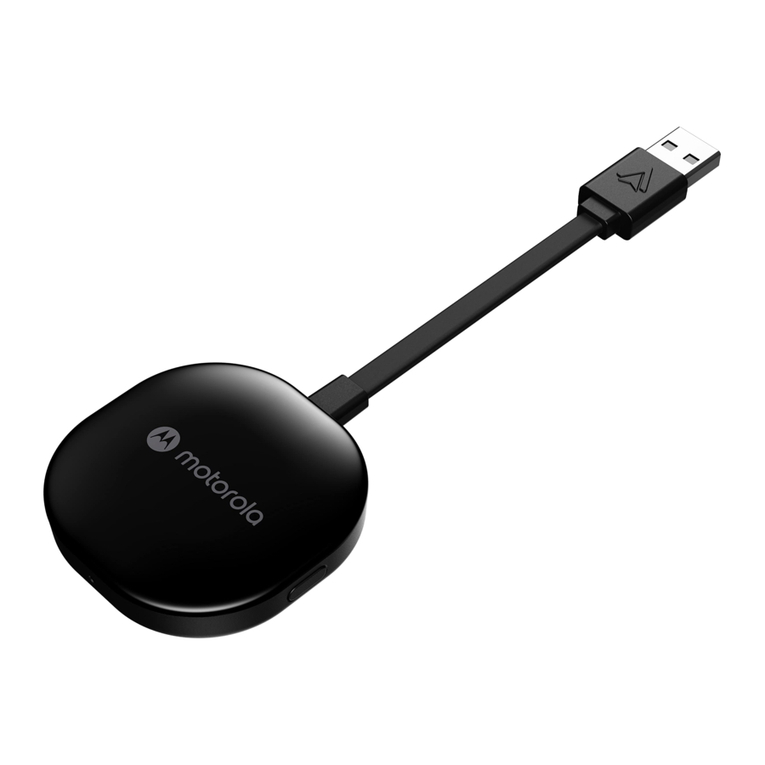
Motorola MA1 User manual

Motorola

Motorola MA1 User manual

Motorola VC70N0 Installation and operation manual

Motorola

Motorola VC70N0 Installation and operation manual

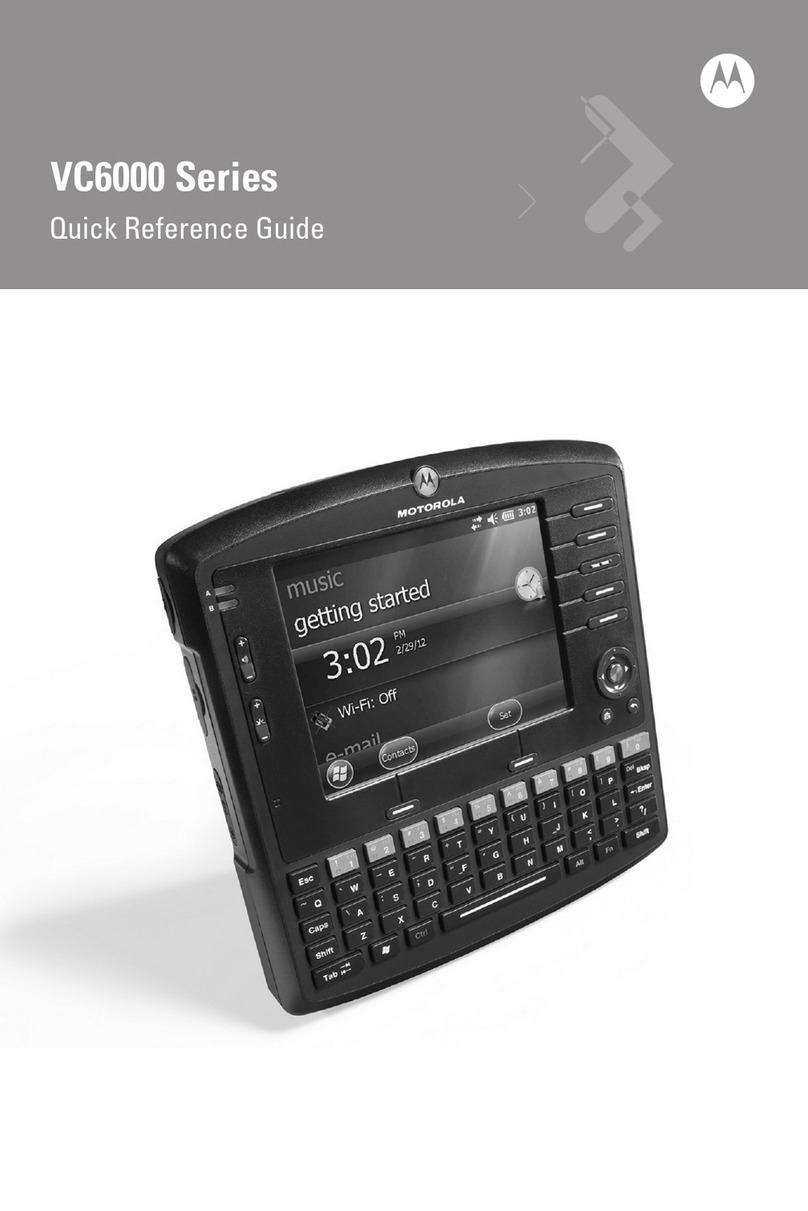
Motorola VC6000 Series User manual

Motorola

Motorola VC6000 Series User manual

Popular Automobile Electronic manuals by other brands

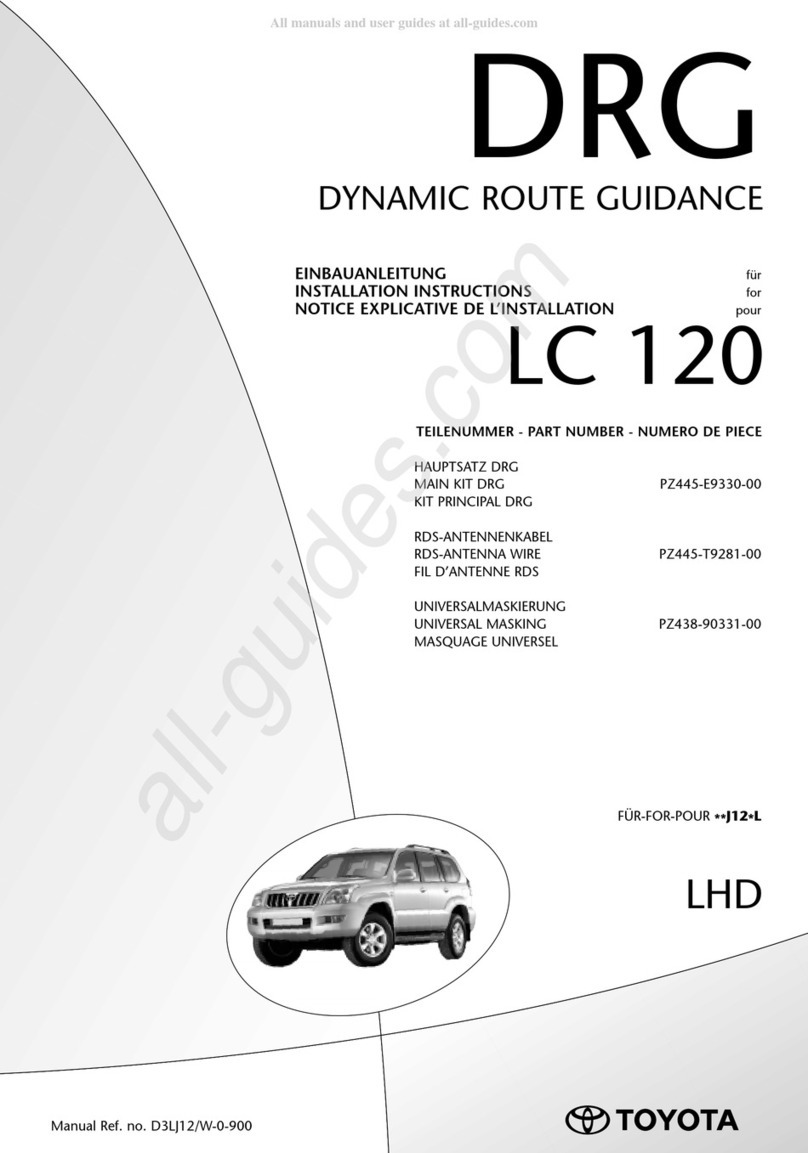
DRG LC 120 installation instructions

DRG

DRG LC 120 installation instructions

Blue Ox BX8848 installation instructions

Blue Ox

Blue Ox BX8848 installation instructions

Dometic MAGICWATCH MWE890K Installation and operating manual

Dometic

Dometic MAGICWATCH MWE890K Installation and operating manual

Honeywell Thor VM3A user guide

Honeywell

Honeywell Thor VM3A user guide

Waeco MagicWatch MWE250 Installation and operating manual

Waeco

Waeco MagicWatch MWE250 Installation and operating manual

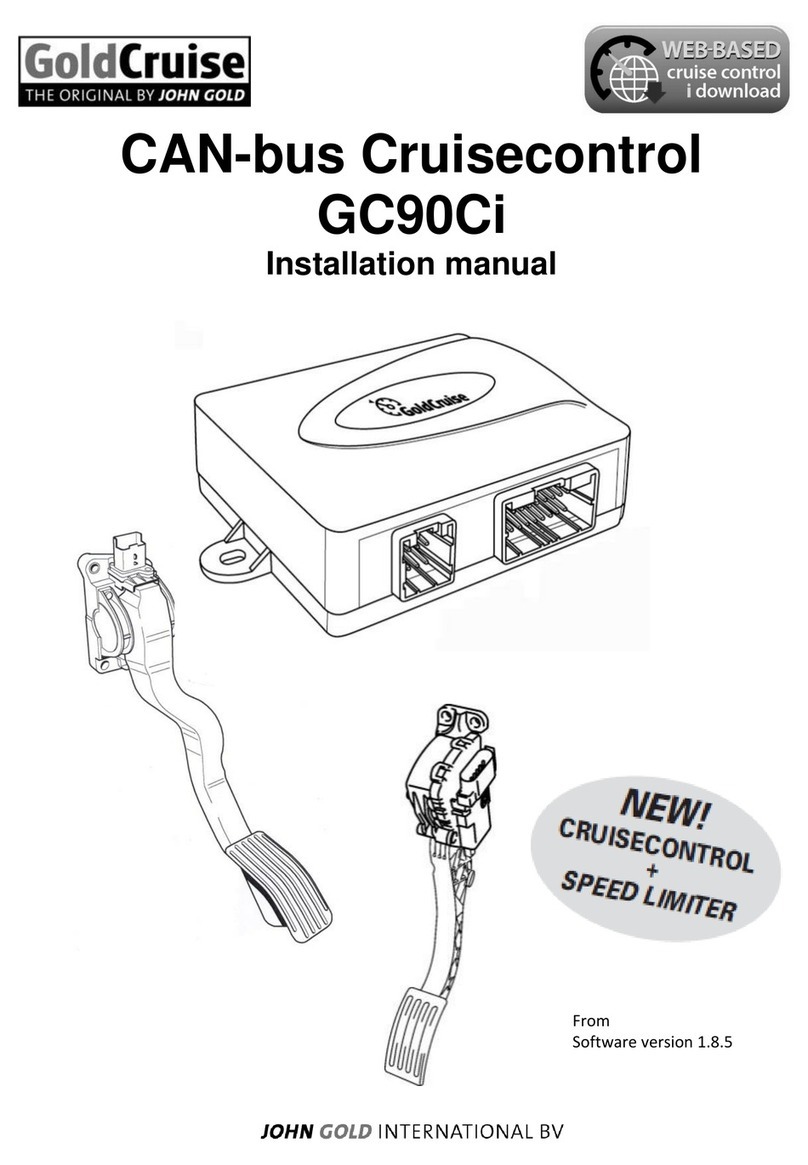
GoldCruise GC90Ci installation manual

GoldCruise

GoldCruise GC90Ci installation manual

Rydeen BKM091 user manual

Rydeen

Rydeen BKM091 user manual

Skoda 5E0 054 630 Fitting instructions

Skoda

Skoda 5E0 054 630 Fitting instructions

VDO SENDER UNIT 2159-0 datasheet

VDO

VDO SENDER UNIT 2159-0 datasheet

iDataLink maestro Rr install guide

iDataLink

iDataLink maestro Rr install guide

Audiovox PRO-PDA15 installation guide

Audiovox

Audiovox PRO-PDA15 installation guide

Movon MDAS-3LFFHD user manual

Movon

Movon MDAS-3LFFHD user manual

Pioneer Comfort adapter CA-D-PI.150 quick start guide

Pioneer

Pioneer Comfort adapter CA-D-PI.150 quick start guide

Dietz 1110 instruction manual

Dietz

Dietz 1110 instruction manual

Perfect Power SMT8-T5 Technical manual

Perfect Power

Perfect Power SMT8-T5 Technical manual

Crux RVCFD-79 manual

Crux

Crux RVCFD-79 manual

Nonda ZUS user manual

Nonda

Nonda ZUS user manual

Adaptiv Mini installation guide

Adaptiv

Adaptiv Mini installation guide

manuals.online logo
manuals.online logoBrands
  • About & Mission
  • Contact us
  • Privacy Policy
  • Terms and Conditions

Copyright 2025 Manuals.Online. All Rights Reserved.

APPLICANT: MOTOROLA INC. FCC ID: IHDT5AT1
EXHIBIT 8
Supplement 9-8-00
USERS MANUAL INFORMATION
1. A preliminary draft copy of the users manual follows:
Note: This preliminary English version of the manual does not contain graphics. It is
text only. The RF safety and antenna installation sections are on page 8.
CMR2100 UM.doc
1
/
78
MOTOROLA
CMR 2100 – General View
CMR2100 UM.doc
2
/
78
Welcome!
Thank you for choosing MOTOROLA / a global leader in communications technology.
All MOTOROLA cellular phones are designed and manufactured to meet MOTOROLA's
exacting specifications and world-class quality standards.
The CMR 2100 is no exception to this rule. This car phone successfully passed reliability trials,
such as temperature, humidity, vibration, dust, shaking, and dropping.
With the CMR 2100 car phone you are guaranteed a superior product.
Always at your service
MOTOROLA
CMR2100 UM.doc
3
/
78
Contents
Introduction
What's new?
Major advantages
Safe and efficient operation
The Basics
General view
Using the phone
Using the smart button
Reading the indicators
Placing and ending calls
Receiving calls
Redialing numbers
Basic tone controls
Your phone and its shortcuts
Using memory
Making the most of memory
Storing names and phone numbers
Recalling from memory
Scratch pad memory
Advanced storage
Using calling cards
The menu
Introducing the menu features
The internal phonebook
Recalling using the memory
Phonebook status
Editing a memory location
Displaying the user's phone number
Preference for name/number
Call timers
Viewing the individual timer
Viewing the resettable timer
Viewing the cumulative timer
Resetting the timer
One minute audible timer
Programmable timers
Tone controls
Silent mode
Selecting a ringer style
Reminder tones setup
Lock/security features
Auto lock
Secure options submenu
Authentication – personal identification code
Phone options
Feature review
Call options submenu
Multi key answer
Automatic answer
CMR2100 UM.doc
4
/
78
Instant redial
Display options submenu
Changing the language
Changing the banner
Backlighting
Auto hyphen
24-hour clock
Mini Browser options
Launching the Mini Browser
Power up mode
Confirm at start-up
System options submenu
Displaying the system ID
Using messaging
Access to messages
Caller IDs
Caller ID options
Voice mail options
Reading your messages
Using the Mini Browser
Launching
Mini Browser navigation
Using bookmarks
Using the Mini Browser
Using data features
Appendices
Accompanying accessories
Warranty
CMR2100 UM.doc
5
/
78
What's new?
The CMR 2100 car phone is an innovative product incorporating the CDMA advanced digital
technology, which offers the following new features:
Mini Browser WAP
The browser permits fast and easy access to personal information services* such as weather
reports, sports results, traffic reports, etc.
Expanded phonebook
Your phone contains 99 memory locations, in each of which you can store up to 4 phone
numbers.
Data transmission support system
Your phone supports a data transmission system*, using data transfer software such as Hyper
Terminal, and a data cable. This feature permits data transmission and synchronization between
your phone, a desktop computer and a laptop computer.
Real time clock
The digital CDMA system currently updates in real time the clock appearing in the display.
Personal banner
You can create your own message banner (up to 12 characters long) by using the Change
Banner feature, which will be displayed by the phone when it is idle (see page __).
Messages menu
Viewing the call ID*, using voice mail messages*, and reading test messages* is very easy with
the aid of the special messages key [**]. (see page __).
* Contact your Service Provider for availability.
Caller ID name
If Caller ID* is active on your phone you will be able to see who is calling before you answer.
The display will show your caller's name if it is in you phonebook.
Large display screen
Very wide alpha numeric LCD display, with 4 rows of text and 2 rows of menu indicators.
The smart button
Using the smart button you can do the following:
•Operate the phone with one hand
CMR2100 UM.doc
6
/
78
•Store information
•Recall a number, dial a number, end a call, etc.
Updating the phonebook from a computer
If the MOTOROLA data connecting kit* is installed in your car you can transfer names and
phone numbers between your PC and the CMR 2100 (in both directions), using the Phone
Synchronizer software.
* Contact your Service Provider for availability.
CMR2100 UM.doc
7
/
78
Major features
The CMR 2100, which is one of the most sophisticated cellular phones currently available,
offers you a range of features suited to your life style. This sophisticated digital phone can help
you to:
•Redial automatically if the number if engaged
•Receive a call discreetly through the earpiece
•Dial easily and quickly using the Turbo Dial keys
•Use browser services which provide fast access to personal information services
•Connect to the data kit which provides options of sending data, etc.
•Use the integral speakerphone kit
•Recall phone numbers using the internal phonebook
•Monitor length of calls using a range of call counters
•Adjust the ringer style to the type you wish
•Large, easy to use keypad in Hebrew and English
•Large, easy-to-read display
As you get to know the CMR 2100 you will discover more and more important and easy-to-use
features.
CMR2100 UM.doc
8
/
78
Safety Information
IMPORTANT: Read this information before using your wireless mobile phone.
Exposure to Radio Frequency Signals
Your wireless mobile telephone is a low power radio transmitter and receiver. When it is ON, it
receives and also sends out radio frequency (RF) signals.
International agencies have set standards and recommendations for the protection of public
exposure to RF electromagnetic energy.
•International Commission on Non-Ionizing Radiation Protection (ICNIRP)1996
•Verband Deutscher Elektrotechniker (VDE) DIN-0848
•United States Federal Communications Commission, Radio Frequency Exposure
Guidelines (1996)
•National Radiological Protection Board of the United Kingdom, GS 11, 1988
•American National Standards Institute (ANSI) IEEE. C95. 1-1992
•National Council on Radiation Protection and Measurements (NCRP). Report 86
•Ministry of Health (Canada), Safety Code 6
These standards are based on extensive scientific review. For example, over 120 scientists,
engineers, and physicians from universities, government health agencies, and industry reviewed
the available body of research to develop the updated ANSI standard .
The design of your phone complies with these standards when used as described under "Phone
Operation."
Antenna Installation Guidelines
Important:
To meet the FCC's RF Exposure guidelines and satisfy the categorical exclusion requirements
for mobile transmitters, the antenna must be installed so there is at least 20 cm of separation
between the antenna and both the occupants of the vehicle and bystanders outside of the vehicle.
In addition, total antenna gain must not allow the transmitted ERP to exceed 1.5 Watts.
Antenna Care
Use only the supplied or an approved replacement antenna. Unauthorized antennas,
modifications, or attachments could damage the phone and may violate local agency
regulations.
Phone Operation
Carry Configuration
Do not operate your mobile telephone when a person is within 4 inches (10 centimeters) of the
antenna. A person or object within 4 inches (10 centimeters) of the antenna could impair call
quality and may cause the phone to operate at a higher power level than necessary and expose
that person to RF energy in excess of that established by the FCC RF Exposure Guidelines.

CMR2100 UM.doc
9
/
78
Mobile Configuration
Do not operate your mobile telephone when a person is within 8 inches (20 centimeters) of the
antenna. A person or object within 8 inches (20 centimeters) of the antenna could impair call
quality and may cause the phone to operate at a higher power level than necessary and expose
that person to RF energy in excess of that established by the FCC RF Exposure Guidelines.
Driving
Check the laws and regulations on the use of wireless telephones in the areas where you drive.
Always obey them. Observe the following guidelines when using your phone while driving.
•Give full attention to driving--driving safely is your first responsibility.
•Use hands-free phone operation, if available.
•Pull off the road and park before making or answering a call if driving conditions so
require.
Electronic Devices
Most modern electronic equipment is shielded from RF signals. However, certain equipment
may not be shielded against the RF signals from your wireless phone.
Pacemakers
The Health Industry Manufacturers Association recommends that a minimum separation of 6
inches (15 centimeters) be maintained between a wireless phone's antenna and a pacemaker to
avoid potential interference with the pacemaker. These recommendations are consistent with
the independent research by and recommendations of Wireless Technology Research.
Persons with pacemakers:
•should ALWAYS keep the phone more than 6 inches (15 centimeters) from their
pacemaker when the phone is turned ON
•should turn the phone OFF immediately if you have any reason to suspect that interference
is taking place
Other Medical Devices
If you use any other personal medical device, consult the manufacturer of your device to
determine if it is adequately shielded from external RF energy. Your physician may be able to
assist you in obtaining this information.
Turn your phone OFF in health care facilities when any regulations posted in these areas
instruct you to do so. Hospitals or health care facilities may be using equipment that could be
sensitive to external RF energy.
Vehicles
RF signals may affect improperly installed or inadequately shielded electronic systems in motor
vehicles. Check with the manufacturer or its representative regarding your vehicle. You should
also consult the manufacturer of any equipment that has been ad ded to your vehicle.