EnglishDeutsch
 logo
Brands
  1. Home
  2. •
  3. Brands
  4. •
  5. Motorola
  6. •
  7. Cell Phone
  8. •
  9. Motorola Moto C User manual

Motorola Moto C User manual

Other manuals for Moto C

1

Other Motorola Cell Phone manuals

Motorola 120e User manual

Motorola

Motorola 120e User manual

Motorola XT860 User manual

Motorola

Motorola XT860 User manual
Motorola V980 User manual

Motorola

Motorola V980 User manual
Motorola MOTOKRZR maxx K3 User manual

Motorola

Motorola MOTOKRZR maxx K3 User manual

Motorola Mike i576 H02XAH6JR5AN User manual
Motorola

Motorola Mike i576 H02XAH6JR5AN User manual

Motorola moto E6i User manual

Motorola

Motorola moto E6i User manual

Motorola MOTO Q 9m User manual

Motorola

Motorola MOTO Q 9m User manual
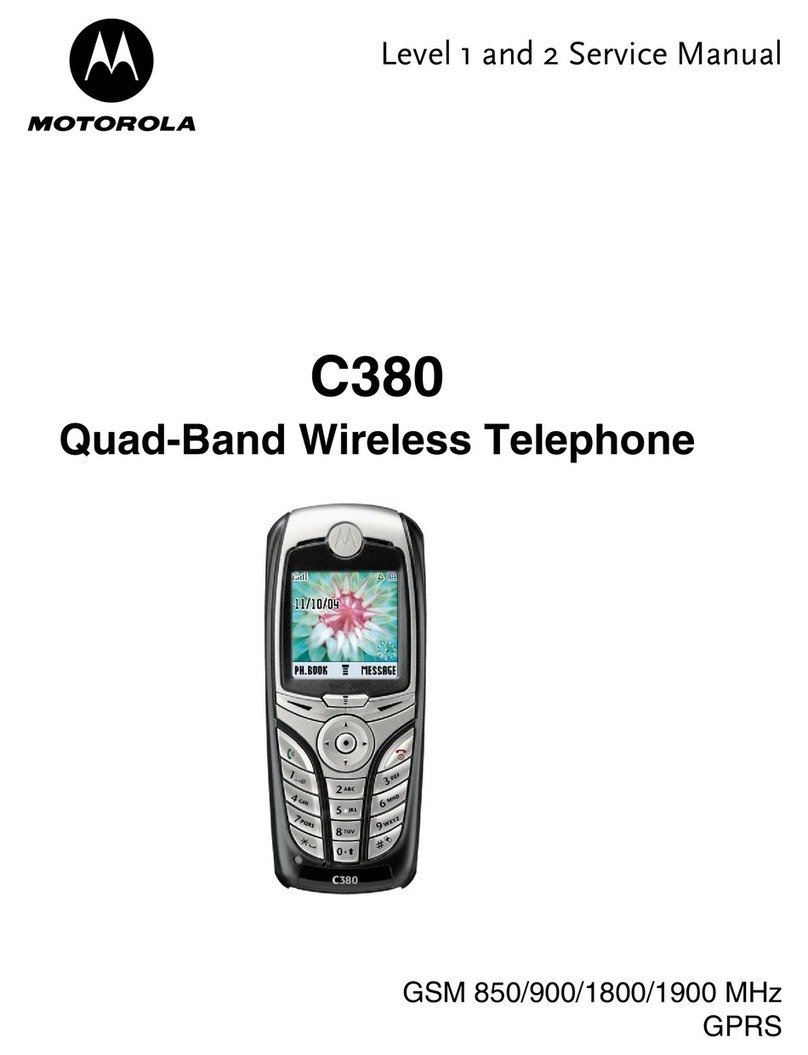
Motorola C380 User manual

Motorola

Motorola C380 User manual
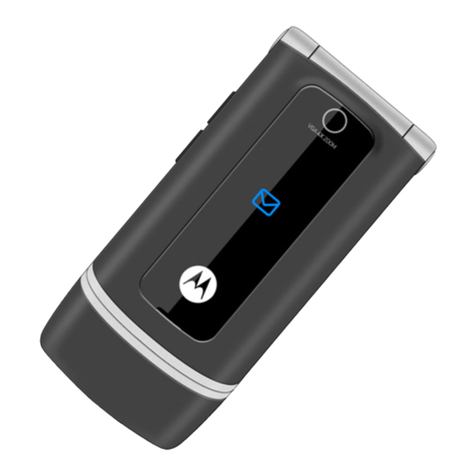
Motorola W375 User manual

Motorola

Motorola W375 User manual
Motorola STAC85 User manual

Motorola

Motorola STAC85 User manual

Motorola iDEN i335 User manual

Motorola

Motorola iDEN i335 User manual
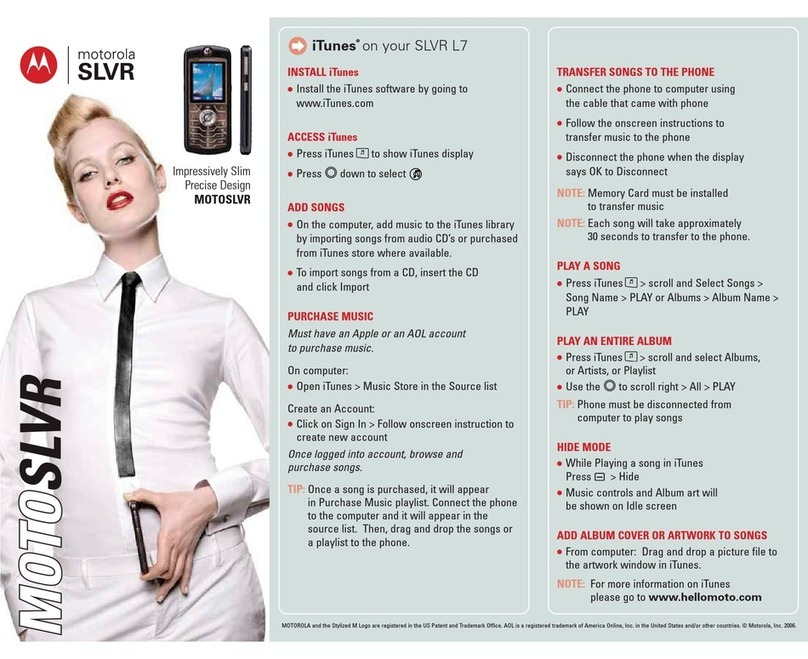
Motorola MOTOSLVR L7 User manual

Motorola

Motorola MOTOSLVR L7 User manual

Motorola W419G MOTOGO Flip Parts list manual

Motorola

Motorola W419G MOTOGO Flip Parts list manual

Motorola moto g72 XT2255-2 User manual
Motorola

Motorola moto g72 XT2255-2 User manual

Motorola LEX L11 User manual

Motorola

Motorola LEX L11 User manual

Motorola Fire XT 530 User manual

Motorola

Motorola Fire XT 530 User manual
Motorola iDEN i99cl User manual

Motorola

Motorola iDEN i99cl User manual
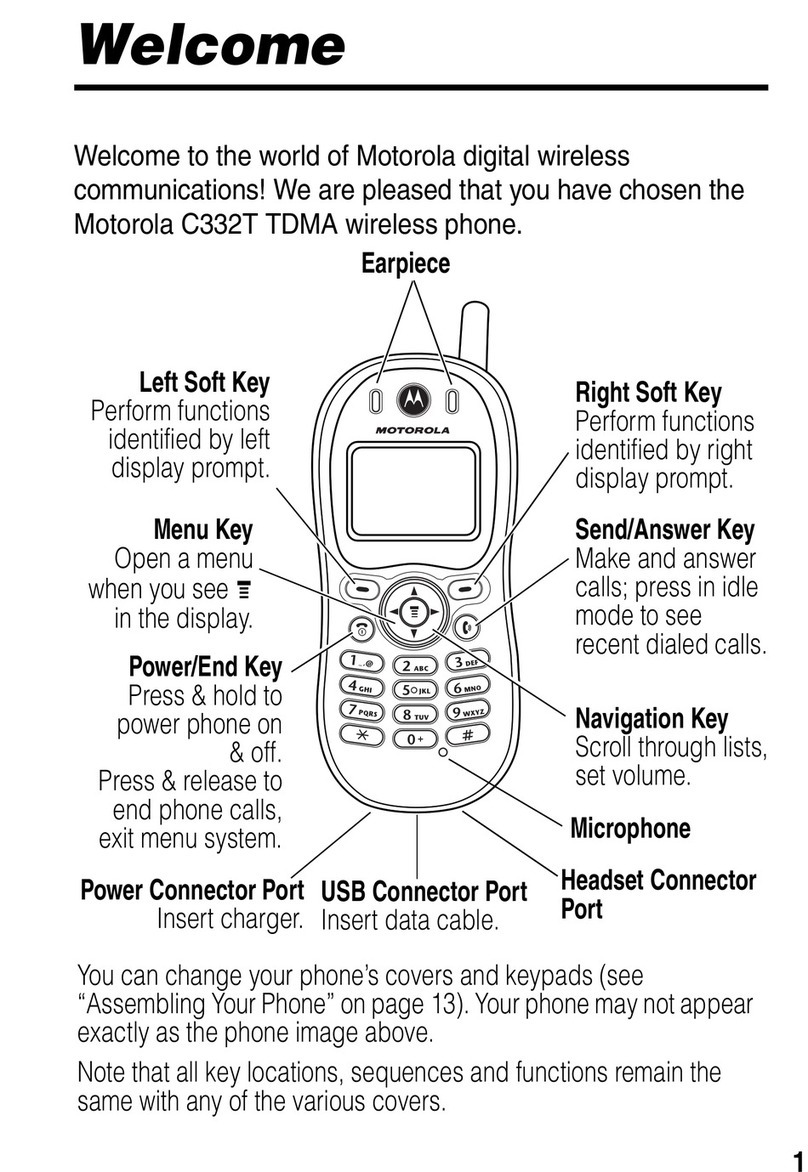
Motorola C332T User manual

Motorola

Motorola C332T User manual
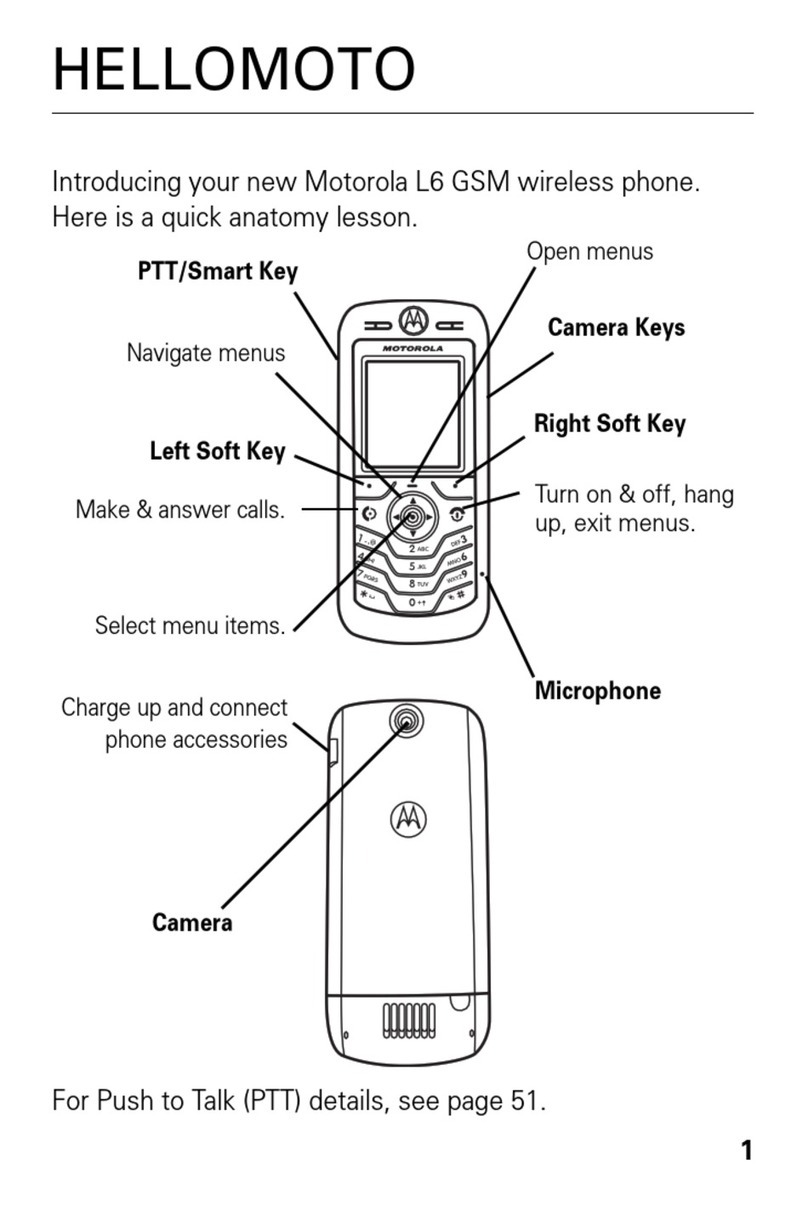
Motorola MOTOSLVR L6 User manual

Motorola

Motorola MOTOSLVR L6 User manual
Motorola G 3rd gen User manual

Motorola

Motorola G 3rd gen User manual
Motorola EX116 User manual

Motorola

Motorola EX116 User manual

Motorola edge20 User manual

Motorola

Motorola edge20 User manual

Motorola W5 10 GSM User manual

Motorola

Motorola W5 10 GSM User manual

Motorola i570 User manual

Motorola

Motorola i570 User manual

Popular Cell Phone manuals by other brands

Gigabyte GSmart t600 null

Gigabyte

Gigabyte GSmart t600 null

Sony Ericsson Z200 null

Sony Ericsson

Sony Ericsson Z200 null

Gigabyte GSmart t600 null

Gigabyte

Gigabyte GSmart t600 null

Gigabyte GSmart t600 null

Gigabyte

Gigabyte GSmart t600 null

Sony Ericsson K700i null

Sony Ericsson

Sony Ericsson K700i null

Zte BLADE A520 quick start guide

Zte

Zte BLADE A520 quick start guide

Nokia Lumia 620 user guide

Nokia

Nokia Lumia 620 user guide

Blackbe;rry KEYone Safety and product information

Blackbe;rry

Blackbe;rry KEYone Safety and product information

Bea-fon X5 Premium quick guide

Bea-fon

Bea-fon X5 Premium quick guide

Blackbe;rry 8707 Series user guide

Blackbe;rry

Blackbe;rry 8707 Series user guide

Blackbe;rry Storm Troubleshooting

Blackbe;rry

Blackbe;rry Storm Troubleshooting

LG LM-X420QN user guide

LG

LG LM-X420QN user guide

LifeWatch V user guide

LifeWatch

LifeWatch V user guide

Bea-fon SILVER LINE SL860 user guide

Bea-fon

Bea-fon SILVER LINE SL860 user guide

IKI Mobile KF4.5i user manual

IKI Mobile

IKI Mobile KF4.5i user manual

Hitech HT-850 user guide

Hitech

Hitech HT-850 user guide

Yezz Fashion F10 user manual

Yezz

Yezz Fashion F10 user manual

Point Mobile PM60 user manual

Point Mobile

Point Mobile PM60 user manual

https://manuals.online logo
https://manuals.online logoBrands
  • About & Mission
  • Contact us
  • Privacy Policy
  • Terms and Conditions

Copyright 2026 Manuals.Online. All Rights Reserved.

Moto C –Insert Sim Card
The following steps contain instructions on how to insert
one or more SIM cards in your Motorola Moto C.
1. Remove the back cover of the Motorola Moto C.
2. Insert the SIM into the SIM slot.
3. Insert the battery.
4. Replace the back cover.
Put in the cards
Your phone might support using two SIM cards. To
insert
your SIM card(s) or an optional microSD memory
card, follow these instructions.
Caution: make sure you use the correct size SIM
cards and don't cut the SIM cards. Don’t use tools
to remove the battery –doing so may damage your
phone.
Put on the cover & power on
Put on the back cover. Charge your phone fully and turn
the power on. Then select your language and follow the
screen prompts to get started.