2
ET 1000
the unit or adjustments to cutting height or
work height may only be performed when
the motor is off/still and the main plug is
disconnected.
nCord Sets - Make sure your cord set is in
good condition. When using a cord set,
be sure to use a cord that is heavy
enough to carry the current that your unit
wilI draw. An undersized cord set will
cause a drop in line voltage resulting in
power and overheating.
nThe table (below) shows the correct size
to use depending on the cord length and
nameplate amperage rating. If in doubt,
use the next heavier size Iine gauge. The
smaller the gauge number, the heavier the
cord.
nFor safety reasons, the socket used to
power the unit should be backed up by a
residual current-operated (FI)
circuitbreaker which can be tripped by a
max. current of 30mA.
nA fatal injury could occur if you sever the
mains cable while mowing is taking place.
Slowly step away from the unit. Pull the
plug out of the mains socket.
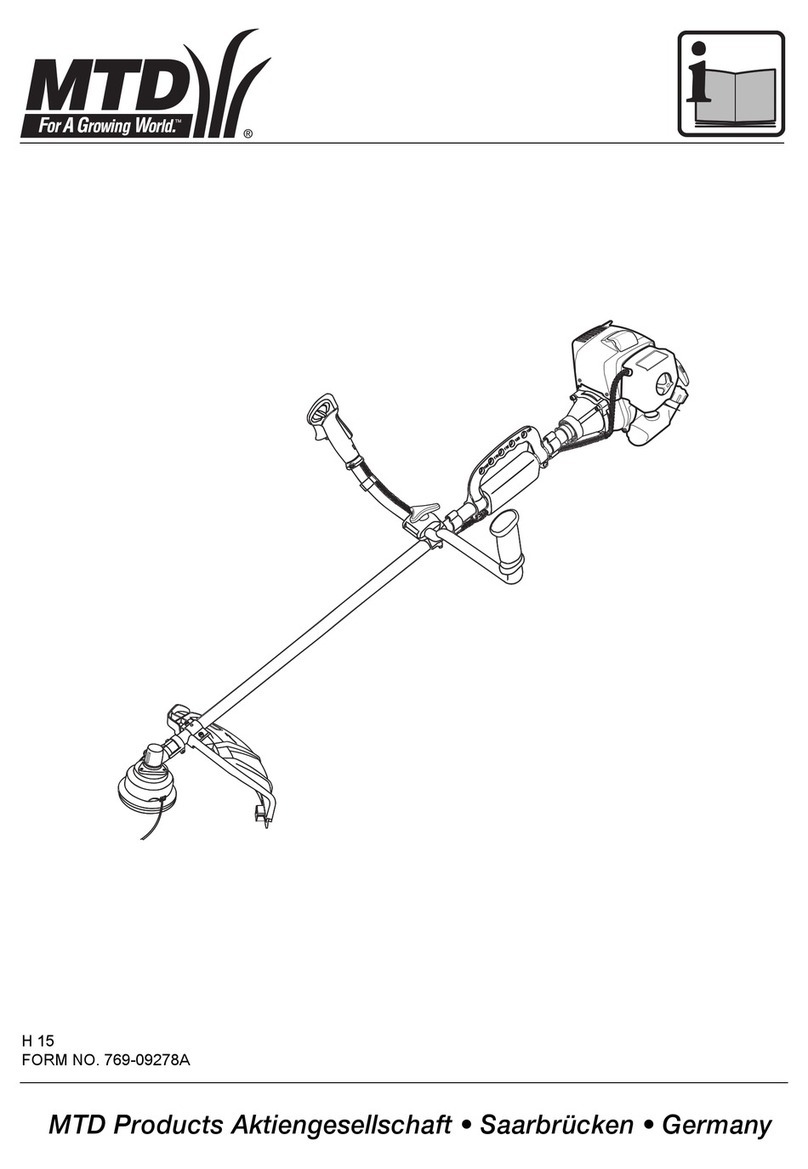
3. ASSEMBLY INSTRUCTIONS
HANDLE
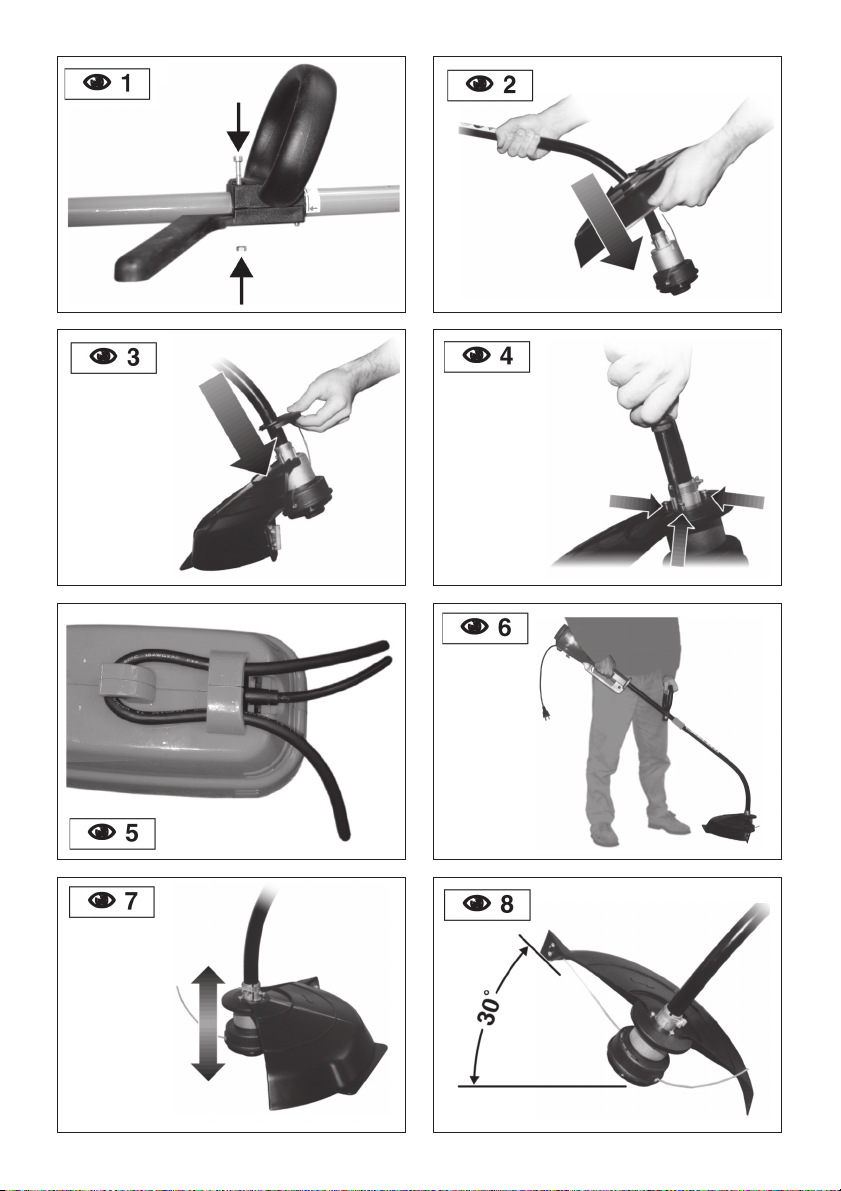
nPush the handle down onto the boom
(NFIG. 1).
nInstall and tighten the bolts and nuts.
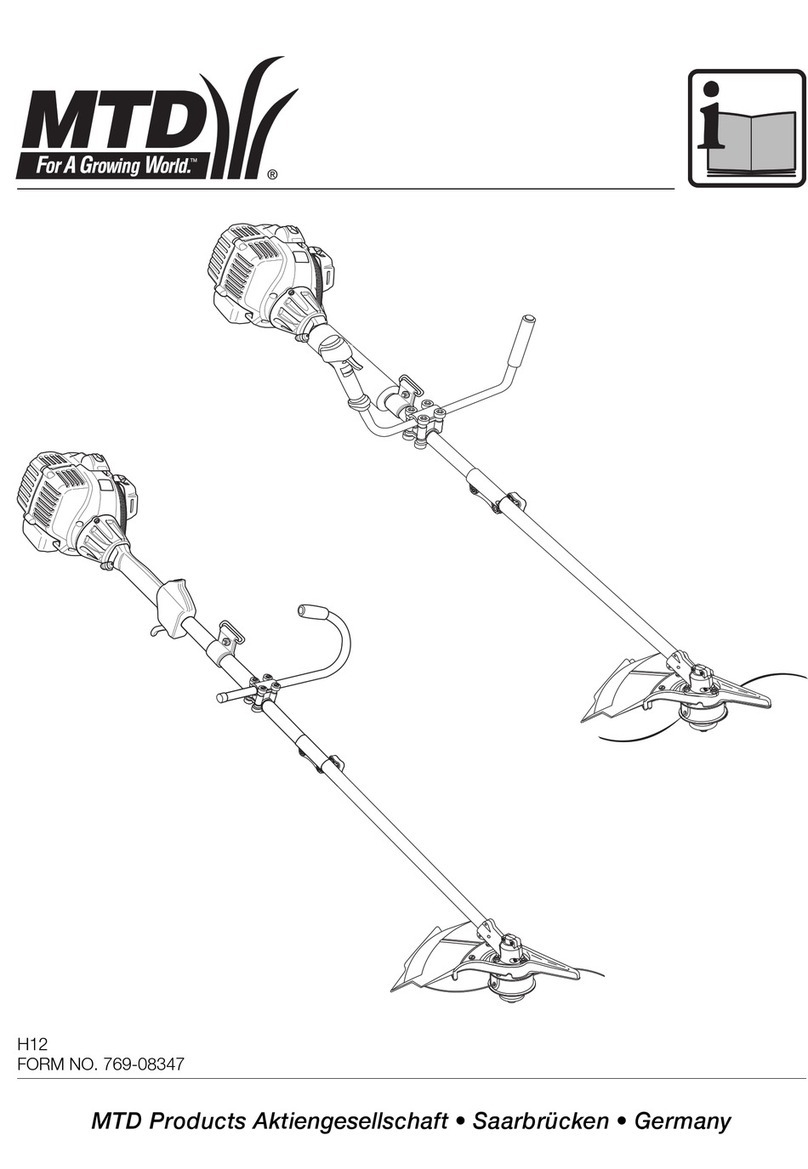
STRING GUARD
nPlace the string guard onto the boom
above the clamp assembly (NFIG. 2).
nFit the safety protection onto the bar
above the coupling joint in the direction of
the motor (NFIG. 3)
nSee (NFIG. 4) for putting the safety
protection extension into position.
OPERATING CLICK-LINK® SYSTEM
NOTE: To make installing or removing the
add-on easier, place the unit on the ground
or on a work bench.
Removing the Cutting Attachment or
Add-Ons:
nTurn the knob counterclockwise to loosen
(NFIG. 18).
nPress and hold the release button (N
FIG. 18).
nWhile firmly holding the upper shaft tube,
pull the cutting attachment or add-on
straight out of the Click-Link ®coupler
(NFIG. 19).
Installing the Cutting Attachment or
Add-Ons:
nTurn knob counterclockwise to loosen
(NFIG. 18).
nWhile firmly holding the add-on, push it
straight into the Click-Link ®coupler (N
FIG. 19).
NOTE: Aligning the release button with the
guide recess will help installation (NFIG.
19).
nFOR BASIC TRIMMING OR FOR MOST
ADD-ONS - Locate and lock the release
button into the Primary hole (NFIG. 19).
nTurn the knob clockwise to tighten (N
FIG. 20). Ensure it is tight before operating
the unit.
4. OPERATING INSTRUCTIONS
CONNECTING THE CORD
To prevent disconnection when you
connect the extension cord to the power
cord, use the cord hook (NFIG. 5), or tie
the cords in a knot.
STARTING / STOPPING
nPress control switch to switch on the
appliance, release to switch off.
HOLDING THE TRIMMER
nHold the trimmer as shown FIG. 6
ADJUSTING LINE LENGTH
The trimmer has a bump (cutting) head,
which releases more trimming line without
stopping the motor.
nWhen the cord starts to get a bit short,
knock the cutting head on the bare
ground or on hard ground to make the
appliance work at top speed. Repeat the
process as often as necessary (NFIG.
7).
DECORATIVE TRIMMING
Use a 30-degree angle to remove all
vegetation around trees, posts, fences (N
FIG. 8).
EDGING
When edging, let the tip of the trimming line
do the work (NFIG. 9)
TRIMMING TIPS
(NFIG. 9)
1. The cutting head will be at the correct
angle by holding it parallel to the ground.
2. DO NOT FORCE THE UNIT.
3. Cut to your left for best cutting, and to
throw the clippings away from the
operator.
4. Move the trimmer slowly in and out of
the area being cut, using a forward-
backward or side-to-side motion.
Maintain top speed for best cutting.
5. Trim only when grass and weeds are
dry.
6. The life of your cutting line depends on
your trimming techniques, what is being
cut, and where the cutting is being
done. Some line breakage will occur
from:
et1000_mtd_ing.p65 17/03/03, 10:522