manuals.online logo
Brands
  1. Home
  2. •
  3. Brands
  4. •
  5. MULTISPAN
  6. •
  7. Measuring Instrument
  8. •
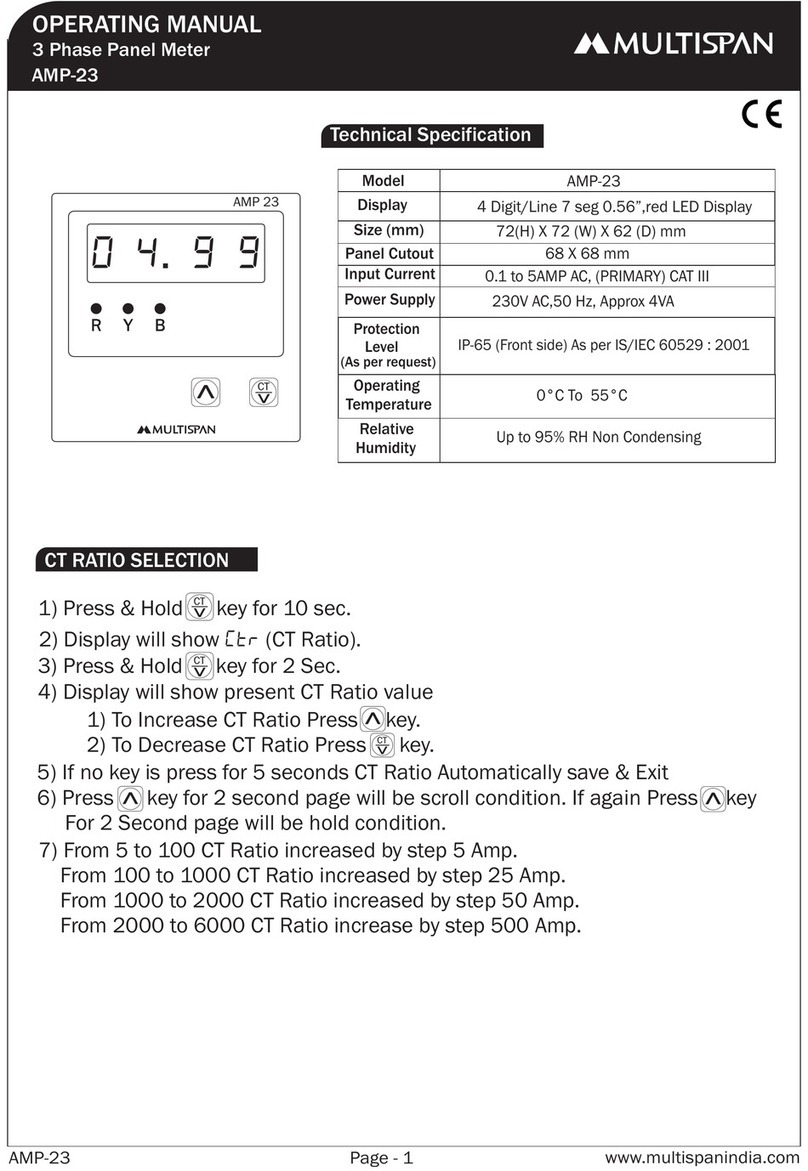
  9. MULTISPAN AMP 23 User manual

MULTISPAN AMP 23 User manual

Other MULTISPAN Measuring Instrument manuals

MULTISPAN MFM 14DC-M1 User manual

MULTISPAN

MULTISPAN MFM 14DC-M1 User manual

MULTISPAN AVH-14 User manual

MULTISPAN

MULTISPAN AVH-14 User manual

MULTISPAN AMP-19N User manual

MULTISPAN

MULTISPAN AMP-19N User manual

MULTISPAN AV-14DA User manual

MULTISPAN

MULTISPAN AV-14DA User manual

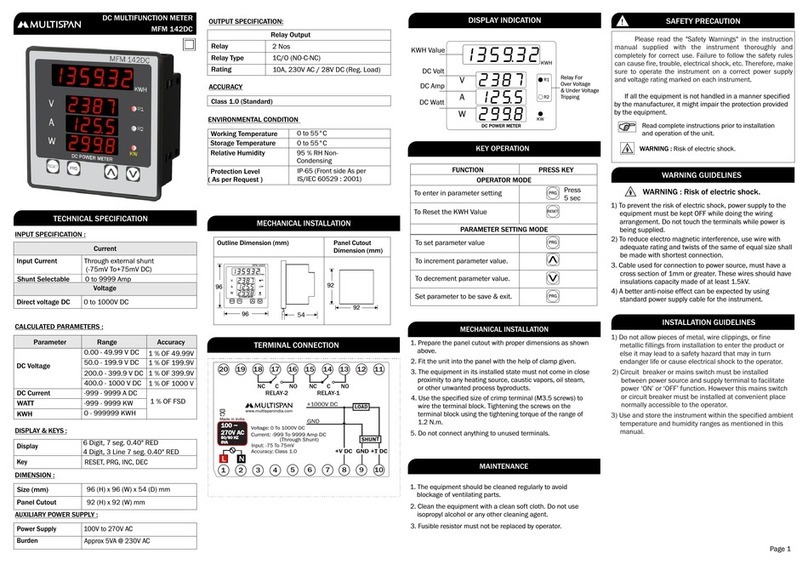
MULTISPAN MFM 14DC User manual

MULTISPAN

MULTISPAN MFM 14DC User manual

MULTISPAN LC-3006 User manual

MULTISPAN

MULTISPAN LC-3006 User manual

MULTISPAN PI-54 User manual

MULTISPAN

MULTISPAN PI-54 User manual

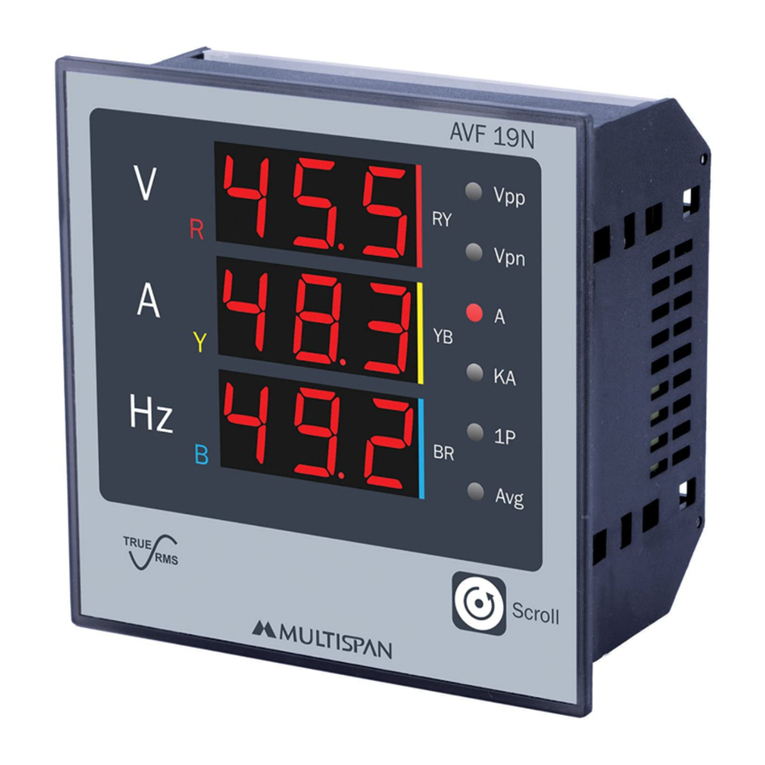
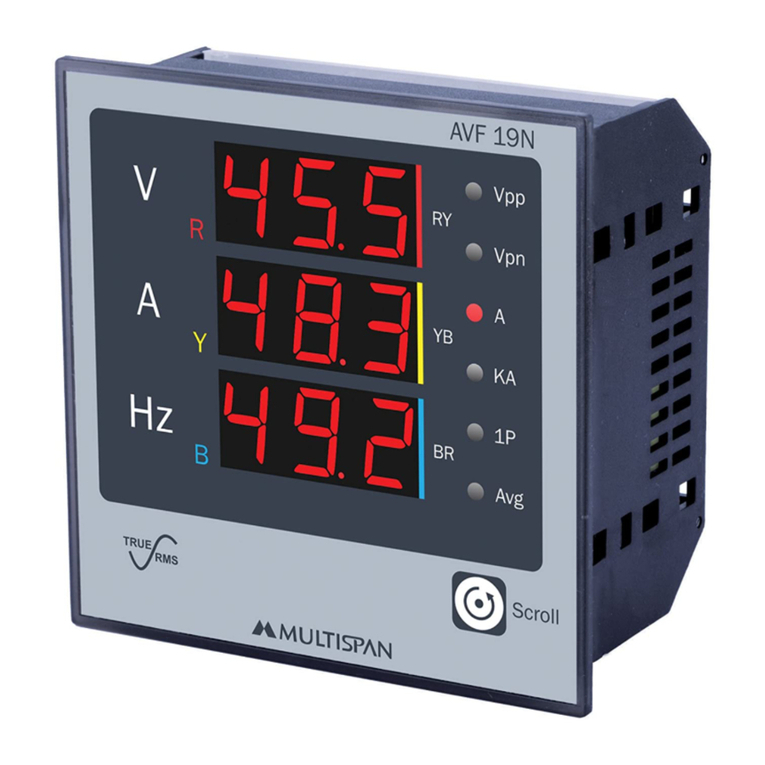
MULTISPAN AVF-19N User manual

MULTISPAN

MULTISPAN AVF-19N User manual

MULTISPAN MFM13 User manual

MULTISPAN

MULTISPAN MFM13 User manual

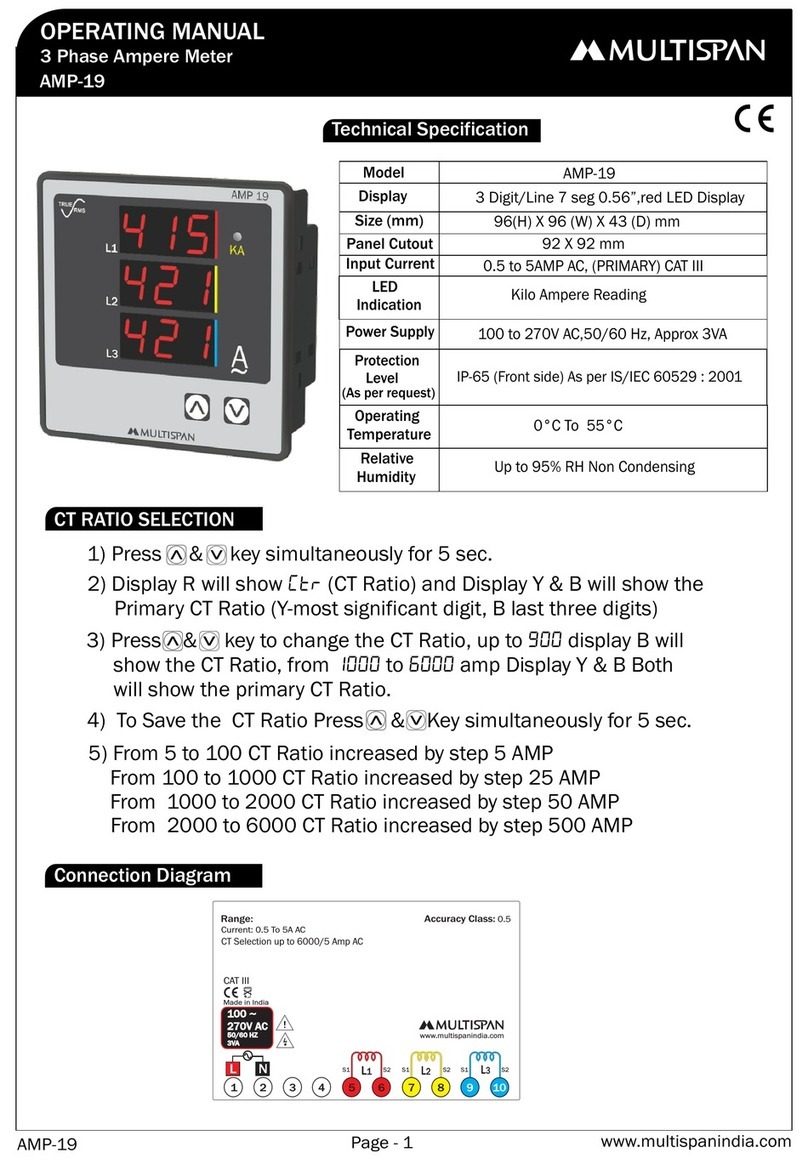
MULTISPAN AMP-19 User manual

MULTISPAN

MULTISPAN AMP-19 User manual

MULTISPAN PIC-38 User manual

MULTISPAN

MULTISPAN PIC-38 User manual

MULTISPAN AVF-133 User manual

MULTISPAN

MULTISPAN AVF-133 User manual

MULTISPAN VOLT-19N User manual

MULTISPAN

MULTISPAN VOLT-19N User manual

MULTISPAN AVH-133 Manual User manual

MULTISPAN

MULTISPAN AVH-133 Manual User manual

MULTISPAN AVH-14N User manual

MULTISPAN

MULTISPAN AVH-14N User manual

MULTISPAN AVH 14N-M1 User manual

MULTISPAN

MULTISPAN AVH 14N-M1 User manual

MULTISPAN AV-41CT User manual

MULTISPAN

MULTISPAN AV-41CT User manual

MULTISPAN MPD-19N User manual

MULTISPAN

MULTISPAN MPD-19N User manual

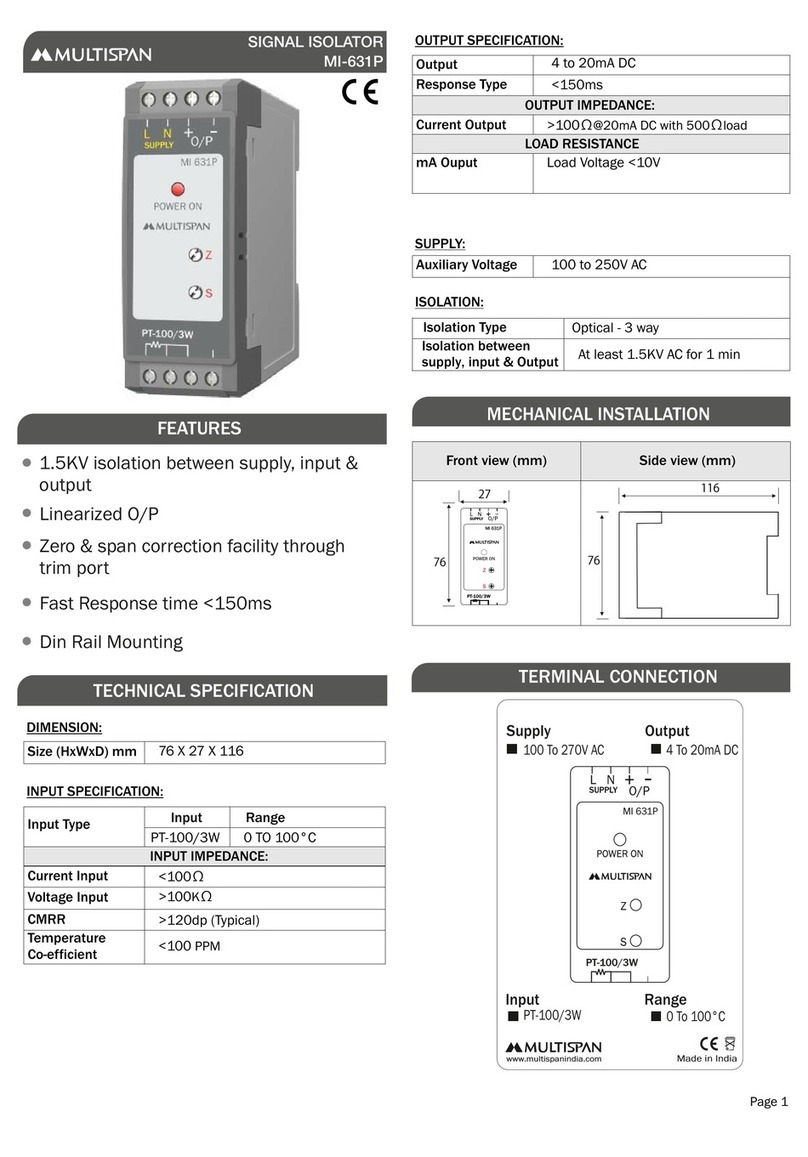
MULTISPAN MI-631P User manual

MULTISPAN

MULTISPAN MI-631P User manual

MULTISPAN DSM-14N User manual

MULTISPAN

MULTISPAN DSM-14N User manual

MULTISPAN MFM-13 User manual

MULTISPAN

MULTISPAN MFM-13 User manual

MULTISPAN MFM 14DC User manual

MULTISPAN

MULTISPAN MFM 14DC User manual

MULTISPAN AVF-19N User manual

MULTISPAN

MULTISPAN AVF-19N User manual

MULTISPAN AV-11V User manual

MULTISPAN

MULTISPAN AV-11V User manual

Popular Measuring Instrument manuals by other brands

Powerfix Profi 278296 Operation and safety notes

Powerfix Profi

Powerfix Profi 278296 Operation and safety notes

Test Equipment Depot GVT-427B user manual

Test Equipment Depot

Test Equipment Depot GVT-427B user manual

Fieldpiece ACH Operator's manual

Fieldpiece

Fieldpiece ACH Operator's manual

FLYSURFER VIRON3 user manual

FLYSURFER

FLYSURFER VIRON3 user manual

GMW TG uni 1 operating manual

GMW

GMW TG uni 1 operating manual

Downeaster Wind & Weather Medallion Series instruction manual

Downeaster

Downeaster Wind & Weather Medallion Series instruction manual

Hanna Instruments HI96725C instruction manual

Hanna Instruments

Hanna Instruments HI96725C instruction manual

Nokeval KMR260 quick guide

Nokeval

Nokeval KMR260 quick guide

HOKUYO AUTOMATIC UBG-05LN instruction manual

HOKUYO AUTOMATIC

HOKUYO AUTOMATIC UBG-05LN instruction manual

Fluke 96000 Series Operator's manual

Fluke

Fluke 96000 Series Operator's manual

Test Products International SP565 user manual

Test Products International

Test Products International SP565 user manual

General Sleep Zmachine Insight+ DT-200 Service manual

General Sleep

General Sleep Zmachine Insight+ DT-200 Service manual

Sensa Core Lacto Spark user manual

Sensa Core

Sensa Core Lacto Spark user manual

VOLTCRAFT UTS-1980 operating instructions

VOLTCRAFT

VOLTCRAFT UTS-1980 operating instructions

EBCHQ 94915 Operation manual

EBCHQ

EBCHQ 94915 Operation manual

Balluff BIP LD2-T017-01-EP-S4 Series user guide

Balluff

Balluff BIP LD2-T017-01-EP-S4 Series user guide

Pulsar IMP Lite Series instruction manual

Pulsar

Pulsar IMP Lite Series instruction manual

ETCR 6800 user manual

ETCR

ETCR 6800 user manual

manuals.online logo
manuals.online logoBrands
  • About & Mission
  • Contact us
  • Privacy Policy
  • Terms and Conditions

Copyright 2025 Manuals.Online. All Rights Reserved.

DISPLAY PAGE
1) Voltage L1-L2
2) Voltage L2-L3
3) Voltage L3-L1
4) Frequency
125
L1 AVG
AVG
AVG
AVG
L2 L3
130
L1 L2 L3
128
L1 L2 L3
L1 L2 L3
127
AMP 23
INPUT SPECIFICATION :
DISPLAY AND KEY :
AUXILIARY SUPPLY :
Dimension :
Direct Current AC
Accuracy
3 PHASE AMPERE METER
0.1Amp to 5 Amp AC
Display
Supply voltage
Dimension (mm)
Keys
Power consumption
(VA RATING)
4 digit, 1line, 7 seg, 0.56” RED LED
72 (H) x 72 (W) x 45 (D) mm
SET/ENT, INC, DEC
ENVIRONMENT CONDITION :
Relative Humidity
Protection Level
(As per request)
Operating Temp. 0°C to 55°C
UP to 95% RH
(non-condensing)
IP-65 (Front side) As per IS/IEC
60529 : 2001
100-270V AC 50/60HZ 3VA
TECHNICAL SPECIFICATION
MECHANICAL INSTALLATION
TERMINAL CONNECTION
Class 0.5 (Standard)
ACCURACY
Panel Cutout 68 (H) x 68 (W) mm
Class 0.5
Primary CT 5 to 9999 Amp (Selectable)
Secondary CT 5 or 1 Amp (Selectable)
LED Indication
72
68
68
72
Outline Dimension (mm) Panel Cutout
Dimension (mm)
45
3
3 VA
1) L1 Current
2) L2 Current
3) L3 Current
Class 0.5 (Standard)
Outline Dimension (mm) Panel Cutout
Dimension (mm)
4) Average Current
L1, L2, L3, Avg
S1 S1 S1 S2S2S2
L1 L2 L3
Accuracy Class: 0.5
Range:
Current: 0.1Amp To 5.00A AC
CT Primary Selection up to 9999A AC
CT Secondary Selection by 5A/1A AC
www.multispanindia.com
17
23456
LN
14 8
13 12 11 10 9
!
Made in India
100
270V AC
~
50/60 Hz
3VA
CAT III
AMP 23-A2-00
3.105
KEY OPERATION
To enter in parameter setting
To view individual phase Current
To Scroll & Hold Page
PRESS KEYFUNCTION
OPERATOR MODE
PARAMETER SETTING MODE
It is used to set parameter value
and to be save & exit from menu
To increment value in parameter
setting
To decrement value in parameter
setting
For 5 sec
SET
OR
Read complete instructions prior to installation
and operation of the unit.
WARNING : Risk of electric shock.
SAFETY PRECAUTION
!
All safety related codifications, symbols and instructions
that appear in this operating manual or on the equipment
must be strictly followed to ensure the safety of the operating
personnel as well as the instrument.
If all the equipment is not handled in a manner specified
by the manufacturer, it might impair the protection provided
by the equipment.
WARNING GUIDELINES
WARNING : Risk of electric shock.
1) To prevent the risk of electric shock, power supply to the
equipment must be kept OFF while doing the wiring
arrangement. Do not touch the terminals while power is
being supplied.
2) To reduce electro magnetic interference, use wire with
adequate rating and twists of the same of equal size shall
be made with shortest connection.
3. Cable used for connection to power source, must have a
cross section of 1mm or greater. These wires should have
insulations capacity made of at least 1.5kV.
4) A better anti-noise effect can be expected by using
standard power supply cable for the instrument.
1) Do not allow pieces of metal, wire clippings, or fine
metallic fillings from installation to enter the product or
else it may lead to a safety hazard that may in turn
endanger life or cause electrical shock to the operator.
2) Circuit breaker or mains switch must be installed
between power source and supply terminal to facilitate
power ‘ON’ or ‘OFF’ function. However this mains switch
or circuit breaker must be installed at convenient place
normally accessible to the operator.
INSTALLATION GUIDELINES
3) Use and store the instrument within the specified ambient
temperature and humidity ranges as mentioned in this
manual.
1) The equipment should be cleaned regularly to avoid
blockage of ventilating parts.
2) Clean the equipment with a clean soft cloth. Do not
use isopropyl alcohol or any other cleaning agent.
MAINTENANCE
3) Fusible resistor must not be replaced by operator.
+
ENT
SET
ENT
SET
ENT
1. Prepare the panel cutout with proper dimensions as
shown bove.
2. Fit the unit into the panel with the help of clamp given.
3. The equipment in its installed state must not come in
close proximity to any heating source, caustic vapors, oil
steam, or other unwanted process byproducts.
4. Use the specified size of crimp terminal (M3.5 screws) to
wire the terminal block. Tightening the screws on the
terminal block using the tightening torque of the range of
1.2 N.m.
5. Do not connect anything to unused terminals.
MECHANICAL INSTALLATION
PARAMETER SETTING
PRESS KEYFUNCTION
OPERATOR MODE
PARAMETER SETTING MODE
It is used to set parameter value
and to be save & exit from menu
To increment value in parameter
setting
To decrement value in parameter
setting
SET
!
+
ENT
SET
ENT
SET
ENT
Password
(CT Primary Current )
(CT Primary current value)
(CT Secondary Current )
pasS
19
Pr1
280 (5 - 9999 Amp )
(CT Secondary Current Value)
Press key for save & exit
SET
Press key
SEC
Press key for 5 sec
Enter Password 19
(5 Amp or 1 Amp )
210
pasS
19
Pr1
5
SET
SEC
Press key for 5 sec
Enter Password 19
5
Change by &
Change by &
Change by &
For 5 sec
Press key
Press key
Press key
Press key
Specifications are subject to change, since development is a continuous process,
So for more updated operating information and Support,
Please contact our Helpline: +91-9081078683/81 or

Email at Ver:2301[email protected]