manuals.online logo
Brands
  1. Home
  2. •
  3. Brands
  4. •
  5. MULTISPAN
  6. •
  7. Timer
  8. •
  9. MULTISPAN UTR-413 User manual

MULTISPAN UTR-413 User manual

Other MULTISPAN Timer manuals

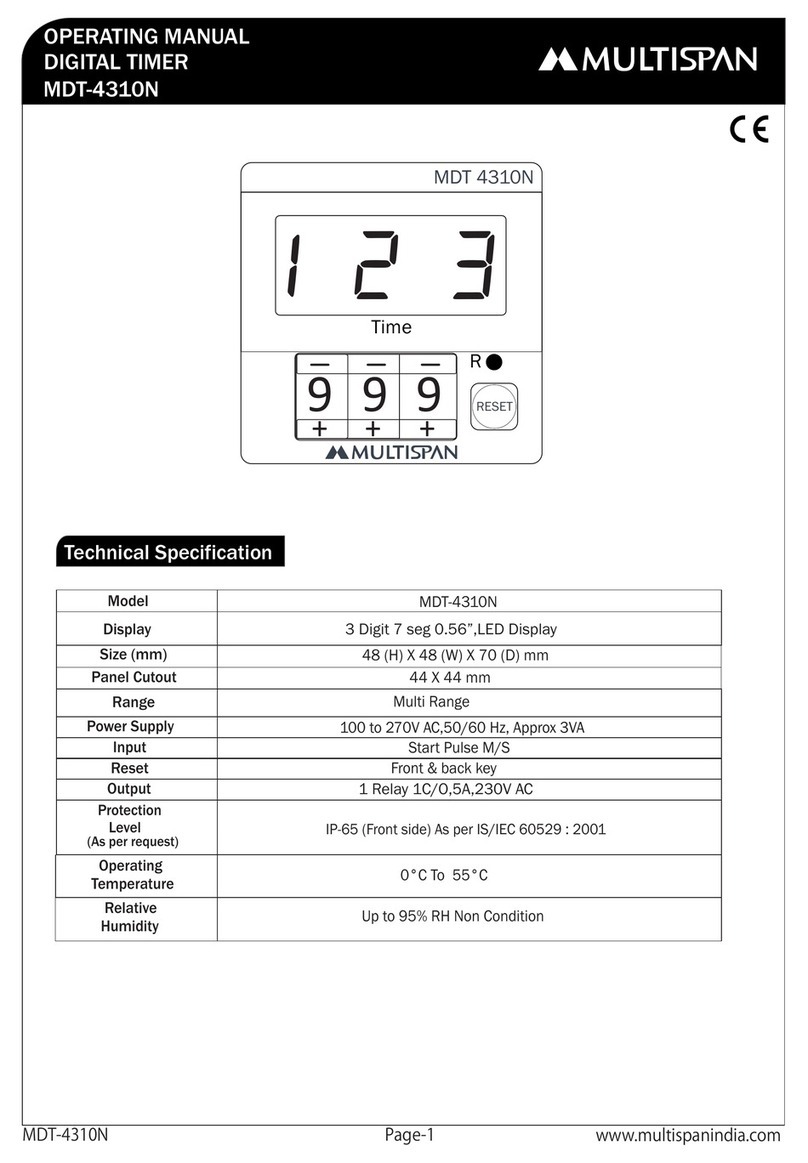
MULTISPAN MDT-4310N User manual

MULTISPAN

MULTISPAN MDT-4310N User manual

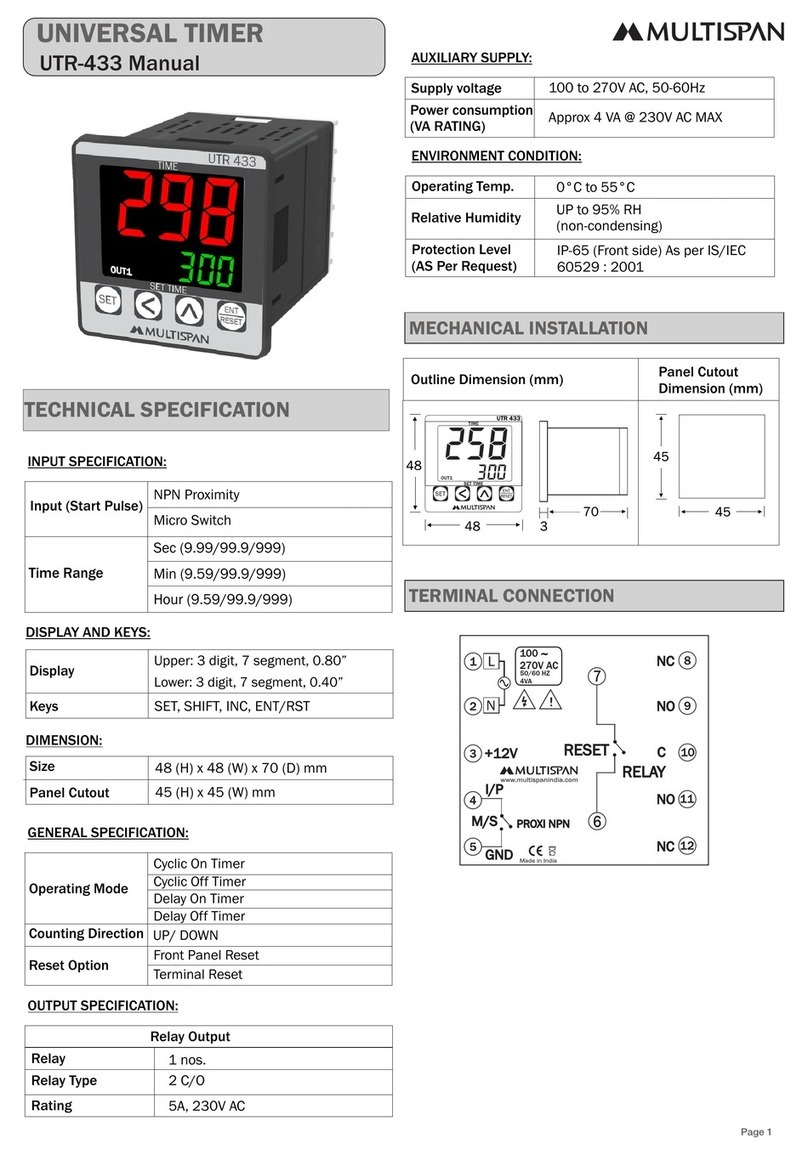
MULTISPAN UTR-433 User manual

MULTISPAN

MULTISPAN UTR-433 User manual

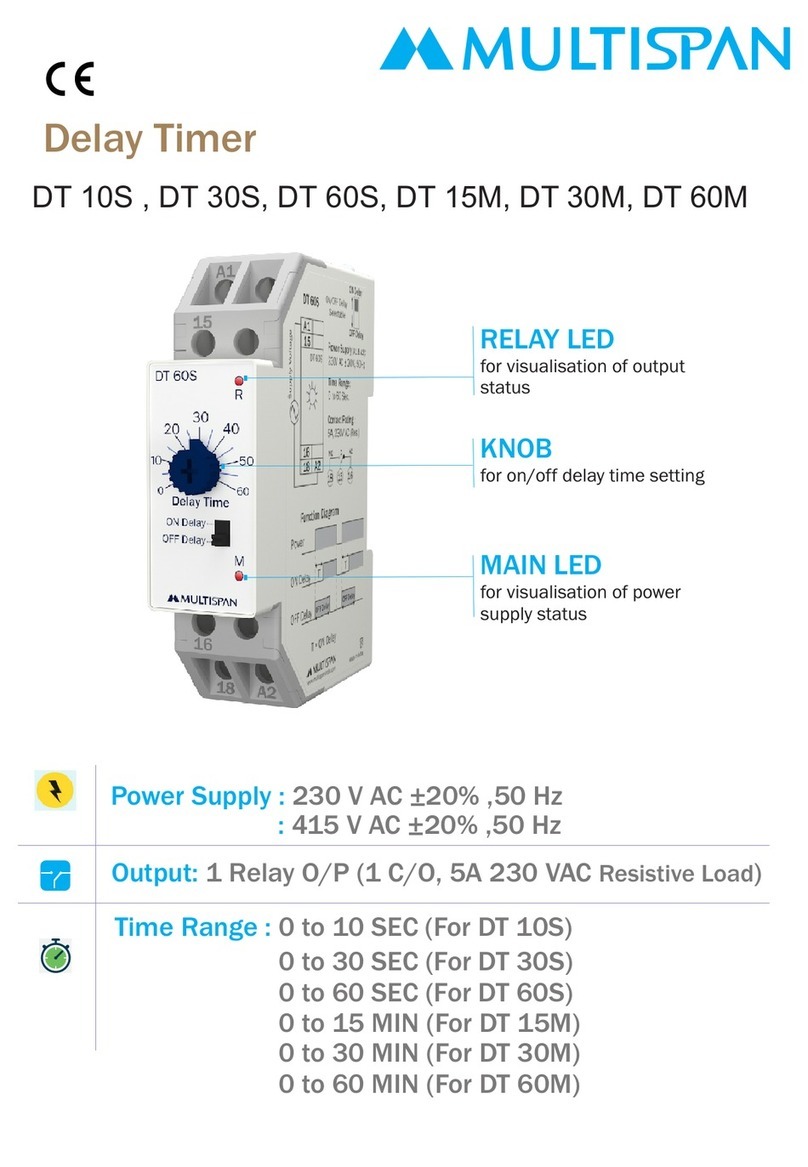
MULTISPAN DT 10S User manual

MULTISPAN

MULTISPAN DT 10S User manual

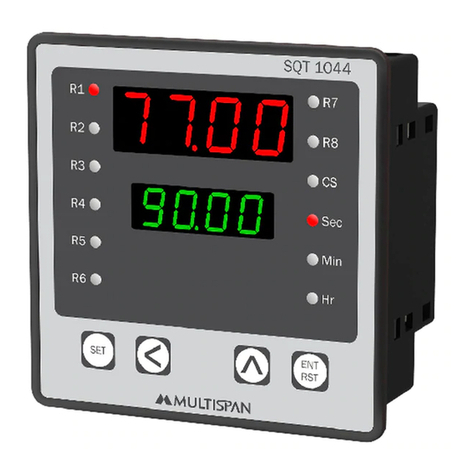
MULTISPAN SQT 1044 User manual

MULTISPAN

MULTISPAN SQT 1044 User manual

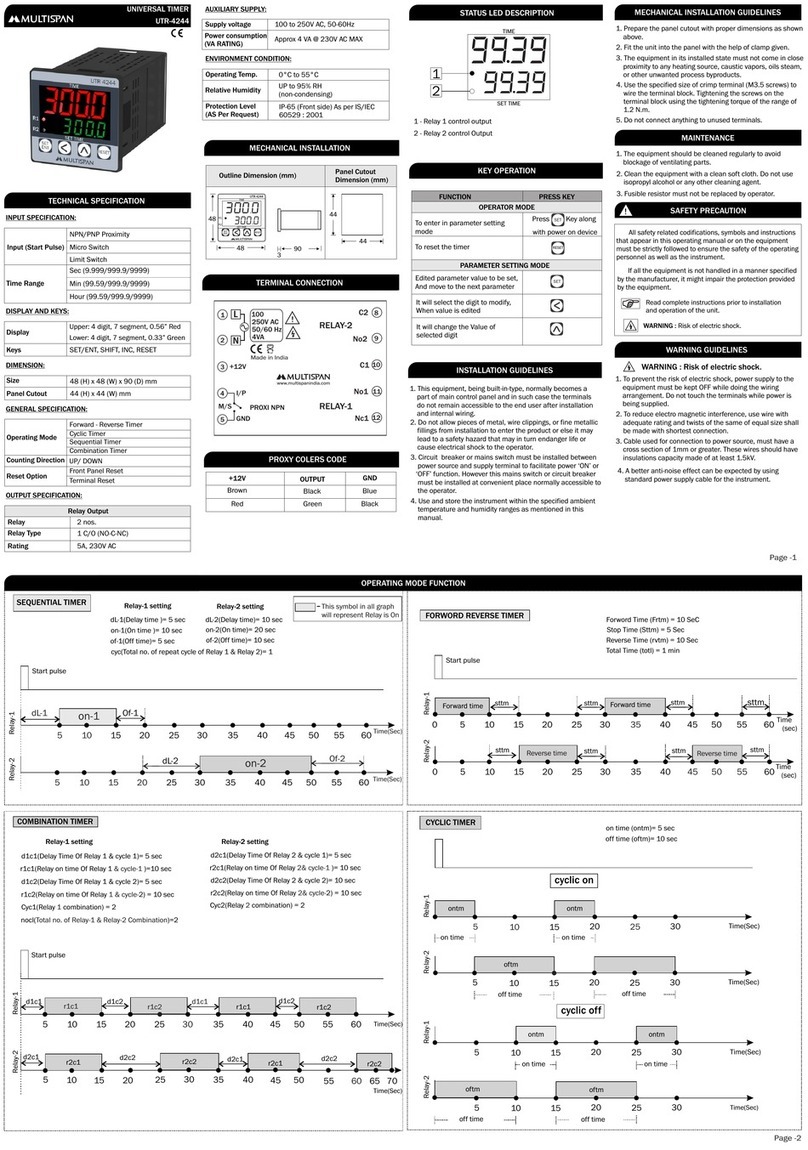
MULTISPAN UTR-4244 User manual

MULTISPAN

MULTISPAN UTR-4244 User manual

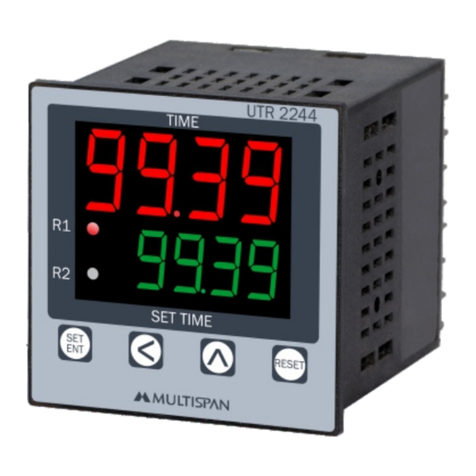
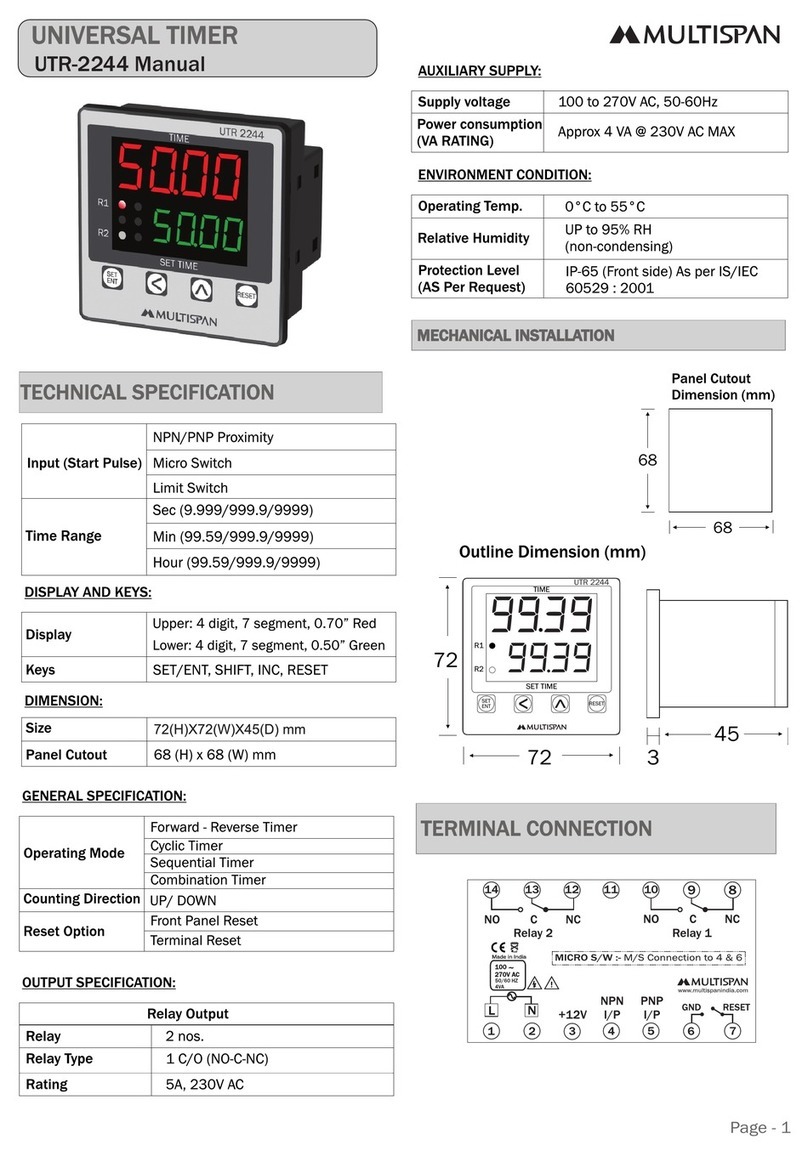
MULTISPAN UTR-2244 User manual

MULTISPAN

MULTISPAN UTR-2244 User manual

MULTISPAN DI-22U User manual

MULTISPAN

MULTISPAN DI-22U User manual

MULTISPAN DIN-63 User manual

MULTISPAN

MULTISPAN DIN-63 User manual

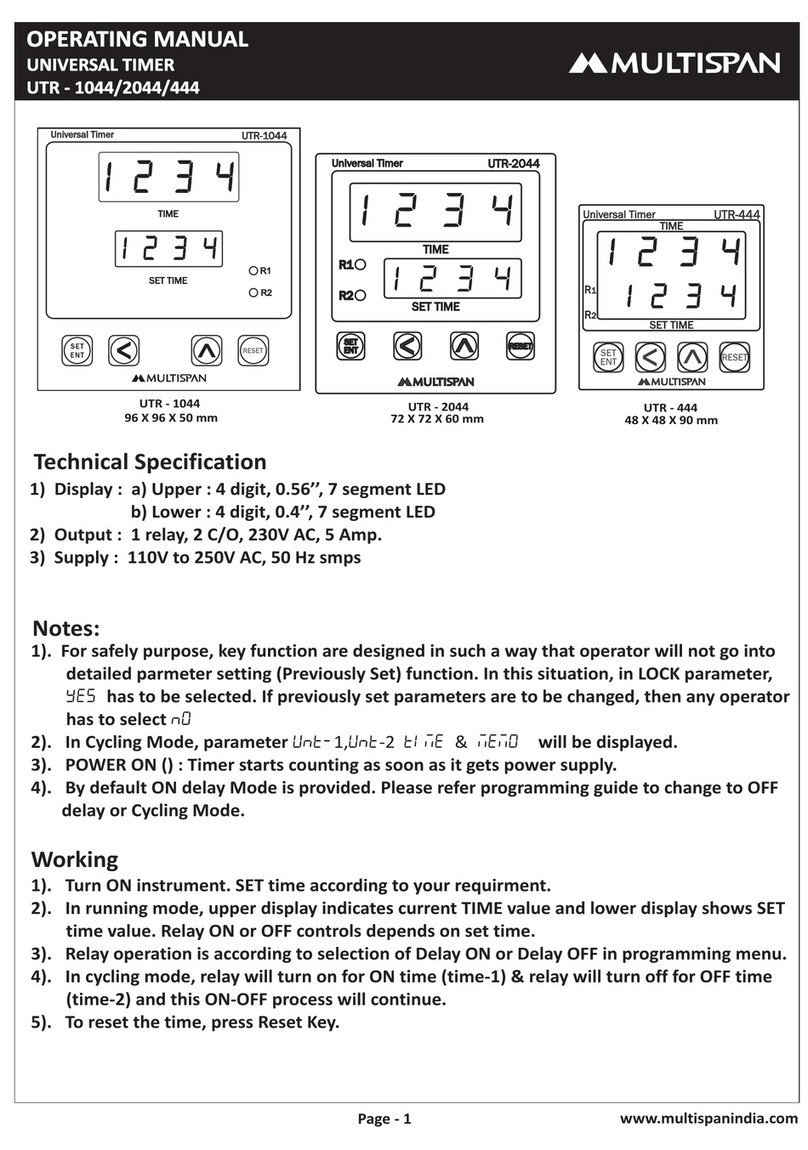
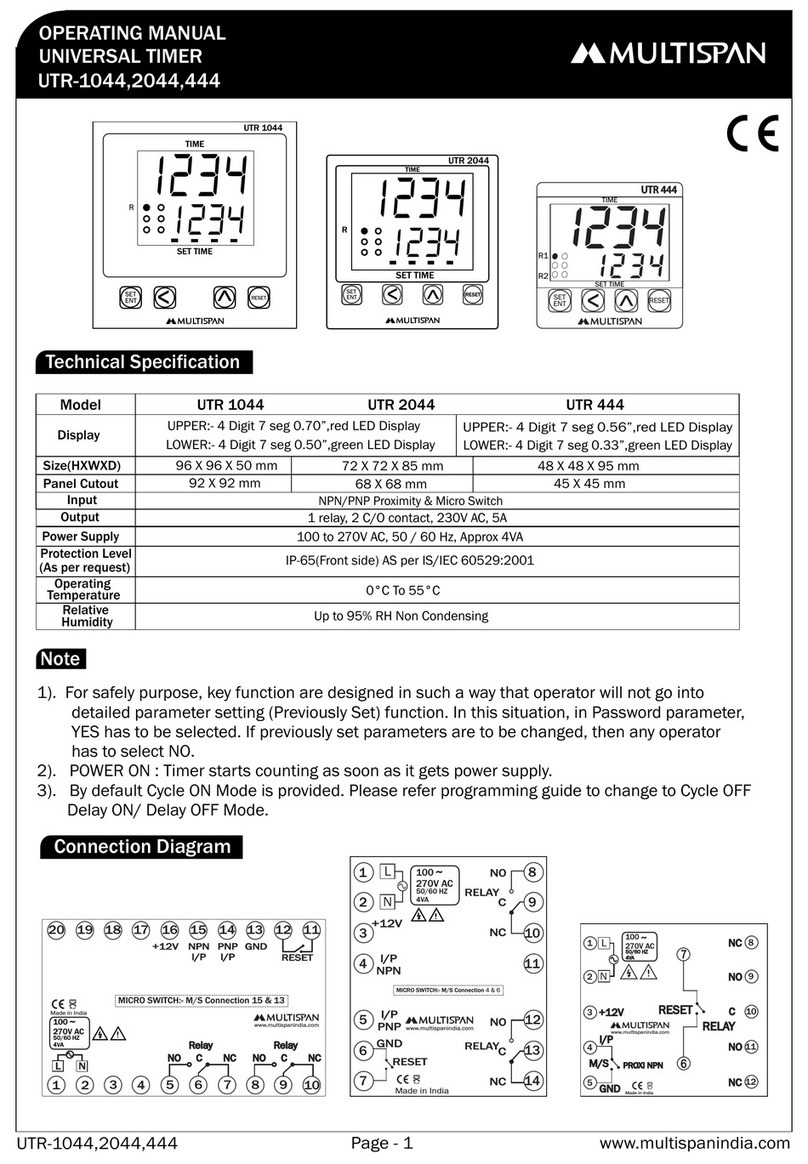
MULTISPAN UTR-1044 User manual

MULTISPAN

MULTISPAN UTR-1044 User manual

MULTISPAN UTR-2033 User manual

MULTISPAN

MULTISPAN UTR-2033 User manual

MULTISPAN UTR 1044 User manual

MULTISPAN

MULTISPAN UTR 1044 User manual

MULTISPAN UTR - 1044 User manual

MULTISPAN

MULTISPAN UTR - 1044 User manual

MULTISPAN SQT-1044 User manual

MULTISPAN

MULTISPAN SQT-1044 User manual

MULTISPAN CYL-22 Instruction sheet

MULTISPAN

MULTISPAN CYL-22 Instruction sheet

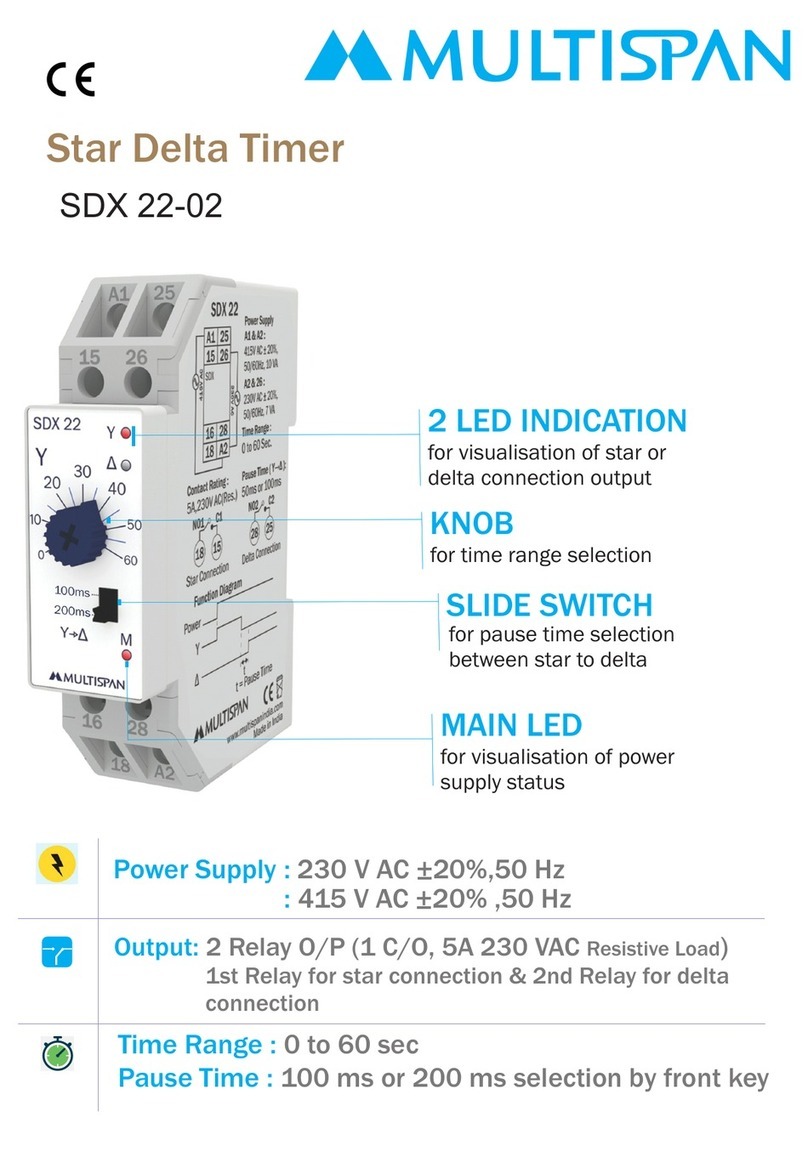
MULTISPAN SDX 22-02 User manual

MULTISPAN

MULTISPAN SDX 22-02 User manual

MULTISPAN CYL-22U User manual

MULTISPAN

MULTISPAN CYL-22U User manual

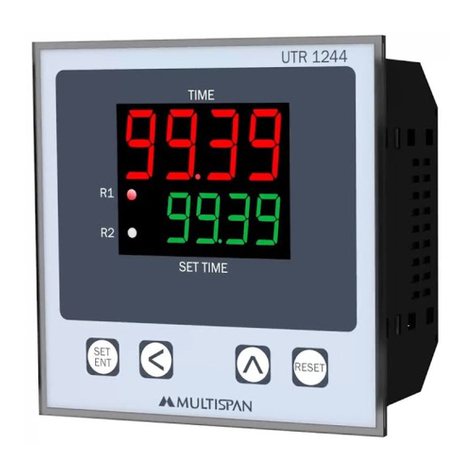
MULTISPAN UTR-1244 User manual

MULTISPAN

MULTISPAN UTR-1244 User manual

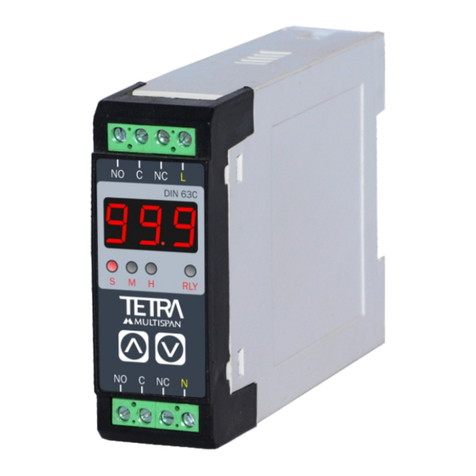
MULTISPAN DIN-63C User manual

MULTISPAN

MULTISPAN DIN-63C User manual

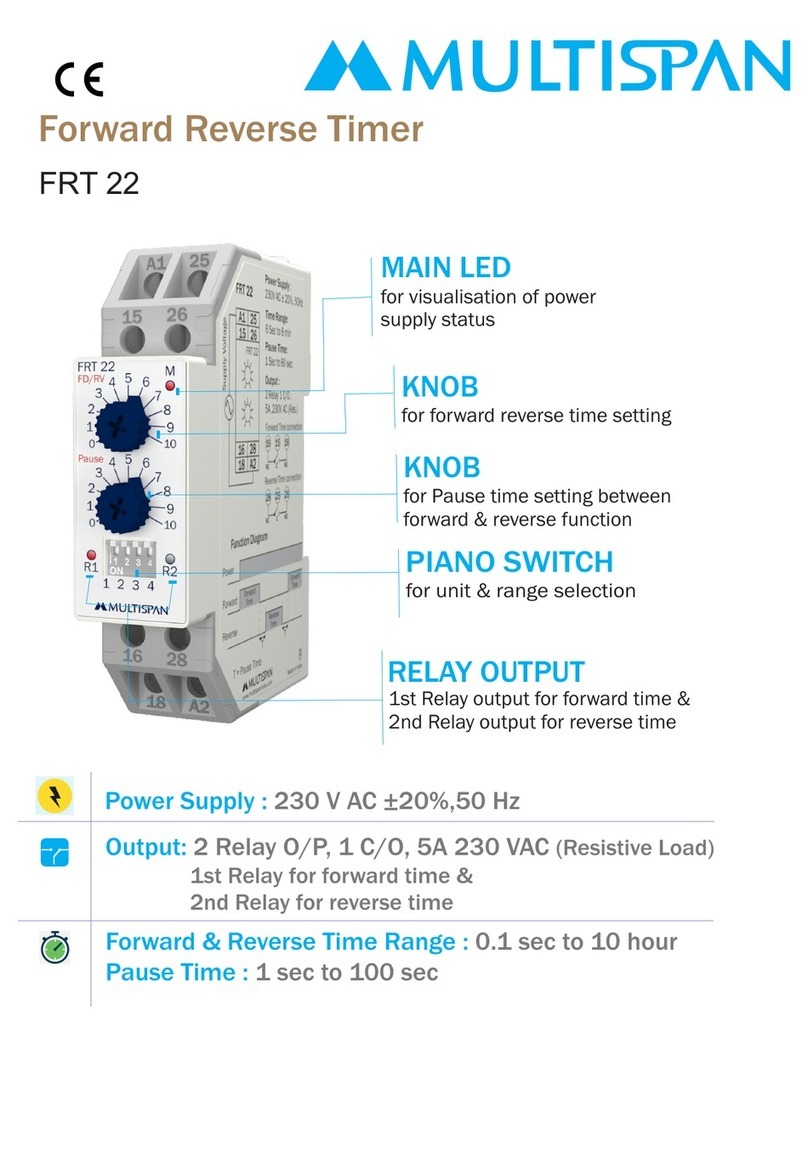
MULTISPAN FRT 22 User manual

MULTISPAN

MULTISPAN FRT 22 User manual

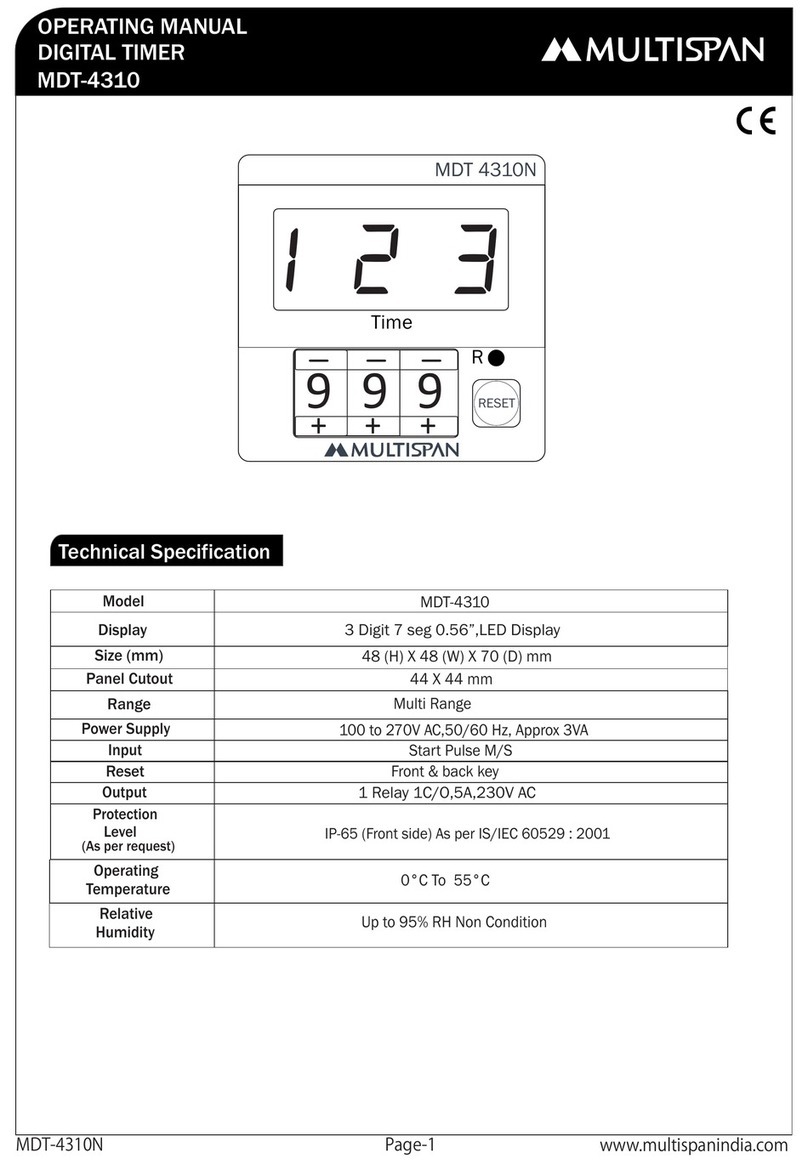
MULTISPAN MDT-4310 User manual

MULTISPAN

MULTISPAN MDT-4310 User manual

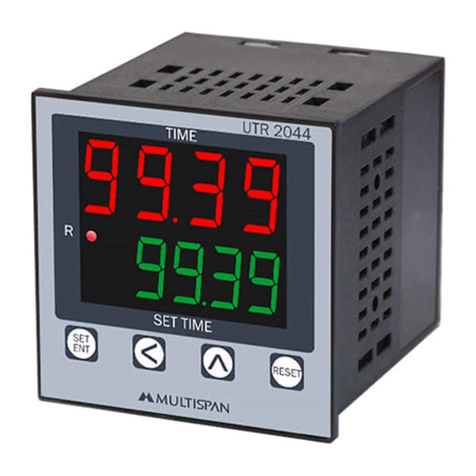
MULTISPAN UTR-2244 User manual

MULTISPAN

MULTISPAN UTR-2244 User manual

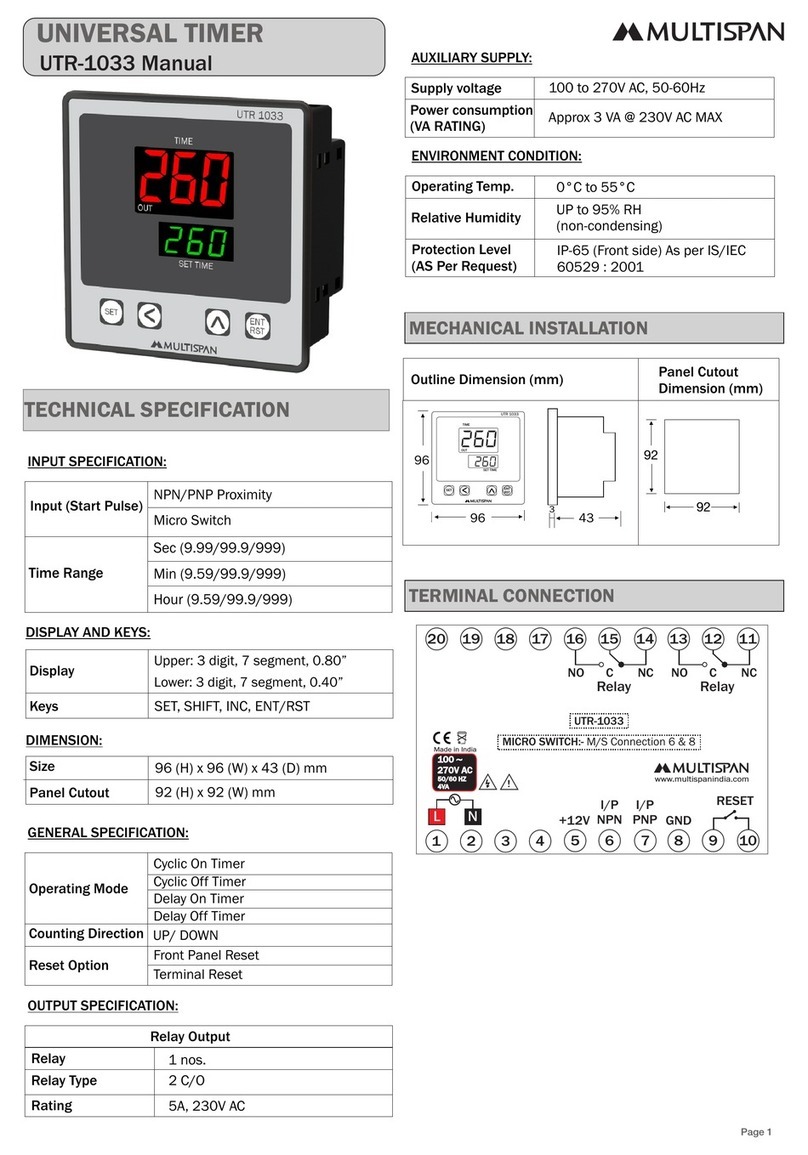
MULTISPAN UTR-1033 User manual

MULTISPAN

MULTISPAN UTR-1033 User manual

Popular Timer manuals by other brands

SATO TM-29 instruction manual

SATO

SATO TM-29 instruction manual

Full Gauge Controls ICEMATIC quick start guide

Full Gauge Controls

Full Gauge Controls ICEMATIC quick start guide

CEI Ultrak T-3 instructions

CEI

CEI Ultrak T-3 instructions

Raindrip R675CT Installation & programming

Raindrip

Raindrip R675CT Installation & programming

Intermatic P1131 owner's manual

Intermatic

Intermatic P1131 owner's manual

Profile 010200280 instruction manual

Profile

Profile 010200280 instruction manual

Gizmo T4 instructions

Gizmo

Gizmo T4 instructions

Tekmar Timer 031 Data brochure

Tekmar

Tekmar Timer 031 Data brochure

Daikin DST301B61 Operation manual

Daikin

Daikin DST301B61 Operation manual

sisel ENDA ETM2432 manual

sisel

sisel ENDA ETM2432 manual

B&Q TE103 Installation and use instructions

B&Q

B&Q TE103 Installation and use instructions

Hozelock AC Plus 2700 instructions

Hozelock

Hozelock AC Plus 2700 instructions

GIC Eliro V7DDSS3Eliro V7DFTS3 user manual

GIC

GIC Eliro V7DDSS3Eliro V7DFTS3 user manual

Emos EMT400F quick start guide

Emos

Emos EMT400F quick start guide

FarmTek Polaris operating instructions

FarmTek

FarmTek Polaris operating instructions

Citizen ME2 series instruction manual

Citizen

Citizen ME2 series instruction manual

Primex OneVue Sync B100 install guide

Primex

Primex OneVue Sync B100 install guide

Rain Bird Optima PRT-4 owner's manual

Rain Bird

Rain Bird Optima PRT-4 owner's manual

manuals.online logo
manuals.online logoBrands
  • About & Mission
  • Contact us
  • Privacy Policy
  • Terms and Conditions

Copyright 2025 Manuals.Online. All Rights Reserved.

www.multispanindia.com
Page - 1UTR-413
Technical Specification
Connection Diagram
OPERATING MANUAL
UNIVERSAL TIMER
UTR-413
Output
Power Supply
Reset
Protection Level
Operating
Relative
(As per request)
Temperature
Humidity
1 relay, 2 C/O contact, 230V AC, 5A
100 to 250V AC, 50 / 60 Hz, Approx 4VA
Front key & Back Reset
IP-65(Front side) AS per IS/IEC 60529:2001
0°C To 55°C
Up to 95% RH Non Condensing
Model
Display
Size(HXWXD)
Panel Cutout
Input
45 X 45 mm
48 X 48 X 95 mm
3 Digit, 56”, 7 Segment LED
UTR 413
NPN Proximity & Micro Switch
Notes:
1). POWER ON : Timer starts counting as soon as it gets power supply.
2). By default Cycle ON Mode is provided. Please refer programming guide to change to Cycle OFF
Delay ON/ Delay OFF Mode.
3). Instrument can be Start and hold by front key, when it is in trigger pulse mode.
4). If we set cycle parameter 000 then the cycle timer will continue the cycle infinitely.
5). In enable pulse mode, if the memory parameter is selected YES and If the enable pulse is gone
& receive again before the set point, the timer will resume from the old value.
6). In enable pulse mode, if the memory parameter is selected NO and If the enable pulse is gone
& receive again before the set point, the timer will start 000.
1 2 3
UTR 413
SET ENT
RESET
R
Time
START HOLD

!
100
250V AC
~
50/60 HZ
4VA
1
2
3
4
5
L
N
7
6
8
9
10
11
12
NC
RELAY
RESET
NC
C
NO
NO
M/S PROXI NPN
I/P
+12V
GND

UTR 413
Made in India
www.multispanindia.com
Page - 2UTR-413
Parameter Menu
Press key 10 Sec
2 5
F U N
P A S
SELECT BY
SELECT BY
SELECT BY
key
key
key
SELECT BY
key
SELECT BY
SELECT BY
SELECT BY
key
key
key
SELECT BY
SELECT BY SELECT BY
SELECT BY + Key
SELECT BY
key
key key
key
SELECT BY
key
SELECT BY
key
Select:
Cycling Mode
Cycling Mode
delayed ON or
delayed OFF or
999 SEC 999 SEC
999 SEC
999 miN 999 miN
999 miN
999 hr 999 hr
999 hr
9.59 min 9.59 min
9.59 min
9.59 hr 9.59 hr
9.59 hr
99.9 hr 99.9 hr
99.9 hr
9.99 SEC 9.99 SEC
9.99 SEC
99.9 SEC 99.9 SEC
99.9 SEC
99.9 Min 99.9 Min
99.9 Min
U N 1
U N 1
p L s
p L s
U N 2
M I N
M I N
T R G
T R G
M I N
M I N
M I N
M I N M I N
M I N
M I N
H R
H R
E n B
E n B
H R H R
H R
H R
S E C
S E C
P O N
P O N
S E C
R N G R G 1
R G 2
S E C
S E C
S E C
Time-1 select:
Time-2 select: Sec, Min, Hr
Sec, Min, Hour
d I r
U P D n
Memory Retain (yes / no)
Set Pulse
(Trigger,Enable, Power ON)
Set Pulse
(Trigger,Enable, Power ON)
d I r
M E M
M E M
U P
Y E S
Y E S
D n
N O
N O
SELECTED BY
KEY
SELECTED BY
SELECTED BY
SELECTED BY
KEY
KEY
KEY
SELECTED BY
KEY
SELECTED BY
SELECTED BY
SELECTED BY
KEY
KEY
KEY
SELECTED BY
KEY
If Delayed ON/ Delayed OFF is selected
If Cycling Mode is selected
Password
Time Count : UP/Down
Set Range
Set Range
Set Range
d o f d o n C O N C O F C Y L
9 9 9
Function will change when display
start blinking
SET
Press key
SET
Press key
SET
Press key
SET
Press key
SET
Press key
SET
Press key
SET
Press key
SET
Press key
SET
Press key
SET
Press key
SET
Press key
SET
Press key
SET
Press key
SET
Press key to save & exit
RESET
ENT
DESCRIPTION
Time - 1
Delayed OFF
Unit - 2 for Time - 2
Cycling time
Minute set for Time - 1 or 2
Up counting
Memory Retain : Yes / No
Enable Trigger Power ON
DISPLAY
SR.
1
6
10
8
4
12
15
Time - 2
Password
Unit - 1 for Time - 1
Delayed function
Seconds set for Time - 1 or 2
Direction of time counting
Delayed ON
Hour set for Time - 1 or 2
Down counting
2
7
3
11
14
9
5
13
16
17
T M 1
T M 2
p a s
F U N
C Y L
D O N
D O F
U N 1
U N 2
S E C
M I n
H R
d I r
U P
m E M
P L S
D N
Page - 3 www.multispanindia.com
UTR-413
1). Turn ON instrument. SET time according to your requirement.
2). In running mode, upper display indicates current TIME value and lower display shows SET
time value. Relay ON or OFF controls depends on set time.
3). Relay operation is according to selection of Delay ON or Delay OFF in programming menu.
4). In cycling mode, relay will turn on for ON time (time-1) & relay will turn off for OFF time
(time-2) and this ON-OFF process will continue.
5). To reset the time, press Reset Key.
Working
Set time mode
Display Message And Their Meaning
T I m
1 2 3
T M 1
1 2 3
Cycle OFF time (time-2)
press key to
set cycle ON time
press key to
set cycle OFF time
press key to
set time T M 2
1 2 3
If Delayed ON/ Delayed OFF is selected If Cycling Mode is selected
Press key
SET
Press key
SET
Press key
SET
Press key to save & exit
RESET
ENT
MODEL A
48mm 48mm 44mm 44mm 3mm 95mm
BC
D E
F
DIMENSIONS
Product improvement and upgrade is a constant procedure. So for more updated operating information and support,
Please contact our helpline : +91-9978991474/76/82 or Email at ser[email protected] Ver: 2001
All safety related codifications, symbols and instructions that appear in this operating manual
or on the equipment must be strictly followed to ensure the safety of the operating personnel as
well as the instrument.
If all the equipment is not handled in a manner specified by the manufacturer, it might impair the
protection provided by the equipment .
=> Read complete instructions prior to installation and operation of the unit.
WARNING : Risk of electric shock.
3) Cable used for connection to power source, must have a cross section of 1mm or greater. These wires
should have insulations capacity made of at least 1.5kV.
2) To reduce electro magnetic interference, use wire with adequate rating and twists of the same of equal size shall
be made with shortest connection.
1) To prevent the risk of electric shock power supply to the equipment must be kept OFF while doing the wiring
arrangement. Do not touch the terminals while power is being supplied.
4) A better anti-noise effect can be expected by using standard power supply cable for the instrument.
1) This equipment, being built-in-type, normally becomes a part of main control panel and such in case the
terminals do not remain accessible to the end user after installation and internal wiring.
2) Do not allow pieces of metal, wire clippings, or fine metallic fillings from installation to enter the product
or else it may lead to a safety hazard that may in turn endanger life or cause electrical shock to the operator.
3) Circuit breaker or mains switch must be installed between power source and supply terminal to
facilitate power ‘ON’ or ‘OFF’ function. However this mains switch or circuit breaker must be
installed at convenient place normally accessible to the operator.
4) Use and store the instrument within the specified ambient temperature and humidity ranges as
mentioned in this manual.
Warning Guidelines
Safety Precautions
Installation Guidelines
Mechanical Installation
Maintenance
1) Prepare the panel cutout with proper dimensions as show above.
2) Fit the unit into the panel with the help of clamp given.
3) The equipment in its installed state must not come in close proximity to any heating source,
caustic vapors, oils steam, or other unwanted process by products.
4) Use the specified size of crimp terminal (M3.5 screws) to wire the terminal block. Tightening the
screws on the terminal block using the tightening torque of the range of 1.2 N.m.
5) Do not connect anything to unused terminals.
1) The equipment should be cleaned regularly to avoid blockage of ventilating parts.
2) Clean the equipment with a clean soft cloth. Do not use isopropyl alcohol or any other cleaning agent.
3) Fusible resistor must not be replaced by operator.
2
Page - 4 www.multispanindia.com
UTR-413
B
A
F
E
C
D
1 2 3
UTR 413
SET ENT
RESET
R
Time
START HOLD