Page 3 Natcomm
OPERATION
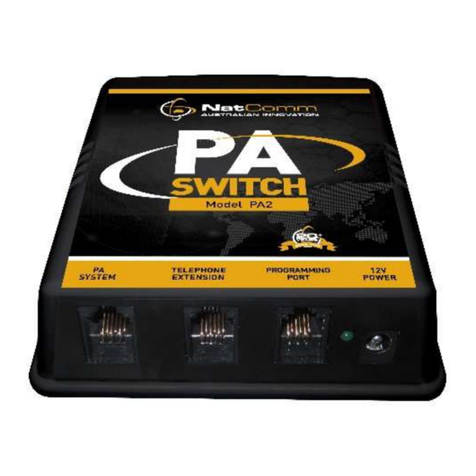
PA-SIP Paging Switch is designed to Connect a Paging Amplifier to an
IP based PBX (Local or Cloud). Once installed, PA-SIP will allow a PBX
user to make a Paging Call from any extension of your PBX.
PA-SIP connects to any Network Connection Point, or it can also be
connected direct to a Network Switch or Modem-Router. Once installed
you can:
1.
DIAL AN EXTENSION NUMBER: To make a paging call, the user
need only dial the telephone extension number that PA-SIP is
connected to. PA-SIP answers after 1 Ring and produces a short
‘beep’.
2.
MAKE YOUR ANNOUNCEMENT: PA-SIP will generate a short
‘beep’ before connecting the caller to the attached paging amplifier.
The caller can then make a paging announcement and hang up.
3.
HANG UP: PA-SIP has a ‘hang up tone’ detection circuit which
will terminate the call after the detection of 2 hang up tones. PA-
SIP will then be ready to take another paging call.
LED OPERATION
The LED of PA-SIP will show:
RED when it is in Idle or Ready Mode
FLASH GREEN for each RING when an incoming ring is detected
GREEN when an incoming call is answered and is in progress
FLASH ORANGE for each HANG UP TONE detected
DTMF and TIME Hang Up operation
PA-SIP is also programmed to HANG UP on detection of any DTMF digit
from 0-9, or after a fixed period of time. The maximum call time is set in
programming mode.
In very rare cases, PA-SIP may not be able to detect Hang Up tones due
to EMI interference from other equipment located close to it.
In the unlikely event that you experience this problem, PA-SIP can
terminate a call after any one of the following other conditions:
1. By pressing any TOUCH TONE digit (0-9) after the announcement
2. After a fixed period of time (programmable by user)