manuals.online logo
Brands
  1. Home
  2. •
  3. Brands
  4. •
  5. Navitar
  6. •
  7. Projector
  8. •
  9. Navitar 560 User manual

Navitar 560 User manual

This manual suits for next models

3

Other Navitar Projector manuals

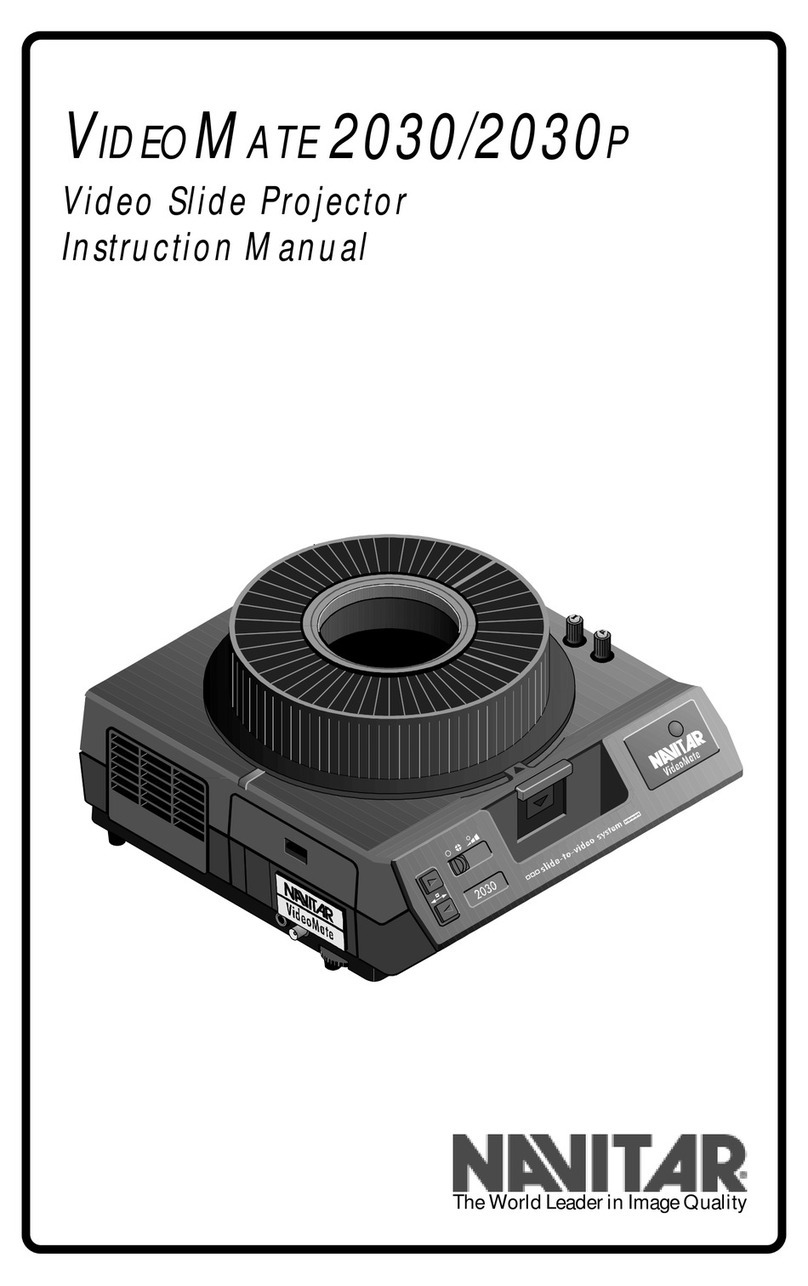
Navitar VIDEOMATE 2030P User manual

Navitar

Navitar VIDEOMATE 2030P User manual

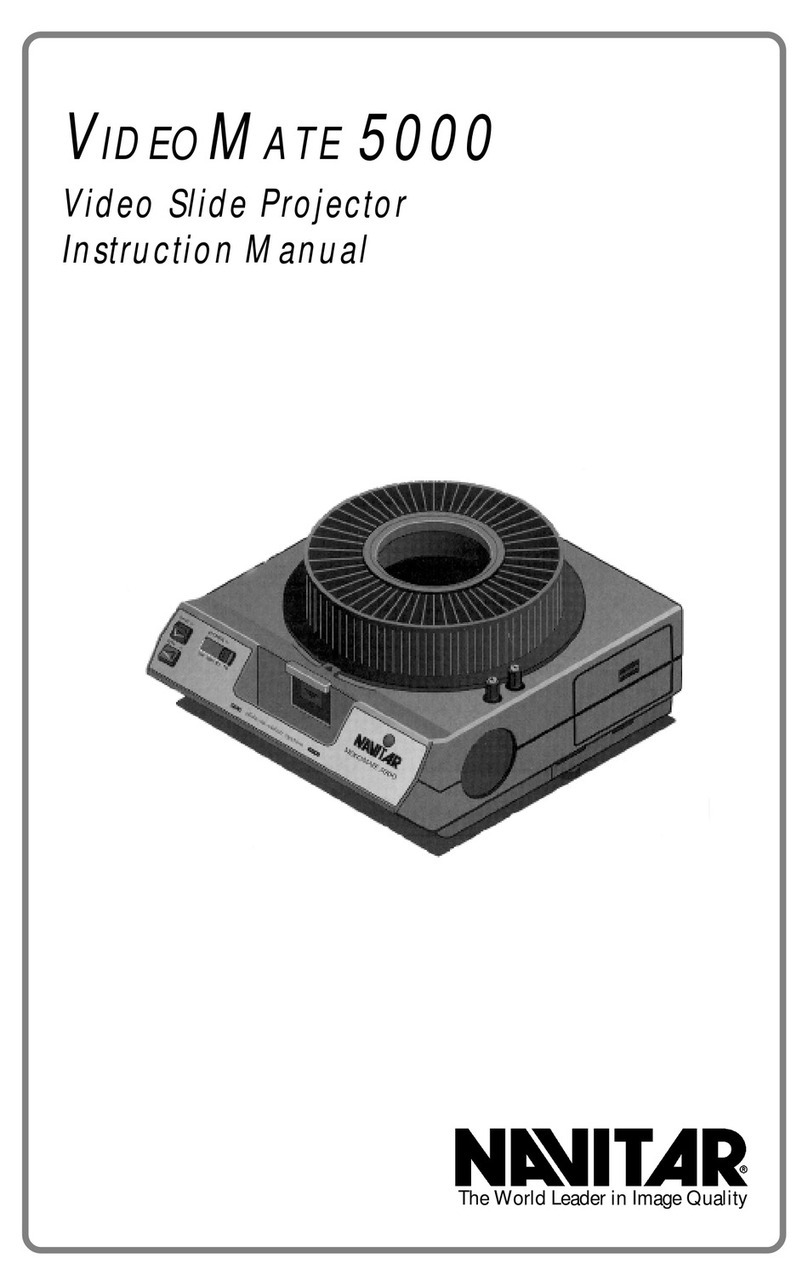
Navitar VideoMate 5000 User manual

Navitar

Navitar VideoMate 5000 User manual

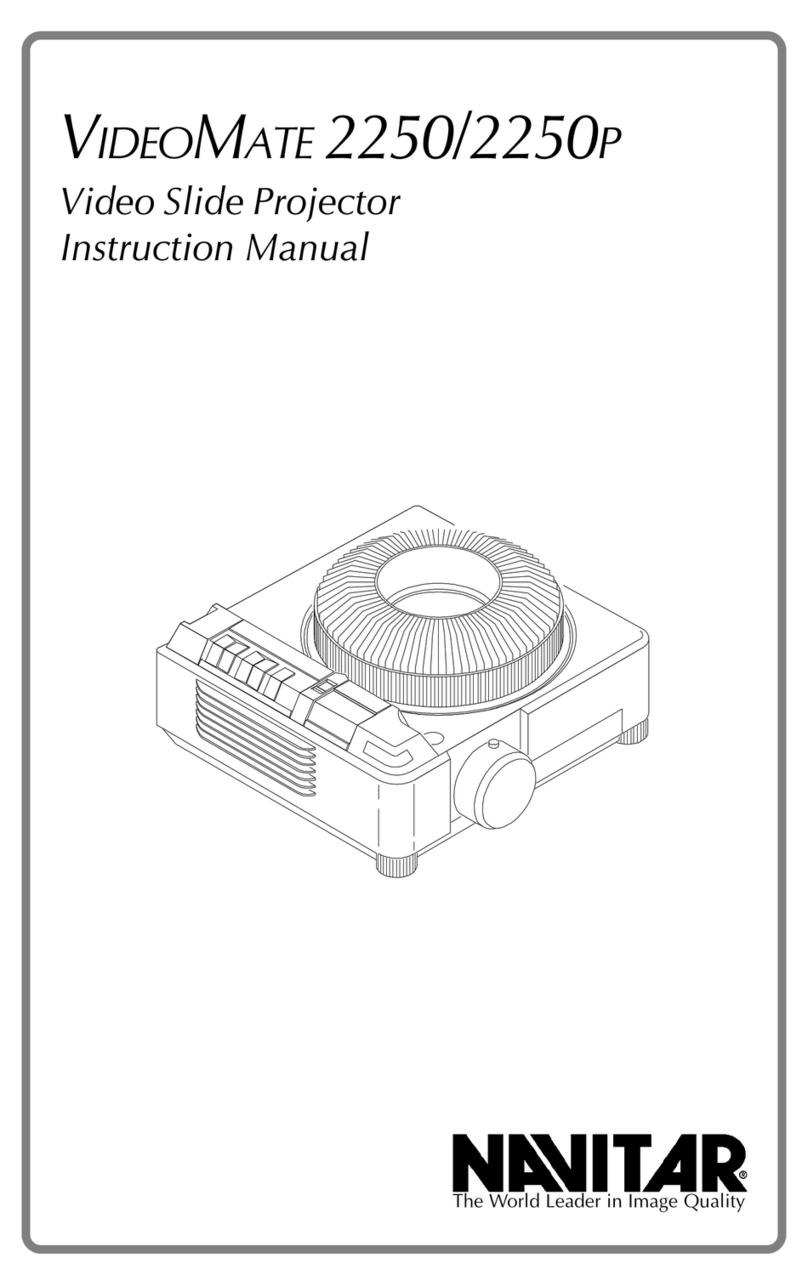
Navitar VideoMate 2250 User manual

Navitar

Navitar VideoMate 2250 User manual

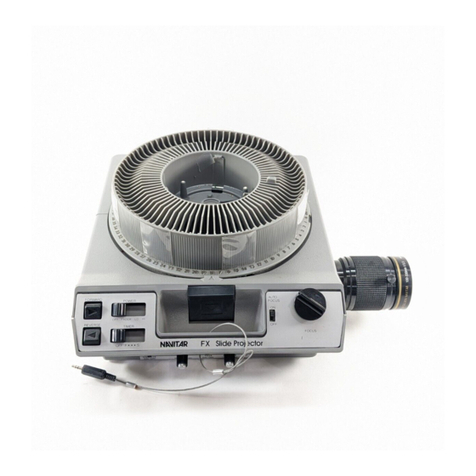
Navitar FX User manual

Navitar

Navitar FX User manual

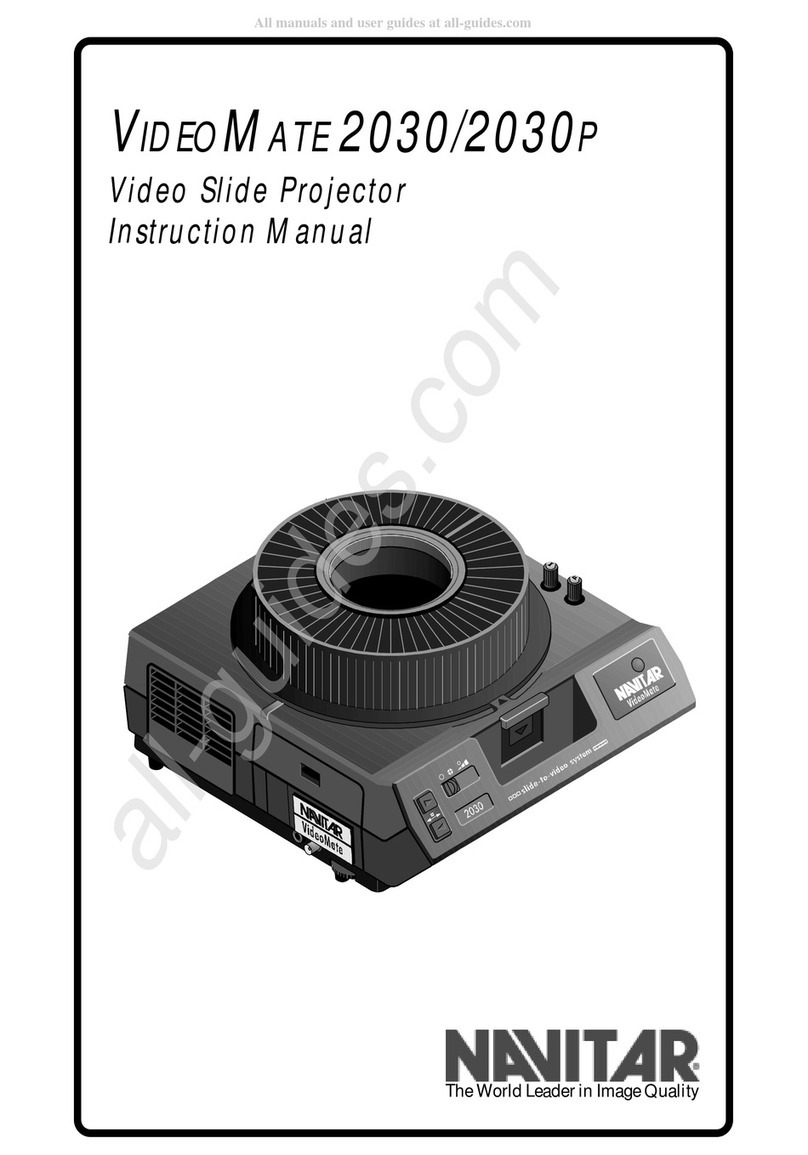
Navitar VIDEOMATE 2030 User manual

Navitar

Navitar VIDEOMATE 2030 User manual

Navitar FX User manual

Navitar

Navitar FX User manual

Navitar ColorPro User manual

Navitar

Navitar ColorPro User manual

Navitar VideoMate 5000 User manual

Navitar

Navitar VideoMate 5000 User manual

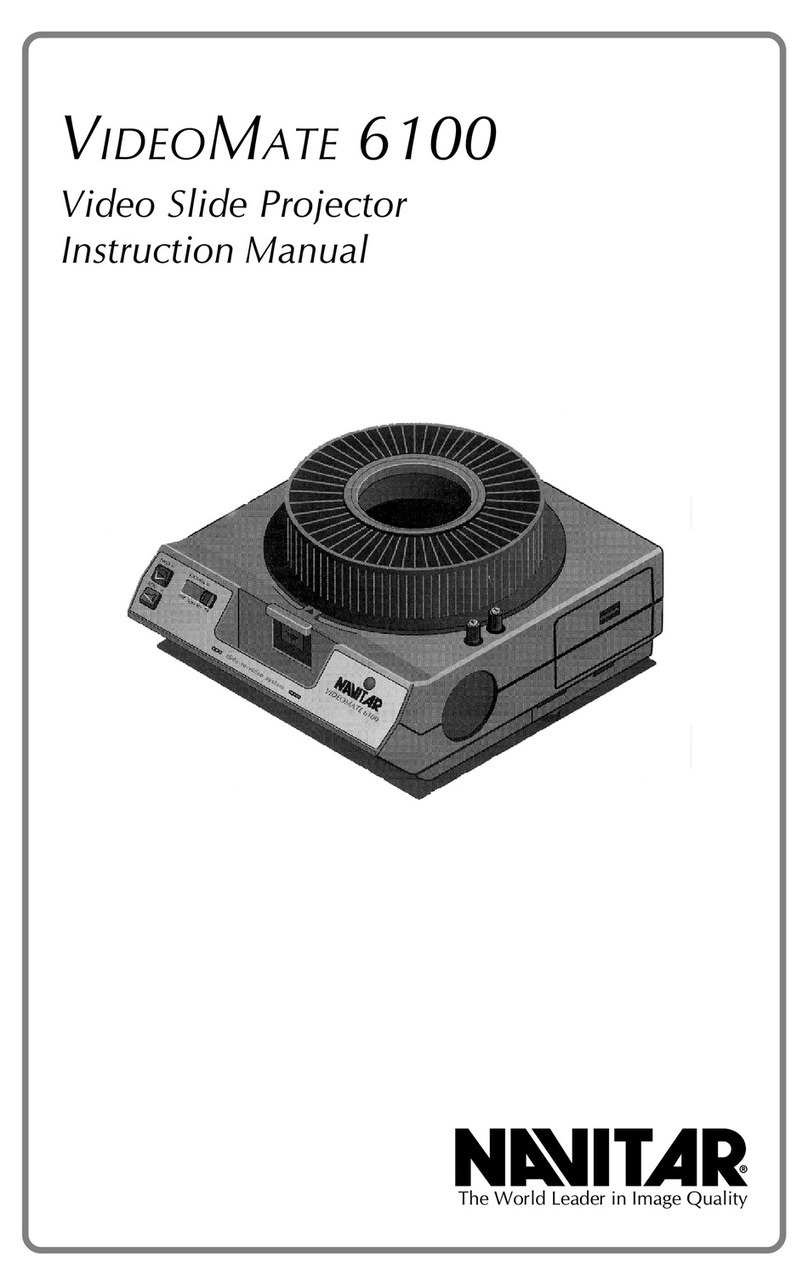
Navitar VideoMate 6100 User manual

Navitar

Navitar VideoMate 6100 User manual

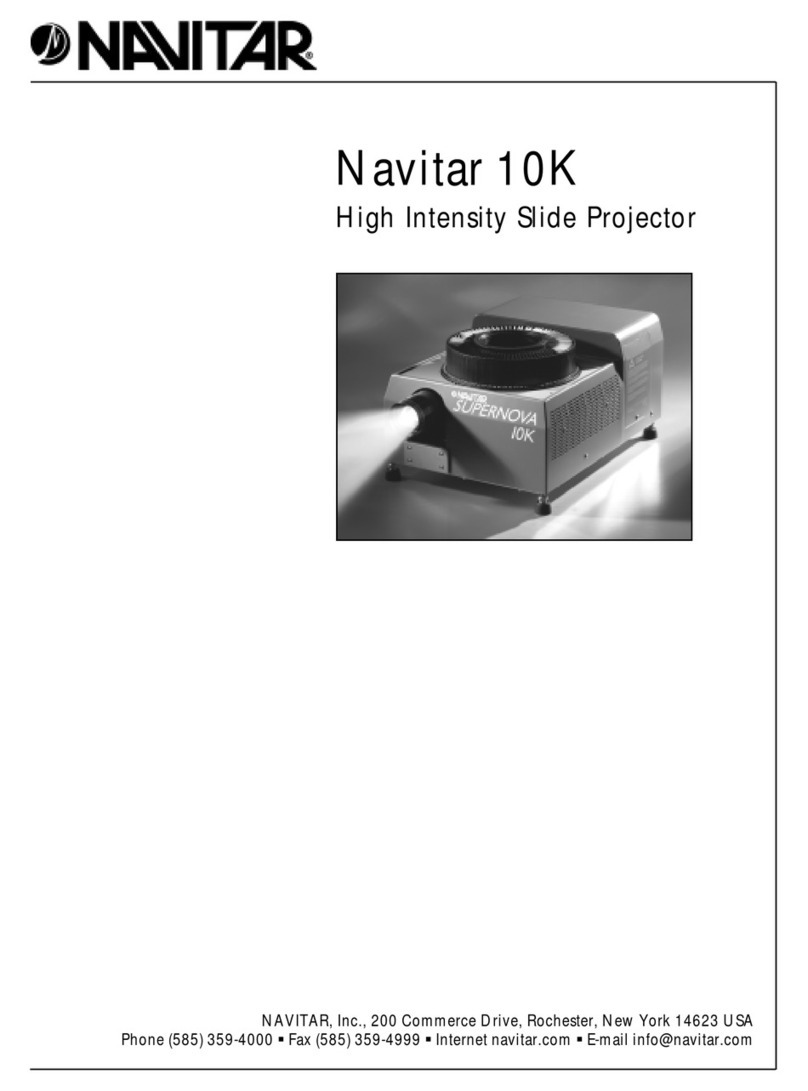
Navitar 10K User manual

Navitar

Navitar 10K User manual

Navitar VideoMate 7500XY User manual

Navitar

Navitar VideoMate 7500XY User manual

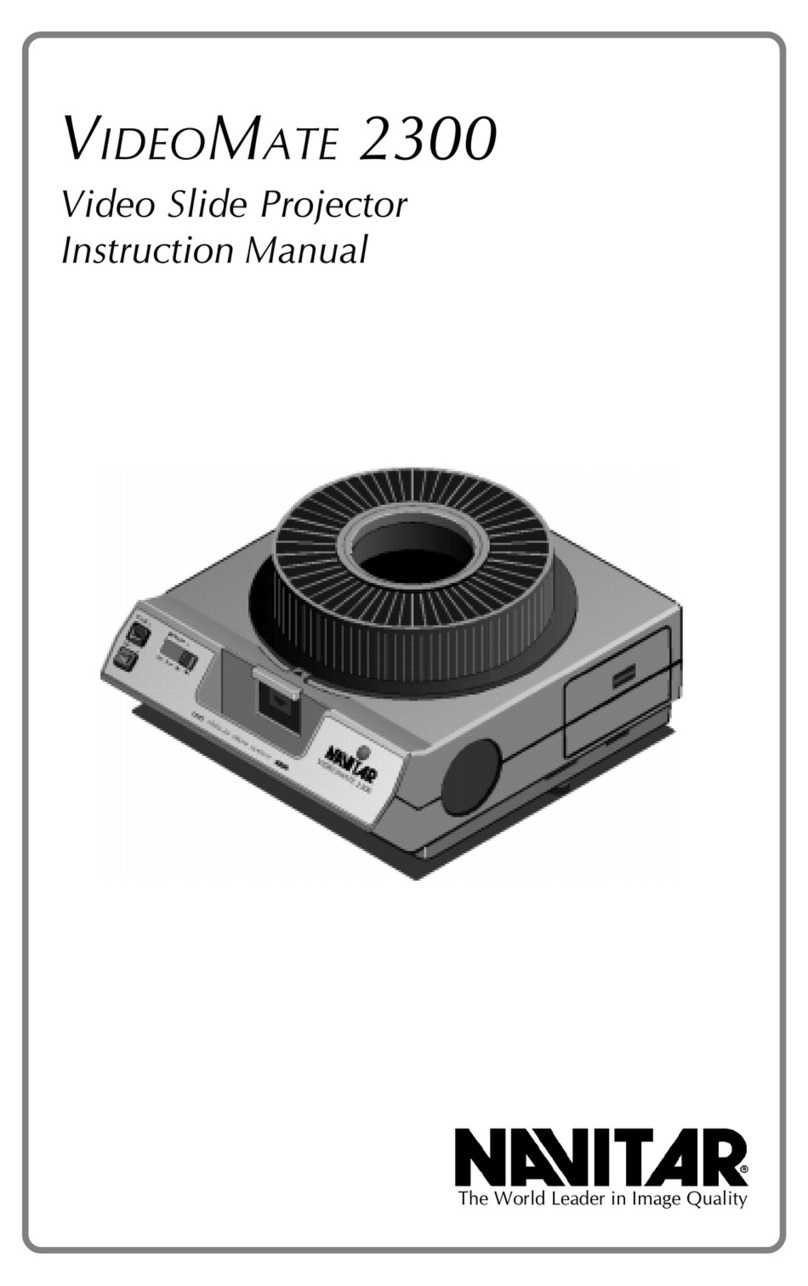
Navitar VideoMate 2300 User manual

Navitar

Navitar VideoMate 2300 User manual

Popular Projector manuals by other brands

Eiki LC-X985 Specification sheet

Eiki

Eiki LC-X985 Specification sheet

InFocus LitePro 610 quick start

InFocus

InFocus LitePro 610 quick start

Epson EH-TW5900 datasheet

Epson

Epson EH-TW5900 datasheet

FOREVER MLP-100 manual

FOREVER

FOREVER MLP-100 manual

Toshiba TDP-MT8U Specifications

Toshiba

Toshiba TDP-MT8U Specifications

Mitsubishi XD500U specification

Mitsubishi

Mitsubishi XD500U specification

Kodak Ektapro 3020 Illustrated parts list

Kodak

Kodak Ektapro 3020 Illustrated parts list

Toshiba TDP-EW25U Specifications

Toshiba

Toshiba TDP-EW25U Specifications

Barco iQ PRO G500 supplementary guide

Barco

Barco iQ PRO G500 supplementary guide

NEC Showcase Series HT1100 user manual

NEC

NEC Showcase Series HT1100 user manual

Philips LC1341 user guide

Philips

Philips LC1341 user guide

Epson PowerLite 1266 user guide

Epson

Epson PowerLite 1266 user guide

MAGINON DLP 1400S user manual

MAGINON

MAGINON DLP 1400S user manual

Toshiba TLP-380 owner's manual

Toshiba

Toshiba TLP-380 owner's manual

Philips PicoPix PPX2480/EU user manual

Philips

Philips PicoPix PPX2480/EU user manual

Hitachi CP-X605 Series Specifications

Hitachi

Hitachi CP-X605 Series Specifications

Optoma TW1692 user manual

Optoma

Optoma TW1692 user manual

Kodak EKTAPRO instruction manual

Kodak

Kodak EKTAPRO instruction manual

manuals.online logo
manuals.online logoBrands
  • About & Mission
  • Contact us
  • Privacy Policy
  • Terms and Conditions

Copyright 2025 Manuals.Online. All Rights Reserved.

Navitar Xenon 560/750
High Intensity Slide Projector
The World Leader in Image Quality
Warning ∆∆
∆∆
∆
Warning
IMPORTANT: BEFORE OPENING THE BOX CONTAINING THE
XENON BULB, NOTE THE FOLLOWING PRECAUTIONS: The
Xenon bulb contains gas under pressure. Care should be taken in
handling the bulb to avoid injury.
Wear protective clothing such as gloves, long-sleeved shirt, face
and eye covering to protect against flying glass in the event of bulb
breakage.
Handle the bulb only by the ends. Natural skin oils from hands
may damage the quartz envelope.
Always allow the bulb to cool before handling.
When necessary, clean the bulb with ordinary rubbing alcohol
(only when the bulb is cool).
Place the bulb on a soft, secure surface away from table edges.
Never operate the bulb with the lamp cover off. Do not permit
light from the bulb to fall directly on skin or clothing. The Light
from the Xenon bulb is rich in ultraviolet rays similar to direct sun
rays. This could burn the skin and bleach clothing. Do not look
at the bulb directly while it is on. The light emerging from the
projector lens is safe as long as common sense is exercised.
If you have any questions regarding the installation of the Xenon
lamp, please call Navitar at 1-800-828-6778.
2 Warning
3 Introduction
3 Supplied Components
3 Service & Repair
4 560/750 System Diagrams
6 Features
8 Installing a New Lamp
13 Operating the Unit & Remote Control
16 Adjusting the Lamp Position
18 Slide Burning & Picture Flicker
20 Slide Moisture Problems
21 Units with Dissolve Module & Dissolve Interface
24 Safety Precautions
26 Location of Components
28 Troubleshooting
29 Schematic Diagrams
32 Specifications for 560 Series
33 Specifications for 750 Series
34 Lamp Specifications
35 Navitar Dissolve Interface
39 Warranty
Table of Contents
1
Warning
Warning ∆∆
∆∆
∆
Xenon Lamp Contains Gas Under Pressure.
Read Instructions Carefully Prior to Operating or Moving.
The Xenon bulb contains pressurized gas.
Protective clothing and safety glasses should be worn at all times.
Avoid direct exposure or viewing of an energized bulb in order to prevent
ultraviolet damage.
Allow bulb to fully cool before handling. Handle bulb only by the ends.
To clean a bulb, use only rubbing alcohol, only when the bulb is fully
cooled.
When disposing of the bulb, handle it with care to prevent injury.
If you have any questions, please call Navitar at 1-800-828-6778.
2
The Navitar Xenon Slide Projector is so bright you can make slide pre-
sentations with the room lights on. Even more important, you wont
loose your audience in the depths of a darkened room. Youll be able to
maintain eye contact and see their reactions. And, the audience will be
able to see the most important part of the presentation, the presenter.
The brilliance of the Navitar Xenon Slide Projector brings your slides to
life with new vividness and clarity. It delivers far more presentation
impact than conventional slide projectors because its six times brighter.
Whites are brighter and blacks are blacker. Colors are more vivid and
visuals are stronger. Your slides will come alive on the screen.
Navitars Xenon 560AF and 750AF series slide projectors operate much
like a standard slide projector. Just turn it on and the Xenon bulb will
strike instantly. It has remote forward/reverse, remote focus, auto focus
and a variable timer. This unit can be operated by a Navitar remote
control or tied into a boardroom conference system.
The Random Access series  Xenon models 560RAK, 560RARS-232,
750RAK and 750 RARS-232  allow you to randomly access any slide in
the tray in any sequence required, as well as pre-program the slide
sequence from a control system.
Xenon models 560DM and 750DM come equipped with Dissolve
Modules and are ideal for multi-projector presentations. One Navitar
Dissolve Interface unit is required for every three 560DM/750DM projec-
tors. One dissolve controller, like those manufactured by Dataton, AVL,
etc., is also required to operate your system.
Xenon 560/750 projectors come equipped with the following:
nProjector
nPower Cord
nXenon Bulb
nTools: Large & Small Phillips Screwdrivers
nRemote Control
nInstruction Manual
Your new Navitar Xenon Slide Projector is constructed of the finest
electronic components available and was designed for maximum reliabil-
ity. For servicing, contact the dealer that you purchased the projector
from or call Navitar at 1-800-828-6778.
If you wish to repair the projector yourself, the information enclosed will
allow you to troubleshoot and isolate your problem.
Xenon High Intensity
Slide Projectors
Supplied
Components
Servicing & Repair
Introduction
3

Top View
Side View
560/750 System Diagrams
4
Slide Gate
Auto Focus
Focus Knob
Caution Label
Slide Projector
Slide Tray
Lamp House
Projection Lens
Power Supply Unit
Operating Switch Warning Label
Adjustable Screw Leg
Power Switch
Power Lamp
Rear Side
Caution Label
Slide Reverse Button
Slide Foward Button
Slide Select Button
Auto Focus
Front View
560/750 System Diagrams
5
Rear View
Lens Port Storage Compartment
Power Connector
Remote Control Connector
Dissolve Control Connector
Dissolve Module (Optional)
Slide Projector
Models 560AF/DM and 750AF/DM use a Kodak Ektagraphic-III AMT
modified for our Xenon light source.
Models 560RAK/RARS-232 and 750 RAK/RARS-232 use a Navitar
ColorPro modified for our Xenon light source.
Slide Tray
80 slide trays are recommended.
Lamp House
Contains a Xenon lamp, a reflector and a mirror.
Slide Forward Button
Advances the slide tray.
Slide Reverse Button
Moves the tray backward.
Power Supply Unit
The power unit for lighting the Xenon lamp. It contains electronics and
cooling fans.
Slide Select Lever
By pressing the lever, you can freely rotate the slide tray.
Focus Knob
Turn the knob to manually focus the lens.
Dissolve Module
(Standard on 560DM/750DM projectors.)
Contains a shutter, cam and d.c. servo motor.
Dissolve Control Connector
Connects the cable from the Navitar Dissolve Interface unit to the
560DM/750DM projector.
Operating Switch
The on/off switch to control the fan and the Xenon lamp.
Pilot Lamp
This lamp will light when power is applied.
Power Switch
Power is controlled by this switch after the power cable is connected.
Remote Control Connector
Located on the power supply side, it connects the optional remote
connector to operate the fan and lamp by a remote control system.
Features
6
Forward/Reverse Transfer Switch
Located on the rear part of the projector, it moves the slide tray forward
and reverse.
Power Connector
Connects the main power cable.
Zero-point Indicator
When lit, it indicates that the slide tray is at the zero-position.
Adjustable Screw Legs
The projected image can be positioned on screen by adjusting the four
legs on the projector base. (Legs should be adjusted as far in as possible
when shipping to avoid damage.)
Slide Gate
Loads each slide into the projector from the slide tray.
Projection Lens
A wide variety of Navitar slide projection lenses are available for use with
your Xenon projector. A large diameter lens, such as those offered by
Navitar, will allow you to output more light from the Xenon projectors
lamp house. Conversely, using a low cost, plastic slide lens of a smaller
optical diameter may prevent you from achieving maximum brightness
on-screen.
Auto Focus Switch
Turns the automatic focusing of slides on/off.
Features
7
Read these instructions carefully before you remove the projector and
other components from the container.
1. Remove contents from shipping container and check against
the following list:
nProjector
nPower Cord
nXenon Bulb (DO NOT REMOVE THE BULB FROM THE BOX
UNTIL DIRECTED TO DO SO)
nTools  large and small Phillips screwdrivers
2. Place the projector on a flat, stable surface and adjust leveling feet
by turning. This revents the projector from rocking. Make sure the
projector is turned off and unplugged from the wall socket.
3. Remove the four (4) white thumbscrews attaching the lamp
house top cover. (Do not remove the small covering plate on the
lamp house cover if it is installed.)
Warning ∆∆
∆∆
∆
Getting Started
Installing a New Lamp
8
Wire Screw
Lamp Positive
Plane Mirror
Condenser Lens
Xenon Lamp
Ellipsoid Mirror
Lamp Adjusting Screws (3)