x
For Correct Operation
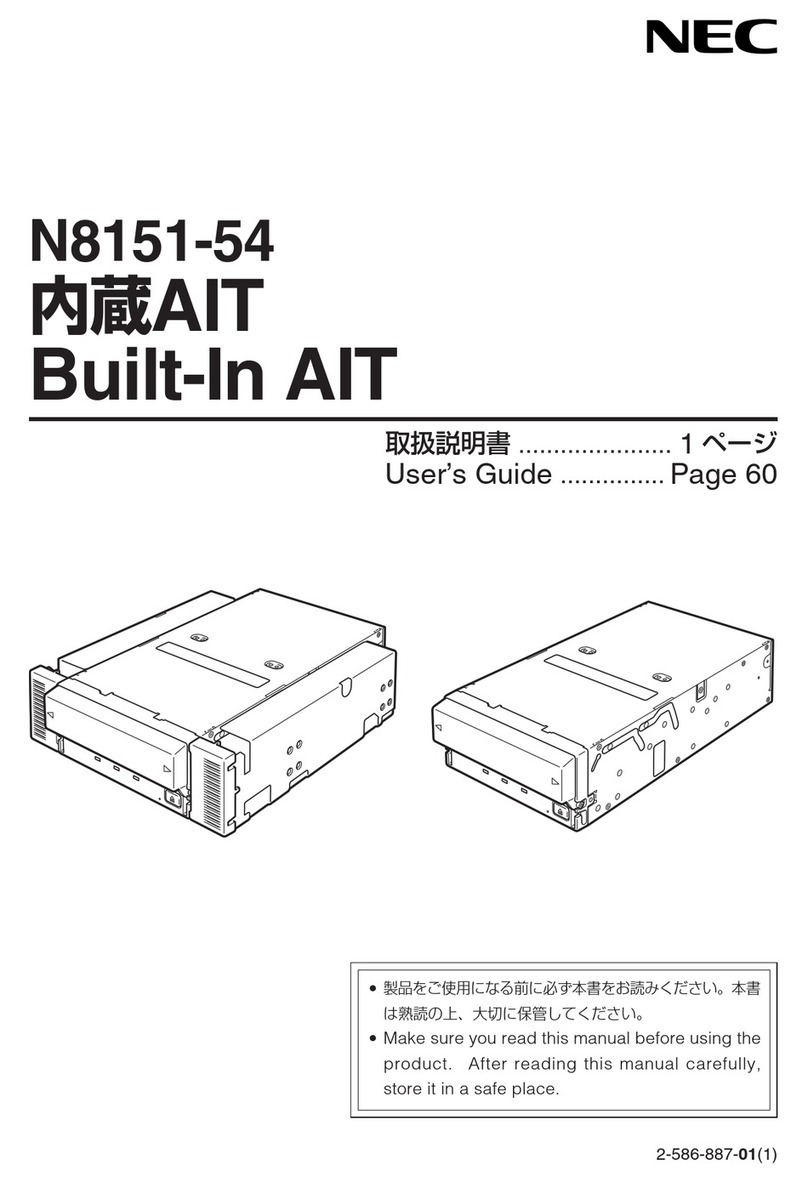
To operate the N8551-28F/N8151-44F Built-In AIT correctly, observe the following points. For
considerations on handling the AIT data cartridge, refer to the chapter “AIT Data Cartridge”.
•Set the N8551-28F/N8151-44F Built-In AIT’s SCSI ID so that it will not duplicate with SCSI
ID of other SCSI equipment.
→Otherwise, an operation error will occur.
•When N8551-28F/N8151-44F Built-In AIT is a termination of the SCSI connection, set the
terminal resistance to ON using its DIP switch.
→Otherwise, an operation error will occur.
•Do not turn off power of the basic processing unit when the BUSY LED on the front of the
Built-In AIT is ON or blinking.
→This may cause a machine failure or damage of backup data.
•Do not use a portable phone near the Built-In AIT.
→This may cause a machine failure.
•Do not store the Built-In AIT in a place exposed to direct sunlight.
→The Built-In AIT may not be able to operate correctly.
•Do not store the Built-In AIT in a place subject to corrosive gas, chemicals or splash of chemi-
cals.
→A Built-In AIT part may be deformed or damaged and may not be able to operate correctly.
•Do not store the Built-In AIT in a place subject to strong vibrations.
→This may cause a machine failure.
•Do not put a thing on the Built-In AIT when using or storing it.
→This may cause a machine failure.
•As the data cartridge set in the Built-In AIT, use our “AIT Data Cartridge (model: AIT2,
AIT1)”.
→If you use a data cartridge of other manufacturer, a read/write error may occur.
•When cleaning the Built-In AIT, use our “AIT Cleaning Cartridge”.
→If you use a cleaner of other manufacturer, a machine failure may occur.