Nest Guard lights and sounds
What you see. What you hear. What it means.
SECURITY LEVELSISSUES AND EXCEPTIONS
“YOU HAVE ONE MINUTE TO EXIT.”
Green light ring countdown
Away and Guarding illuminated
After the countdown, the alarm will
sound if motion is detected, or doors
or windows are opened.
Heads-Up and alarm
Heads-Up
Before the alarm goes off, you’ll usually hear a
Heads-Up: a friendly, human voice that tells you the
alarm is about to sound. After the Heads-Up, you’ll
have 60 seconds to disarm. This time can be adjusted
in the Nest app’s alarm countdown setting.
Alarm
When Nest Guard sounds the alarm, its light ring will
pulse red. You can also get a mobile alert so you’ll know
what’s happening at home. To turn the alarm off, use
the app, enter your passcode on Nest Guard, or tap
Nest Tag on Guard.
Panic button
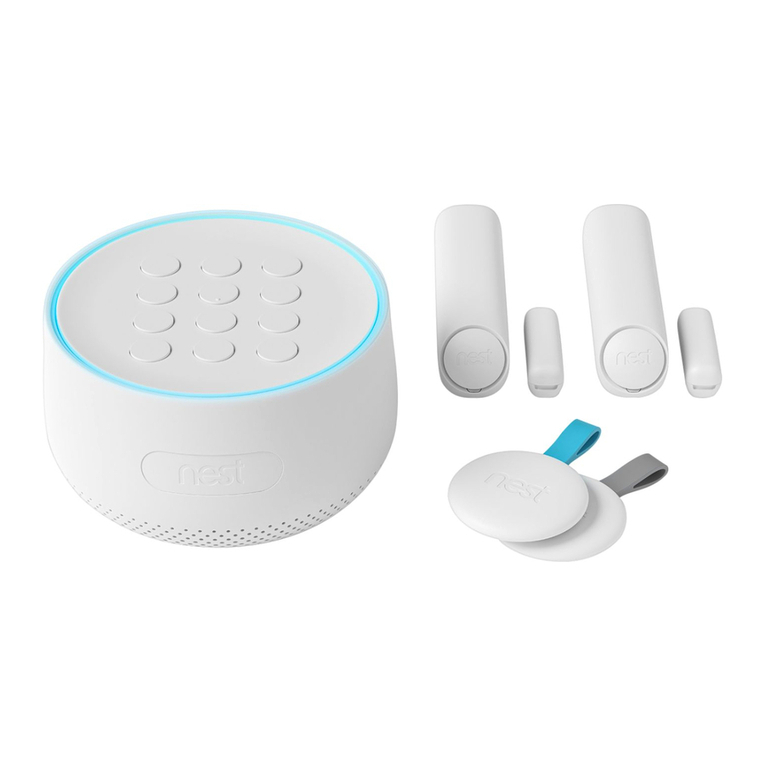
Nest Guard’s panic button can also sound the alarm.
Press and hold the button until the alarm sounds. The
light ring will also turn red. If you release the button
early, the alarm won’t sound.
Pressing the panic button sounds the alarm and sends
mobile notifications to other people who share access
to your home with the Nest app.
IMP ORTANT: Nest Secure and cellular backup
do not include third-party monitored emergency
notifications, response or police dispatch.
Backup features
Nest Guard battery backup
Nest Guard includes a backup battery that will last for
up to 12 hours. So even if the power is out, Nest Secure
can still detect when an intruder is in your home and
sound the alarm.
Info button
If the Info button lights up, there’s an issue with your
security system. Press the button and Nest Guard
will tell you what it is. Some issues might prevent the
system from keeping your home secure.
Issues that won’t prevent arming:
• A door or window is open
• Power loss on Guard
• Poor network connectivity
• A device needs attention and should be checked
Issues that prevent arming:
If there’s an issue that will prevent arming the Info
button will turn red.
• Very low battery on Guard
• A software update is in progress
• Hardware failure
• Wireless interference
IMP ORTANT: If you leave a window or door open and
arm Nest Secure, the Detect on that door or window
is temporarily deactivated. The alarm won’t sound if
someone opens it more or closes it.
NEST GUARD FEATURES
“PLEASE ENTER YOUR PASSCODE.”
Yellow light ring
countdown with
number keys illuminated
Heads-Up: the alarm will sound if you
don’t disarm with your passcode
or Tag before the countdown ends.
EXAMPLE: “SECURITY ALERT.
THE FRONT DOOR WAS OPENED.”
ALARM SOUNDS
Pulsing red light ring The alarm is sounding.
HEADS-UPALARM ERROR SETUP
Nest cellular backup
You can purchase a cellular backup subscription
at store.nest.com that will let Nest Secure stay
connected if your home’s Wi-Fi or internet connection
has stopped working. With cellular backup, you can
still get mobile notifications, arm and disarm with
your phone, and more.
NOTHING
Pulsing yellow light ring Nest Guard’s battery is extremely low
and needs to be plugged in and charged
before normal operation can resume.
EXAMPLE: “THE BEDROOM
WINDOW IS OPEN.”
Info button
illuminated white
One or more potential issues exist.
Info button
illuminated yellow
There are one or more issues that may
require attention.
EXAMPLE: “NEST DETECT ON THE
BACK DOOR WAS TAMPERED WITH.”
Info button
illuminated red
One or more issues that will prevent
arming exist.
EXAMPLE: “NEST GUARD IS
UNPLUGGED AND THE BACKUP
BATTERY IS TOO LOW.”
Pulsing blue light ring Initial setup is in process.
“USE YOUR NEST APP TO BEGIN SETUP”
Home and Guarding
illuminated
Alarm will sound if doors or windows
are opened.
CHIME
Off illuminated The alarm won’t sound.
CHIME
18 19