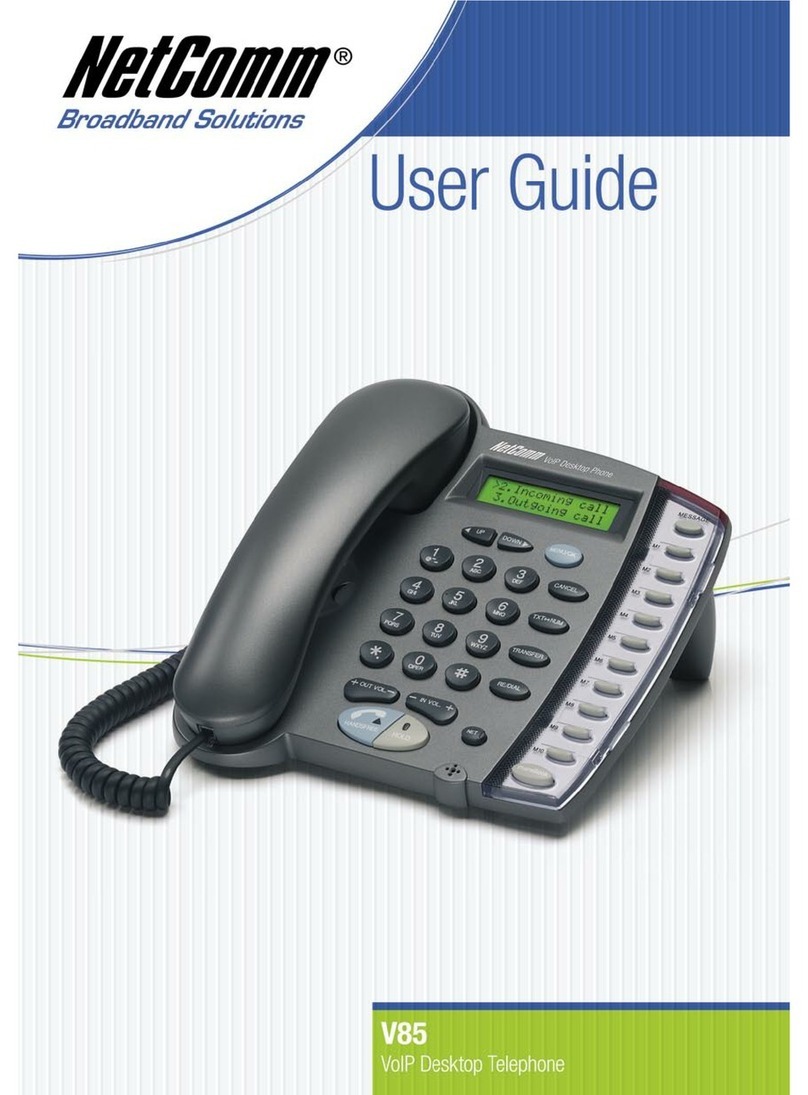
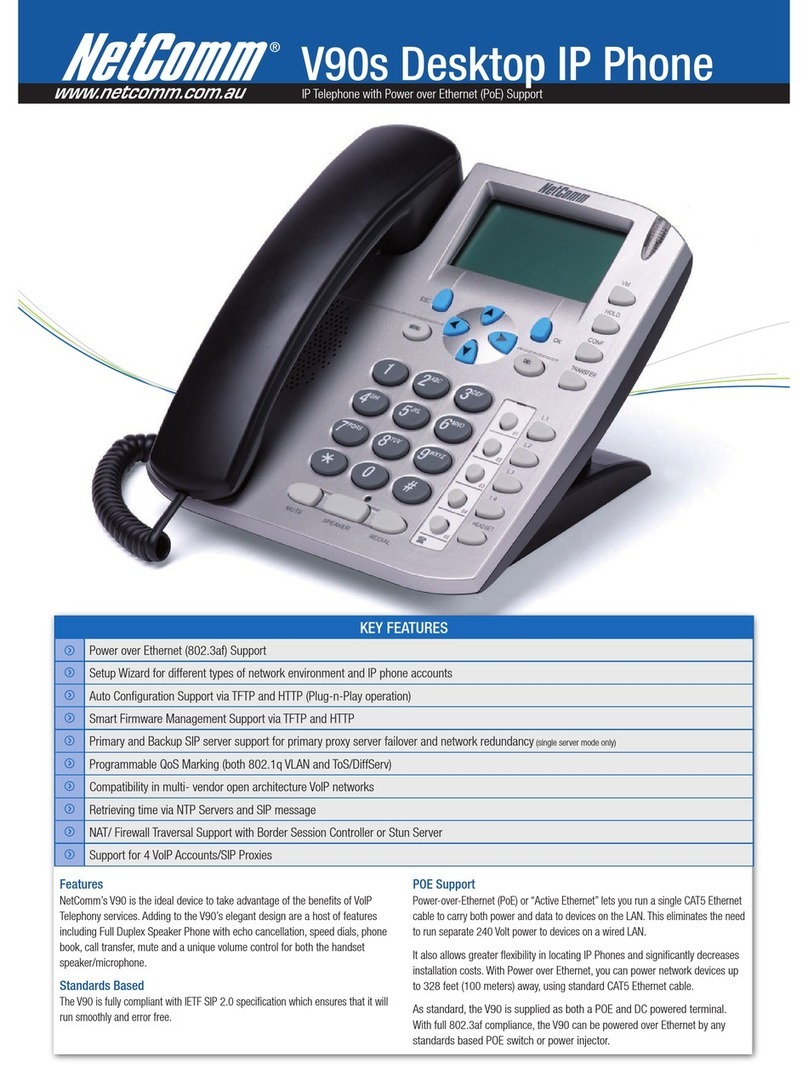
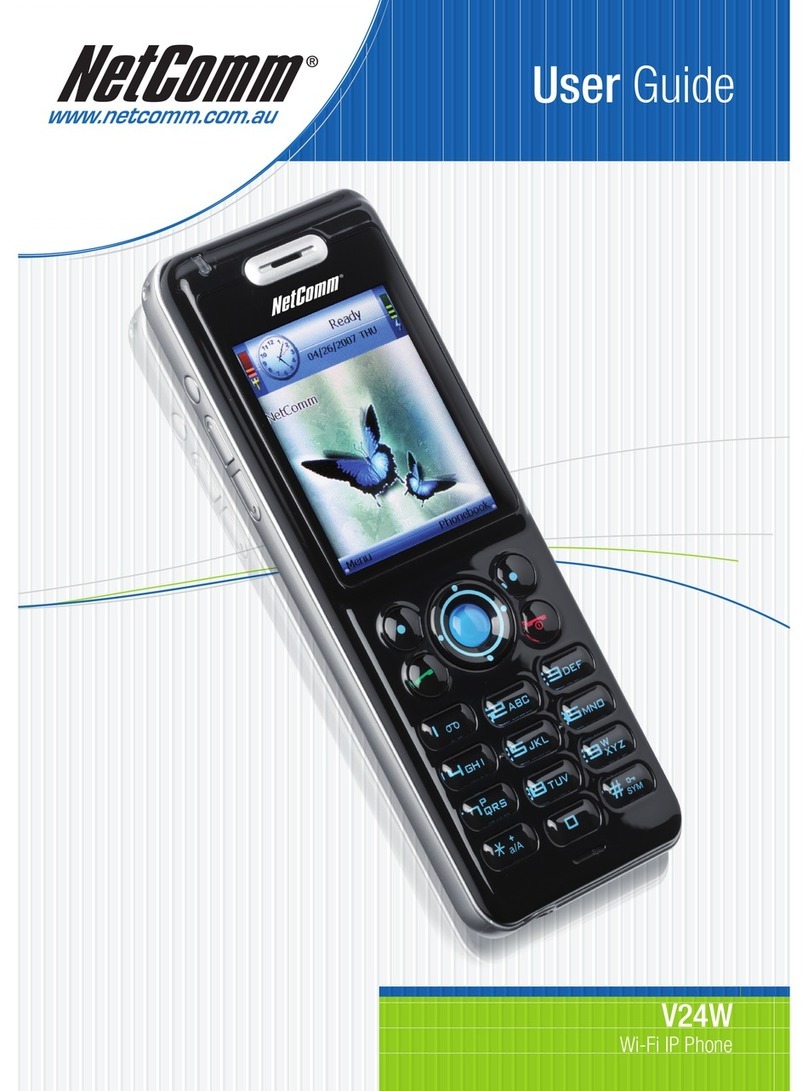
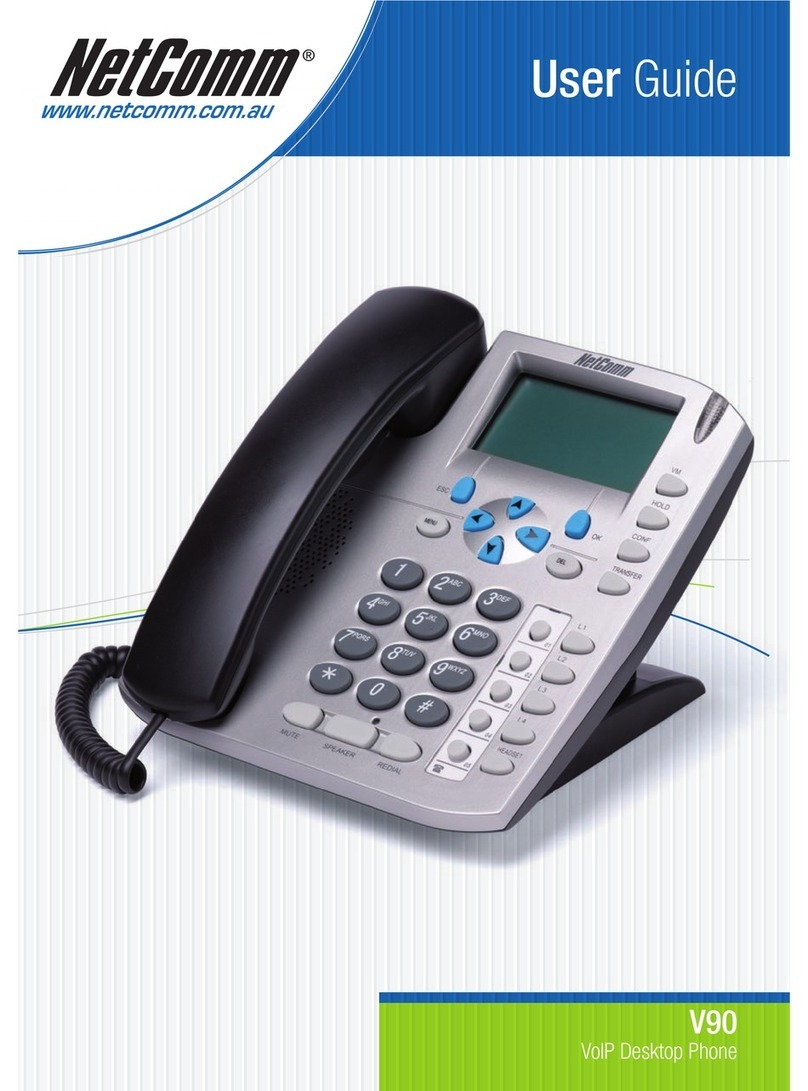
Overview NetComm V90 SIP VoIP Phone User Guide
2 NetComm Ltd.
Table of Contents
Overview............................................................................................................ 3
V90 VoIP Phone Specification ..................................................................................4
Shipping Contents................................................................................................5
Installation and Basic Configuration........................................................................... 7
Hardware Installation ...........................................................................................7
Accessing the Web Configuration Menu ......................................................................7
Obtaining the VoIP Phone IP Address ......................................................................7
Entering V90 IP Address into a Browser ...................................................................8
Configuring the VoIP Phone .................................................................................9
More Configurations .............................................................................................11
Setting the LCD Default display.............................................................................. 11
Setting the Authentication ID and Password............................................................... 11
Selecting Network Tones and Ring Tone ................................................................... 11
Network Configuration ........................................................................................ 12
LAN Port Configuration........................................................................................ 12
PC Port Configuration ......................................................................................... 12
Identifying the Time Server .................................................................................. 13
Changing the Time Zone ...................................................................................... 13
Performing an Online Upgrade............................................................................... 13
Reset Configuration Settings ................................................................................. 14
System Reboot.................................................................................................. 14
VoIP Phone Operation...........................................................................................15
Making and Answering Calls .................................................................................. 15
Making a Basic Call ......................................................................................... 15
Making a Hands-Free Call.................................................................................. 15
Dialing from the Phonebook............................................................................... 15
Dialing from the Speed Dial............................................................................... 16
Dialing from the Call History.............................................................................. 16
Answering an Incoming Call ............................................................................... 16
Using other Call Features*.................................................................................... 17
Putting a Call on Hold...................................................................................... 17
Transferring a Call.......................................................................................... 17
Using Voicemail ............................................................................................. 17
Call Waiting.................................................................................................. 17
Using the Flash Button ..................................................................................... 18
Other Phone Operations ...................................................................................... 18
Checking Call History....................................................................................... 18
Accessing Phonebook....................................................................................... 18
Adding contacts to Speed Dial memory ................................................................. 19
Adjusting the Ring Volume ................................................................................ 19
Resetting Phone Configuration ........................................................................... 19
LCD Indicators .................................................................................................. 20
Date and Time............................................................................................... 20
Unanswered Calls ........................................................................................... 20
Menu Display................................................................................................. 20
Call Display .................................................................................................. 20
Keypad Encoding Scheme.................................................................................. 20