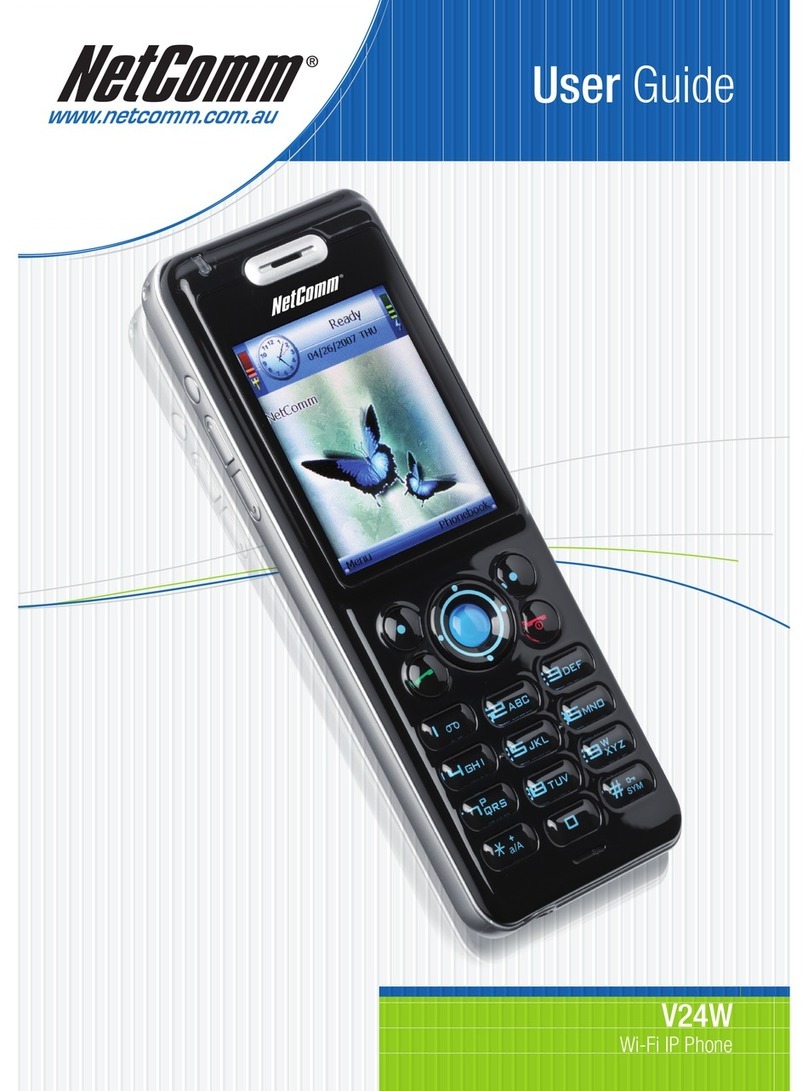
YML871 Rev1 V90 VoIP Phone User GuideV90 VoIP Phone User Guide
www.netcomm.com.au 3
Contents
Overview.......................................................................................................................................................4
NetComm V90 Physical Layout..................................................................................................................5
NetComm V90 VoIP Phone Specification ....................................................................................................6
Shipping Contents ....................................................................................................................................7
Installation and Basic Configuration.............................................................................................................9
Hardware Installation ................................................................................................................................9
Configuring the NetComm V90..................................................................................................................9
Obtaining the NetComm V90 VoIP Phone IP Address ..........................................................................10
Accessing the NetComm V90 VoIP Phone Web Configuration..............................................................10
Configuring the NetComm V90 VoIP Phone........................................................................................11
More Configurations ...................................................................................................................................13
Preference.............................................................................................................................................13
Changing the Time Zone ..................................................................................................................13
Identifying the Time Server ...............................................................................................................13
Auto Provision and Central Management ...........................................................................................13
Disable # as Delimiter key ................................................................................................................14
Selecting Network Tones ..................................................................................................................14
Network Configuration ............................................................................................................................15
LAN Port Configuration.....................................................................................................................15
PC Port Configuration.......................................................................................................................15
Call Settings...........................................................................................................................................16
Setting the SIP Authentication ID and Password .................................................................................16
Setting Call Forwarding ....................................................................................................................16
Selecting Ring Tones........................................................................................................................16
Setting Voicemail number .................................................................................................................16
Phone Settings.......................................................................................................................................17
Setting the LCD Default display.........................................................................................................17
Auto Dial .........................................................................................................................................17
Tools .....................................................................................................................................................18
Performing an Online Upgrade..........................................................................................................18
Changing the username and password of the unit..............................................................................18
Reset Configuration Settings.............................................................................................................19
System Reboot ................................................................................................................................19