Quell™User Manual Quell Customer Service 1-800-204-6577
<
Contents |
7
Chapter 3: Device Basics
Checking Battery
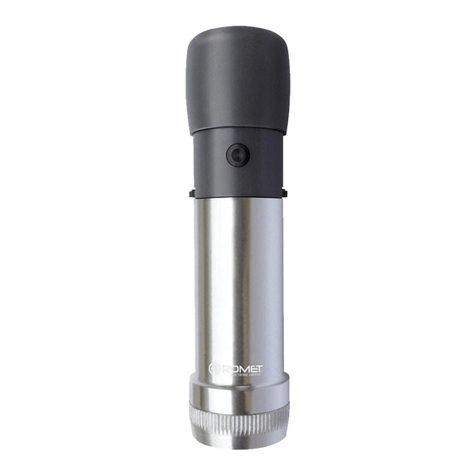
With the device in your hand, briefly click the button
to check the battery. The indicator lights will flash
white if the battery has sufficient charge. The
number of illuminated white lights correspond to
the level of battery charge. Five white lights indicate
a fully charged battery. If indicator light flashes
orange, the battery needs to be recharged (see
below for charging instructions).
Charging Battery
A fully charged battery can provide up to 40 hours
oftherapy.
To charge the battery:
Plug the USB cable into the micro-USB port on
the side of the device.
Plug the other end of the cable into the AC
Adapter. The cable should not be plugged into a
computer USB port for charging.
The AC Adapter should then be plugged into a
standard electrical outlet. The white indicator lights
on the device will show that the device is charging.
The number of lights shown will increase as the
battery charges. When the battery is fully charged,
all 5 lights will be lit for a short time and then all the
lights will turn off. It will take approximately 3 hours
to charge an empty battery. When the battery is
fully charged, unplug the cable from the device.
1
2
Chapter 3
Device Basics
1
2
If the orange light blinks while device is connected to the outlet, charging has failed.
If the battery is too low to start a therapy session, you can charge the device for
approximately 20 minutes to provide enough battery life for one therapy session. To
confirm, disconnect the USB cable from the device and briefly click the button. If at least
1 white indicator light flashes, battery has enough charge for one therapy session. If the
orange light flashes, reconnect the USB cable and continue charging.
Do not use your device with the USB cable connected.