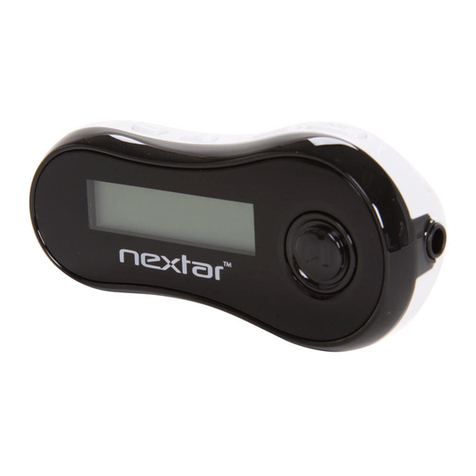
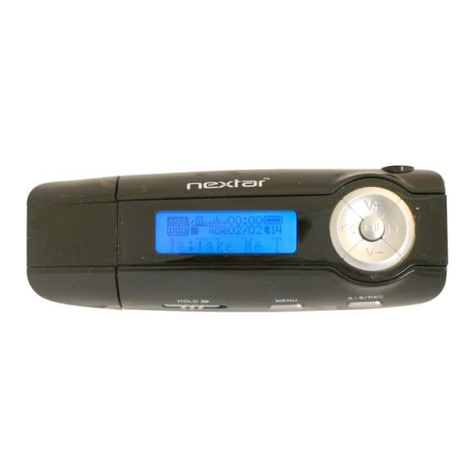
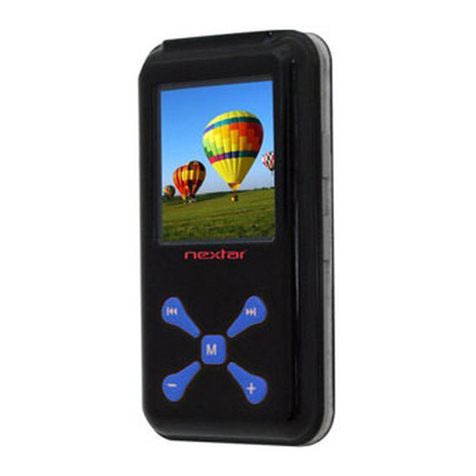
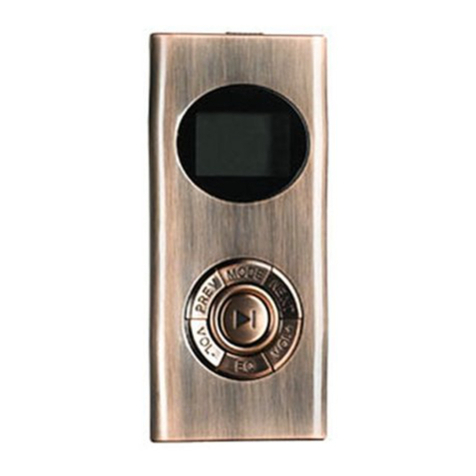
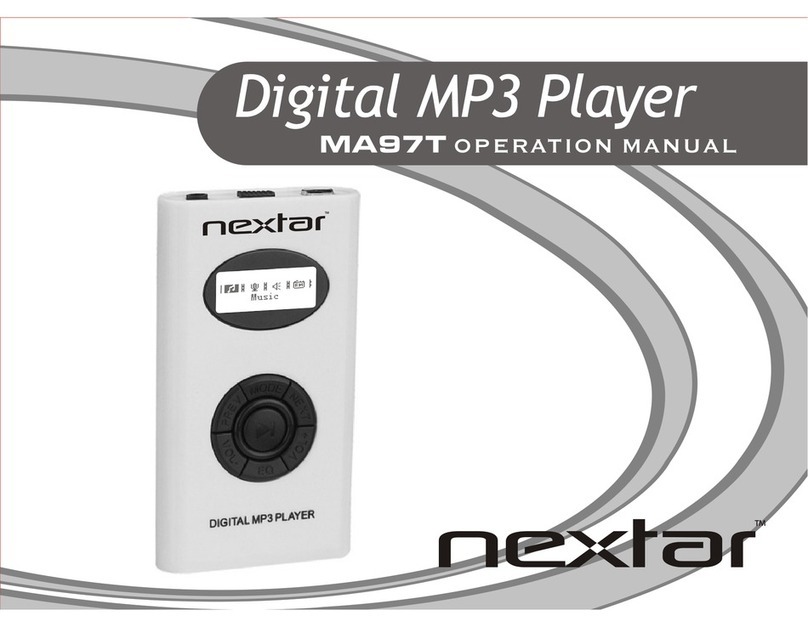
Nextar MA593 User manual

MA593 Digital MP3 Player
Instruction Manual

Table of Contents
Precautions.........................................................................................................................................................................1
Product Features..................................................................................................................................................................3
System Requirement...........................................................................................................................................................5
Basic Operation...................................................................................................................................................................6
Controls and Functions..........................................................................................................................................6
Key instruction:......................................................................................................................................................7
Connecting to PC................................................................................................................................................................8
Install Device Driver for Windows 98SE..............................................................................................................8
Operation Procedure ..............................................................................................................................................8
Removing Hardware..............................................................................................................................................9
Battery Charging.................................................................................................................................................................9
Battery Charging...............................................................................................................................................................10
WMA (Support WMA-DRM)...........................................................................................................................................12
Download operation of WMA music with DRM9 (PD-DRM)...........................................................................12
Operation Instruction ...........................................................................................................................................12
Copy Music Files to the Player.........................................................................................................................................15
Start-up/down Procedure ..................................................................................................................................................16
Main Menu........................................................................................................................................................................16
Activate and Deactivate Key Lock...................................................................................................................................17
Activate Key Lock ...............................................................................................................................................17
Deactivate Key Lock............................................................................................................................................17
Music.................................................................................................................................................................................17
Music.................................................................................................................................................................................18
LCD Display ........................................................................................................................................................18
Operation procedure.............................................................................................................................................19
I

Sub Menu of Music..............................................................................................................................................20
Recordings ........................................................................................................................................................................21
LCD Display ........................................................................................................................................................21
Operation Procedure ............................................................................................................................................22
Function of the Recordings..................................................................................................................................22
Sub Menu of Recordings......................................................................................................................................22
MIC. Record......................................................................................................................................................................23
LCD Display ........................................................................................................................................................23
Operation Procedure ............................................................................................................................................23
FM radio............................................................................................................................................................................25
LCD Display ........................................................................................................................................................25
Operation Procedure ............................................................................................................................................25
FM Submenu........................................................................................................................................................27
Exit Player will be back to the main menu.FM Record.........................................................................................27
FM Record ........................................................................................................................................................................28
LCD Display ........................................................................................................................................................28
Operation Procedure ............................................................................................................................................28
Utility ................................................................................................................................................................................30
Pedometer.............................................................................................................................................................30
Stopwatch.............................................................................................................................................................30
Delete ................................................................................................................................................................................31
Delete One............................................................................................................................................................31
Delete All .............................................................................................................................................................31
Settings..............................................................................................................................................................................32
Language..............................................................................................................................................................32
Contrast................................................................................................................................................................32
Timer settings.......................................................................................................................................................32
Music resume.......................................................................................................................................................33
II


Load defaults........................................................................................................................................................33
Memory/FW.........................................................................................................................................................33
Exit.......................................................................................................................................................................33
References.........................................................................................................................................................................34
Lyric Synchronization..........................................................................................................................................34
Reset Function......................................................................................................................................................34
Rechargeable Mode..............................................................................................................................................34
Technical Specifications ...................................................................................................................................................35
Trouble Shooting...............................................................................................................................................................36
III

Precautions
In order to safely use this player, please follow the precautions depicted in this manual. Before using this player,
please thoroughly read and keep it for future reference.
Never use the player during driving or operating other vehicles to avoid traffic accident, which also be written in
the law in some districts. Even in walking especially crossing the street.
Please also do not listen in extremely high volume to avoid any dangerous. Wherever with potential risks,
please stop using the player for safety purpose.
Please insert the earphone prior to turn on the player, which can not only avoid damaging the earphone but
keep the player in good condition.
Keep the player clean and never store the player close to the heat source or dirty, humid or rainy places and
avoid direct sunlight.
If the surface is dirty, please clean with soft cloth wet with clean water or soft abluent and never clean the case
with alcohol or diluents.
Don't press the screen or the keys too hard, as it will be hurtful to the player
Never use the player in extremely dry environment to avoid static.
Never disconnect the player from PC abruptly during downloading, uploading and formatting to avoid program
failure.
1

In order to provide the best access performance, it will be unable to format in FAT-32 in PC if your mp3 flash
memory capacity is 128MB.
Attention: Because of the different memory calculating method and the player software (firmware) is stored in
the device flash memory and, it will cause the difference between flash memory marked capacity and real
capacity. The real flash memory capacity is lesser than the marked memory capacity of this device is normal.
Due to different firmware size, it will have the different free flash memory capacity. Please refer the table as
below for more details.
Marked
capacity Real capacity range Free capacity range
after stored firmware
128MB 122MB~128MB 73MB~127MB
256MB 244MB~256MB 191MB~255MB
512MB 488MB~512MB 428MB~511MB
1GB 953MB~1000MB 879MB~999MB
2GB 1907MB~2000MB 1804MB~1999MB
2

We make no representation
for the errors, omissions or updates of this document. We
also make
no representation for the data or music files lost of the player.
Microsoft Windows Media and Windows are trademarks of Microsoft Corporation.
Trademarks of other products mentioned in this user's manual are owned by their respective
companies
or organizations.
Product Features
Support formats MP3 WMA WAV
This player supports playback of music files which type is MP3, WMA or WAV.
DRM 9 playback
This player supports WMA DRM 9 digital authorized music playback.
Voice recording function
A built-in microphone inside the player enables easy voice recording.
3

FM Tuner
This player provides a high-performance FM Tuner that allows users to perform automatic channel search, set
“favorite” channels and record “favorite” programs.
Pedometer/Stopwatch
This player provides pedometer and stopwatch functions.
Built-in 128*64 FSTN screen
There is a build-in 128*64 FSTN screen.
Supports multilingual display
This player supports multiple languages user interface.
Lyrics synchronization
This player supports lyrics synchronization.
High Playback quality
Sound quality is higher than 90dB SNR.
Plug and play portable storage
Allows data transfer to and from a PC with USB 1.1 / 2.0 full-speed interface. The player is also a portable storage
device that supports Mass Storage Class without the need to install additional driver, except for Win98SE.
4

Easy and quick battery charging
The player’s battery can be charged via USB port from a computer or an USB interface adapter. It can be fully
charged in 4 hours approximately and 80% charged in 2 hours.
System Requirement
System requirement of this player:
1. Microsoft®Windows 98SE/2000/Me/XP
2. Pentium 200MHz CPU or higher level CPU
3. USB port
4. 120MB hard disk free space
5. CD-ROM drive
5

Basic Operation
Controls and Functions
(12) REC Button
(11) Volume Down Button (-)
(10) USB Port
(8) Volume Up Button (+)
(9) Microphone
(6) Menu Button (M)
(7) Earphone Jack
(5) Rewind Button ()
(4) Reset Button
(3) Display Area
(2) Forward Button ()
(1) Play/Pause Button ()
Reset: Reset the player (accessed by a pointed object, such as an unbent paperclip).
6
Table of contents
Other Nextar MP3 Player manuals

Nextar
Nextar MA828 User manual

Nextar
Nextar MA968 User manual

Nextar
Nextar MA323 User manual

Nextar
Nextar MA323 128MB User manual

Nextar
Nextar MA166 User manual

Nextar
Nextar MA188 User manual

Nextar
Nextar MA201 User manual

Nextar
Nextar MA99T User manual

Nextar
Nextar MA206 User manual

Nextar
Nextar MA201 2GB User manual

Nextar
Nextar Digital MP3 Player User manual

Nextar
Nextar MA566 User manual

Nextar
Nextar MA97T User manual

Nextar
Nextar MA99T User manual

Nextar
Nextar MA794 User manual

Nextar
Nextar MA933A - 128 MB Digital Player User manual

Nextar
Nextar MA933ASC Assembly instructions

Nextar
Nextar ma977 User manual

Nextar
Nextar MA588F User manual

Nextar
Nextar MA797 User manual