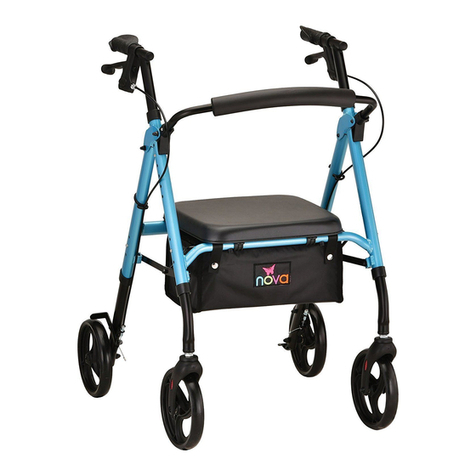
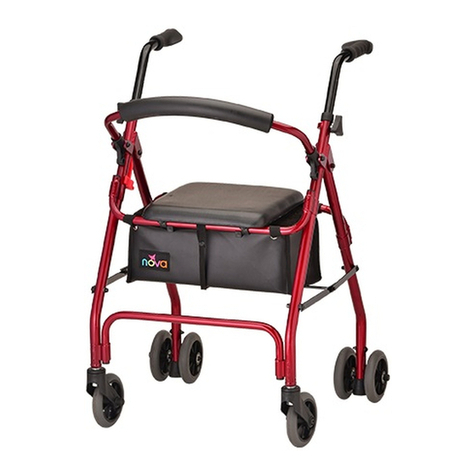
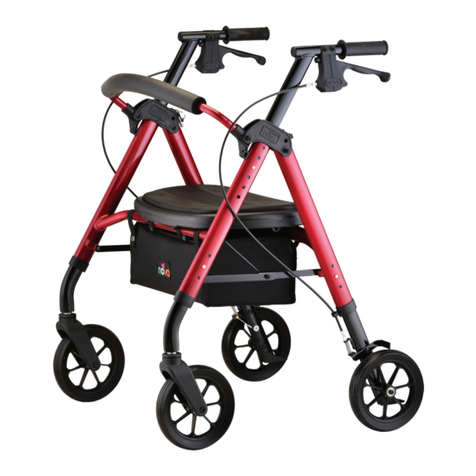
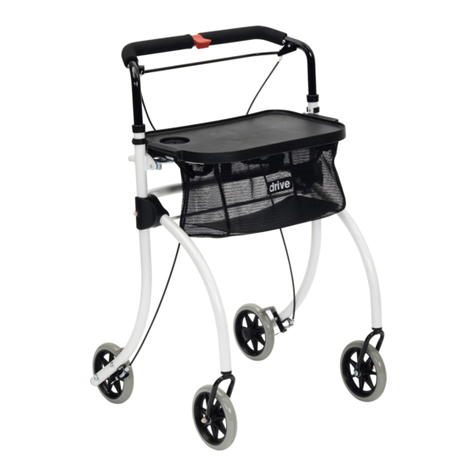
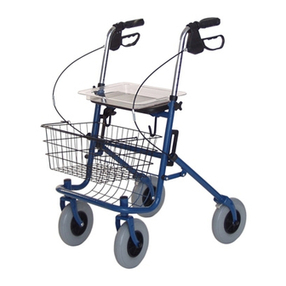
Nova STAR 8 DLX WIDE 4264 User manual

User Guide
Model: 4264
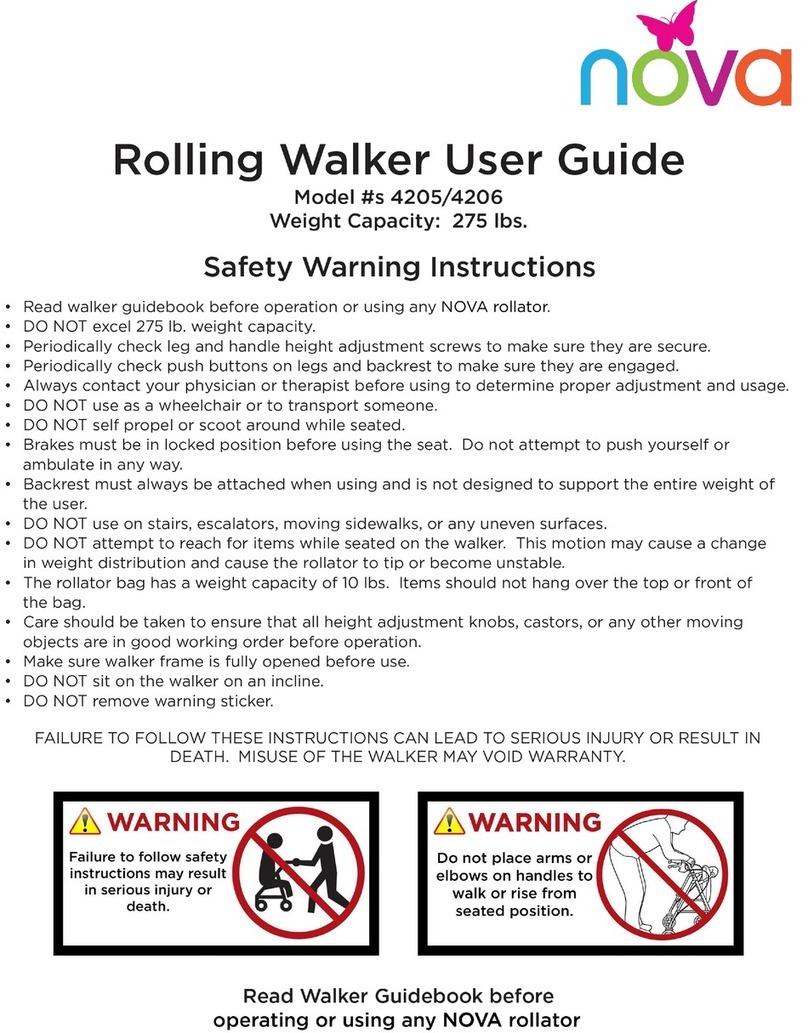
Safety Warning Instructions
• DO NOT exceed weight capacity of 450lbs.
• DO NOT use as a wheelchair or to transport someone.
• DO NOT self-propel or scoot around while seated.
• Care should be taken to ensure that all detachable legs, castors, or any other moving objects are in good working
order before operation.
• Periodically check handle and leg push buttons to make sure they are secure.
• Periodically check push buttons on backrest to make sure they are engaged.
• Always contact your physician or therapist before using to determine proper adjustment and usage.
• Brakes must be in locked position before using the seat. Do not attempt to push yourself or ambulate in any way.
• Both feet should rest at on the ground when sitting.
• DO NOT push back on the backrest or extend your body over the backrest. It is not designed to support the
entire weight of the user. Backrest must always be attached when rollator is in use.
• DO NOT use on stairs, escalators, moving sidewalks, or any uneven surfaces.
• DO NOT attempt to reach for items while seated on the rollator. This motion may cause a change in
weight distribution and cause the rollator to tip or become unstable.
• The rollator bag/basket has a weight capacity of 10 lb. Items should not hang over the top or front of the basket.
• Make sure rollator frame is fully opened before use.
• DO NOT sit on the rollator on an incline.
• DO NOT support your full body weight on the handles when attempting to sit down.
• DO NOT remove warning sticker.
FAILURE TO FOLLOW THESE INSTRUCTIONS CAN LEAD TO SERIOUS INJURY OR RESULT IN DEATH.
MISUSE OF THE WALKER MAY VOID WARRANTY.
Read this user guide before operating or using your NOVA rollator.
User guide and video available online at www.novajoy.com
*Revised August 24, 2021
STAR 8DX
DLX WIDE

2
WHAT’S INCLUD-
a. (1) Walker frame with bag & seat
and backrest
b. (2) Front wheel assemblies
c. (2) Rear wheel assemblies with
handle brake assemblies
Assembly Instructions
Carefully remove the rollator frame and components from the box, and remove all protective pieces.
Examine all parts for damage from shipping. If any parts are missing or damaged, please call 1-800-557-
6682 and prompt Customer Service. DO NOT use rollator until all parts are received.
1. Unfold the rollator by pulling the front and rear frame apart,
and place on a at surface (image 1). Lift the seat and push
downward on the folding mechanism handle so the side
folding hinges are fully extended. Rest the handle where the
seat attaches.
2. Insert the backrest into the plastic backrest hinges (image
2) by pressing push buttons inward and sliding the backrest
completely into the hinge until the buttons engage into the
holes. Pull on the backrest to make sure it is secure.
3. Turn the rollator so that it rests on its rear side. NOVA logo
on bag will face upwards (image 3).
4. Insert the front wheel assemblies into the frame until the push
buttons click and are fully engaged (image 4).
5. Turn rollator over so that it rests on its front side (image 5).
6. Insert the rear leg assembly marked (R) into the right frame
slot until the push button clicks and is fully engaged. Wheel
should face outwards. (image 6). Repeat for the left (L) side.
7. Rest the rollator on all four wheels, and ensure that all wheels
are at and the seat is level (image 7).
8. Insert the handle brake assemblies into the frame, ensuring
that the cables are on the outside of the frame (image 8).
9. Adjust leg heights and handle heights to the appropriate
level by pressing the push buttons (image 9) and sliding the
components up or down until the desired height is reached.
NOTE: Ensure all push buttons are fully engaged before using.
All legs must be the same height, and both handles must be the
same height before operating to ensure safety of the user.
a. b. c.
image 1
image 5
image 3
image 7
image 2
image 6
image 4
image 8
image 9

3
How to Properly Fit Your Rollator
Rollators are not One Size Fits All, and it is very important to choose a rollator that ts
your height. Two things to consider are 1) handle height for proper walking posture and
2) seat height - which should allow you to sit safely and comfortably on the rollator with
your back resting on the backrest, your feet at on the ground and your legs at a 90
degree angle.
How to sit with a rollator
1. Lock the brakes by pushing down on the brake handles until it locks in the downward
position. Brakes must be on the lock position for the remander of the sitting
2. Test the rollator before sitting down to make sure that it will not roll.
3. Use the handles to stabilize your body as you turn around.
4. Before sitting, touch the back of your legs to the edge of the seat to ensure proper
positioning of the rollator.
5. Holding the handles, slowly lower your body onto the seat.
DO NOT support your full body weight on the handles when attempting to sit down.
The rollator is intended for stationary seating only. If someone sits then pushes with
their feet, the walker could easily tip and cause a fall. The walker should not be used as a
wheelchair and it should never be pushed or rolled when someone is sitting on it.
To Prevent Tipping Over when Sitting
Distribute weight evenly on the seat. DO NOT lean on one side of the rollator.
Both feet should rest at on the ground.
DO NOT support your full body weight on the handles when attempting to sit down.
How to stand with a rollator
1. Make sure the brakes are engaged in the downward position
2. Sit as comfortably on the edge of your seat
3. Keep your toes in line with the edge of your seat
4. Place both hands on the chair or one hand on the chair and one hand on the rollator
5. Never put all of your weight on the rollator, as it could make the rollator move
6. Lean forward until some of your body weight is on your feet
7. Use your legs to stand, your arms should only be lifting the weight your legs cannot
8. Do not move forward until you are certain about your balance
9. Unlock brakes and walk.

4
Determining the Correct Handle Height
Stand upright behind the rollator with your arms hanging at your side and both feet in line
with the rear wheels. Adjust the height of the rollator legs so that the rollator handles are
even with your wrists. This should create a 20 to 30 degree bend in the elbow when using
the rollator.
How to walk with a rollator
1. Hold the handles with your ngers resting around the handbrake in the squeezing
position. This position will allow you to quickly stop the rollator or control your speed if
necessary by squeezing the handbrake.
2. Roll your rollator slowly forward so that the rear wheels are a few inches ahead of your
body.
3. Step forward and place one foot in line with the rear wheels.
4. Maintaining a steady roll forward, place your other foot in line with the rear wheels.
5. Determine a pace that is comfortable and allows you to place each step in line with the
rear wheels.
Using & adjusting the handbrakes
To use:
1. Squeeze handbrake to stop the rollator or control your walking speed.
To lock/unlock:
1. Push down on the brake handles.
2.The handles will lock into a downward position when properly engaged.
3.Pull up on brake handles to unlock.

5
How to adjust the brakes
The following information is designed to assist you with the adjustment of your NOVA
Feather Touch Handbrake System. Note: The braking system on your new NOVA rollator
has been preset from the factory. To maintain this preset position, be sure that the tension
adjustment screw locking nuts are tight against the housing and the rear wheels. If you are
still having difculty with your brakes, you can adjust them by doing the following:
To Tighten the Brakes
Turn the tension adjustment screw counter clockwise, this will allow the brake shoe to get
closer to the wheel. Continue until you reach the desired tension.
To Loosen the Brakes
Turn the tension adjustment screw clockwise, this will allow the brake shoe to rise away
from the wheel. Continue until you reach the desired tension. Tighten the nut back down so
that it is tight against the top of the brake pad after you have achieved the desired tension.
image 14
Cable End
Ca p
Tension
Adjustment
Screw
Tension
Adjustment
Screw Locking
Nu t
Mounting
Screw
Handle Brake
Housing
Tighten the Brake Loosen the Brake

6
Maintenance
Check your rollator periodically to make sure that the brakes are working correctly and that all
of the nuts and bolts are secure. DO NOT use the rollator if the brakes are not working correctly.
Warranty Information
NOVA stands rm on our commitment to providing the highest quality products, as well as
exceptional service. This product was built to precise standards and thoroughly inspected prior
to shipment. This warranty represents our condenc in the materials and workmanship of our
product. NOVA extends this warranty only to the original purchaser of this product. The warranty
does not extend to any subsequent purchaser or owner. The warranty is void upon any sale or
transfer of ownership or use by other person. NOVA warrants its products are free from defects
in material and workmanship under NORMAL use for the period commencing upon the date of
purchase and continuing for the following specied period of time after that date:
Metal frame: Limited Lifetime Warranty
Brakes: 5 Years
Non-Metal/Metal parts: 1 Year Limited Warranty
(Wheels, Hand Grips, Padding, Cables, Upholstery, Bag, Screws, Plastic Parts)
This warranty does not cover problems due to user negligence, misuse of the product, failure to
adhere to product instructions, or normal wear and tear. Items that have been subject to negligent
abuse, modied without prior written authorization are not covered within this warranty. For
warranty service, please contact the dealer from whom you purchased your NOVA product.
In the event that you do not receive satisfactory service, please call us directly at the number
below. Be prepared to indicate, the nature of the defect, the product serial number, and the
name and location of where you purchased the product. You will also be required to provide
a receipt of your purchase. DO NOT return any products to our ofce without prior consent.
Repair or replacement is the only remedy under this limited warranty. This warranty does not
include any labor or shipping charges incurred in replacement part installation or repair of
product.
THIS WARRANTY IS EXCLUSIVE AND IN LIEU OF ALL OTHER EXPRESS WARRANTIES, IMPLIED
WARRANTIES, IF ANY, INCLUDING THE IMPLIED WARRANTIES OF MERCHANTABILITY AND
FITNESS FOR A PARTICULAR PURPOSE. NOVA SHALL NOT BE LIABLE FOR ANY SEQUENTIAL
OR INCIDENTAL DAMAGES WHATSOEVER.
***Remember to keep the product’s serial number and the date of purchase***

This manual suits for next models
2
Table of contents
Other Nova Mobility Aid manuals
Popular Mobility Aid manuals by other brands

Decon wheel
Decon wheel TNS Notos Assembly instructions

ExoAtlet
ExoAtlet ExoAtlet-II user manual

Invacare
Invacare Storm Series parts catalog

Rhythm Healthcare
Rhythm Healthcare B3800F manual

AMF-BRUNS
AMF-BRUNS PROTEKTOR installation manual

Drive DeVilbiss Healthcare
Drive DeVilbiss Healthcare OTTER Instructions for use