manuals.online logo
Brands
  1. Home
  2. •
  3. Brands
  4. •
  5. OJ
  6. •
  7. Thermostat
  8. •
  9. OJ MCD3-1999-UAE6 User manual

OJ MCD3-1999-UAE6 User manual

Other OJ Thermostat manuals

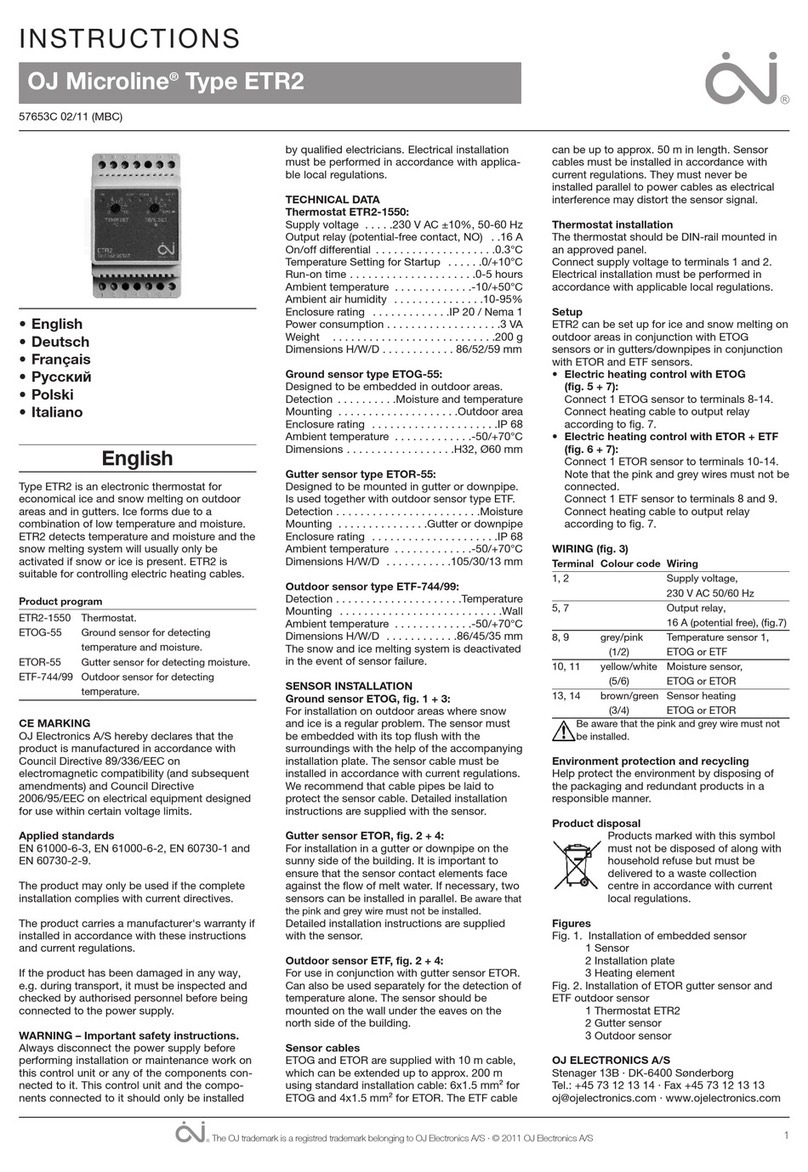
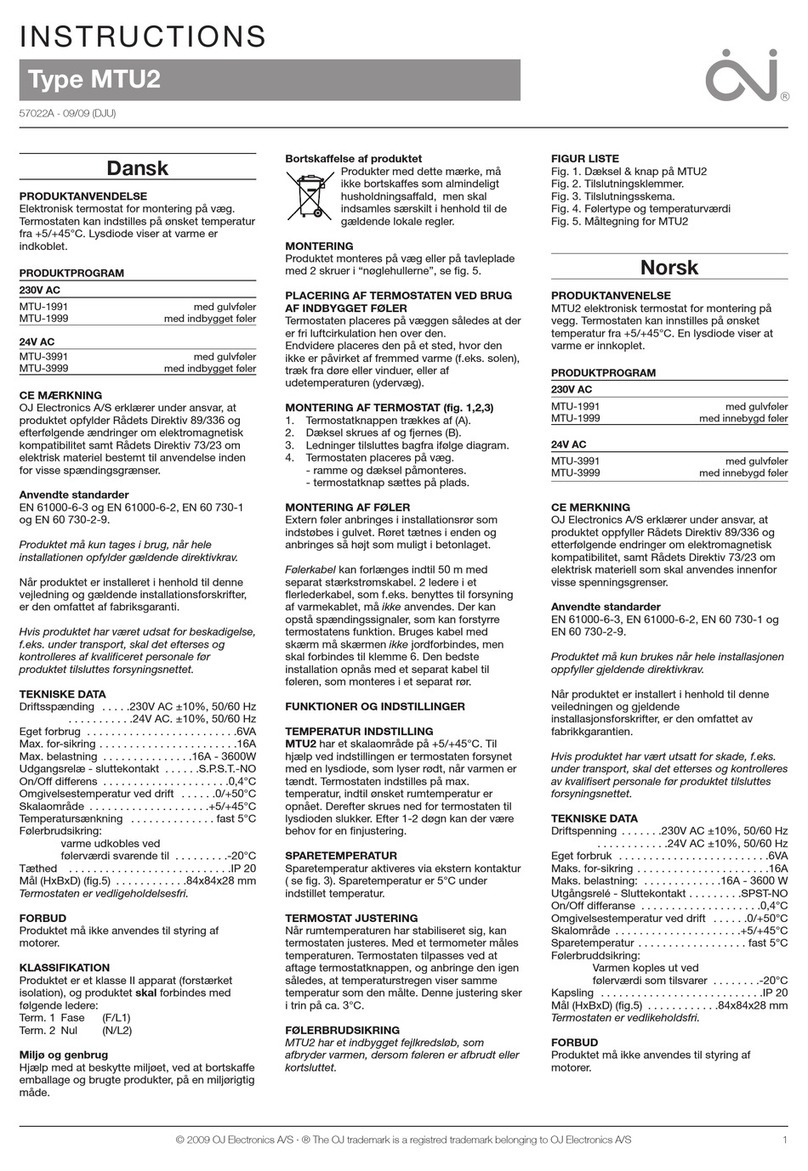
OJ MTU2 Series User manual

OJ

OJ MTU2 Series User manual

OJ MCD5-1999-ASP3 User manual

OJ

OJ MCD5-1999-ASP3 User manual

OJ UDG Series User manual

OJ

OJ UDG Series User manual

OJ Microline OTN-1991H11 User manual

OJ

OJ Microline OTN-1991H11 User manual

OJ Microline ETR2 User manual

OJ

OJ Microline ETR2 User manual

OJ Microline OTN Series User manual

OJ

OJ Microline OTN Series User manual

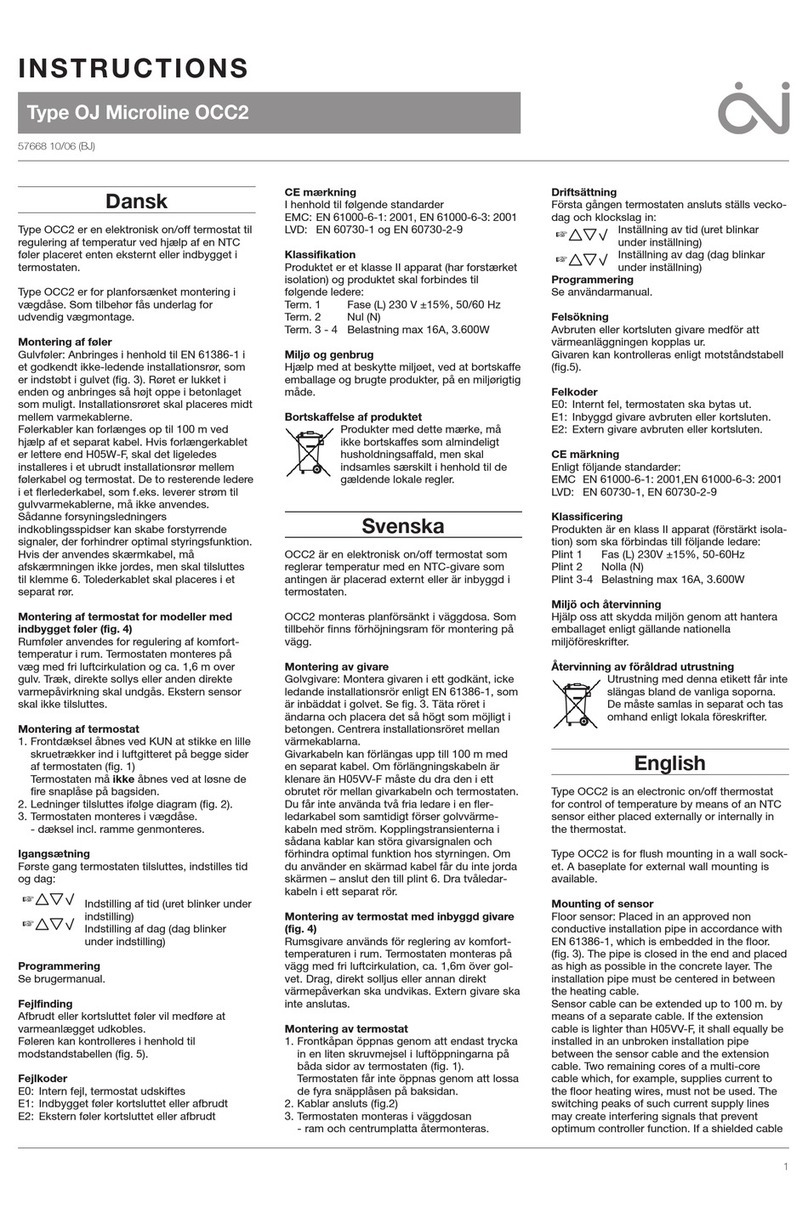
OJ Microline OCC2 User manual

OJ

OJ Microline OCC2 User manual

OJ Microline UWG4 User manual

OJ

OJ Microline UWG4 User manual

OJ Microline ETR2 User manual

OJ

OJ Microline ETR2 User manual

OJ Microline OCD2 User manual

OJ

OJ Microline OCD2 User manual

OJ GreenZone RPT-20T User manual

OJ

OJ GreenZone RPT-20T User manual

OJ Microline ETR2-1550 User manual

OJ

OJ Microline ETR2-1550 User manual

OJ Microline ETR2 User manual

OJ

OJ Microline ETR2 User manual

OJ Microline ETR2 User manual

OJ

OJ Microline ETR2 User manual

OJ Microline OCC2 User manual

OJ

OJ Microline OCC2 User manual

Popular Thermostat manuals by other brands

Full Gauge TIC-17C product manual

Full Gauge

Full Gauge TIC-17C product manual

Imit Chronomix S manual

Imit

Imit Chronomix S manual

ChiliTec ST-35 ana instruction manual

ChiliTec

ChiliTec ST-35 ana instruction manual

Salus VS05 Installer's/user's manual

Salus

Salus VS05 Installer's/user's manual

Azel D-500 user guide

Azel

Azel D-500 user guide

Honeywell Chronotherm III owner's manual

Honeywell

Honeywell Chronotherm III owner's manual

Charmeg MP-R user manual

Charmeg

Charmeg MP-R user manual

dixell WING XW40LS Installing and operating instructions

dixell

dixell WING XW40LS Installing and operating instructions

Network Thermostat NetX X7C-WIFI Installation and programming manual

Network Thermostat

Network Thermostat NetX X7C-WIFI Installation and programming manual

Radio Thermostat CT80 Operation guide

Radio Thermostat

Radio Thermostat CT80 Operation guide

HAI Omnistat RC-120 installation manual

HAI

HAI Omnistat RC-120 installation manual

Lennox iComfort E30 Installation and setup guide

Lennox

Lennox iComfort E30 Installation and setup guide

Lux Products PSD011Ba Installation and operating instructions

Lux Products

Lux Products PSD011Ba Installation and operating instructions

Computherm Q20 operating instructions

Computherm

Computherm Q20 operating instructions

Heatmiser neoStat user manual

Heatmiser

Heatmiser neoStat user manual

Mars HEAT CONTROLLER IR Wireless Thermostat user manual

Mars

Mars HEAT CONTROLLER IR Wireless Thermostat user manual

LUX LP0511D user manual

LUX

LUX LP0511D user manual

Saswell SAS920XWHB-7-S-RF User manual and warranty card

Saswell

Saswell SAS920XWHB-7-S-RF User manual and warranty card

manuals.online logo
manuals.online logoBrands
  • About & Mission
  • Contact us
  • Privacy Policy
  • Terms and Conditions

Copyright 2025 Manuals.Online. All Rights Reserved.

MCD3-1999-OJE6
MCD3-1999-UAE6
INSTRUCTIONS
67886C 03/22 (MTE)
© 2022 OJ Electronics A/S
• English
© 2022 OJ Electronics A/S
2© 2022 OJ Electronics A/S
ILLUSTRATIONS
Pages.................................................................................... 3
INSTRUCTIONS
English.................................................................................. 6
3
© 2022 OJ Electronics A/S© 2022 OJ Electronics A/S
MCD3-1999-UAE6
Fig. 1
BR1033A01a
© 2016 OJ Electronic A/S
BR1033A01a
BR1045A04
© 2021 OJ Electronics A/S
BR1045A04
Fig. 2
4© 2022 OJ Electronics A/S © 2022 OJ Electronics A/S
MCD3-1999-UAE6
BR1033A03a3
© 2021 OJ Electronics A/S
1
4
5
2
3
6
BR1017A05A
653 421
N
L
Fig. 4
BR1033A03a3
BR1017A03A
1.5m
Fig. 3
BR1017A03a
© 2022 OJ Electronics A/S 5
© 2022 OJ Electronics A/S
MCD3-1999-UAE6
BR1033A07a
© 2016 OJ Electronic A/S
Fig. 5
Fig. 6
BR1033A07a
BR1045A06a
© 2022 OJ Electronics A/S
S
L
N
1 2 3 4 S 5 6
N
L2
L
L1
230VAC
50/60Hz
588569A
N
L2
L
L1
MAX LOAD
16A
SENSOR
L1/L3
IP21
Made in Denmark
Stenager 13b DK-6400
© 2022 OJ Electronics A/S
R
T25
MCD3-1999-UAE6
BR1045A06a
© 2022 OJ Electronics A/S © 2022 OJ Electronics A/S
6
MCD3-1999-UAE6
INTRODUCTION
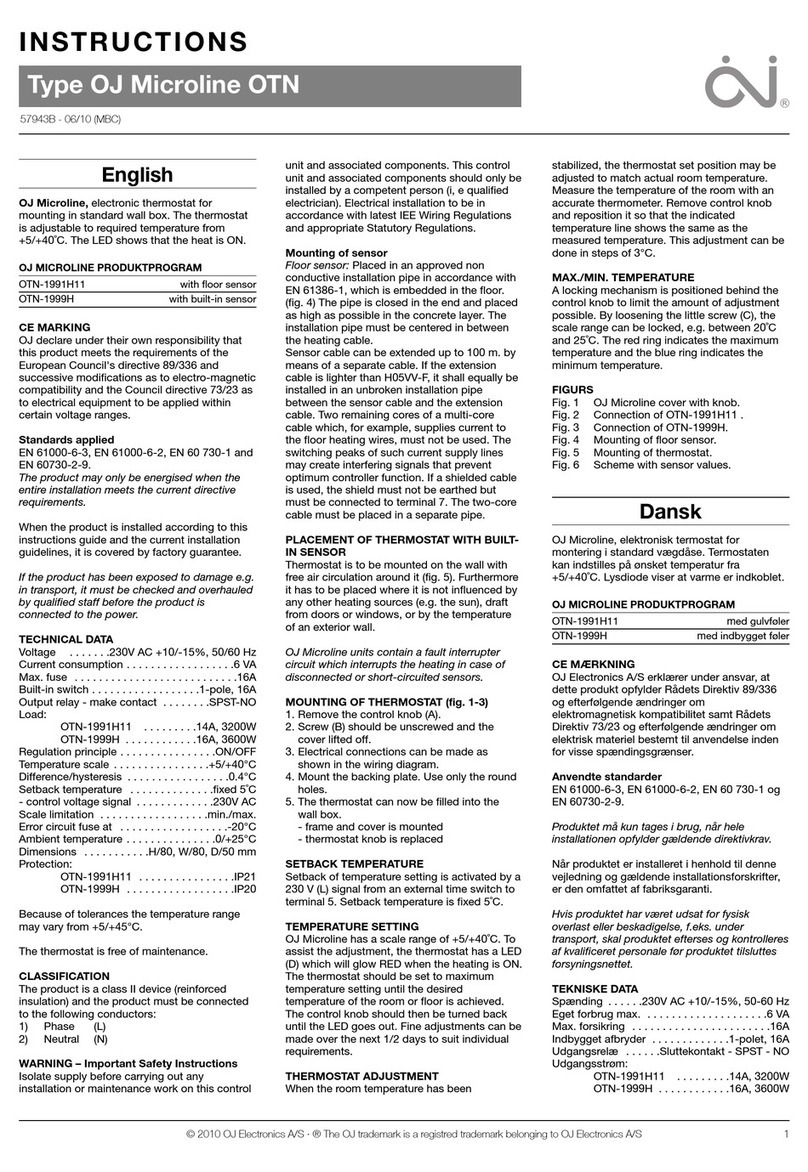
The thermostat is an electronic PWM/PI thermostat for temperature
control by means of an NTC sensor located either externally or
internally within the thermostat.
The thermostat is for flush mounting in a wall box. A baseplate for
wall mounting is also available.
This thermostat can be used as a controller for electric room
heating pursuant to EN 50559.
CONTENTS (FIG. 1)
• Thermostat
• Sensor
IMPORTANT SAFETY INSTRUCTIONS
To avoid electric shock, disconnect the heating system
power supply at the main panel before carrying out any
work on this thermostat and associated components.
Protection against electric shock must be guaranteed
by appropriate mounting. The requirements of Class II are fulfilled
after appropriate mounting (reinforced insulation).
Installation must be carried out by qualified personnel in
accordance with appropriate statutory regulations (where required
by law).
Installation must comply with national and/or local electrical
regulations.
Caution
This instruction must be observed, otherwise the liability
of the manufacturer shall be voided.
Any changes or modifications made to this thermostat
shall void the liability of the manufacturer.
Instructions
English
© 2022 OJ Electronics A/S 7
© 2022 OJ Electronics A/S
Maximum product lifetime is achieved if the product is not turned
o but set at the lowest possible set point / frost protection when
heat is not required.
Notice
The language used in the original documentation is
English.
Other language versions are translations of the original
documentation.
The manufacturer cannot be held liable for any errors in the
documentation. The manufacturer reserves the right to make
alterations without prior notice.
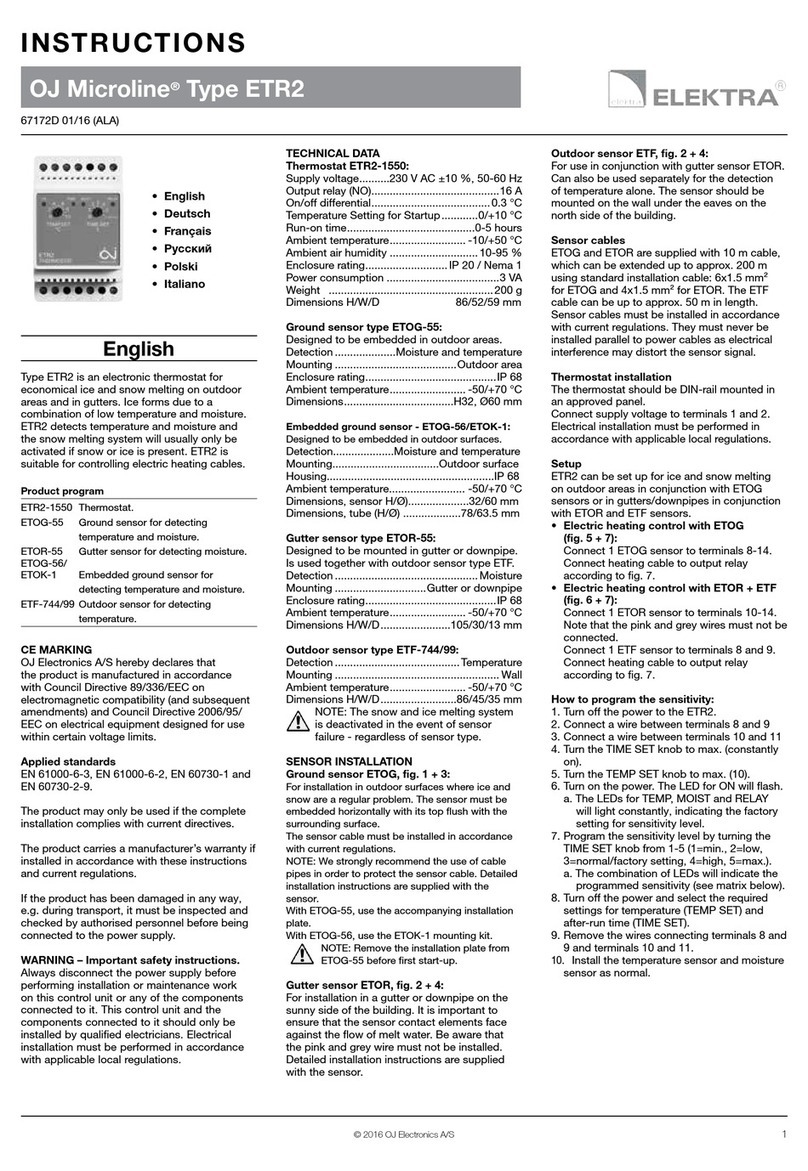
INSTALLING THE SENSOR (FIG. 2)
• Insert the sensor cable into a non-conductive conduit
embedded in the floor.
• The end of the conduit must be sealed and the conduit placed
as high as possible in the concrete layer.
• The floor sensor must be centred between loops of heating
cable.
• The two wires from the sensor to the thermostat must be kept
separate from high-voltage wires/cables. Place the sensor cable
in a separate conduit or segregate it from power cables in some
other way. Ensure that the insulation is undamaged on both the
electrical wiring and the floor sensor. Never use two spare wires
in a multi-core cable.
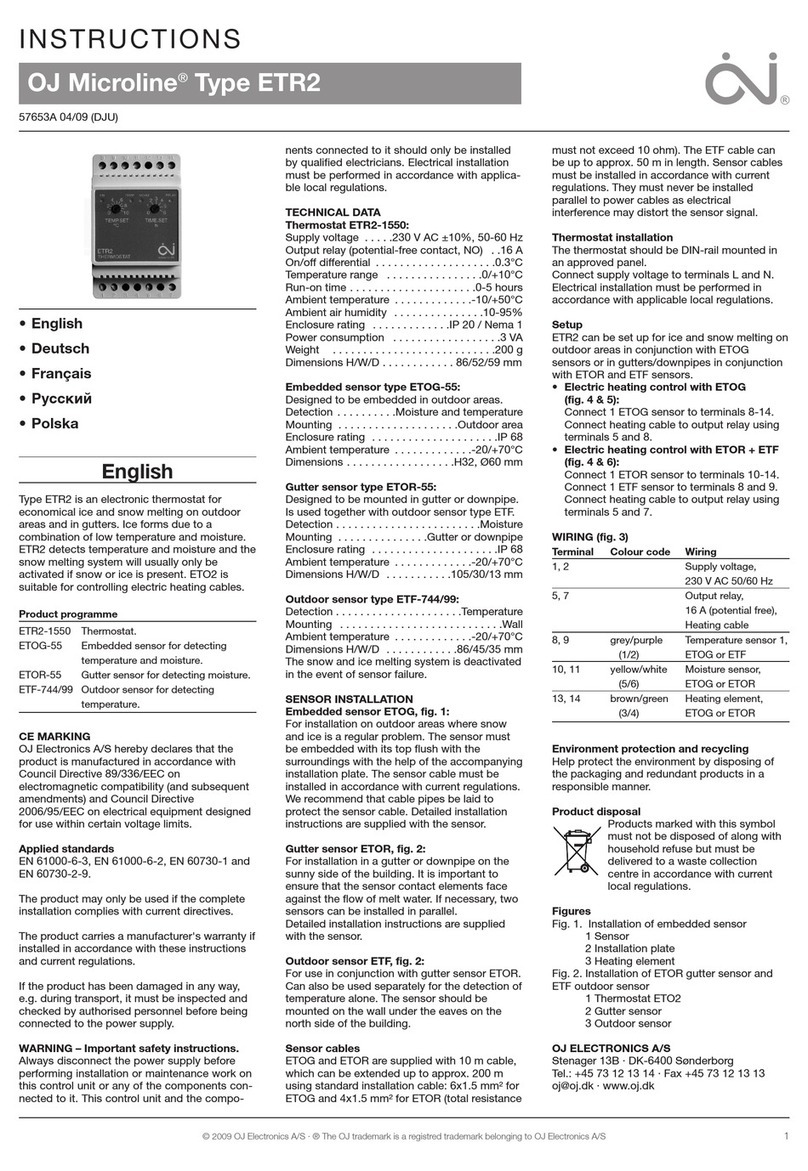
PLACEMENT OF THE THERMOSTAT (FIG. 3)
The thermostat should be mounted on the wall approx. 1.5 m
above the floor in such a way as to allow free air circulation
around it. Draughts and direct sunlight or other heat sources
must be avoided.
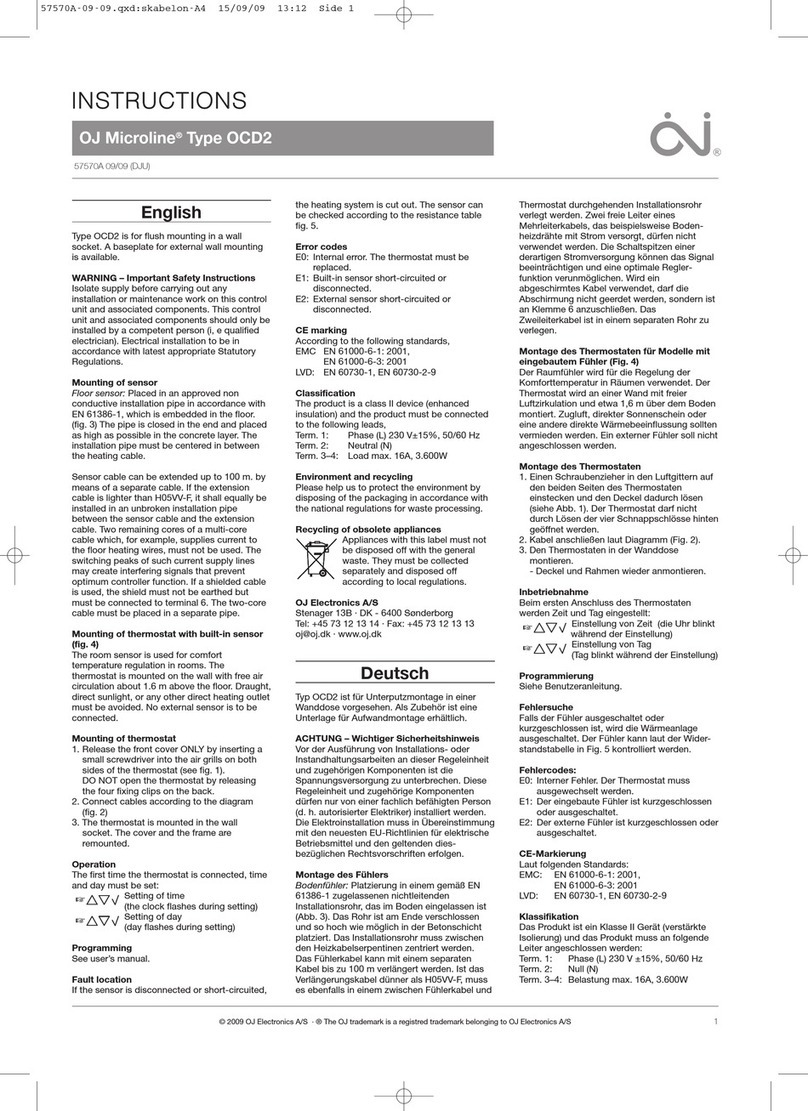
OPENING THE THERMOSTAT (FIG. 4)
1. Switch o the thermostat
2. Insert a small screwdriver in the bottom right slot of the
thermostat.
3. Turn the handle of the screwdriver outwards while gently pulling
the right side of the bottom a few millimetres towards you.
4. Insert the small screwdriver into the bottom left of the
thermostat.
MCD3-1999-UAE6 English

8© 2022 OJ Electronics A/S © 2022 OJ Electronics A/S
5. Turn the handle of the screwdriver outwards while gently pulling
the bottom left side a few millimetres towards you.
6. When the bottom part of the front is loose, pull the front gently
away from the rear part.
MOUNTING THE THERMOSTAT (FIG. 5)
1. Mount the thermostat in the wall box.
2. Ensure that both the power slide button on the cover and the
power switch pin in the thermostat are down. Fit the frame and
carefully press the cover onto the thermostat - starting with the
upper part of the cover, then the lower part of the cover.
3. Click the cover into place by applying light, even pressure.
Warning! Do not apply pressure to the corners of the display
cover or to the display itself.
CONNECTIONS (FIG. 6)
Ensure that the mains and load cables are connected as shown in
the figure.
Terminal 1: Neutral: (N / L2)
Terminal 2: Phase: (L / L1)
Terminal 3: Load: (N / L2) Resistive load only
Terminal 4: Load: (L / L1) Resistive load only
Terminal S: External override*
Terminal 5: Sensor (no polarity)
Terminal 6: Sensor (no polarity)
*Activated by a 230V signal, possibly through an external
control, clock or timer connected to the S terminal.
MCD3-1999-UAE6 English
© 2022 OJ Electronics A/S 9
© 2022 OJ Electronics A/S
OPERATING THE THERMOSTAT
ON/OFF: To turn the thermostat ON, open the front cover, push
the ON/OFF switch up (left side of the thermostat).
Settings: Press ”” for 3 seconds to enter the settings. Use ”
”
and ”” to navigate through the settings. Press ”” and change
the value with ”
” or ””. Press ”” to return to the settings.
Factory reset: Press ”” for 8 seconds to enter the factory reset
menu.
Schedule: Press ”
” and ”” simultaneously for 3 seconds to
enter and change the weekly schedule.
Child lock: Press ”
” and ”” simultaneously for 8 seconds to
lock or unlock the buttons. This can only be done from the main
screen.
Manual override: To activate or deactivate manual override,
quickly press and release ””. Note: This is indicated with a hand
symbol on the main screen when activated. This overwrites the
weekly schedule until deactivated again.
Navigation: ”” and ”” are used to adjust the temperature or
to navigate through the menu.
You can find the full user manual by scanning the QR code or
entering the URL in a browser.
https://ojelectronics.com/floorheating/products/digital-thermostat-mcd3
MCD3-1999-UAE6 English

10 © 2022 OJ Electronics A/S © 2022 OJ Electronics A/S
MCD3-1999-UAE6 English

Entry
point for
initial
setup
Entry
point for
daily use
settings
Settings for daily use
Settings for installation
Read out values
M
MENU STRUCTURE