manuals.online logo
Brands
  1. Home
  2. •
  3. Brands
  4. •
  5. Optiview
  6. •
  7. DVR
  8. •
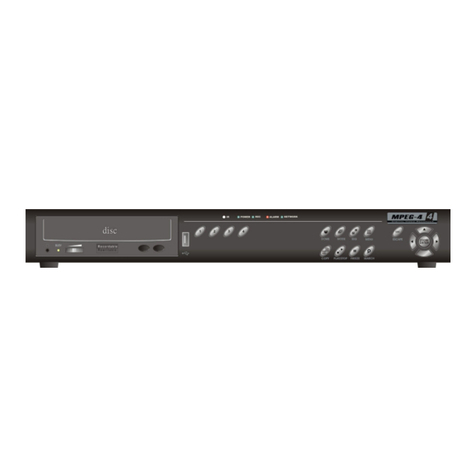
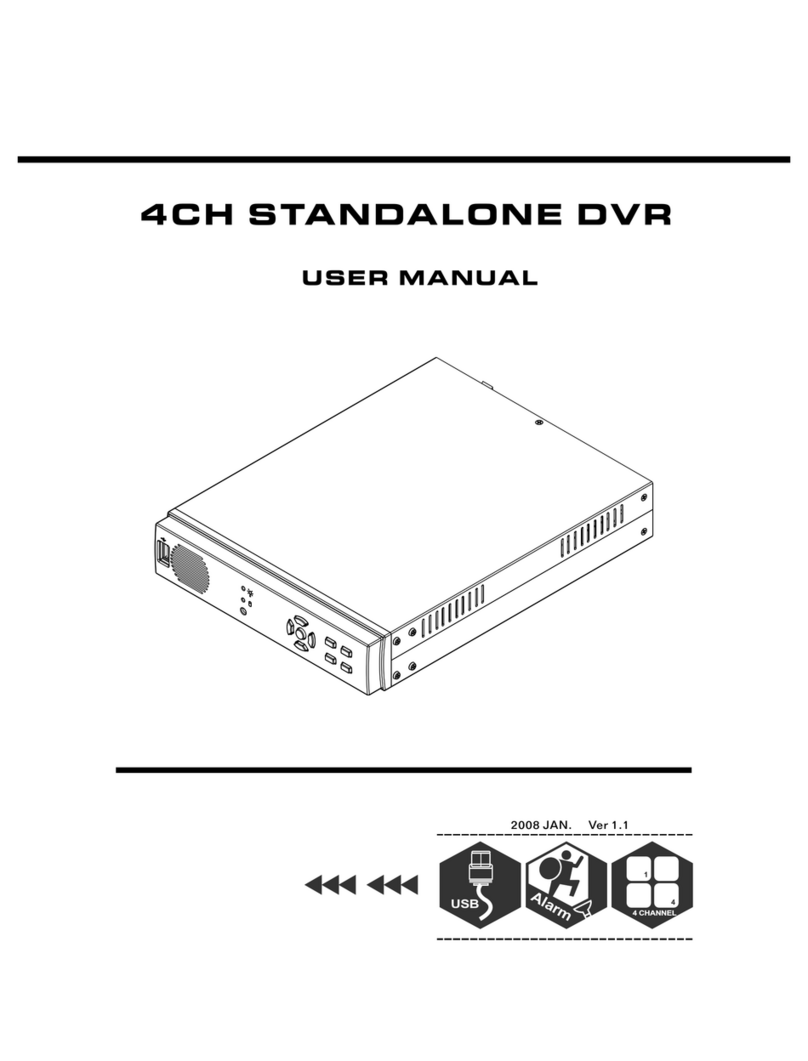
  9. Optiview 4CH User manual

Optiview 4CH User manual

Other Optiview DVR manuals
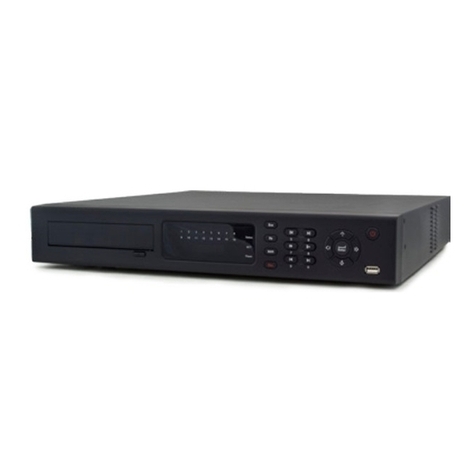
Optiview VR LT Troubleshooting guide

Optiview

Optiview VR LT Troubleshooting guide
Optiview 4M Series User manual

Optiview

Optiview 4M Series User manual

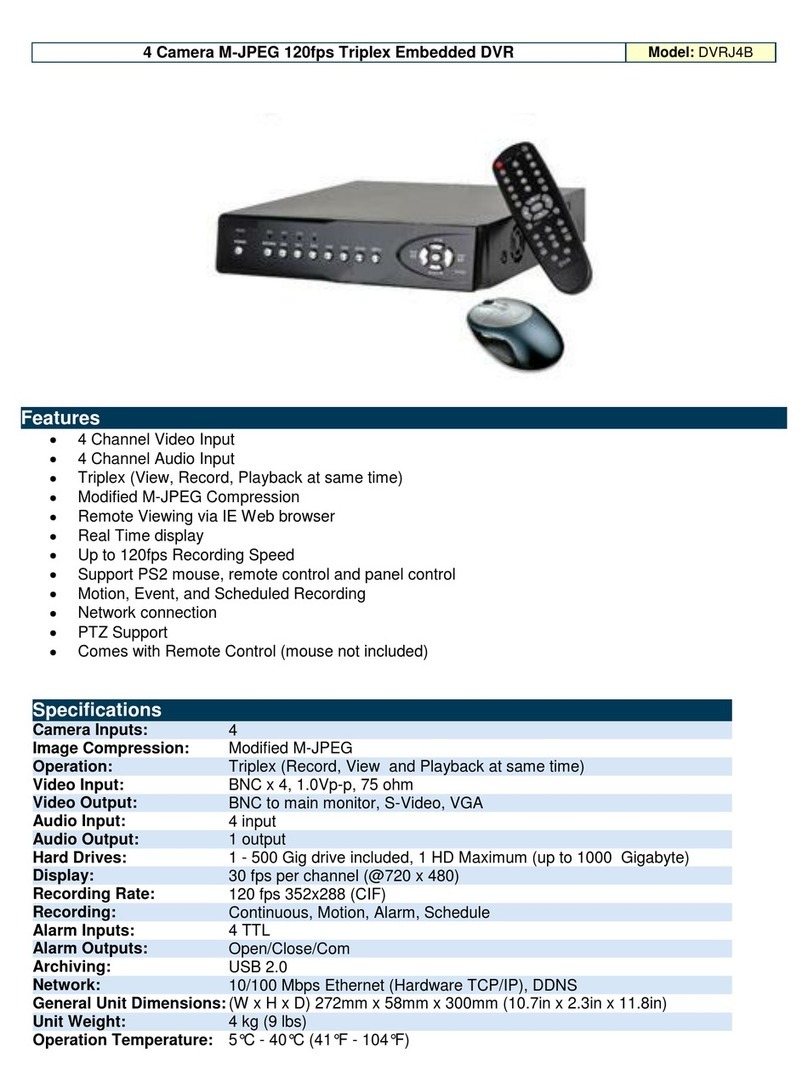
Optiview 4 Camera M-JPEG 120fps Triplex Embedded DVR... User manual

Optiview

Optiview 4 Camera M-JPEG 120fps Triplex Embedded DVR... User manual

Optiview 2.28.06/4.37 User manual

Optiview

Optiview 2.28.06/4.37 User manual
Optiview DVRTT PRO Series User manual

Optiview

Optiview DVRTT PRO Series User manual

Optiview HDVR4/8/16-Q2 User manual

Optiview

Optiview HDVR4/8/16-Q2 User manual

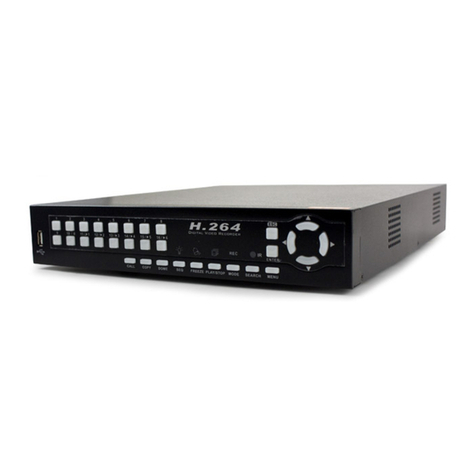
Optiview H.264 DVR System User manual

Optiview

Optiview H.264 DVR System User manual
Optiview MPEG-4 User manual

Optiview

Optiview MPEG-4 User manual

Optiview 4CHs User manual

Optiview

Optiview 4CHs User manual

Optiview General 4-HDD 720P 1.5U Series User manual

Optiview

Optiview General 4-HDD 720P 1.5U Series User manual

Optiview CVI User manual

Optiview

Optiview CVI User manual

Optiview VR series User manual

Optiview

Optiview VR series User manual

Optiview General 720P 1U Series User manual

Optiview

Optiview General 720P 1U Series User manual

Optiview DVR4Lite User manual

Optiview

Optiview DVR4Lite User manual

Optiview DVRJ4A User manual

Optiview

Optiview DVRJ4A User manual

Optiview VR Enterprise User manual

Optiview

Optiview VR Enterprise User manual

Optiview DVRJ4 User manual

Optiview

Optiview DVRJ4 User manual

Optiview DVR User manual

Optiview

Optiview DVR User manual

Optiview DVR4Lite User manual

Optiview

Optiview DVR4Lite User manual

Optiview C Series Operating instructions

Optiview

Optiview C Series Operating instructions

Optiview VRHT Troubleshooting guide

Optiview

Optiview VRHT Troubleshooting guide
Optiview H.264 User manual

Optiview

Optiview H.264 User manual

Optiview VR4HT User manual

Optiview

Optiview VR4HT User manual

Popular DVR manuals by other brands

Pace TDC577X manual

Pace

Pace TDC577X manual

Zavio NQ2040 user manual

Zavio

Zavio NQ2040 user manual

KGuard Security KG-SHA104 user manual

KGuard Security

KGuard Security KG-SHA104 user manual

SanDisk V-Mate Quick manual

SanDisk

SanDisk V-Mate Quick manual

Panasonic WJND200 - NETWORK DISK RECORDER Setup instructions

Panasonic

Panasonic WJND200 - NETWORK DISK RECORDER Setup instructions

Hunt Electronic HVRM-T1600Q Install & user's guide

Hunt Electronic

Hunt Electronic HVRM-T1600Q Install & user's guide

Portwell PIVS-6104 user manual

Portwell

Portwell PIVS-6104 user manual

AVer EXR6004 Mini Quick user guide

AVer

AVer EXR6004 Mini Quick user guide

Security Labs SLD261 owner's manual

Security Labs

Security Labs SLD261 owner's manual

Swann DIGITAL VIDEO RECORDER instruction manual

Swann

Swann DIGITAL VIDEO RECORDER instruction manual

EverFocus ECOR 4 instruction manual

EverFocus

EverFocus ECOR 4 instruction manual

Xoro HRK 7550 user manual

Xoro

Xoro HRK 7550 user manual

FLIR M3100E Series instruction manual

FLIR

FLIR M3100E Series instruction manual

VTRACKPRO FPRO300 user manual

VTRACKPRO

VTRACKPRO FPRO300 user manual

Swann NVR-7085 models instruction manual

Swann

Swann NVR-7085 models instruction manual

RMRC FPV1000 manual

RMRC

RMRC FPV1000 manual

urmet domus 1093/004AHD instructions

urmet domus

urmet domus 1093/004AHD instructions

Toshiba D-VR3SU Service manual

Toshiba

Toshiba D-VR3SU Service manual

manuals.online logo
manuals.online logoBrands
  • About & Mission
  • Contact us
  • Privacy Policy
  • Terms and Conditions

Copyright 2025 Manuals.Online. All Rights Reserved.

USER MANUAL
4CH STANDALONE DVR
2005 JUNE
4CH STANDALONE DVR
-1-
CONTENT
1、FEATURE
2、SPECIFICATIONS
3、INSTALLATION
4、FRONT PANEL
5、OPERATING MANUAL
6、VIEW CONTROL
7、PLAYBACK CONTROL
8、RECORD CONTROL
9、NTSC/PAL SETUP
10、Keypad Lock-up Setup
11、4 CHANNEL RECORDING HOURS
12、DVR Viewer User Guide
13、Video Server Board Installation
、
(Option)
14
SXGA CARD FOR DVR USER MANUAL (Option)
2
3
4
5
6
11
11
12
12
12
12
14
19
25
4CH STANDALONE DVR
1、Definitely Standalone.
2、Real Time Refresh Rate.
3、Display While Recording.
4、Frame Recording & Quad Recording.
5、Compatible of NTSC/PAL format.
6、Advanced MJPEG.
7、Manual / Motion / Programmed / Sensor Recording.
8、4 Sensor by Time / Date.
9、Search by Time / Date.
10、Watch dog feature.
11、HDD Volume Indicator.
12、Can use USB to link PC, Player can search Time to Play、
saving and take photos functions.
13、Internal motion detect feature.
14、Auto switching function.
15、Looping Output.
16. Keypad Lock-up function.
1、FEATURE
-2-
4CH STANDALONE DVR
2、SPECIFICATIONS
OPERATION SYSTEM
Video Input
Video Input Channel
Video Output Channel
Display Frame
Recording Frame
Rate(QUAD)
Recording Frame
Rate(EACH)
Recording Mode
Resolution
Compression Format
HDD
Backup Device
Search
Sensor
MOTION DETECT
LOSS DETECT
BUZZER OUTPUT
Brightness adjust
Contrast adjust
USB Output
Looping Output
Keypad Lock-up
System a monitor
Power supply
Dimension
Weight
LAN
AUTO SWITCHING
Embedded RTOS
NTSC/PAL
4CH Composite
2CH Composite (VCR OUT / MONITOR OUT)
400G X 2 (Max)
VCR
Time / Date / Event
YES
4 Input / 1 Output
YES
YES
YES
YES
YES
YES
YES
YES
YES
Power recover auto restore record mode
DC 12V / 4A(AC110V-240V 50/60HZ)
430mm x 300mm x 48mm (W x D x H)
3.5KG
10/100M
NTSC
PAL
NTSC Max
PAL Max.
NTSC M x. 7.5fps(30 fps/4)
PAL Max. 6.25fps(25 fps/4)
Motion Sensor
P L 720 x 576
Mode
Full screen
120 fps (4x30 fps)
100 fps (4x25 fps)
. 30 fps
25 fps
a
Continuous / / Programmed/
Display NTSC 720x480
A
Recording NTSC 640x224
PAL 640x272
Advanced Low 12K Bytes / Frame
MJPEG Normal 15K Bytes / Frame
High 20K Bytes / Frame
-3-
4CH STANDALONE DVR
3、INSTALLATION
REAR PANEL
(1) Cameras Video Input and Looping Output.
(2) Video Output : Corresponding to Monitor Video Input.
(3) Video Output : Corresponding to VCR Video Input.
(4) Sensor I / O:
1、Sensor Input of Camera #1
2、Sensor GND of Camera #1
3、Sensor Input of Camera #2
4、Sensor GND of Camera #2
5、Sensor Input of Camera #3
6、Sensor GND of Camera #3
7、Sensor Input of Camera #4
8、Sensor GND of Camera #4
9、Relay COM Output
10、Relay N/O Output
(5)Power Input : Please use the power supply attached
Adaptor : DC-12V / 4A
(6) VGA Output : Connect to VGA Monter (option)
(7)Ethernet RJ-45 (option)
-4-
MONITOR
VCR VIDEO
LOOP OUT
LAN
IP
INIT
IN ALAR M OUT DC 12V
VGA
(1)(2)(3) (4) (5)(7)
(6)
4CH STANDALONE DVR
4、FRONT PANEL
(1) Record Indicator
(2) HDD #1 Indicator
(3) HDD #2 Indicator
(4) Camera #1 Display (Ch1)
(5) Camera #2 Display (Ch2)
(6) Camera #3 Display (Ch3)
(7) Camera #4 Display (Ch4)
(8) Quad Display (QUAD)
(9) MENU,
(10) UP
(11) DOWN
(12) SELECT
(13) RECORD
(14) PAUSE, Keypad Lock-up
(15) RF
(16) STOP
(17) PLAY
(18) FF
(19) USB Port
(20) HDD RACK (TYPE B)
、AUTO SWITCHING
Percentage of the Hard Drive recorded
-5-
(1) (2) (3)
(4) (5) (6) (7) (8) (9) (10) (11) (12) (13)
(14) (15) (16) (17) (18)
(19)
USB
TYPE B
TYPE A
USB
(20)
4CH STANDALONE DVR
5、OPERATING MANUAL(MAIN MENU)
MAIN MENU
SYSTEM SETUP
CAMERA SETUP
RECORD SETUP
RECORD SCHEDULE
HARD DRIVE SETUP
SYSTEM RESTORE
( ):SELECT ( ):SET ( ):EXIT
Press to select items, use to enter.
Press to exit
5-1 、SYSTEM SETUP
SYSTEM SETUP
BUZZER ALARM TIME :02 S
SENSOR ALARM TIME :05 S
LOSS ALARM :ON
MOTION ALARM :ON-OFF
SENSOR ALARM :ON
PASSWORD SETUP
TIME SETUP
( ):SELECT ( ):SET ( ):EXIT
(1)Buzzer Alarm Time Setup: 1-30 sec.
(2)Sensor Alarm Time Setup: 0-30 sec, CONT (Continue).
(3)Loss, Motion, Sensor Alarm:ON/OFF.
(4) Motion Alarm:ON-OFF(4 Type) ,front is Alarm, behind
is jump to alarm a picture.
-6-
4CH STANDALONE DVR
5-1-1 、PASSWORD SETUP
Select this item to change password :
OLD PASSWORD :______
NEW PASSWORD :______
PASSWORD CONFIRM :______
(1) When the new password is accepted, the board will flash the
following screen message.
“ PASSWORD CHANGING ”
(2) If the password was not accepted, you will receive a message
that inform you.
“ INCORRECT ”
*Use the view control button on the front panel to input
the umber.
is:"1" is:"2" is:"3" is:"4" is:"5"
5-1-2 、TIME SETUP
Select this item to set up current time.
TIME SET
2004/12/17 18:00:30
SHOW : UP 1
( ):SELECT ( ):SET ( ):EXIT
*Press to setup time. Use to increase value.
Press to exit and to save data.
Show Time setup:
UP 1 : Displayed on up-right corner of screen, date & time listed
in a rows.
UP 2 : Displayed on up-right corner of screen, date & time listed
in two rows.
DOWN1 : Displayed on down-right corner of screen, date & time
listed in a rows.
DOWN2 : Displayed on down-right corner of screen, date & time
listed in two rows.
-7-
4CH STANDALONE DVR
5-2 、CAMERA SETUP
CAMERA SETUP
CAMERA :CH1
RECORD SETUP :ON
BRI SETUP :05
CON SETUP :05
SENSOR SETUP :N-O
MOTION SETUP :ON
SENSITIVITY SETUP :05
( ):SELECT ( ):SET ( ):EXIT
AUTO SWITCHING :05 S
Press to select items. Use to change data.
Press to exit and to save data.
(1)Camera select (default value Ch1).
(2)Record Set up : yes or no record.
(3)Brightness / Contrast Set up : default value is 5.
(4)Sensor Setup: Three items, N-O (normal-open),
N-C(normal-close), ----(not installed).
(5)Motion Set up : motion detector, ON/OFF.
(6)Sensitivity Set up : sensitivity setup of motion detector.
(7) AUTO SWITCHING : Switching time set up.
5-3 、RECORD SETUP
RECORD SET
RECORD SETUP :EACH MODE
VIDEO QUALITY :NORMAL
RECORD FRAME RATE :30 fps
SENSOR REC. FRAME RATE :15 fps
SENSOR RECORD TIME :05 SEC
( ):SELECT ( ):SET ( ):EXIT
-8-