Panamax MIW-MOB
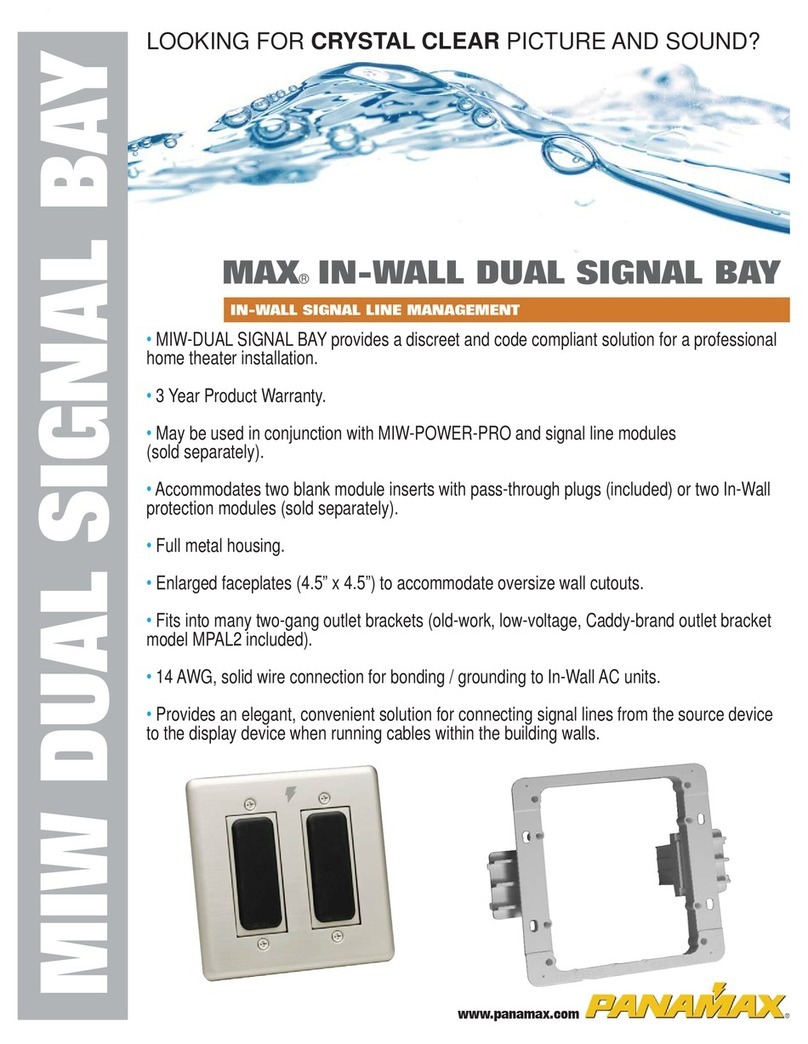
One box works in both new and retrofit construction projects.
Features dual-size conduit knockouts (1/2” & 3/4”).
www.panamax.com
INS0760 Rev. C 2/05
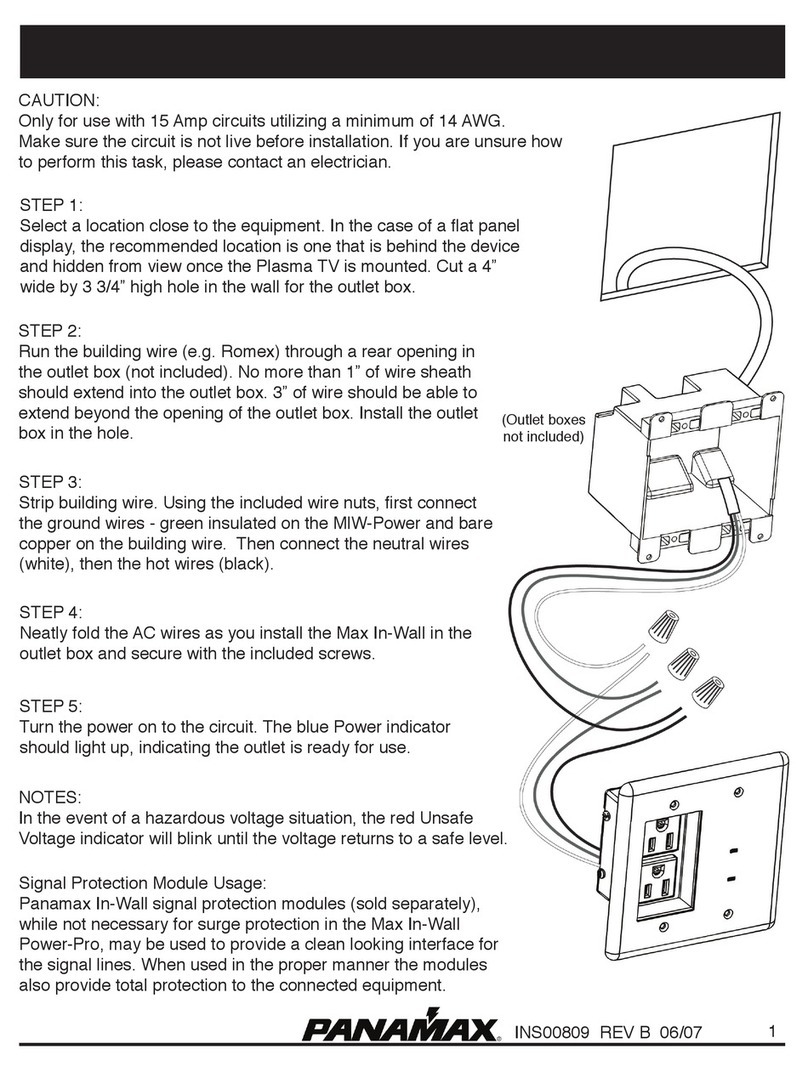
STEP 1: Install the
appropriate conduit/
armored cable into the
knockout hole before
mounting the outlet box.
2b. Retrofit (remodel/old construction) – Using the included template as a guide,
cut holes in the wall. Run the flexible conduit, AC power lines through one of the
openings and route them through the walls to the location of the other box.
STEP 2B:
STEP 2A:
Template for use with
standard switches and
receptacles.
3 3/4 in.
2 1/4 in.
New Construction - The expansion clamps are not used
for new construction; remove them and reposition the
brackets as shown above. Nail or screw the boxes to the
wall studs, run conduit between the 2 locations and attach
it to the boxes.
This outlet box is suitable for use with Listed Nonmetallic
Sheath Cable, FMC, AC, or MC.
1/2 or 3/4 inch
conduit knockout
Bracket can be
rotated for use
new construction.
Expansion
clamp is
used for
retrofit.
Be sure to:
-Leave enough AC cabling
at each end to connect to the
intended equipment. Three
inches of wire should be able
to extend beyond the opening
of the outlet box.
Tighten the expansion clamp
screws until the box is held
firmly in place. Be careful not
to over-tighten the expansion
clamps.
www.panamax.com
INS0760 Rev. C 2/05
STEP 1: Install the
appropriate conduit/
armored cable into the
knockout hole before
mounting the outlet box.
2b. Retrofit (remodel/old construction) – Using the included template as a guide,
cut holes in the wall. Run the flexible conduit, AC power lines through one of the
openings and route them through the walls to the location of the other box.
STEP 2B:
STEP 2A:
Template for use with
standard switches and
receptacles.
3 3/4 in.
2 1/4 in.
New Construction - The expansion clamps are not used
for new construction; remove them and reposition the
brackets as shown above. Nail or screw the boxes to the
wall studs, run conduit between the 2 locations and attach
it to the boxes.
Be sure to:
-Leave enough AC cabling
at each end to connect to the
intended equipment. Three
inches of wire should be able
to extend beyond the opening
of the outlet box.
Tighten the expansion clamp
screws until the box is held
firmly in place. Be careful not
to over-tighten the expansion
clamps.
Panamax MIW-MOB
One box works in both new and retrofit construction projects.
Features dual-size conduit knockouts (1/2” & 3/4”).
This outlet box is suitable for use with Listed Nonmetallic
Sheath Cable, FMC, AC, or MC.
1/2 or 3/4 inch
conduit knockout
Bracket can be
rotated for use
new construction.
Expansion
clamp is
used for
retrofit.