IX
Table of Contents
1.Before Using the Printer .....................................................................................................................1
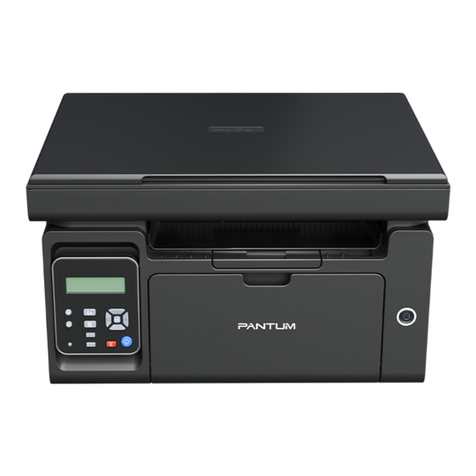
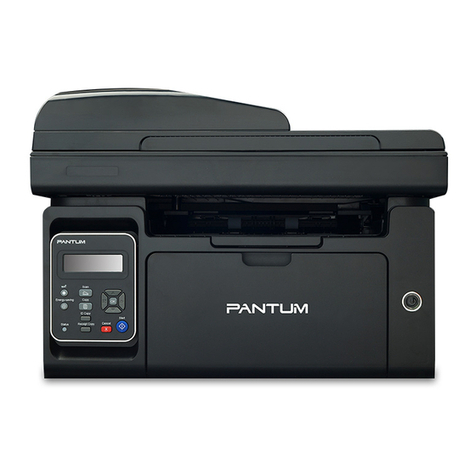
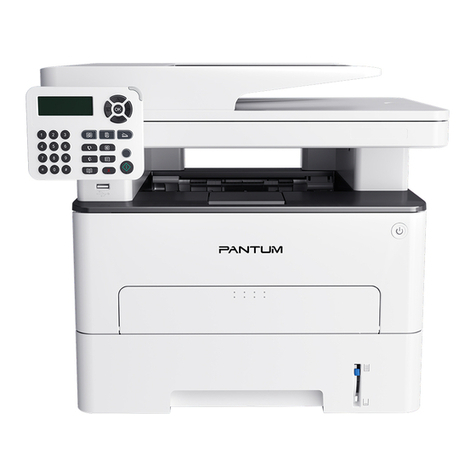
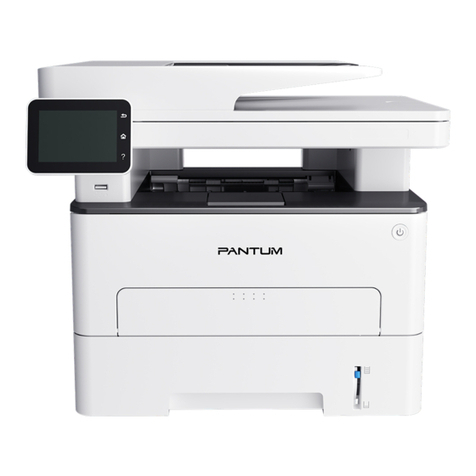
1.1.Introduction of Models ................................................................................................................2
1.2.Supplied Accessories ..................................................................................................................3
1.3.Product View ...............................................................................................................................4
1.4.Laser Toner Cartridge ..................................................................................................................8
1.5.Easily-Refilled Laser Toner Cartridge .........................................................................................8
1.5.1.Structure of Easily-Refilled Laser Cartridge ........................................................................8
1.5.2.Steps of Filling the Easily-Refilled Laser Cartridge .............................................................. 8
1.6.Control Panel ............................................................................................................................10
1.7.Function of power indicator ......................................................................................................10
2.Paper and Print Media ...................................................................................................................... 11
2.1.Paper Specificatio .................................................................................................................... 11
2.2.Special Paper ...........................................................................................................................12
2.3.Non-printing Area and Non-scanning Area ................................................................................13
2.4.Loading Paper ..........................................................................................................................14
2.5. Paper and Manuscript Use Process .........................................................................................18
2.5.1.Scanning With Tablet .........................................................................................................18
2.5.2. Scanning With Tablet .........................................................................................................20
3.Driver installation and uninstallation ................................................................................................ 21
3.1. How to install Windows printer driver .......................................................................................21
3.1.1.One-click Installation .......................................................................................................... 22
3.1.2.Manual installation ..............................................................................................................35
3.1.3.Method of driver unistallation .............................................................................................42
3.2.macOS system driver installation ...............................................................................................43
3.2.1.Driver installation.................................................................................................................43
3.3.Add printer to macOS system ...................................................................................................45
3.3.1.Add up the printer via USB .................................................................................................45
3.3.2.Add up the printer via wireline connection .........................................................................45
3.3.3.Add up the printer via wireless connection ........................................................................45
3.3.4.Add AirPrint printer .............................................................................................................. 46
4. Wired network setup (applicable to wired network models) ..........................................................47
4.1.Set IP Address ..........................................................................................................................47
4.1.1.Automatic Setting .............................................................................................................. 47
4.1.2.Manual Setting ..................................................................................................................47
5.Wireless network setup (applicable to Wi-Fi models) ......................................................................48
5.1.Basic structure mode .................................................................................................................48
5.1.1.Wireless network setup tools .............................................................................................48
5.1.2.Wi-Fi Protected Setup (WPS) setup....................................................................................53
5.1.3.How to disable the Wi-Fi network connected ...................................................................... 53
5.2.Wi-Fi hotspot mode ...................................................................................................................54
5.2.1.Preliminary preparations ....................................................................................................54
5.2.2.Wi-Fi Hot Connection ......................................................................................................... 54
5.2.3.Wi-Fi Hotspot Configuratio ................................................................................................ 55
5.3.Wireless network setup FAQs ...................................................................................................55
6.Web server .......................................................................................................................................57
6.1.Visit the embedded Web server ................................................................................................57
6.2.Use Web server to manage printer ........................................................................................... 57
6.2.1.IP address setup ................................................................................................................58
6.2.2.Wireless setup.....................................................................................................................59
6.2.3.Machine setup ....................................................................................................................60
7.Print ..................................................................................................................................................63
7.1.Print Function .............................................................................................................................63