manuals.online logo
Brands
  1. Home
  2. •
  3. Brands
  4. •
  5. Philips
  6. •
  7. Alarm Clock
  8. •
  9. Philips AJ560/37 User manual

Philips AJ560/37 User manual

This manual suits for next models

1

Other Philips Alarm Clock manuals

Philips HF3508 User manual

Philips

Philips HF3508 User manual

Philips AJ3112/12 User manual

Philips

Philips AJ3112/12 User manual

Philips HF3505 User manual

Philips

Philips HF3505 User manual

Philips AJ7000 User manual

Philips

Philips AJ7000 User manual

Philips HF3520 series Operating manual

Philips

Philips HF3520 series Operating manual

Philips HF3508 User manual

Philips

Philips HF3508 User manual

Philips HF3505/70 Technical manual

Philips

Philips HF3505/70 Technical manual

Philips AJ3115/12 User manual

Philips

Philips AJ3115/12 User manual

Philips AJ3122/61 User manual

Philips

Philips AJ3122/61 User manual

Philips AJ3121/79 User manual

Philips

Philips AJ3121/79 User manual

Philips AJ3120/79 User manual

Philips

Philips AJ3120/79 User manual

Philips AJH510 User manual

Philips

Philips AJH510 User manual

Philips AJ310/12 User manual

Philips

Philips AJ310/12 User manual

Philips HF3505 Technical manual

Philips

Philips HF3505 Technical manual

Philips HF3520/01 User manual

Philips

Philips HF3520/01 User manual

Philips HF3462/30 User manual

Philips

Philips HF3462/30 User manual

Philips HF367X series User manual

Philips

Philips HF367X series User manual
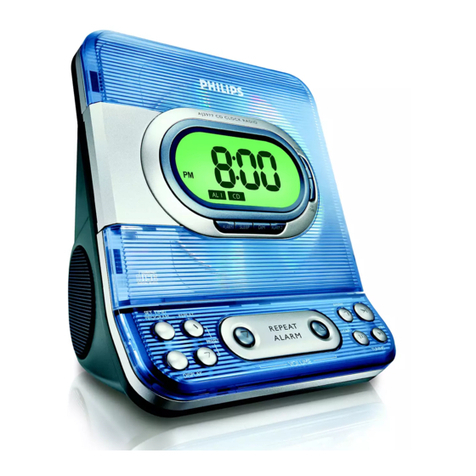
Philips AJ3232 User manual

Philips

Philips AJ3232 User manual

Philips AJ3121 User manual

Philips

Philips AJ3121 User manual

Philips D3996 User manual

Philips

Philips D3996 User manual

Philips HF3650 User manual

Philips

Philips HF3650 User manual

Philips AJ-3570 User manual

Philips

Philips AJ-3570 User manual

Philips PR702 User manual

Philips

Philips PR702 User manual

Philips Wake-up Light User manual

Philips

Philips Wake-up Light User manual
Popular Alarm Clock manuals by other brands

dyras ALCL-002WH instruction manual

dyras

dyras ALCL-002WH instruction manual

Livoo AR321 user manual

Livoo

Livoo AR321 user manual

Steren CLK-210 user manual

Steren

Steren CLK-210 user manual

COP-USA ALCDVR32-SL user manual

COP-USA

COP-USA ALCDVR32-SL user manual

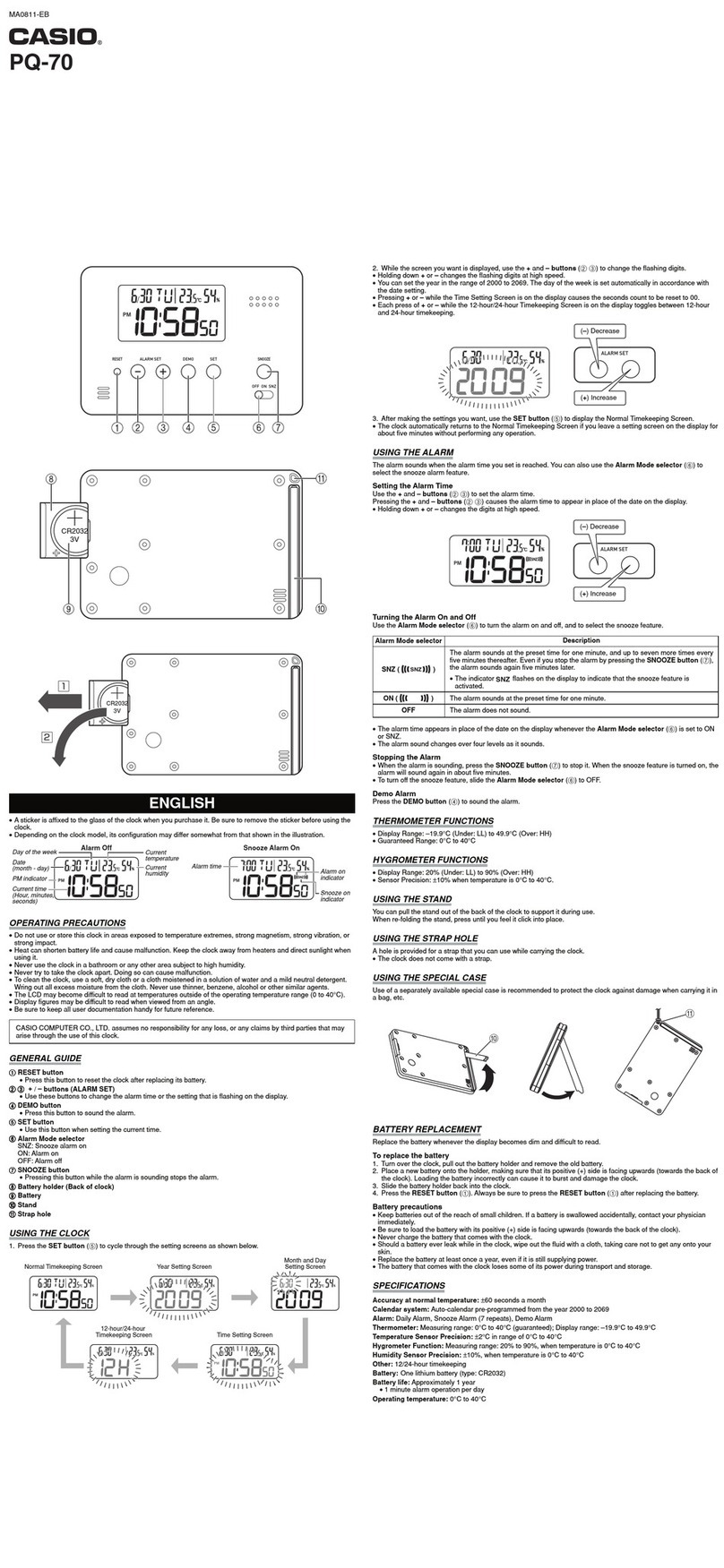
Casio PQ-70 user manual

Casio

Casio PQ-70 user manual

iHome IA63 user manual

iHome

iHome IA63 user manual

ANJANK AC-190 Instruction manual and warranty

ANJANK

ANJANK AC-190 Instruction manual and warranty

Dexford RCT200 operating manual

Dexford

Dexford RCT200 operating manual

RST Q754 Operation manual

RST

RST Q754 Operation manual

Sharper Image 204050 instruction manual

Sharper Image

Sharper Image 204050 instruction manual

SVINZ SCC009 user manual

SVINZ

SVINZ SCC009 user manual

Clas Ohlson 918863 quick guide

Clas Ohlson

Clas Ohlson 918863 quick guide

Timex T128 user manual

Timex

Timex T128 user manual

Krown Visual VibeAlert user manual

Krown

Krown Visual VibeAlert user manual

Coopers 9765 instructions

Coopers

Coopers 9765 instructions

Gro Company groclock How to use

Gro Company

Gro Company groclock How to use

TFA 98.1075 operating instructions

TFA

TFA 98.1075 operating instructions

BJ BJ3577 Movement instruction

BJ

BJ BJ3577 Movement instruction

manuals.online logo
manuals.online logoBrands
  • About & Mission
  • Contact us
  • Privacy Policy
  • Terms and Conditions

Copyright 2025 Manuals.Online. All Rights Reserved.

Register your product and get support at AJ560
Thank you for choosing Philips.
Need help fast?
Read your Quick Start Guide and/or
User Manual first for quick tips
that make using your Philips product
more enjoyable.
If you have read your instructions
and still need assistance,
you may access our online help at
www.philips.com/welcome
STOP
Philips vous remercie de
votre confiance.
Besoin d'une aide
rapide?
Le Guide rapide de début et
Manuel de l'utilisateur regorgent
d'astuces destinées à simplifier
l'utilisation de votre produit Philips.
Toutefois, si vous ne parvenez
pas à résoudre votre problème,
vous pouvez accéder à
notre aide en ligne à l'adresse
www.philips.com/welcome
ARRÊT
Gracias por escoger Philips
Necesita ayuda
inmediata?
Lea primero la Guía rápida del
comienzo o el Manual del usuario,
en donde encontrará consejos que
le ayudarán a disfrutar plenamente
de su producto Philips.
Si después de leerlo aún necesita ayuda,
consulte nuestro servicio de
asistencia en línea en
www.philips.com/welcome
ALTO
EN User manual
b
a
AJ560
www.philips.com/welcome
User Manual
c
SET
MODE
SET
MODE
SET
2 sec
SET
d
eALARM OFF
/ON
g
SNOOZE
f
EN
1 Important
Important Safety Instructions
a Read these instructions.
b Keep these instructions.
c Heed all warnings.
d Follow all instructions.
e Do not use this apparatus near water.
f Clean only with dry cloth.
g Do not block any ventilation openings. Install in accordance
with the manufacturer’s instructions.
h Do not install near any heat sources such as radiators, heat registers,

i 
manufacturer.
j Use only with the cart, stand, tripod, bracket,

sold with the apparatus. When a cart is used,
use caution when moving the cart/apparatus
combination to avoid injury from tip-over.
k 
required when the apparatus has been damaged in any way,
such as liquid has been spilled or objects have fallen into
the apparatus, the apparatus has been exposed to rain or
moisture, does not operate normally, or has been dropped.
l Battery usage CAUTION – To prevent battery leakage which
may result in bodily injury, property damage, or damage to
the apparatus:
 Install all batteries correctly, + and - as marked on the apparatus.
 Do not mix batteries (old and new or carbon and alkaline, etc.).
 Remove batteries when the apparatus is not used for a long time.
m The apparatus shall not be exposed to dripping or splashing.
n Do not place any sources of danger on the apparatus (e.g.

o This product may contain lead and mercury. Disposal of
these materials may be regulated due to environmental
considerations. For disposal or recycling information, please
contact your local authorities or the Electronic Industries
Alliance: www.eiae.org.
2 Your Alarm Clock
What’s in the box
Check and identify the contents of your package. (Fig. )
3 Get started
Always follow the instructions in this chapter in sequence.
Install battery
Caution
 
!
 The batteries contain chemical substances, so they should be
disposed of properly.
Insert 3 AAA batteries with correct polarity (+/-) as illustrated. (Fig. )
Tip
 When the low battery indicator is displayed, replace the
batteries.
Set clock (Fig. )
1 Press and hold SET for two seconds.
» The hour digits blink.
2 Press / to adjust the hour.
3 Press SET!
» The minute digits blink.
4 Repeat steps 2 to 3 to set the minute and 12/24 hour format.
» The set time is displayed.
4 Set alarm timer
Set alarm
Note
 Make sure that you have set the clock correctly.
1 Switch ALARM to OFF.
2 Press MODE.
» The alarm time and source (if set) are displayed.
3 Press and hold SET for 2 seconds.
» The hour digits blink.
4 Press / to adjust the hour.
5 Press SET!
» The minute digits blink.
6 Repeat steps 4 to 5 to set the minute.
7 Repeat steps 4 to 5 to set the alarm source. (Fig. )
» The alarm is set, and then the current time is displayed.
Alarm Indication Alarm Icon Alarm Duration
Low-level vibration 15 min
High-level vibration 15 min
Buzzer 15 min
Both Buzzer and vibration 15 min
Tip
 You cannot adjust volume manually.
 While the alarm clock vibrates, the vibration will start slowly and
"!
Activate/deactivate the alarm timer
To activate the alarm timer, switch ALARM to ON.
» The alarm icon and source are displayed.
» All the buttons except SNOOZE/LIGHT are locked.To
change any settings, switch ALARM to OFF
To deactivate the alarm timer:
Switch ALARM to OFF. (Fig. )