ETip: It is good practice to make a note of the location and network socket number of each
LAN Docking Station before they are deployed. You can enter this information into the
comment field of the LAN Docking Station configuration interface, which will make it easier to
troubleshoot and maintain LAN Docking Stations in your network. See Assigning a comment to
the LAN Docking Station on page 17 for more information about assigning comments.
2.2 Installation using the factory default IP address
If your network does not have a DHCP server, follow these steps to install a new LAN Docking
Station:
For users of the Digital Pocket Memo 9600 (with international 4-position slide switch):
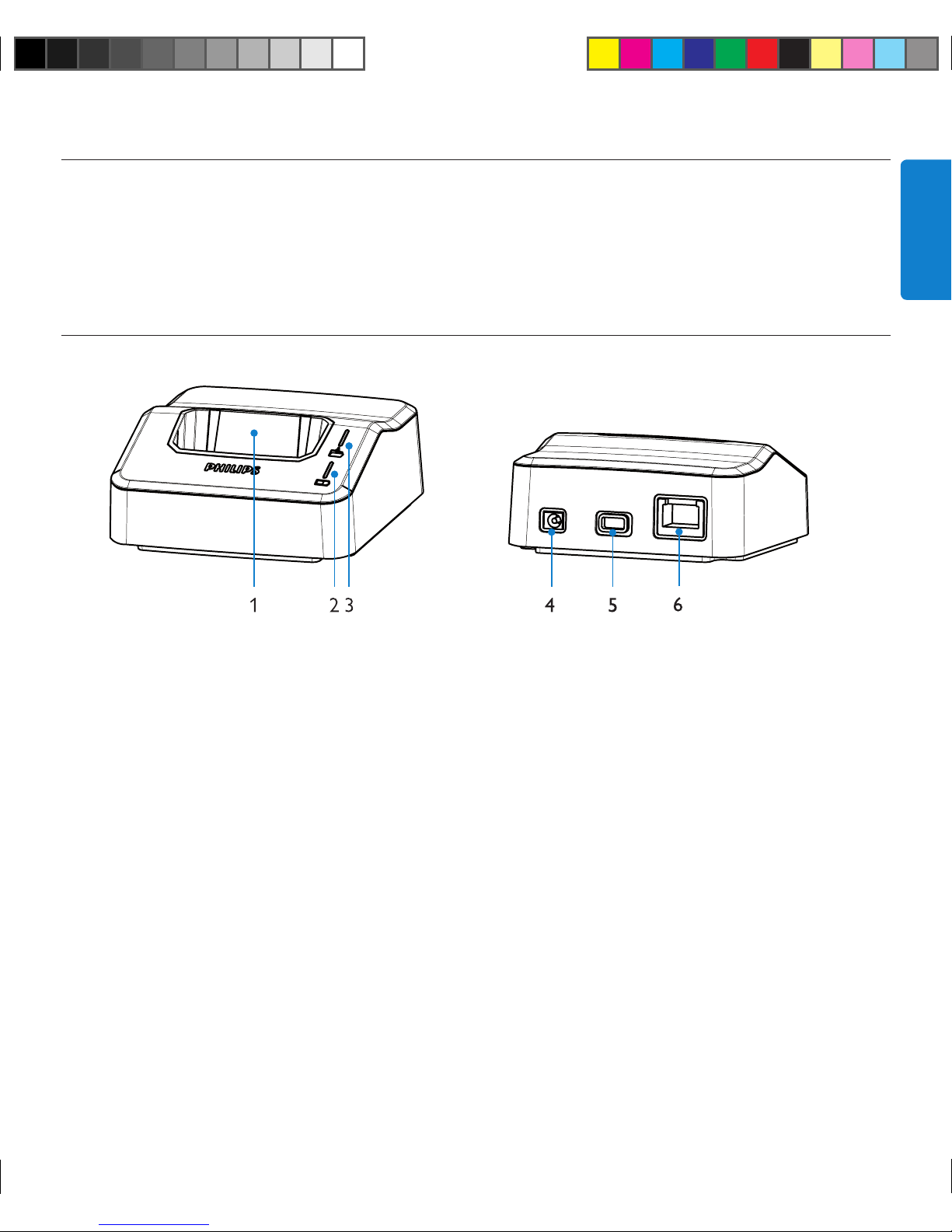
Connect the LAN Docking Station to the main power supply with the included Philips power
supply.
2Connect the LAN Docking Station to a free network socket using the RJ45 network cable.
3Slide a Digital pocket Memo 9600 or 9620 into the docking slot of the LAN Docking Station.
4Press and hold the EOL, the FAST FORWARD and the MENU button on the Digital Pocket
Memo simultaneously for 3 seconds. The LAN Docking Station will be configured to use the
static IP address 192.168.109.1 (subnet mask 255.255.255.0).
5Configure the network connetion settings of your PC to use a static IP address like
192.168.109.xxx and subnet mask 255.255.255.0 for the network socket that is used to
connect the LAN Docking Station.
6Open a Web browser on your PC and enter http://192.168.109.1 in the address field
7Your user name and password is required. Leave the USER NAME field empty and enter
‚administrator‘ in the PASSWORD field.
8Change the IP address of the LAN Docking Station according to your network policy. See
Assigning a static IP address on page 15 for more information.
9Make any additional configuration changes as you see fit. See Configuration on page 9 for more
information.
For users of the Digital Pocket Memo 9620 (with Philips 4-position slide switch):
Connect the LAN Docking Station to the main power supply with the included Philips power
supply.
2Connect the LAN Docking Station to a free network socket using the RJ45 network cable.
3Slide a Digital pocket Memo 9600 or 9620 into the docking slot of the LAN Docking Station.
9160_ifu_20070120_en-de-fr-es.in7 7 22/02/2007 17:33:43