manuals.online logo
Brands
  1. Home
  2. •
  3. Brands
  4. •
  5. Philips
  6. •
  7. Recording Equipment
  8. •
  9. Philips dynalite AntumbraButton PA6BPA User manual

Philips dynalite AntumbraButton PA6BPA User manual

Other Philips Recording Equipment manuals
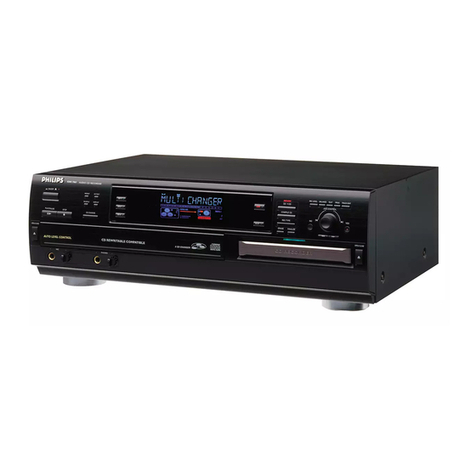
Philips CDR775/00 User manual

Philips

Philips CDR775/00 User manual

Philips LFH 0955 User manual

Philips

Philips LFH 0955 User manual

Philips CDR770BK99 User manual

Philips

Philips CDR770BK99 User manual

Philips CDR770BK99 User manual

Philips

Philips CDR770BK99 User manual

Philips CDR-775 User manual

Philips

Philips CDR-775 User manual

Philips IS 5022 PROFESSIONAL Mark II User manual

Philips

Philips IS 5022 PROFESSIONAL Mark II User manual

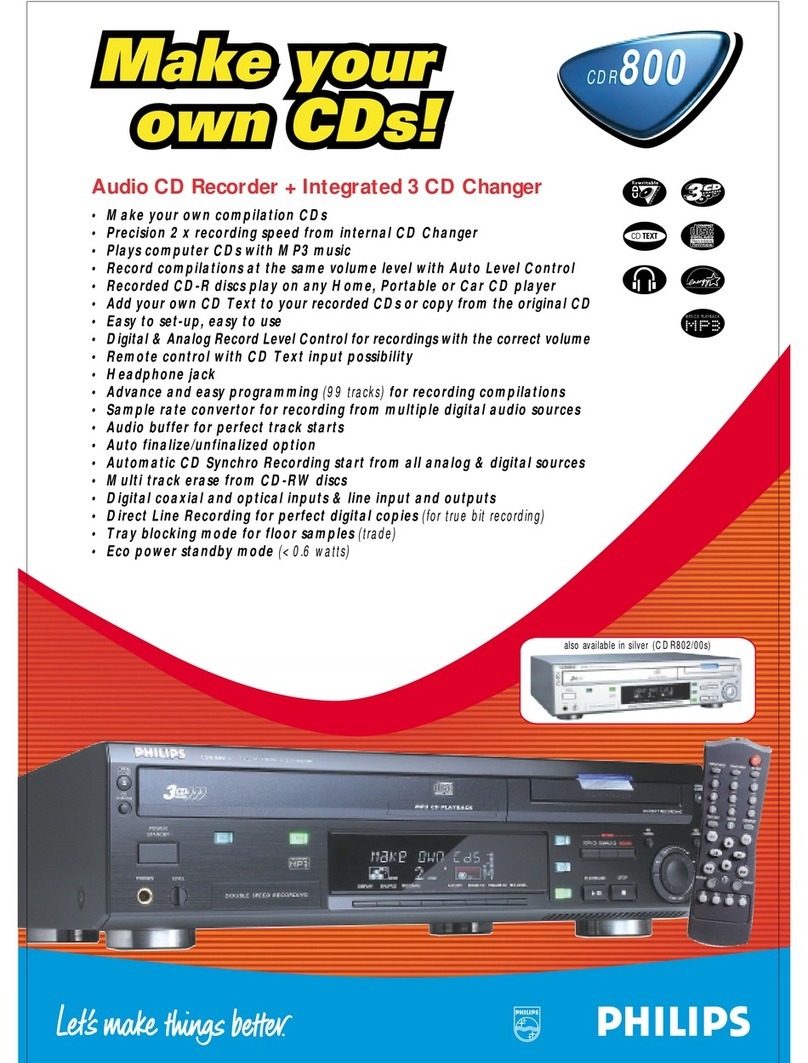
Philips CDR-800 User manual

Philips

Philips CDR-800 User manual

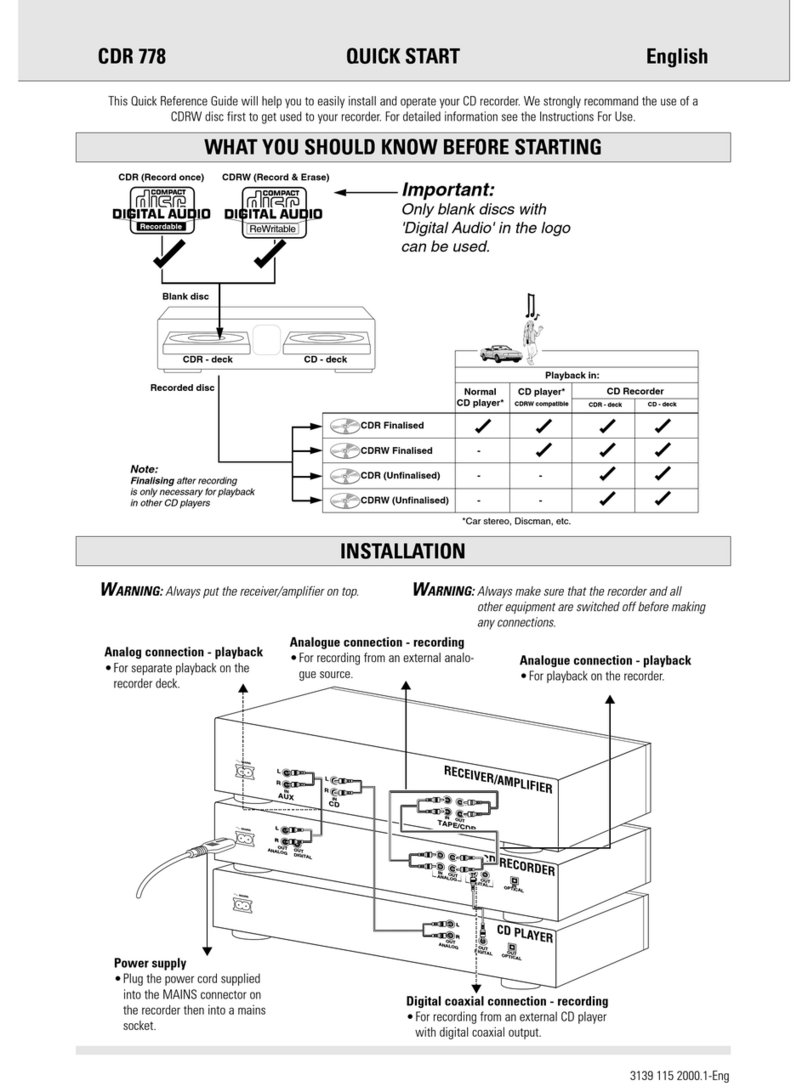
Philips CDR-778 User manual

Philips

Philips CDR-778 User manual

Philips CDR 765

Philips

Philips CDR 765

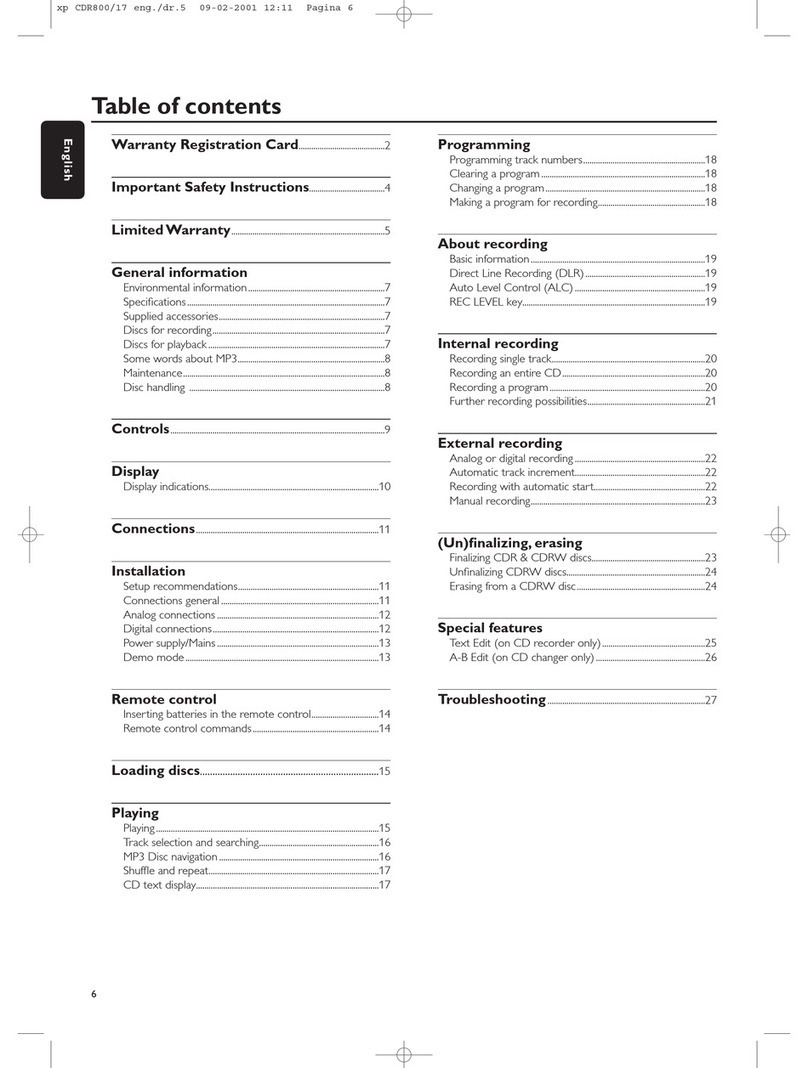
Philips CDR870 User manual

Philips

Philips CDR870 User manual

Philips CDR770 User manual

Philips

Philips CDR770 User manual

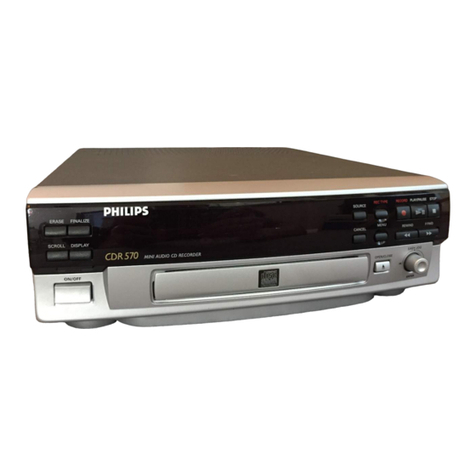
Philips CDR570/00 User manual

Philips

Philips CDR570/00 User manual

Philips CDR950 User manual

Philips

Philips CDR950 User manual

Philips CDR870 User manual

Philips

Philips CDR870 User manual

Philips CDR-600 User manual

Philips

Philips CDR-600 User manual

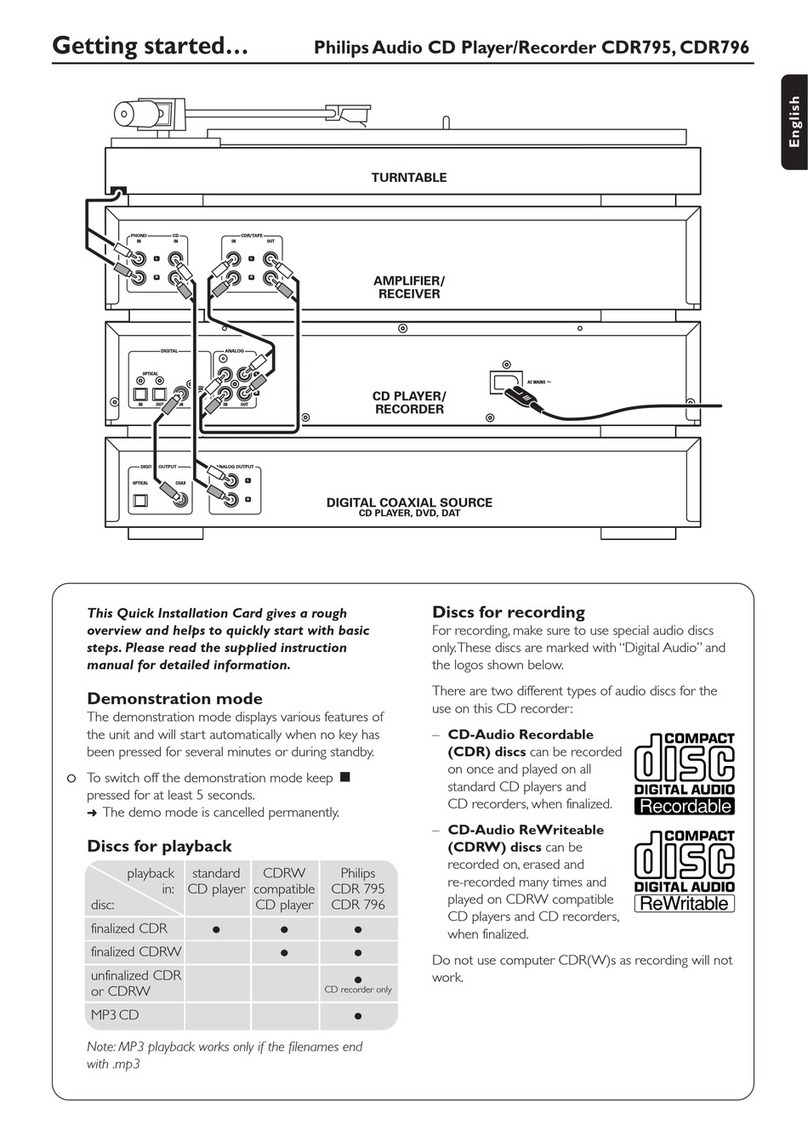
Philips CDR-795 User manual

Philips

Philips CDR-795 User manual
Philips CDR 538 User manual

Philips

Philips CDR 538 User manual

Philips CDR870 User manual

Philips

Philips CDR870 User manual

Philips PSC805 Aurilium User manual

Philips

Philips PSC805 Aurilium User manual

Philips AZ 1009 User manual

Philips

Philips AZ 1009 User manual

Philips CDR870/17 User manual

Philips

Philips CDR870/17 User manual

Philips CDR570BK99 User manual

Philips

Philips CDR570BK99 User manual
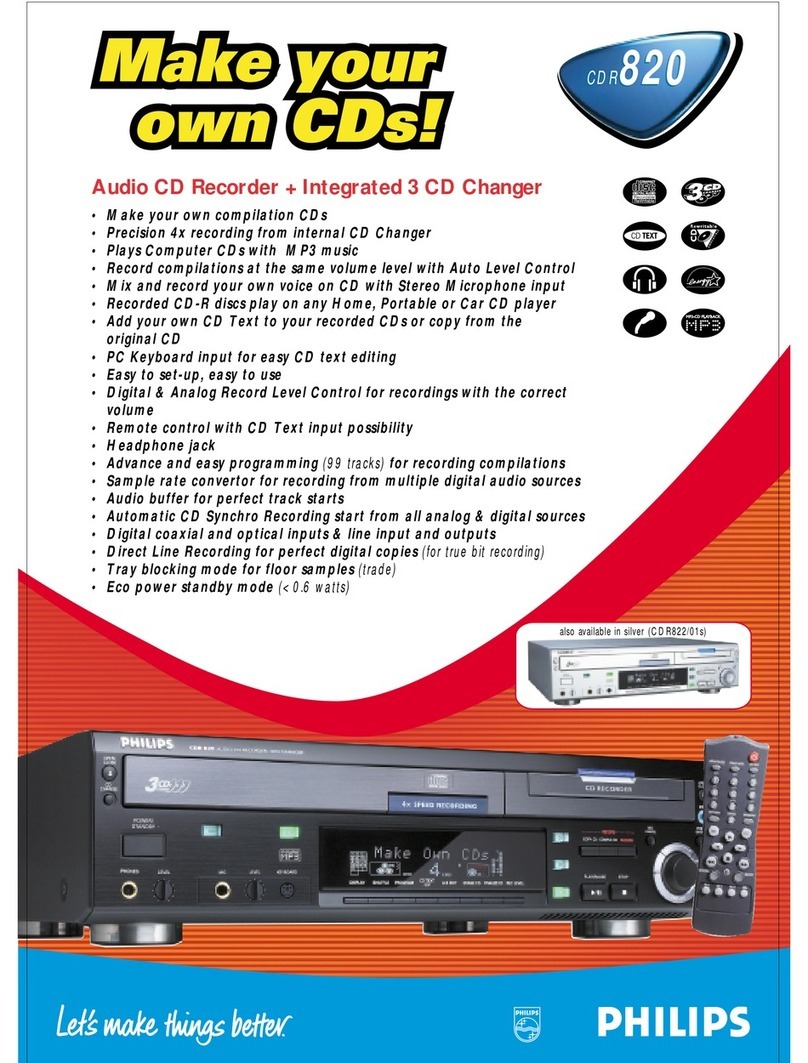
Philips CDR870/17 User manual

Philips

Philips CDR870/17 User manual

Philips CDR950 User manual

Philips

Philips CDR950 User manual

Popular Recording Equipment manuals by other brands

ThermoFisher Scientific Dionex DRS 600 Installation checklist

ThermoFisher Scientific

ThermoFisher Scientific Dionex DRS 600 Installation checklist

Shure ANIUSB-Matrix user guide

Shure

Shure ANIUSB-Matrix user guide

Nady Audio HE-1 user guide

Nady Audio

Nady Audio HE-1 user guide

AUDAC APM 01 User manual & installation guide

AUDAC

AUDAC APM 01 User manual & installation guide

Teac GF-350 owner's manual

Teac

Teac GF-350 owner's manual

Fractal Audio MFC-101 MARK III owner's manual

Fractal Audio

Fractal Audio MFC-101 MARK III owner's manual

bmcm USB-OI16 manual

bmcm

bmcm USB-OI16 manual

HHB BurnIT CDR-830 Service manual

HHB

HHB BurnIT CDR-830 Service manual

GE VersaMax IC200CPUE05 manual

GE

GE VersaMax IC200CPUE05 manual

IntesisBox MH-RC-MBS-1 user manual

IntesisBox

IntesisBox MH-RC-MBS-1 user manual

Attero Tech unD4l user manual

Attero Tech

Attero Tech unD4l user manual

Sennheiser UI 765 instruction manual

Sennheiser

Sennheiser UI 765 instruction manual

Sony RCD-W1 Operating Instructions  (primary... Service manual

Sony

Sony RCD-W1 Operating Instructions (primary... Service manual

Roland Planet-P  MKS-10 owner's manual

Roland

Roland Planet-P MKS-10 owner's manual

Roland BOSS GT-PRO Turbostart

Roland

Roland BOSS GT-PRO Turbostart

8x8 Inc Valcom V-2001A manual

8x8 Inc

8x8 Inc Valcom V-2001A manual

Waves SUB Align user guide

Waves

Waves SUB Align user guide

Mitsubishi Electric MAC-334IF-E installation manual

Mitsubishi Electric

Mitsubishi Electric MAC-334IF-E installation manual

manuals.online logo
manuals.online logoBrands
  • About & Mission
  • Contact us
  • Privacy Policy
  • Terms and Conditions

Copyright 2025 Manuals.Online. All Rights Reserved.

www.lighting.philips.com/dynalite
AntumbraButton
User Interface
Installation Instructions
Instructions d’installation
Installationsanweisungen
Instrucciones de instalación
Istruzioni per l’installazione
Installatie-instructies
インストール 手 順
安装指示
PA6BPA
X 2 X 2
75 mm (2.95 in)
116 mm (4.56 in)
36 mm
(1.41 in)
DACM
ø 84 mm (3.30 in)
Devices must be installed by a
qualied electrician in accordance with
all national and local electrical and
construction codes and regulations.
Les appareils doivent être installés par un
électricien diplômé conformément à tous les
codes et réglementations électriques et de
construction nationaux et locaux.
Die Geräte sind von einem qualizierten Elektriker
in Übereinstimmung mit allen geltenden
Vorschriften zu installieren.
Los dispositivos deben ser instalados por un
electricista calicado y cumpliendo todas las
normas y regulaciones, tanto nacionales como
locales, sobre instalaciones eléctricas y obras.
I dispositivi devono essere installati da un
elettricista qualicato in conformità con le norme
locali e nazionali vigenti in materia di costruzioni
edilizie e installazione di impianti elettrici.
De apparaten moeten worden aangebracht
door een gekwaliceerde elektricien en in
overeenstemming met alle nationale en
plaatselijke elektriciteits- en bouwvoorschriften.
装置を取り付ける際は、資格のある電気技師に依頼し、
国および地域の電気および建設に関するすべての法令に
従 ってくだ さい 。
根据国家/地区及当地的电气与建筑规范和法规,该设
备必须由有资质的电工进行安装。
.
50° C (122° F)
-5° C (23° F)
≤
90%
1
≥300 mm (11.81 in)
≥300 mm (11.81 in)
≥0 mm (0 in)
≥300 mm (11.81 in)
≥0 mm (0 in)
≥300 mm (11.81 in)
A
B
2
IEC Pollution Degree II
ON
OFF
≤ 2 A
SHLD
GND
D+
D–
+V
12 V 35 mA
24 V 20 mA
DyNet RS-485
SELV/Class 2
≤2.5 mm2
12+ AWG
0.4 Nm
3.5 Lb-in
5 6
7 8
DyNet RS-485
Federal Communications Commission (FCC) Compliance Notice: Radio Frequency Notice – This equipment has been tested and found to comply with the
limits for a Class B digital device, pursuant to part 15 of the FCC Rules. These limits are designed to provide reasonable protection against harmful interference in a
residential installation. This equipment generates, uses, and can radiate radio frequency energy and, if not installed and used in accordance with the instructions,
may cause harmful interference to radio communications. However, there is no guarantee that interference will not occur in a particular installation. If this
equipment does cause harmful interference to radio or television reception, which can be determined by turning the equipment o and on, the user is encouraged
to try to correct the interference by one or more of the following measures: Reorient or relocate the receiving antenna. Increase the separation between the
equipment and receiver. Connect the equipment into an outlet on a circuit dierent from that to which the receiver is connected. Consult the dealer or an
experienced radio/TV technician for help. Any modications not approved by the manufacturer of this device could void the user’s authority to operate this device.
This Class B digital apparatus complies with Canadian ICES-003: CAN ICES-3(B)/NMB-3(B). Cet appareil numerique de la classe B est conforme a la norme NMB-
003 du Canada: CAN ICES-3(B)/NMB-3(B).
Do not connect inputs to mains.
Disconnect power before connecting or separating modules.
34
IEC Overvoltage Category III
AZZ 459 0519 R14
© 2019 Signify Holding. All rights reserved. Specications are subject to
change without notice. No representation or warranty as to the accuracy or
completeness of the information included herein is given and any liability
for any action in reliance thereon is disclaimed. Philips and the Philips
Shield Emblem are registered trademarks of Koninklijke Philips N.V. All other
trademarks are owned by Signify Holding or their respective owners.
www.lighting.philips.com/dynalite