EnglishDeutsch
 logo
Brands
  1. Home
  2. •
  3. Brands
  4. •
  5. Planmeca
  6. •
  7. Medical Equipment
  8. •
  9. Planmeca Sovereign Classic User manual

Planmeca Sovereign Classic User manual

Other manuals for Sovereign Classic

1

Other Planmeca Medical Equipment manuals
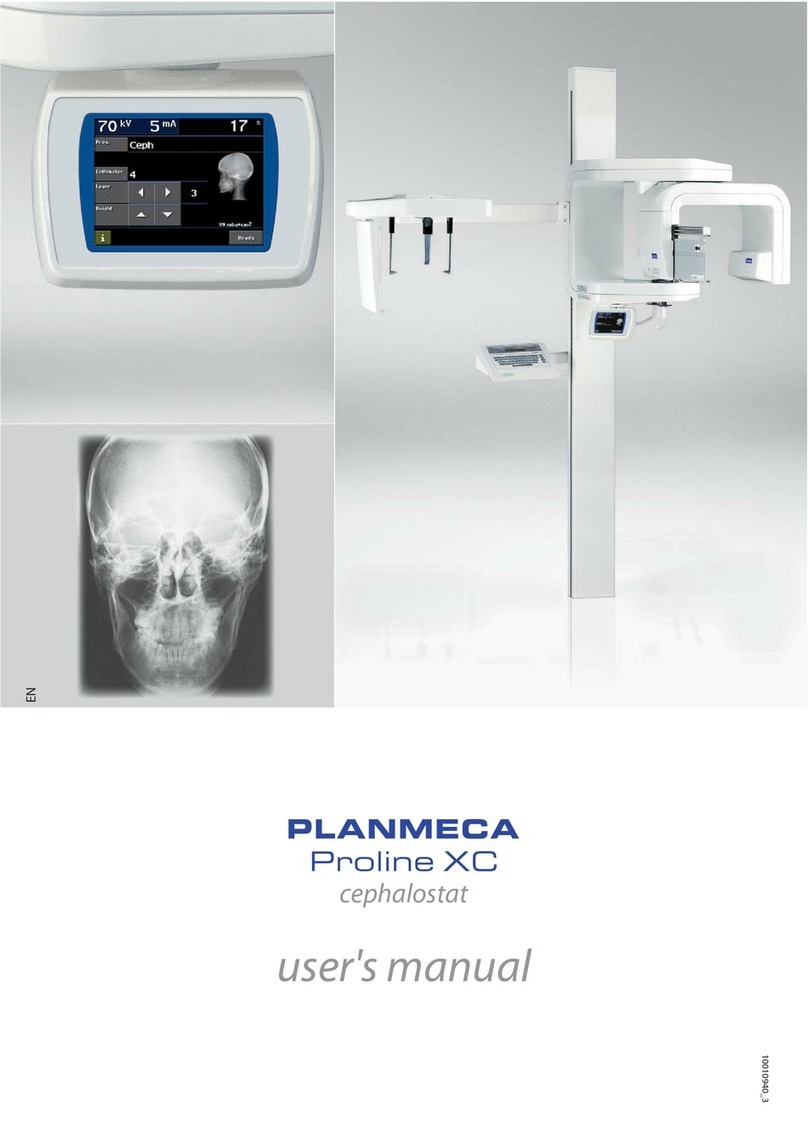
Planmeca Proline XC User manual

Planmeca

Planmeca Proline XC User manual
Planmeca ProMax 3D Plus User manual

Planmeca

Planmeca ProMax 3D Plus User manual
Planmeca ProMax User manual

Planmeca

Planmeca ProMax User manual
Planmeca ProOne User manual

Planmeca

Planmeca ProOne User manual
Planmeca ProOne User manual

Planmeca

Planmeca ProOne User manual
Planmeca Planmeca ProMax 3D s User manual

Planmeca

Planmeca Planmeca ProMax 3D s User manual

Planmeca ProMax X-ray User manual

Planmeca

Planmeca ProMax X-ray User manual
Planmeca ProOne User manual

Planmeca

Planmeca ProOne User manual
Planmeca Viso G7 User manual

Planmeca

Planmeca Viso G7 User manual
Planmeca ProOne User manual

Planmeca

Planmeca ProOne User manual
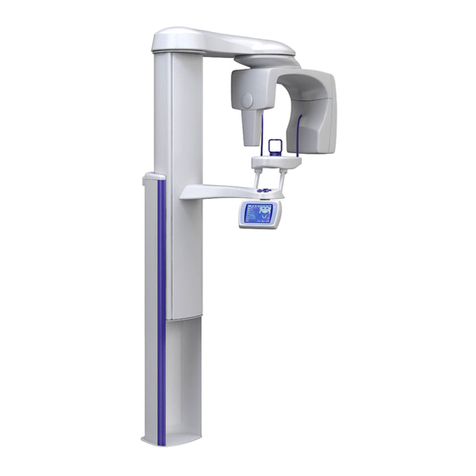
Planmeca ProMax Pan/Ceph Use and care manual
Planmeca

Planmeca ProMax Pan/Ceph Use and care manual

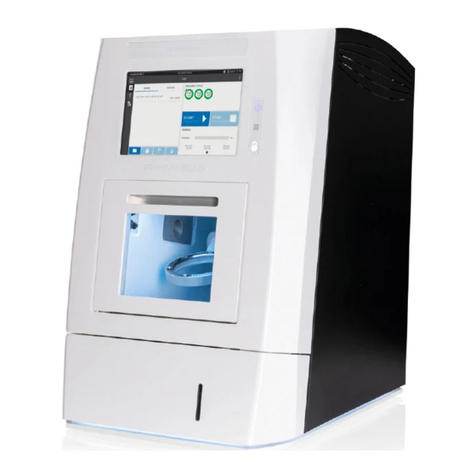
Planmeca PlanMill 60 S User manual

Planmeca

Planmeca PlanMill 60 S User manual
Planmeca Planmeca ProMax 3D s User manual
Planmeca

Planmeca Planmeca ProMax 3D s User manual

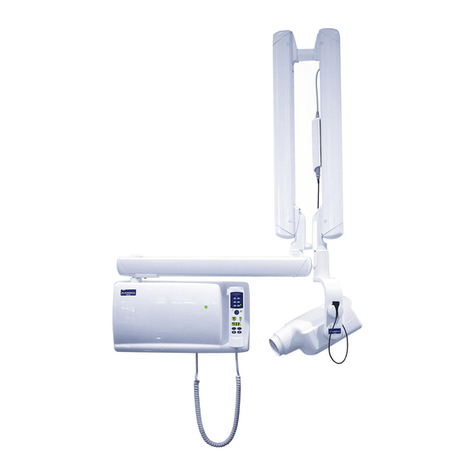
Planmeca intra User manual

Planmeca

Planmeca intra User manual
Planmeca Planmeca ProMax 3D s User manual
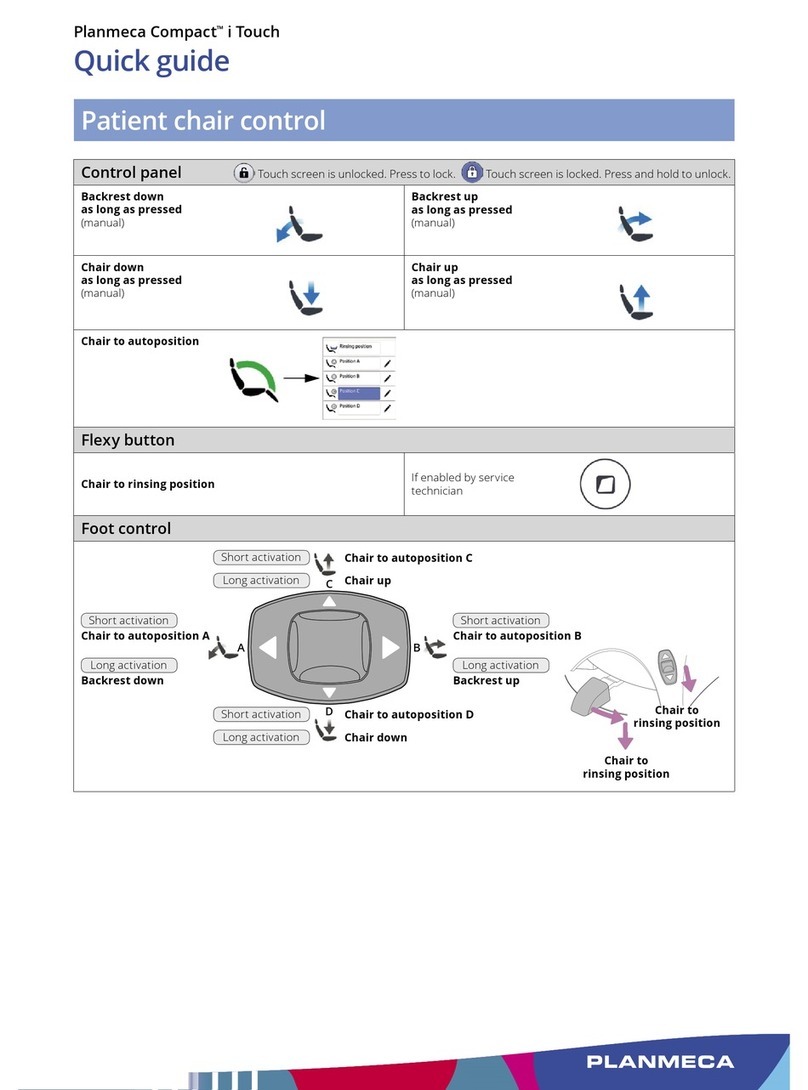
Planmeca

Planmeca Planmeca ProMax 3D s User manual

Planmeca Compact i Touch User manual

Planmeca

Planmeca Compact i Touch User manual
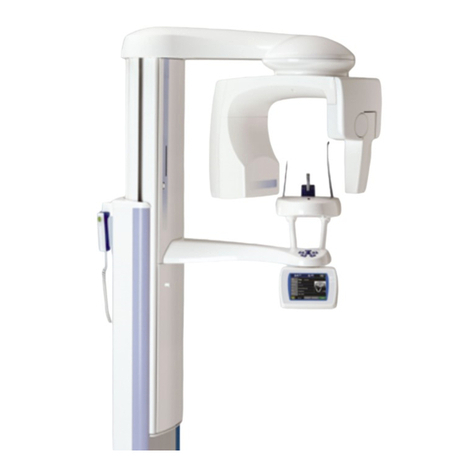
Planmeca ProMax X-ray User manual

Planmeca

Planmeca ProMax X-ray User manual
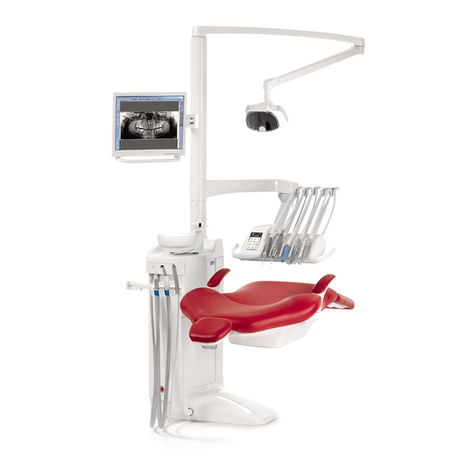
Planmeca SingLED User manual

Planmeca

Planmeca SingLED User manual
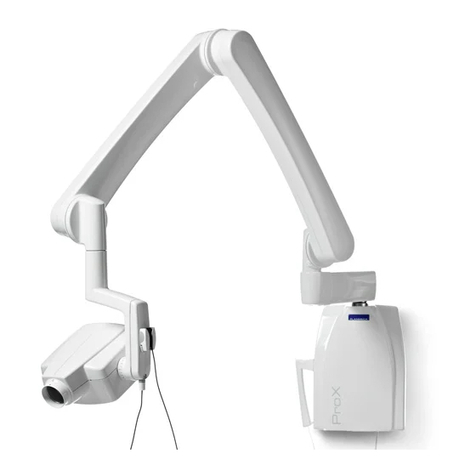
Planmeca ProX User manual

Planmeca

Planmeca ProX User manual
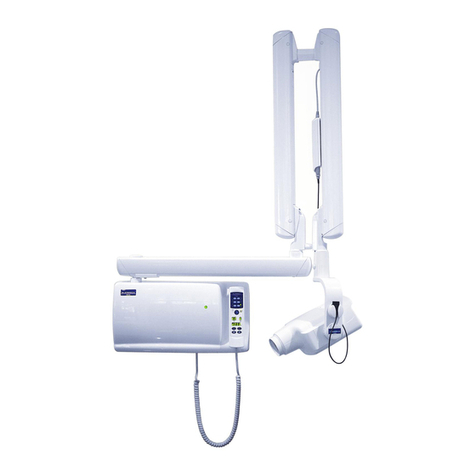
Planmeca intra Service manual

Planmeca

Planmeca intra Service manual
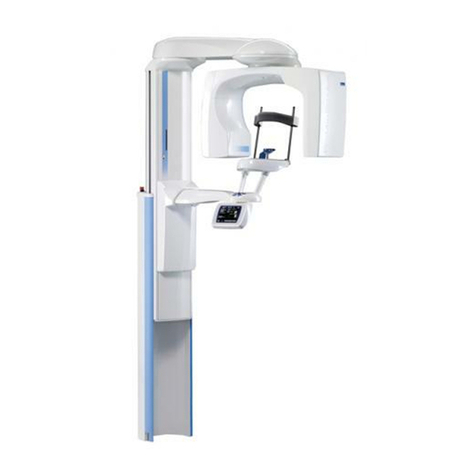
Planmeca ProMax 3D Mid User manual

Planmeca

Planmeca ProMax 3D Mid User manual

Planmeca 2D User manual

Planmeca

Planmeca 2D User manual

Planmeca ProOne User manual

Planmeca

Planmeca ProOne User manual

Planmeca ProSensor User manual

Planmeca

Planmeca ProSensor User manual

Popular Medical Equipment manuals by other brands

TekTone Tek-CARE160 Installation and operation manual

TekTone

TekTone Tek-CARE160 Installation and operation manual

NeuroMetrix Quell 2.0 user manual

NeuroMetrix

NeuroMetrix Quell 2.0 user manual

AMT XLR8 Quick reference guide

AMT

AMT XLR8 Quick reference guide

EDAN SONOTRAX Pro user manual

EDAN

EDAN SONOTRAX Pro user manual

Restorative Therapies RT300 Service guide

Restorative Therapies

Restorative Therapies RT300 Service guide

Gendex Expert DC installation manual

Gendex

Gendex Expert DC installation manual

Dexcowin ADX4000W user manual

Dexcowin

Dexcowin ADX4000W user manual

Libelium MySignals user manual

Libelium

Libelium MySignals user manual

Acelity V.A.C.ULTA 4 user manual

Acelity

Acelity V.A.C.ULTA 4 user manual

Caputron ActivaDose II tDCS quick start guide

Caputron

Caputron ActivaDose II tDCS quick start guide

Plinth 2000 93CDT Service manual

Plinth 2000

Plinth 2000 93CDT Service manual

GE SENOGRAPHE 800T Operator's manual

GE

GE SENOGRAPHE 800T Operator's manual

GE Definium 5000 Operator's manual

GE

GE Definium 5000 Operator's manual

Kanmed GE-1380 user manual

Kanmed

Kanmed GE-1380 user manual

Huntleigh FD1 Instructions for use

Huntleigh

Huntleigh FD1 Instructions for use

Stryker SPR Plus Operation manual

Stryker

Stryker SPR Plus Operation manual

Tobii Dynavox I-Series user manual

Tobii Dynavox

Tobii Dynavox I-Series user manual

S-Capepod Evac Cocoon Step-by-step guide

S-Capepod

S-Capepod Evac Cocoon Step-by-step guide

https://manuals.online logo
https://manuals.online logoBrands
  • About & Mission
  • Contact us
  • Privacy Policy
  • Terms and Conditions

Copyright 2026 Manuals.Online. All Rights Reserved.

Planmeca Sovereign®Classic
Maintenance and infection control
After every patient
Surfaces
1 Wipe with Planmeca approved surface
disinfectant:
• metal parts of headrest
• metal parts of armrests
• protective fascia of the operating light
• handles of the operating light
• hygienic membrane
• instrument hoses
• instruments (see instrument instructions)
• instrument console*
• balanced instrument arms
• tray table
• cuspidor top cover
Wipe the patient mirror of the operating light
with a mild soap- and water solution.
2 Wipe the upholstery with a mild soap- and
water solution. Wipe with Planmeca approved
upholstery disinfectant ifneeded.
3 Wipe the monitor and the handle (seemonitor
instructions).
4 Clean the bowl:
• Pour a few drops of Planmeca approved
suction disinfectant into thebowl and use
asoft brush.
• Rinse the bowl by pressing the bowl
rinsebutton.
• Wipe the outside of the bowl.
3
*Before cleaning the instrument console, lock the touch screen.
Touch screen is unlocked. Press to lock.
Touch screen is locked. Press and hold to unlock.
4
1
2
Do not
spray!
Suction system
1 Remove used aspirating tips.
2 Rinse the suction tubes by aspirating one
glass ofwater with each suction tube.
3 Wipe the suction handpieces with Planmeca
approved surface disinfectant.
4 Wipe the Flexy™ holder with Planmeca
approved surface disinfectant.
Do not
spray!
32 4
Waterlines
Short ushing
1 Place all water consuming instruments
intotheushingholder.
2 Bend the instrument arms to an angle of
atleast 90° and start short ushing.
SC_UM_37_2.eps
SC_UM_61.eps
➁2➁1
Do not
spray!
Planmeca Sovereign®Classic
In the morning
Suction system
Suction ushing
1 Start suction ushing.
2 Wipe the suction handpieces with Planmeca
approved surface disinfectant. ➁21
Filters
Clean the coarse lters.
-MIN
-MIN
-MAX
Waterlines
Long ushing
1 Place all water consuming instruments
intotheushingholder.
2 Bend the instrument arms to an angle of
atleast 90° and start long ushing.
SC_UM_37_2.eps
SC_UM_61.eps
➁2➁1
After working day
Surfaces
Wipe the upholstery with Planmeca approved
upholstery disinfectant.
Suction system
Suction cleaning
1 Insert the suction tubes into thesuction tube
cleaningholder.
2 Start suction cleaning.
3 Disinfect the suction handpieces in
awasher-disinfector.
4 Flexy™ holder: Disinfect the individual holders
in a washer-disinfector. Wipe theintraoral
scanner holder with Planmeca approved
surface disinfectant.
1➁2 3 4
Filters
1 Empty, clean and disinfect the bowl lter
inawasher-disinfector.
Attention! Do not empty the bowl lter
tothedrain.
2 Remove the bowl and wash atmax65°C.
2
3
1
➁2➁1
Waterlines
Long ushing
1 Place all water consuming instruments
intotheushingholder.
2 Bend the instrument arms to an angle of
atleast 90° and start long ushing.
SC_UM_37_2.eps
SC_UM_61.eps
➁2➁1
Maintenance and infection control
Weekly
Surfaces
Wipe the upholstery with Planmeca approved
upholstery treatingagent.
Suction system
1 Mix 20 ml of Planmeca approved suction
disinfectant with 1 l of water.
2 Press the VS/A button. Thebowl valve
opens. Note,Dürramalgam separators or
VS/Asystemsonly.
3 Pour the mixture into the bowl.
4 Let the solution aect overnight.
2 3
Waterlines, if continuous cleaning is disabled
Waterline cleaning
1 Place all water consuming instruments
intotheushingholder.
2 Bend the instrument arms to an angle of
atleast 90° and start waterline cleaning.
3 Shut down the dental unit for the night.
4 Turn the unit on and wait until the cleaning
cycle has nished.
5 Test that the hydrogen peroxide concentration
of the water is < 250ppm. Ifnot, perform long
ushing andtestagain.
SC_UM_37_2.eps
➁1 ➁2
SC_UM_61.eps
5
www.planmeca.com
For detailed instructions, please see the user’s manual. Copyright Planmeca. Rights for changes reserved.
10035140_6/05.2017/en
Planmeca approved disinfectants
Surface disinfectants* Upholstery
disinfectants
Upholstery
treatingagents
Suction disinfectants* Water and waterline
disinfectants
Dürr FD 322 Dürr FD 312 Dürr FD 360 Dürr Orotol Plus Planmeca PlanClear™
Dürr FD 333 Orbis Evacuation System
Disinfection Concentrate
(193087, 193088)
Orbis surface
disinfection (MD121936,
MD121937, MD125294,
MD125295)
*Check carefully the cleaning and disinfection agent requirements of 3rd party devices to ensure that using the agents do not have
adverse eect to the applicable warranty or other terms and conditions of 3rd party device manufacturers.
Containers
Suction disinfectant container Planmeca PlanClear™ container Watercontainer
Fill when yellow
icon at the top
of the control
panel ashes.
The ll interval is
approximately four
weeks.
Fill when green
icon at the top
of the control
panel ashes.
The ll interval is
approximately four
weeks.
Fill when blue
icon at the top of
the control panel
ashes.
Monthly
Suction system and waterlines
1 Disinfect the suction tube cleaning holder
inawasher-disinfector.
2 Disinfect the instrument ushing holder
inawasher-disinfector. Autoclave if needed.
3 Remove the water container and clean it.
21 3
Filters
1 Replace the coarse lters.
2 Empty the VS/A ne lter.
3 Empty the oil collector.
SC_UM_53.eps
-MIN
-MIN
-MAX
21 3
Waterlines, if continuous cleaning is enabled
Waterline cleaning
1 Place all water consuming instruments
intotheushingholder.
2 Bend the instrument arms to an angle of
atleast 90° and start waterline cleaning.
3 Shut down the dental unit for the night.
4 Turn the unit on and wait until the cleaning
cycle has nished.
5 Test that the hydrogen peroxide concentration
of the water is < 250ppm. Ifnot, perform long
ushing andtestagain.
SC_UM_37_2.eps
➁1 ➁2
SC_UM_61.eps
5