manuals.online logo
Brands
  1. Home
  2. •
  3. Brands
  4. •
  5. Plejd
  6. •
  7. Dimmer
  8. •
  9. Plejd REL-02 User manual

Plejd REL-02 User manual

Other Plejd Dimmer manuals

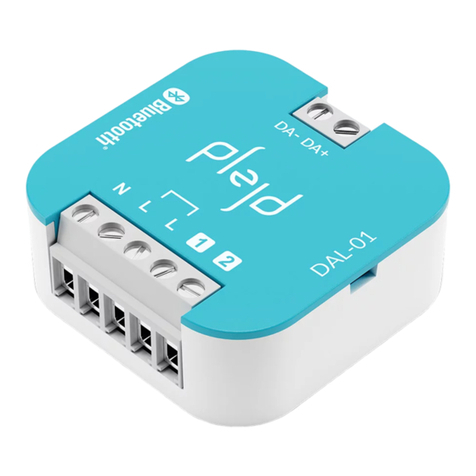
Plejd DAL-01 User manual

Plejd

Plejd DAL-01 User manual

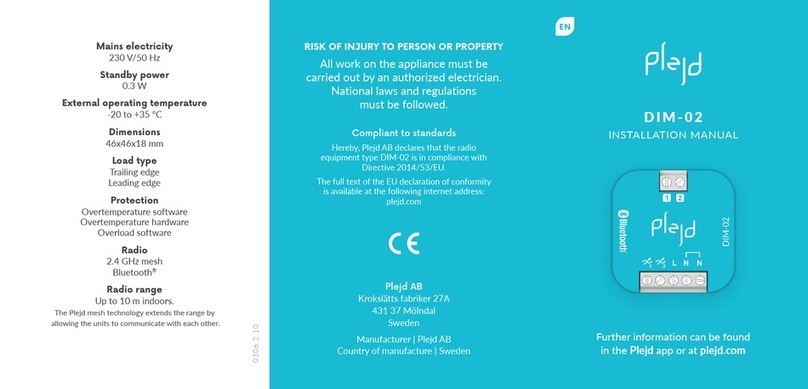
Plejd DIM-02 User manual

Plejd

Plejd DIM-02 User manual

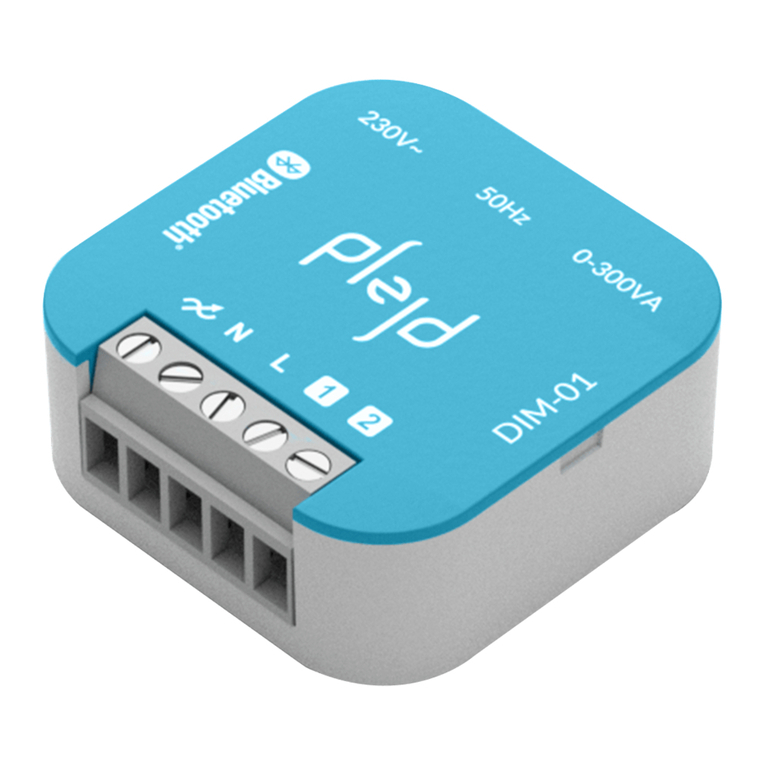
Plejd DIM-01 User manual

Plejd

Plejd DIM-01 User manual

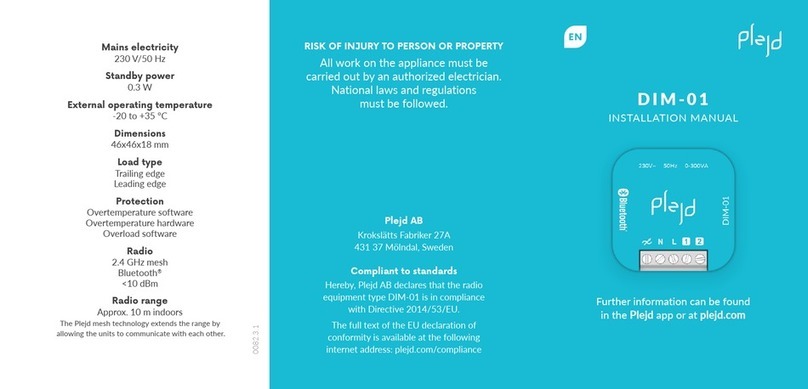
Plejd DIM-01 User manual

Plejd

Plejd DIM-01 User manual

Plejd DIM-01 User manual

Plejd

Plejd DIM-01 User manual

Plejd REL-01-2P User manual

Plejd

Plejd REL-01-2P User manual

Plejd CTR-01 User manual

Plejd

Plejd CTR-01 User manual

Popular Dimmer manuals by other brands

HomeSeer HS-WX300-R2 quick start guide

HomeSeer

HomeSeer HS-WX300-R2 quick start guide

Lex 6KW user guide

Lex

Lex 6KW user guide

DIODE LED TOUCHDIAL Mini installation guide

DIODE LED

DIODE LED TOUCHDIAL Mini installation guide

LEGRAND WattStopper RH703PTU installation instructions

LEGRAND

LEGRAND WattStopper RH703PTU installation instructions

Viessmann 5590 Operation manual

Viessmann

Viessmann 5590 Operation manual

Teleco TVSTICK868RGB29 manual

Teleco

Teleco TVSTICK868RGB29 manual

INSTEON LampLinc 2457D2 quick start guide

INSTEON

INSTEON LampLinc 2457D2 quick start guide

ZooZ ZEN54 LR user manual

ZooZ

ZooZ ZEN54 LR user manual

Lightronics XC-62 owner's manual

Lightronics

Lightronics XC-62 owner's manual

ADB EURODIM TWIN TECH user manual

ADB

ADB EURODIM TWIN TECH user manual

Sinope DM2550ZB-C4 installation guide

Sinope

Sinope DM2550ZB-C4 installation guide

INSTEON LampLinc 2457D2 owner's manual

INSTEON

INSTEON LampLinc 2457D2 owner's manual

PXM AC Dimmer 6 x 1200W user manual

PXM

PXM AC Dimmer 6 x 1200W user manual

Triton Blue DM-1225 user manual

Triton Blue

Triton Blue DM-1225 user manual

Ostermann EasyOne 508.4040 user manual

Ostermann

Ostermann EasyOne 508.4040 user manual

Niko 05-707 quick start guide

Niko

Niko 05-707 quick start guide

NA OMEGA + user manual

NA

NA OMEGA + user manual

Acclaim Lighting X-Dimmer-3 PRO User instructions

Acclaim Lighting

Acclaim Lighting X-Dimmer-3 PRO User instructions

manuals.online logo
manuals.online logoBrands
  • About & Mission
  • Contact us
  • Privacy Policy
  • Terms and Conditions

Copyright 2025 Manuals.Online. All Rights Reserved.

REL-02
0308.3.1
Compliant to standards
Hereby, Plejd AB declares that the radio
equipment type REL-02 is in compliance
with Directive 2014/53/EU.
The full text of the EU declaration of
conformity is available at the following
internet address: plejd.com/compliance
Mains electricity
230 V/50 Hz
Standby power
0.3 W
External operating temperature
-25 to +35 °C
Dimensions
46x46x18 mm
Type of switching
Relay, Micro gap (μ)
Protection
Overtemperature software
Zero crossing switching (breaker protection)
Radio
2.4 GHz mesh
Bluetooth®
<10 dBm
Radio range
Approx. 10 m indoors
The Plejd mesh technology extends the range by
allowing the units to communicate with each other.
EN
INSTALLATION MANUAL
Further information can be found
in the Plejd app or at plejd.com
RISK OF INJURY TO PERSON OR PROPERTY
All work on the appliance must be
carried out by an authorized electrician.
National laws and regulations
must be followed.
Plejd AB
Krokslätts Fabriker 27A
431 37 Mölndal, Sweden
Install the product in the appliance box behind the
push button/box lid or secure it with a Mounting clip
(MNT-01, not included) on the wall or DIN rail.
REL-02 has two relays with a 16 A breaking capacity for
resistive loads and a total breaking capacity of up to 16 A
(e.g., 10 A + 6 A).
Different loads have different inrush current when
switching on and voltage spikes when switching off. The
following table is recommended for different types of
lighting loads as a guide to ensure maximum service life.
Maximum current 16 A.
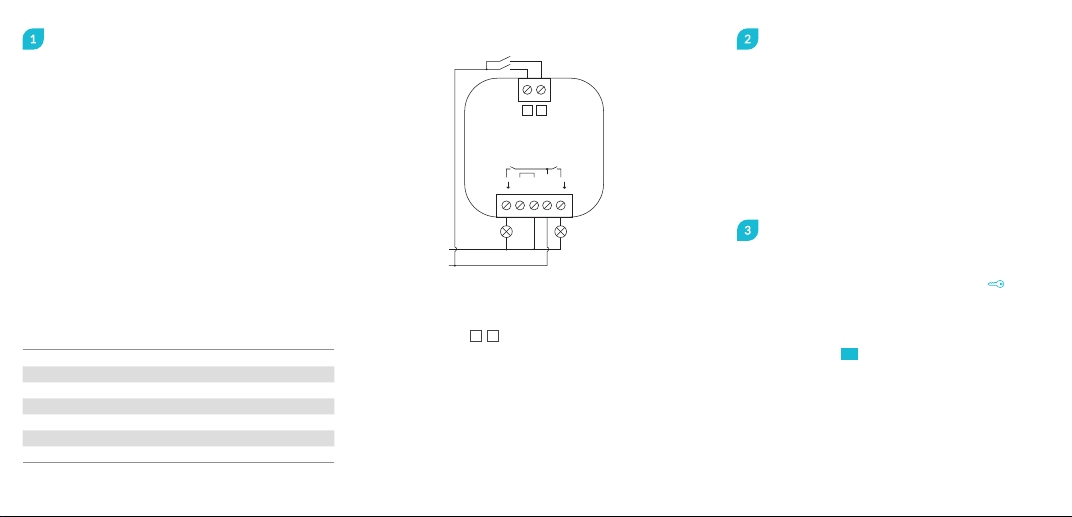
Connect the product
Distributed on both outputs.*
Load PF Rated output* VA* A*
Halogen/incandescent (230 V) 13,500 W 3,500 16
LED loads 0.9 800 W 1,000 4
Fluorescent lamp uncompensated 0.3 700 W 2,300 10
Fluorescent lamp compensated 0.85 1,500 W 1,750 8
Low-voltage halogen electronic 0.8 1,500 W 1,750 8
Low-voltage halogen conventional 0.95 1,200 W 1,200 5
Low-energy lamps 0.6 500 W 800 4
REL-02
12
L
N
N
NL L
1L2
Control inputs 1 and 2 can be used for control with:
· push button (preset so that inputs 1 and 2
control respective outputs 1 and 2)
· light switch
· motion sensor (with neutral conductor).
The inputs can also be used to wirelessly control one
or more products from Plejd. Additionally, double click
on a push button can be used to activate scenes.
Control inputs 1 2
Support
Follow the instructions in the app
Hand over the Plejd system
Hand over the Plejd system to your customer by
writing the system code on the included sticker .
You will find the code in the app once you have
completed the installation.
Place the sticker in the distribution box and give
the welcome folder HI! to the customer.
In the event of any technical questions,
please contact our customer service:
[email protected] | +46 (0) 10 203 89 91
Download the Plejd app on the App Store or
Google Play.
After supplying power to the unit by following
the wiring diagram, use the app to complete
the installation. Setup requires Bluetooth®and
an internet connection. You do not need any
additional equipment to get started. Use the
app to easily configure all settings.