manuals.online logo
Brands
  1. Home
  2. •
  3. Brands
  4. •
  5. Promate
  6. •
  7. Batteries Pack
  8. •
  9. Promate solarmate-10 User manual

Promate solarmate-10 User manual

Other Promate Batteries Pack manuals

Promate Storm.IO User manual

Promate

Promate Storm.IO User manual

Promate pocketMate LT User manual

Promate

Promate pocketMate LT User manual

Promate solarMate-2 User manual

Promate

Promate solarMate-2 User manual

Promate triForza User manual

Promate

Promate triForza User manual

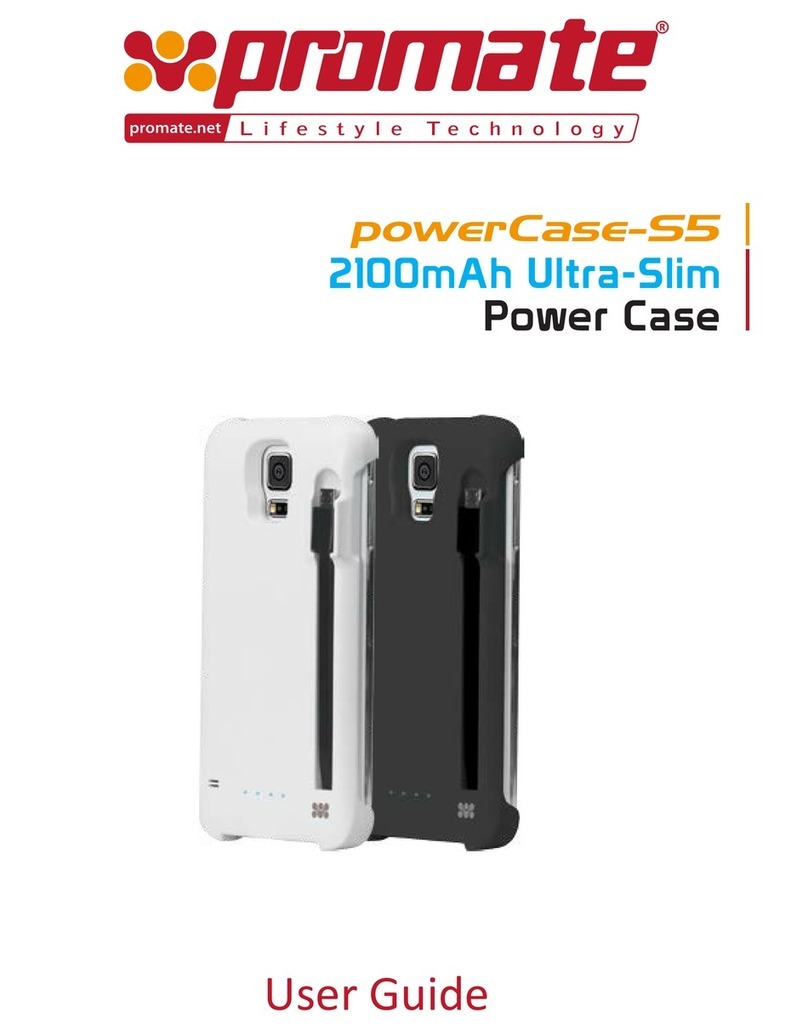
Promate powerCase-S5 User manual

Promate

Promate powerCase-S5 User manual

Promate Premium Sporty Back-up Battery Case for iPhone... User manual

Promate

Promate Premium Sporty Back-up Battery Case for iPhone... User manual

Popular Batteries Pack manuals by other brands

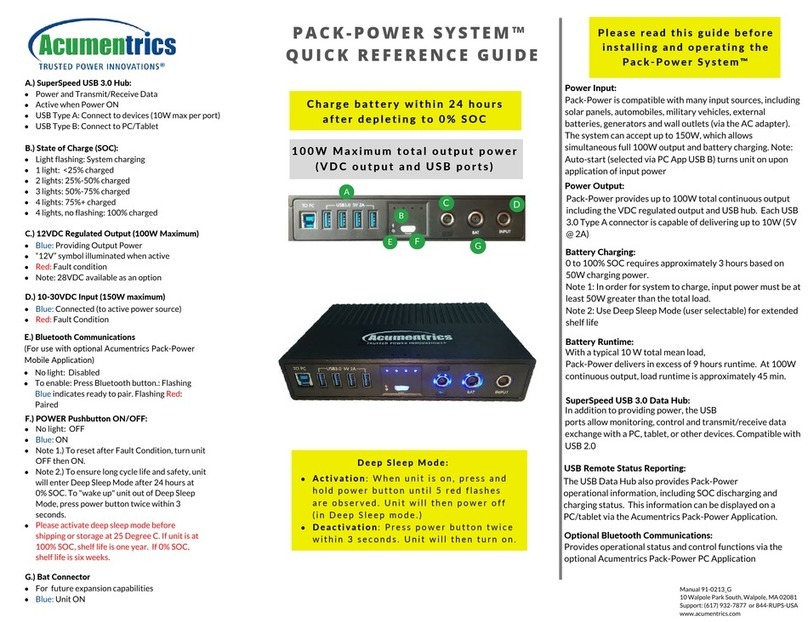
Acumentrics PACK-POWER SYSTEM Quick reference guide

Acumentrics

Acumentrics PACK-POWER SYSTEM Quick reference guide

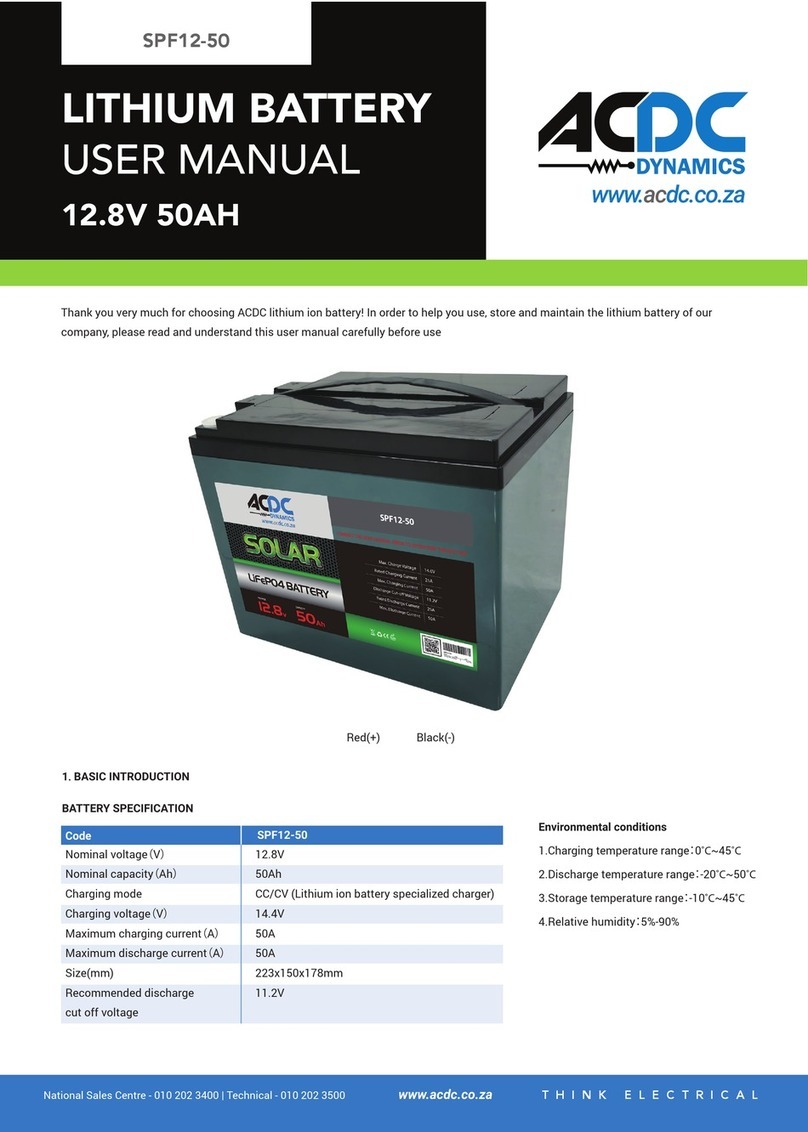
ACDC Dynamics SPF12-50 user manual

ACDC Dynamics

ACDC Dynamics SPF12-50 user manual

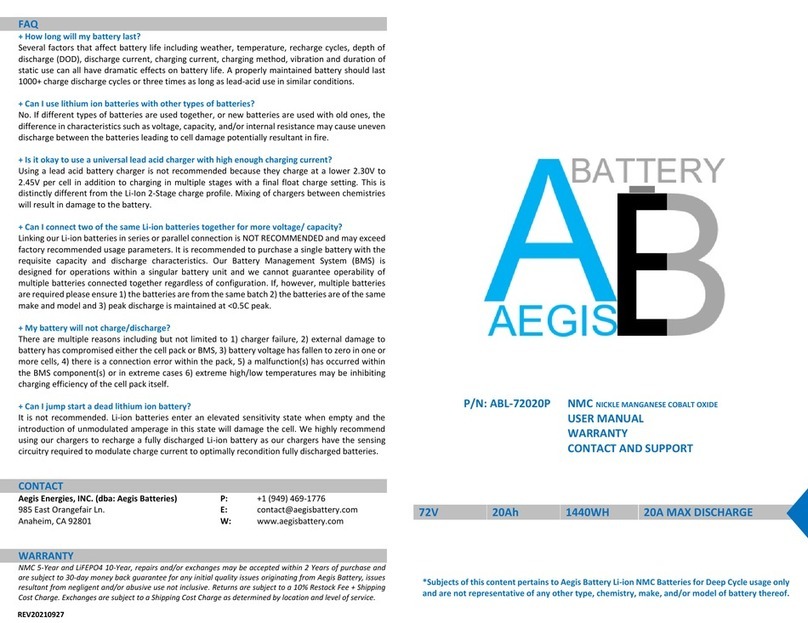
Aegis ABL-72020P user manual

Aegis

Aegis ABL-72020P user manual

Dyness TowerESS user manual

Dyness

Dyness TowerESS user manual

Growatt APX 5.0P-S0-US user manual

Growatt

Growatt APX 5.0P-S0-US user manual

EGO BAX1300 Operator's manual

EGO

EGO BAX1300 Operator's manual

CyberPower BCA Series installation manual

CyberPower

CyberPower BCA Series installation manual

Intermec 700 Series quick start guide

Intermec

Intermec 700 Series quick start guide

Dometic PLB40 operating manual

Dometic

Dometic PLB40 operating manual

V-TAC VT-48280-W2 instruction manual

V-TAC

V-TAC VT-48280-W2 instruction manual

Valence RT user guide

Valence

Valence RT user guide

Nikon MB-D14 user manual

Nikon

Nikon MB-D14 user manual

IOGear GBP24V Series user manual

IOGear

IOGear GBP24V Series user manual

Inventus Power PROTRXion S-12V100-TRX-HD user manual

Inventus Power

Inventus Power PROTRXion S-12V100-TRX-HD user manual

Clas Ohlson PW-290A quick start guide

Clas Ohlson

Clas Ohlson PW-290A quick start guide

EINHELL MULTI-Ah Power X-Change Plus Original operating instructions

EINHELL

EINHELL MULTI-Ah Power X-Change Plus Original operating instructions

Samsung EB-U3300 quick start guide

Samsung

Samsung EB-U3300 quick start guide

ECTIVE LC Series instruction manual

ECTIVE

ECTIVE LC Series instruction manual

manuals.online logo
manuals.online logoBrands
  • About & Mission
  • Contact us
  • Privacy Policy
  • Terms and Conditions

Copyright 2025 Manuals.Online. All Rights Reserved.

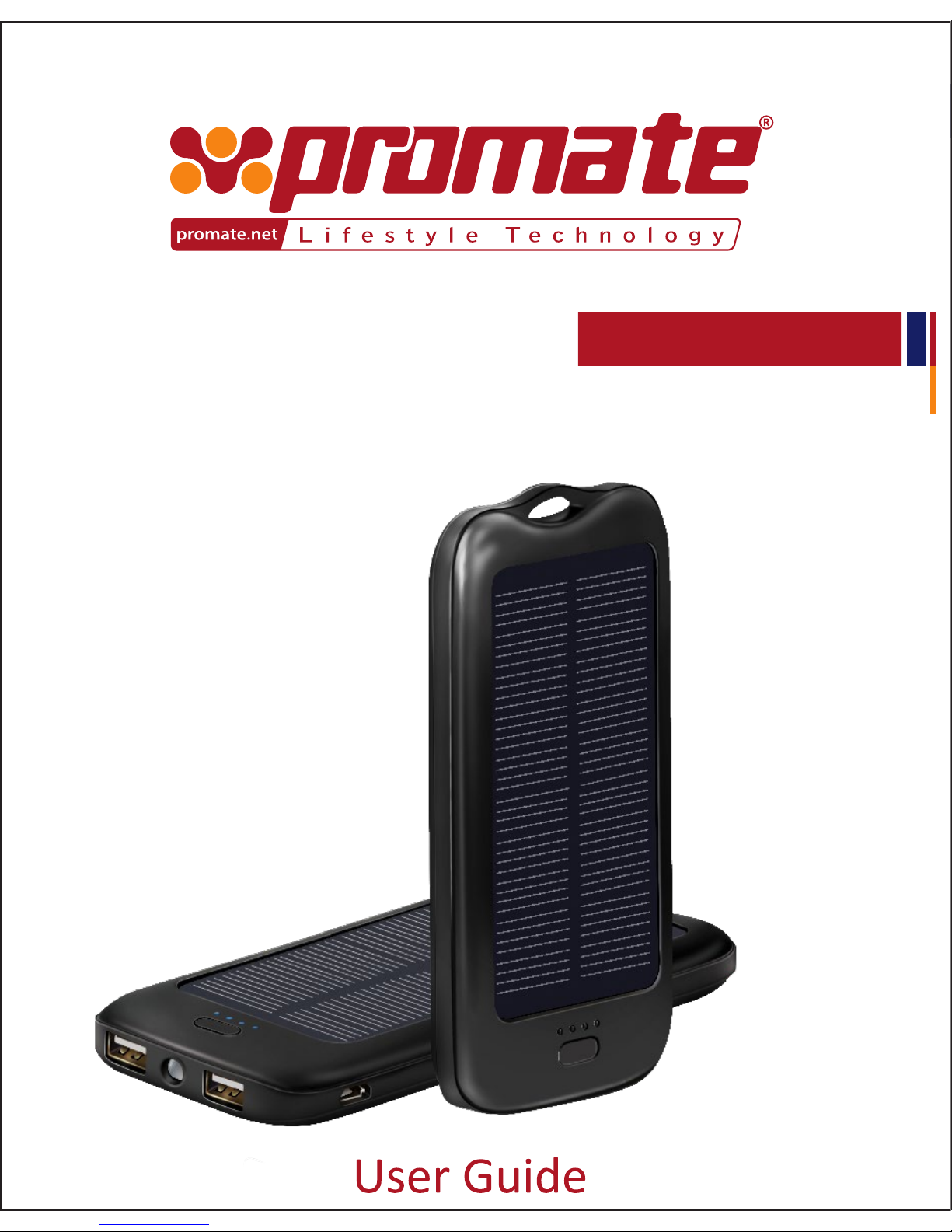
solarMate-10
10000mAh
Heavy Duty SOLAR Powered Battery Pack
10000mAh
Heavy Duty SOLAR Powered Battery Pack
• solarMate-10
• Micro-USB Charging Cable
• User Guide
Introduction
Packaging Contents
Thank you for purchasing solarMate-10. Get power-on-the go when outdoors
with solarMate-10. This revolutionary new solar powered battery pack is built
keeping durability and functionality in mind. Charge two devices simultane-
ously even when you are not around any electrical output. With solarMate-10’s
Monocrystalline Silicon Solar Panel, charge your device under incandescent
light indoors. Never run out of battery on long ights, extended meetings or
those outdoor events. Charge two devices at a lightning speed with two fast
USB charging interface’s and get to know the power level with the LED
indicator. Utilize the best renewable energy source known to mankind at its
optimum level with solarMate-10.
English
1
Specication
• Battery Type: Li-polymer.
• Capacity: 10000mAh
• Input: Micro USB 5V/1.5A(Max),
• Solar Charging: 5V/200mA(Max),
• Output:USB1: 5V/1.3A(Max),
USB2: 5V/2.1A(Max)
• Charging Time: via Solar Power: 55-60 hrs
via USB: 7-8 hrs.
Features
• Powerful 10000mAh Capacity Li-polymer Battery.
• Charge two devices simultaneously.
• Monocrystalline Silicon Solar Panel
• Fast USB Charging Interface.
• Power on-the-go.
• Key Chain Design.
• Heat Dissipating ABS Plastic Shell
• LED battery level indicator.
• Intelligent Power Management with 7 Protection: Overvoltage protection,
Overcurrent protection, overcharge protection, short-circuit protection,
over power protection, over discharge protection. Temperature protection
• Compatible with all Smartphones and Tablets.
• LED Light.
English
1
2
Precautions
Please read all safety instructions and warnings thoroughly before using this
product. Improper use of this product may result in damage to this or
attached products.
1. Do not disassemble the back-up battery or attempt to x it.
2. Kindly use an original charging cable provided to charge the product.
3. Do not attempt to replace any part of this Back-up battery or battery
inside.
4. Do not crush, puncture, dispose of in re, short the contacts or expose the
battery to water or other liquids.
5. Do not connect input and output in reverse.
6. Do not store or use the battery in a high temperature environment,
including intense sunlight or heat.
7. Avoid drops, bumps, abrasions and impacts.
8. If there is any reason to believe that there is damage to the battery,
discontinue use immediately.
9.If you nd that the battery is too hot, is emitting an odor, or is deformed,
punctured or exhibits any suspicious or abnormal behavior, discontinue use
immediately and contact our customer service.
10. Always charge this product before extended storage.
English

2
3
Tap the Multi-Function button once to view the amount of power remaining in
solarMate-5
1. Checking the remaining power left in solarMate-10 back-up battery
Appearance & Interface Description:
1. Solar Panel
2. LED Indicators
3. Multi-function button.
4. USB Output
5. LED Light
6. USB Output
7. Micro USB Input
Operation Instructions:
English
4
Tap the Multi-Function button once to view the amount of power remaining in
solarMate-5
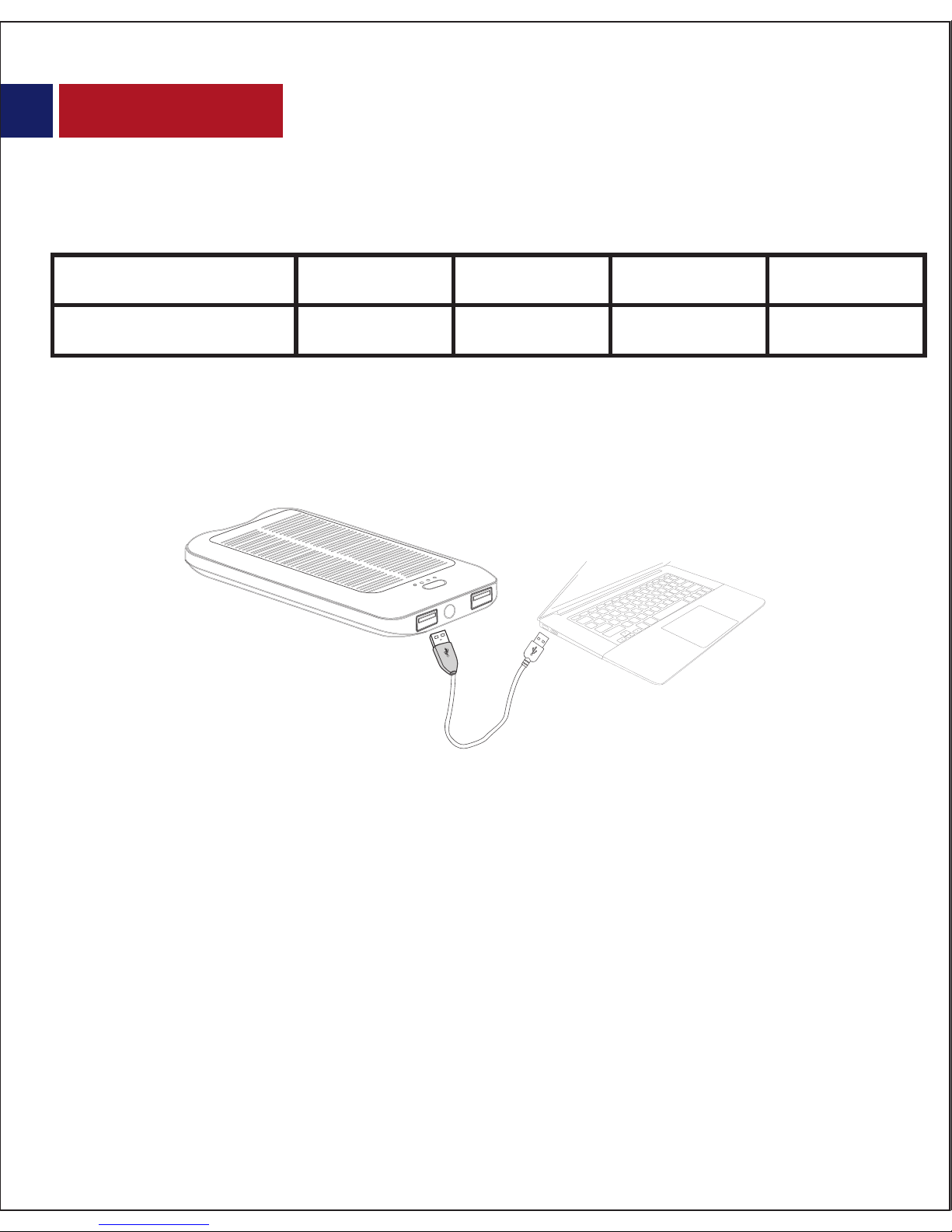
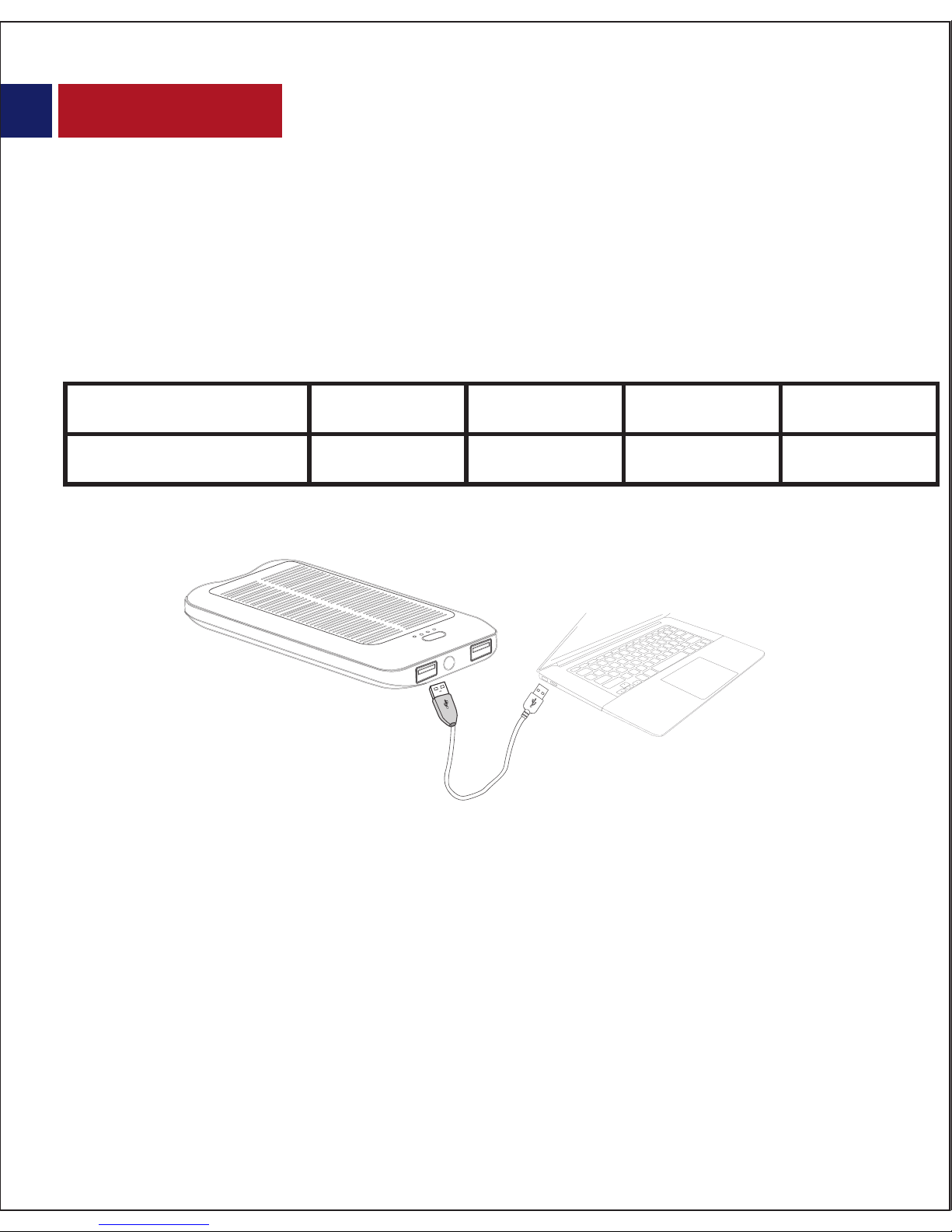
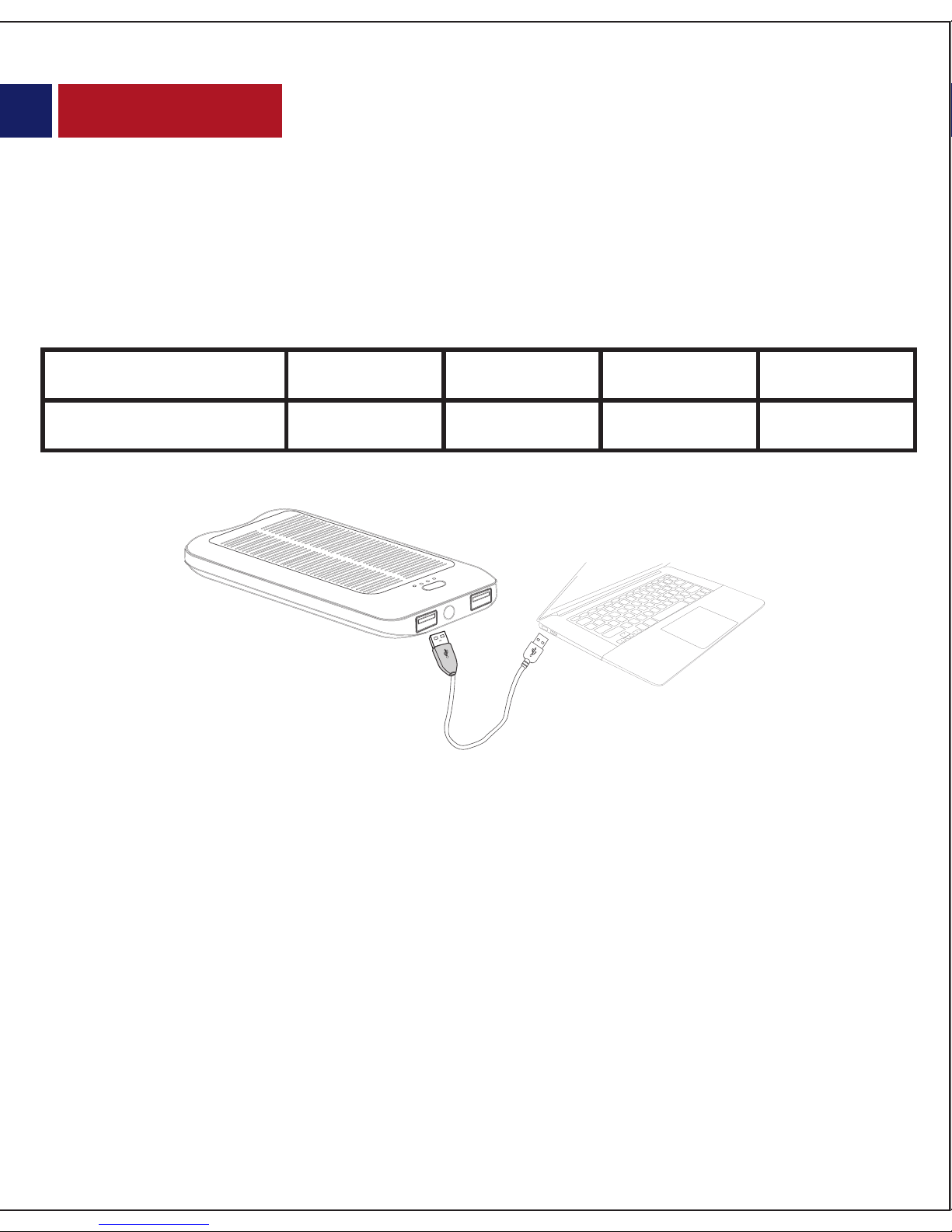
Plug the Micro-USB end of the charging cable provided into the Micro-USB
charging port in solarMate-10 back-up battery. Connect the other end of the
Micro-USB charging cable to a USB power adapter or computer USB port. The LED
battery level indicator light’s up indicating that the back-up battery is charging
normally.
solarMate-10, can be recharged by solar energy when kept under the sun rays or in
the environment with strong sunlight. solarMate-10 may also be charged using
incandescent light.
of power remaining %
No of LED’s Active
<=25% <=50% <=75% <=100%
1 2 3 4
2. Charging solarMate-10 back-up battery
English
4
5
3. Charging USB chargeable devices using solarMate-10
• Press and hold the Multi-function button for 3 seconds to turn ‘on’ the LED Light.
• Again press the Multi-function button for 3 seconds to turn ‘o’the LED Light.
4. Using the LED Light on solarMate-10
There are 2 ports available on solarMate-10. It is recommended to use the 1.3A
charging output port to charge smartphones and the 2.1A charging output port to
charge tablet devices. Plug the USB cable into the USB output port on solarMate-10
back-up battery and the other end into the device. Press the multi-function button
once to start charging your device. Detach the USB cable once charging is
complete.
English
5
6
Instrucciones de funcionamiento:
1. Vericar la carga restante en la batería de respaldo solarMate-10
2. Para cargar la batería de respaldo solarMate-10
Pulse el botón multifunción una vez para ver la cantidad de energía restante en
solarMate-10.
Conecte el extremo Micro USB del cable de recarga provisto en el puerto
Micro USB de la batería de respaldo solarMate-10. Conecte el otro extremo
del cable de recarga Micro USB en el puerto USB del cargador eléctrico o en
el puerto USB del ordenador. El indicador LED de nivel de batería se
encenderá indicando que la batería de respaldo está cargando
correctamente.
La batería SolarMate-10, puede ser cargada con energía solar siempre que se
mantenga una exposición directa a los rayos del sol o en un entorno
fuertemente iluminado por los rayos del sol. SolarMate-10 puede también
ser cargada mediante luz incandescente.
No of LED’s Active
<=25% <=50% <=75% <=100%
1 2 3 4
% de la energía
restante
Use the image on the operation page but add more devices and dierent cables)
There are 2 ports available on solarMate-10. It is recommended to use the 1.3A
charging output port to charge smartphones and the 2.1A charging output port to
charge tablet devices. Plug the USB cable into the USB output port on solarMate-10
back-up battery and the other end into the device. Press the multi-function button
once to start charging your device. Detach the USB cable once charging is
complete.
Spanish
6
7
Existen 2 puertos disponibles en solarMate-10. Se recomienda utilizar el puerto de
carga de salida 1.3A para recargar smartphones y el puerto de salida 2.1A para
recargar las tabletas. Conecte el cable USB en el puerto de salida USB de la batería
de respaldo solarMate-10 y el otro extremo en el dispositivo. Presione una vez el
botón multifunción para comenzar la carga de su dispositivo. Desconecte el cable
USB una vez que la carga ha sido terminada.
3. Para Cargar dispositivos alimentados por USB utilizando solarMate-10
• Para encender la luz LED, presione y mantenga el botón multifunción
durante 3 segundos.
• Para apagar la luz LED, presione de nuevo el botón multifunción durante
3 segundos.
4. Para utilizar la luz de LED de la batería de respaldo solarMate-10
Spanish
7
8
de batterie restante %
Nbre de LED actives
<=25% <=50% <=75% <=100%
1 2 3 4
Appuyez une fois sur le bouton multifonction an d’acher la quantité de batterie
restante du solarMate-10.
Branchez l'extrémité Micro-USB du câble de chargement fourni dans le port
Micro-USB de chargement de la batterie de secours solarMate-10. Connectez l'autre
extrémité du câble de chargement Micro-USB au port USB de l'adaptateur secteur
ou au port USB de l’ordinateur. L’indicateur de niveau de batterie LED indique que la
batterie back-up se charge normalement.
solarMate-10, peut être rechargé grâce à l'énergie solaire lorsqu’il est placé sous les
rayons du soleil ou dans un environnement présentant un fort ensoleillement.
solarMate-10 peut également être rechargé en utilisant la lumière incandescente.
Mode d’emploi:
1. Vérication de la batterie de secours restante du solarMate-10
2. Chargement de la batterie de secours solarMate-10
French
8
9