8
65
Using the Speaker Microphone with your PTT App
7
STATUS LED MESSAGES
The meanings of the various status LED messages shown by the speaker microphone are shown
on the following table:
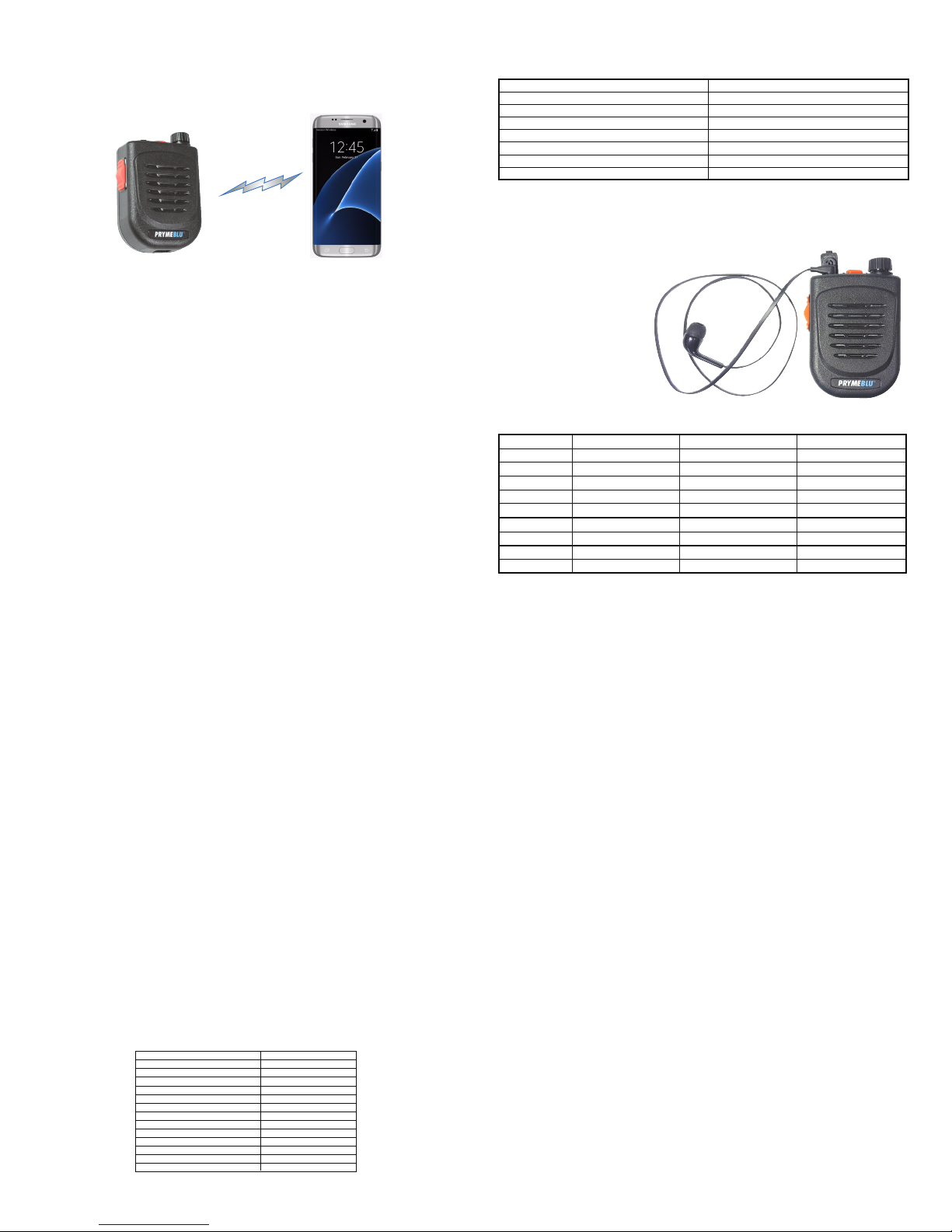
OPTIONAL EAPRHONES
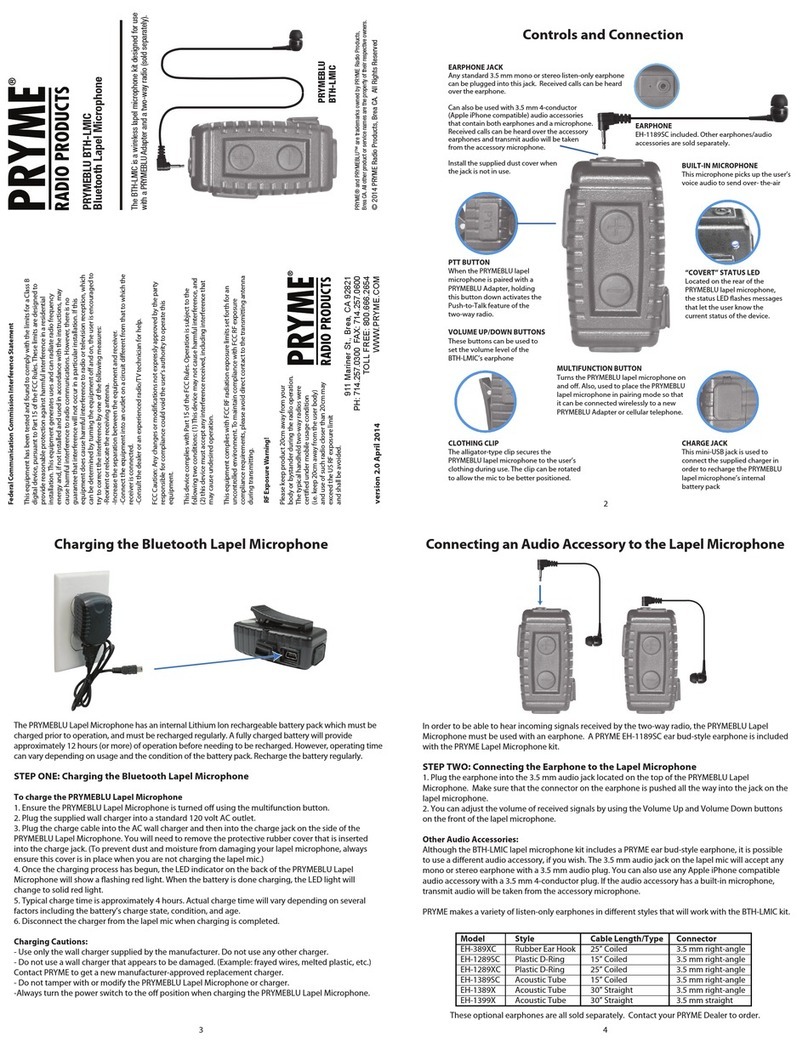
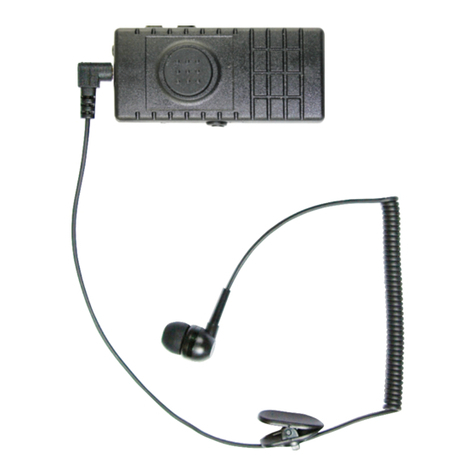
Although the BTH-500-ZU has a built-in speaker for listening to received calls, some users may prefer to use
a listen only earphone for enhanced privacy. The accessory jack on the speaker microphone will accept any
mono earphone with a 3.5 mm audio plug. When an earphone is used, the front-firing speaker is disabled.
PRYME EH-289XB model shown.
Earphone sold separately.
PRYME makes a variety of listen-only earphones in different styles that will work with the BTH-500.
Once setup, you will be able to use the speaker microphone with the push-to-talk app, even if the app
is running the background.
Please see insert for instructions on how to set up in Zello or WAVE.
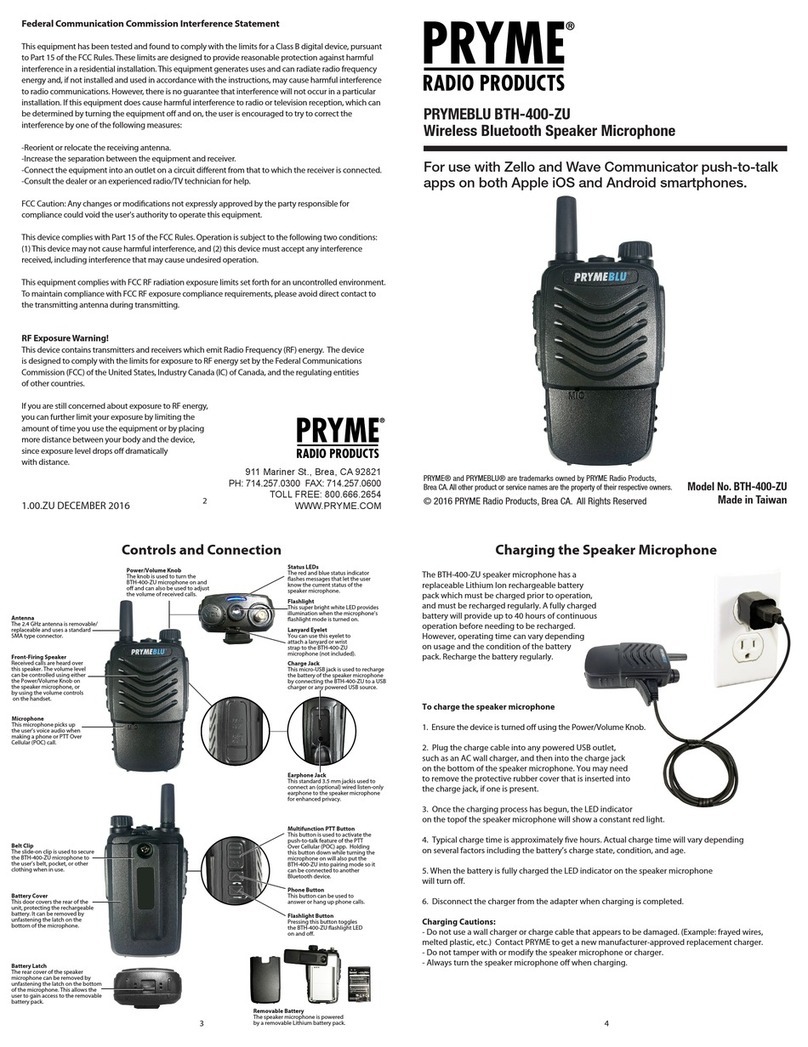
-To activate the app’s push-to-talk feature, press and hold the PTT button on the speaker microphone.
-When the app is transmitting a call, audio will be picked up by the BTH-500-ZU’s built-in microphone.
-Incoming calls received by Zello will be heard over the BTH-500-ZU’s built-in speaker or through the
optional earphone if you are using one.
Making and Receiving Phone Calls
You can also use the speaker microphone to make and receive phone calls.
-You can initiate a phone call by using the Phone Dialer app in the phone.
-Phone audio will be routed to the BTH-500-ZU’s built-in microphone and speaker (or earphone,
if you are using one).
-To answer an incoming call, press the Phone button on the speaker microphone.
-While on a call, you can press the Phone button on the speaker microphone to hang up the phone
and end the call.
LED INDICATION
Constant Red (while plugged into charger)
No indication (while plugged into charger)
Flashes red-blue-red-blue repeatedly
Two blue flashes every two seconds
Three blue flashes every two seconds
Constant red with one blue flash every two seconds
No indication
MEANING
Charge mode
Charging is finished
Pairing mode
Speaker microphone is powered on but not paired
Speaker Microphone is powered and paired
PTT is pressed
Speaker microphone is powered off
SUPPORT AND WARRANTY
PRYME Radio Products warrants this product against defects in materials or workmanship for a
period of one year from the date of retail purchase. PRYME will repair or replace a defective unit,
at our option, without charge for parts or labor. The limited warranty is extended only to the
original purchaser and is valid only to consumers in the United States and Canada. It does not
cover damage or failure caused by or attributable to Acts of God, abuse, misuse, improper or
abnormal usage, faulty installation, improper maintenance, lightning, or other incidences of
excessive voltage, or any tampering or repairs by other than a PRYME authorized repair facility. It
does not cover replacement of consumable parts, transportation costs, or damage in transit.
Repair or replacement under the terms of this warranty does not extend the terms of this
warranty. This warranty can only be modified by an officer of PRYME Radio Products, and then
only in writing. Should this product prove defective in workmanship or material, the consumer’s
sole remedies shall be such repair or replacement as provided by the terms of this warranty.
Under no circumstances shall PRYME Radio Products be liable for any loss or damage, direct,
consequential, or incidental, arising out of the use of or inability to use this product. Some states
do not allow limitations on how long an implied warranty lasts or the exclusions or limitations of
incidental or consequential damages, so the above limitations or exclusions may not apply to
you. This warranty gives you specific legal rights. You may also have other rights, which may vary,
from state to state.
For support or warranty service on your PRYME product, contact us at 1-800-666-2654 or visit us
on the web at www.PRYME.com.
COPYRIGHT AND TRADEMARK INFO
© 2017 PRYME Radio Products, Brea CA. All rights reserved.
PRYME® and PRYMEBLU® are trademarks owned by PRYME Radio Products, Brea CA.
Android is a trademark of Google Inc.
Apple is a trademark of Apple Inc.
iOS is a trademark of Cisco Systems and is used by Apple Inc. under license.
ZELLO is a trademark of Zello, Inc..
WAVE and WAVE COMMUNICATOR are trademarks of Twisted Pair Solutions, a wholly
owned subsidiary of Motorola Solutions, Inc.
All other product or service names are the property of their respective owners.
DISCLAIMER: The Bluetooth wireless link used by PRYMEBLU products is an open
standard, unsecured technology. As such, it is not recommended for first-responder or
other mission critical users.
SPECIFICATIONS
Bluetooth Version:
Speaker Output:
Receiver Sensitivity:
Power Class:
Range:
Display:
Bluetooth Profile:
Operating Voltage:
Battery Capacity:
Operating Time (Standby)
Operating Time (Typical)
Operating Time (Continuous Talk)
Push-to-Talk Function:
Operating Temperature:
v3.0+EDR, BTLE
1 watt
-82 dBm (typ.)
Bluetooth class 2
10 meters
Blue and Red
HFP,HSP,SPP Profile
5 VDC
1,020 mAH
> 30 days
> 80 hours
> 40 hours
Built-in
-70°F to +120°F (approx.)
Pairing with a Smartphone
1. Activate the pairing mode on the speaker microphone by holding down the PTT Button while turning
the microphone on with the Power/Volume Knob. Continue to hold the PTT Button down until the status
LED flashes BLUE-RED-BLUE-RED continuously in sequence.
2. On your phone, go to Settings > Bluetooth. Move the Bluetooth slider to turn the phone's Bluetooth radio on.
3. Select “Search for Devices” from the phone’s Bluetooth menu. The phone will scan for nearby Bluetooth
devices and a list showing the names of nearby Bluetooth devices will be shown on the screen.
4. Choose “BTH-500-PTT” from the list.
5. Keep the phone and speaker mic near each other and wait a few seconds. The devices will pair to each other.
Reconnecting a Previously Paired Speaker Microphone and Phone
Once the speaker microphone and phone have been successfully paired together, both devices will
remember that connection. They will reestablish their link whenever the speaker microphone and phone
are both powered on and within range of each other, as long as the Bluetooth radio is enabled in the
phone. Re-establishing this connection can take 10-60 seconds.
In the event that the phone and speaker microphone to not automatically reestablish their link, simply
press the phone button on the BTH-500-ZU to restore the connection.
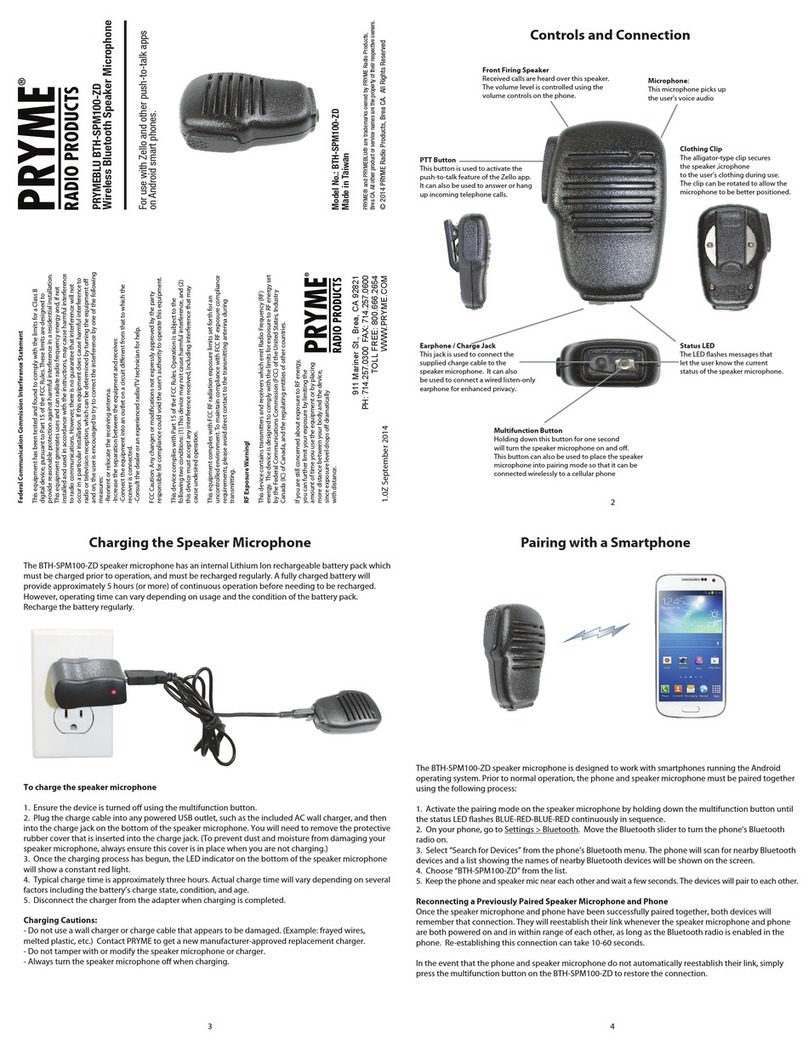
The BTH-500-ZU speaker microphone is designed to work with smartphones running either the Android
or Apple iOS operating systems. Prior to normal operation, the phone and speaker microphone must be
paired together using the following process:
Model
EH-289XB
EH-389SC
EH-389XC
EH-1289SC
EH-1289XC
EH-1389SC
EH-1389XC
EH-1399X
EH-GH89-SC
Style
Earbud
Rubber Ear Hook
Rubber Ear Hook
Plastic D-Ring
Plastic D-Ring
Acoustic Tube
Acoustic Tube
Acoustic Tube
G-Hook (swivel)
Cable Length/Type
24” Straight Flat Cable
15” Coiled
25” Coiled
15” Coiled
25” Coiled
15” Coiled
30” Straight
30” Straight
10” Coiled
Connector
3.5mm right angle
3.5mm right angle
3.5mm right angle
3.5mm right angle
3.5mm right angle
3.5mm right angle
3.5mm right angle
3.5mm right straight
3.5mm right angle