Installing or Replacing the Battery Pack
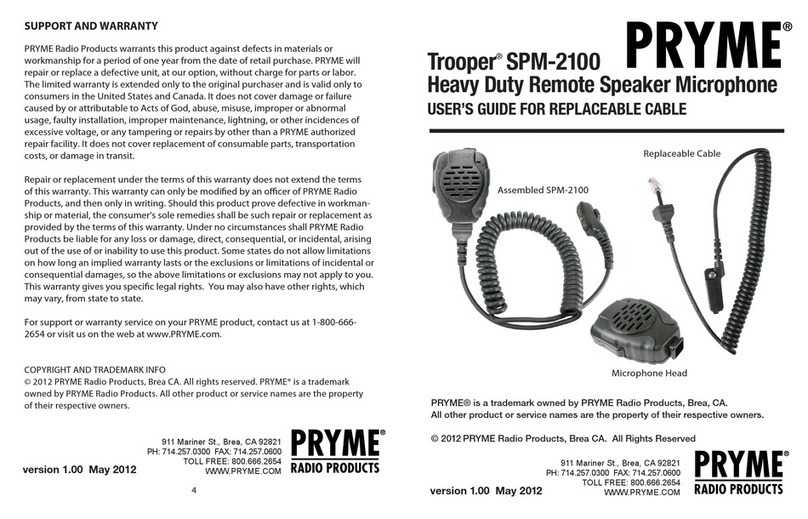
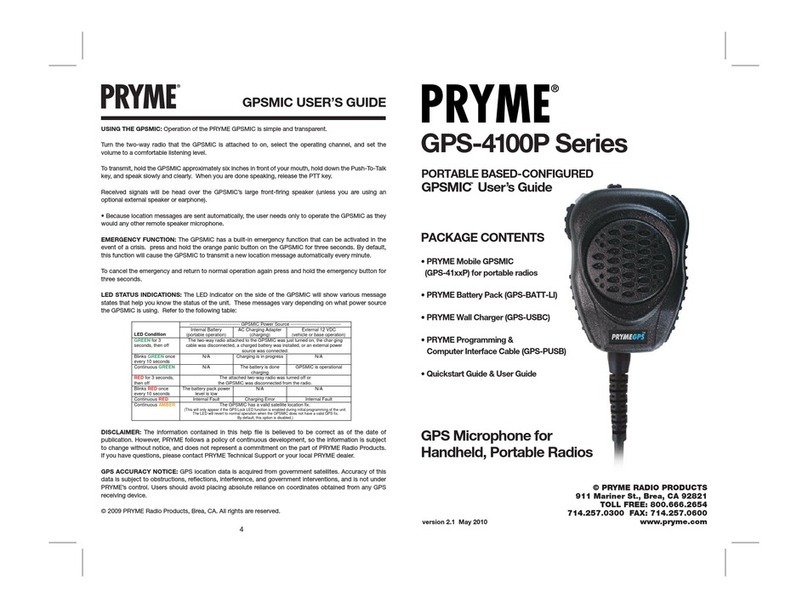
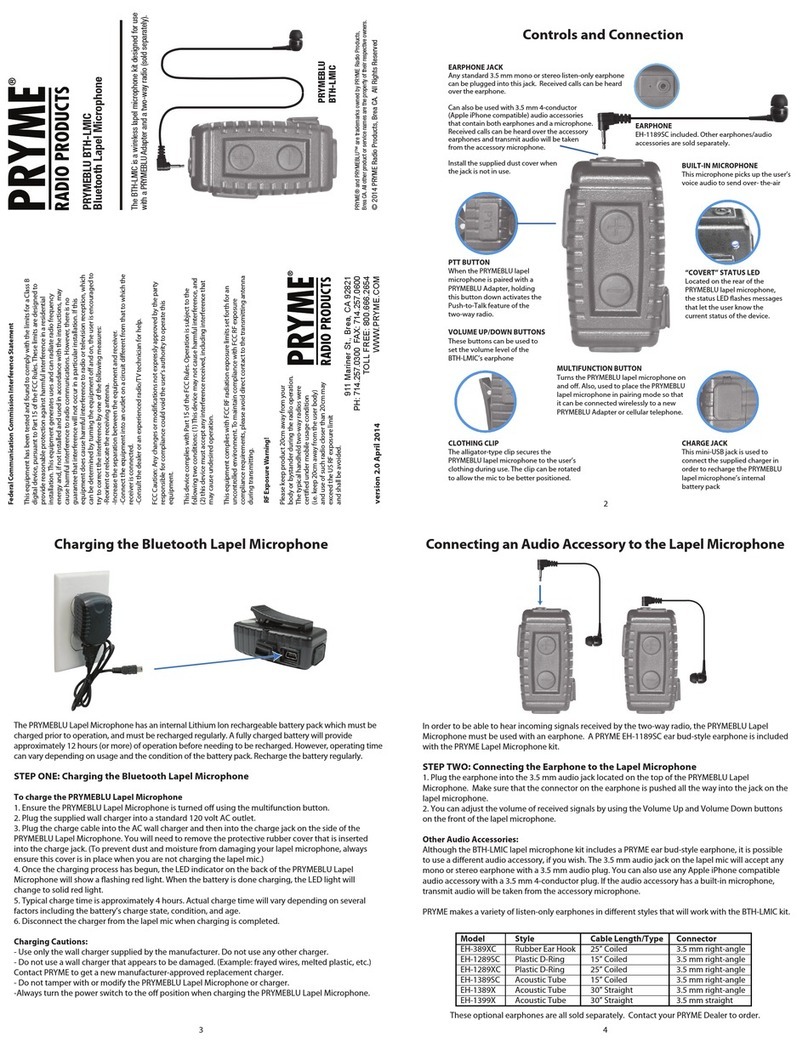
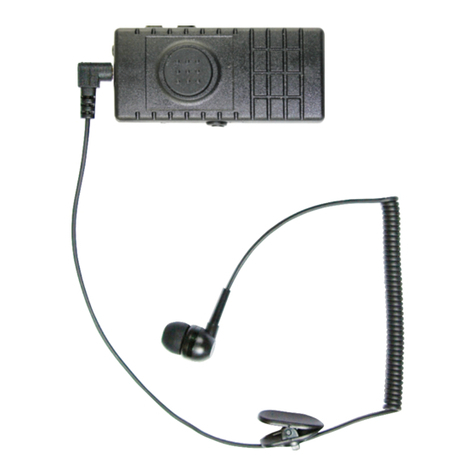
The BTH-600-ZD Bluetooth speaker microphone gets its power from a rechargeable Lithium-Ion type battery
pack. The battery pack must be installed inside the microphone prior to operation. Under normal usage, this
battery should have a lifespan of over 1,500 charge/discharge cycles before needing to be replaced.
To access the battery compartment:
1. Rotate the clothing clip on the back of the speaker microphone 90° to expose the thumbscrew at
the top of the battery compartment cover. Rotate the thumbscrew counter-clockwise until the cover
opens. Remove the battery door.
2. Insert the rechargeable battery pack into the battery compartment. Ensure that the battery
terminals are properly lined up with the contacts inside of the battery compartment.
3. Reinstall the battery compartment cover and rotate the thumbscrew clockwise to tighten. Do NOT over tighten.
3 4
Pairing with a Smartphone
Charging the Speaker Microphone
2
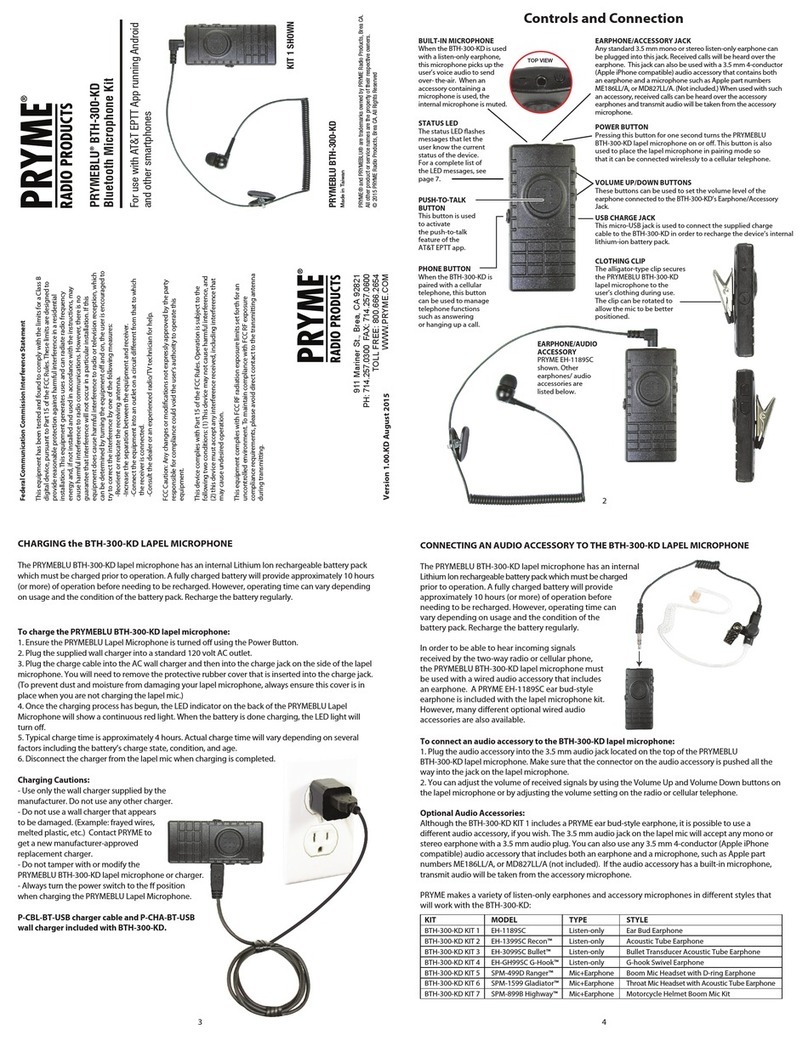
Controls and Connection
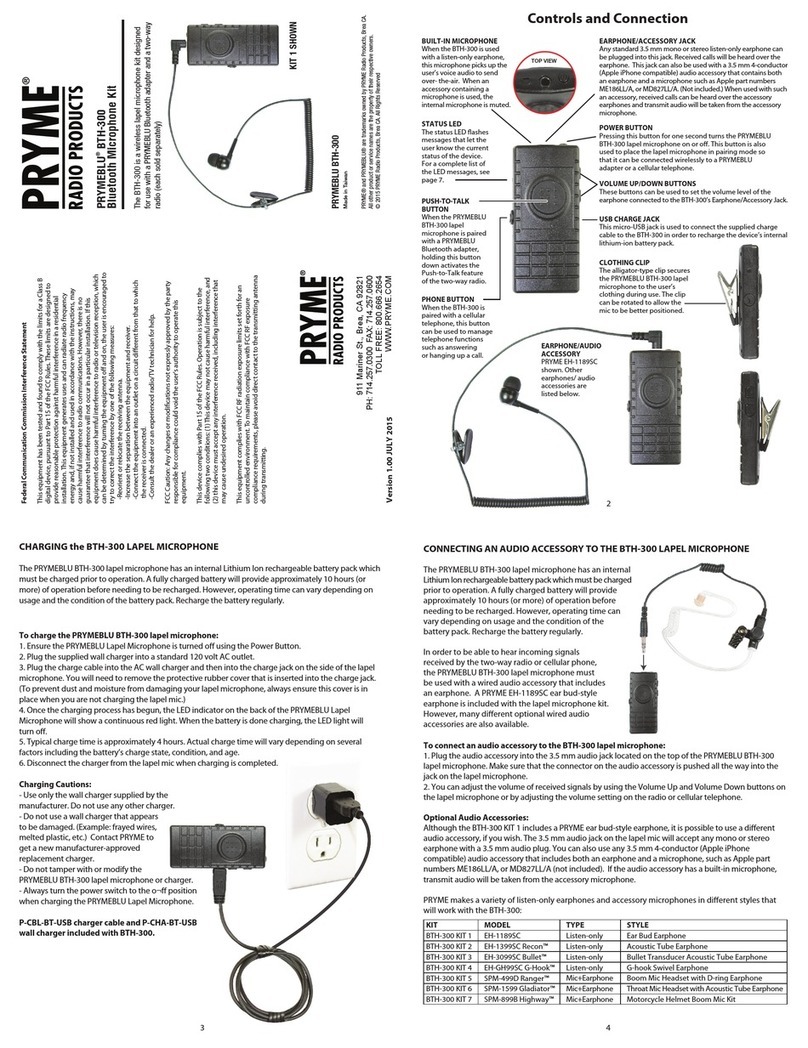
Federal Communication Commission Interference Statement
This equipment has been tested and found to comply with the limits for a Class B
digital device, pursuant to Part 15 of the FCC Rules. These limits are designed to
provide reasonable protection against harmful interference in a residential installation.
This equipment generates uses and can radiate radio frequency energy and, if not
installed and used in accordance with the instructions, may cause harmful interference
to radio communications. However, there is no guarantee that interference will not
occur in a particular installation. If this equipment does cause harmful interference to
radio or television reception, which can be determined by turning the equipment o
and on, the user is encouraged to try to correct the interference by one of the following
measures:
-Reorient or relocate the receiving antenna.
-Increase the separation between the equipment and receiver.
-Connect the equipment into an outlet on a circuit dierent from that to which the
receiver is connected.
-Consult the dealer or an experienced radio/TV technician for help.
FCC Caution: Any changes or modications not expressly approved by the party
responsible for compliance could void the user's authority to operate this equipment.
This device complies with Part 15 of the FCC Rules. Operation is subject to the
following two conditions: (1) This device may not cause harmful interference, and (2)
this device must accept any interference received, including interference that may
cause undesired operation.
This equipment complies with FCC RF radiation exposure limits set forth for an
uncontrolled environment. To maintain compliance with FCC RF exposure compliance
requirements, please avoid direct contact to the transmitting antenna during
transmitting.
RF Exposure Warning!
This device contains transmitters and receivers which emit Radio Frequency (RF)
energy. The device is designed to comply with the limits for exposure to RF energy set
by the Federal Communications Commission (FCC) of the United States, Industry
Canada (IC) of Canada, and the regulating entities of other countries.
If you are still concerned about exposure to RF energy,
you can further limit your exposure by limiting the
amount of time you use the equipment or by placing
more distance between your body and the device,
since exposure level drops o dramatically
with distance.
1.0Z January 2015
911 Mariner St., Brea, CA 92821
PH: 714.257.0300 FAX: 714.257.0600
TOLL FREE: 800.666.2654
WWW.PRYME.COM
PRYMEBLU BTH-600-ZD
Wireless Bluetooth Speaker Microphone
For use with Zello and other push-to-talk apps
on Android smart phones.
PRYME® and PRYMEBLU® are trademarks owned by PRYME Radio Products,
Brea CA. All other product or service names are the property of their respective owners.
© 2015 PRYME Radio Products, Brea CA. All Rights Reserved
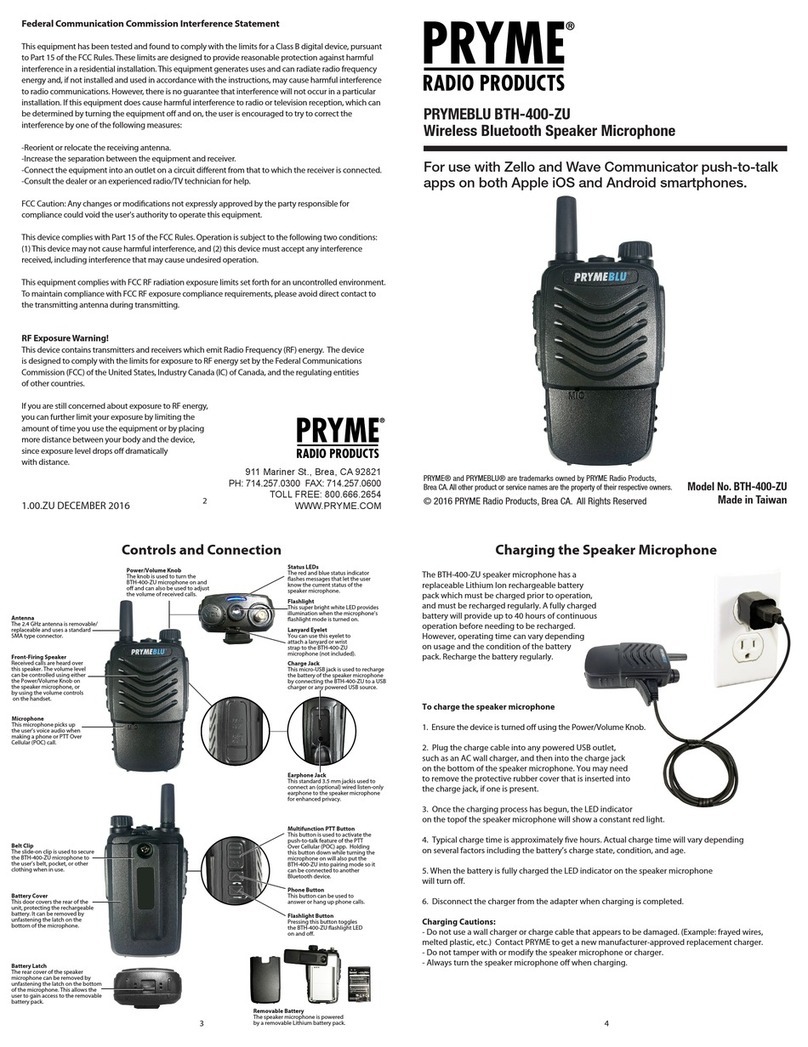
1. Activate the pairing mode on the speaker microphone by holding down the multifunction button until
the status LED ashes BLUE-RED-BLUE-RED continuously in sequence.
2. On your phone, go to Settings > Bluetooth. Move the Bluetooth slider to turn the phone's Bluetooth radio on.
3. Select “Search for Devices” from the phone’s Bluetooth menu. The phone will scan for nearby Bluetooth
devices and a list showing the names of nearby Bluetooth devices will be shown on the screen.
4. Choose “PTT-600-VZ” from the list.
5. Keep the phone and speaker mic near each other and wait a few seconds. The devices will pair to each other.
Reconnecting a Previously Paired Speaker Microphone and Phone
Once the speaker microphone and phone have been successfully paired together, both devices will
remember that connection. They will reestablish their link whenever the speaker microphone and phone
are both powered on and within range of each other, as long as the Bluetooth radio is enabled in the
phone. Re-establishing this connection can take 10-60 seconds.
In the event that the phone and speaker microphone to not automatically reestablish their link, simply
press the multifunction button on the BTH-100-ZD to restore the connection.
The BTH-600-ZD speaker microphone is
designed to work with smartphones running
the Android operating system. Prior to normal
operation, the phone and speaker microphone
must be paired together using the following process:
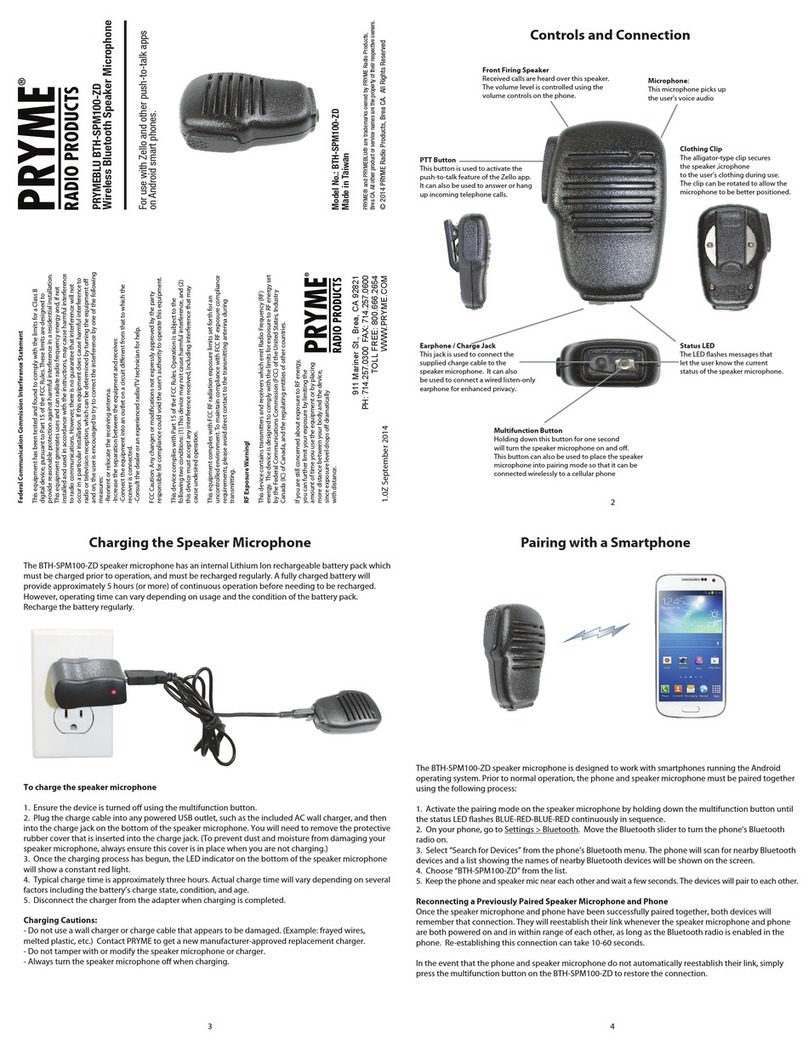
To charge the speaker microphone
1. Ensure the device is turned o using the multifunction button.
2. Plug the charge cable into any powered USB outlet,
such as an AC wall charger, and then into the charge jack
on the bottom of the speaker microphone. You will need to
remove the protective rubber cover that is inserted into the
charge jack. (To prevent dust and moisture from damaging
your speaker microphone, always ensure this cover is in place
when you are not charging.)
3. Once the charging process has begun, the LED indicator
on the bottom of the speaker microphone will show a constant red light.
4. Typical charge time is approximately ve hours. Actual charge time will vary depending
on several factors including the battery’s charge state, condition, and age.
5. When the battery is fully charged the LED indicator on the side of the speaker microphone
will show a constant green indication.
6. Disconnect the charger from the adapter when charging is completed.
Charging Cautions:
- Do not use a wall charger or charge cable that appears to be damaged. (Example: frayed wires,
melted plastic, etc.) Contact PRYME to get a new manufacturer-approved replacement charger.
- Do not tamper with or modify the speaker microphone or charger.
- Always turn the speaker microphone o when charging.
The BTH-600-ZD speaker microphone has a
replaceable Lithium Ion rechargeable battery
pack which must be charged prior to operation,
and must be recharged regularly. A fully charged
battery will provide up to 40 hours of continuous
operation before needing to be recharged.
However, operating time can vary depending
on usage and the condition of the battery
pack. Recharge the battery regularly.
Model No.: BTH-600-ZD
Made in Taiwan
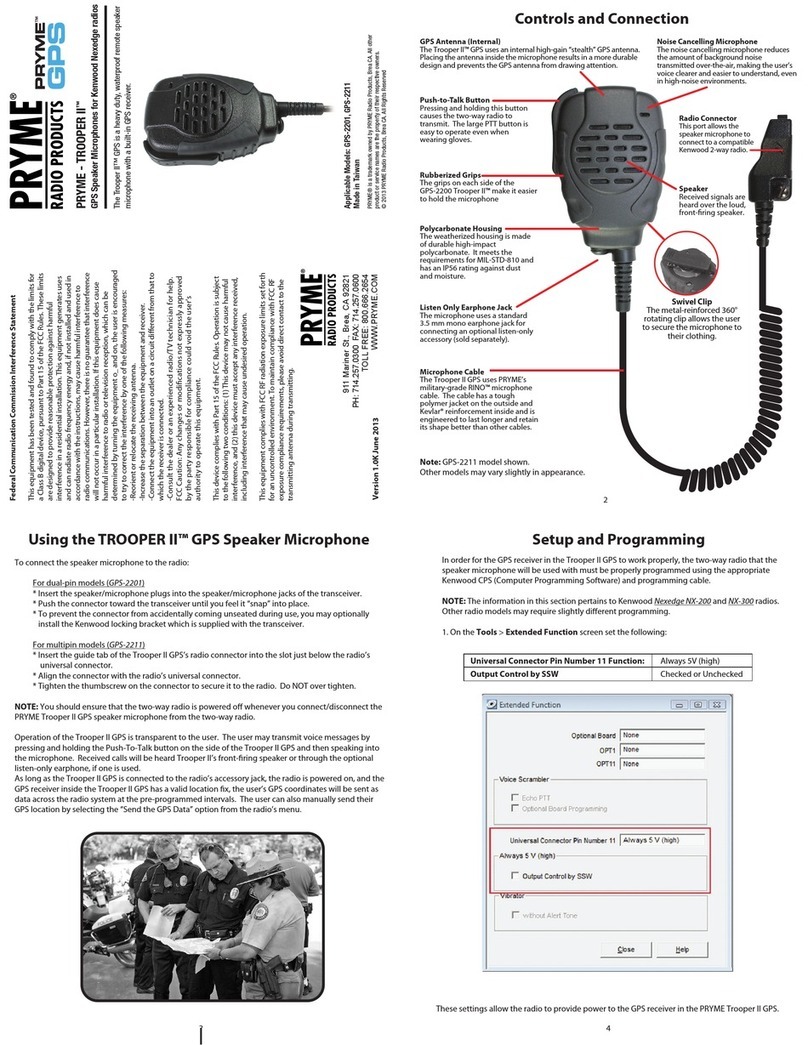
Front Firing Speaker
Received calls are heard over this speaker.
The volume level can be controlled using
either the Volume Up / Down buttons on
the speaker microphone, or by using the
volume controls on the phone.
Status LEDs
The red and blue LEDs ash
messages that let the user
know the current status of
the speaker microphone.
Clothing Clip
The alligator-type clip secures the speaker
microphone to the user’s clothing during
use. The clip can be rotated to allow the
microphone to be better positioned.
Multifunction Button
Holding down this button for one second will turn
the speaker microphone on and o. This button can
also be used to place the speaker microphone into
pairing mode so that it can be connected wirelessly
to a cellular phone.
Microphone:
This microphone picks up the user’s
voice audio when sending a call
PTT Button
This button is used to activate the
push-to-talk feature of the Zello app.
It can also be used to answer or hang
up incoming telephone calls.
Volume Up and Down Buttons
These buttons can be used to turn
the receive audio volume of the
speaker microphone up or down
in ve preset steps.
Charge Jack
This mini-USB jack is used to recharge the
removable battery of the speaker microphone
by connecting the BTH-600-ZD to a USB
charger or any powered USB source.
Earphone Jack
This jack is used to connect an (optional)
wired listen-only earphone to the speaker
microphone for enhanced privacy.
Battery Cover
The rear cover of the speaker
microphone can be removed by
loosening the thumbscrew
on the rear of the microphone.
This allows the user to gain access
to the removable battery pack.
Removable Battery
The speaker microphone
is powered by a removable
Lithium battery pack.
1 2