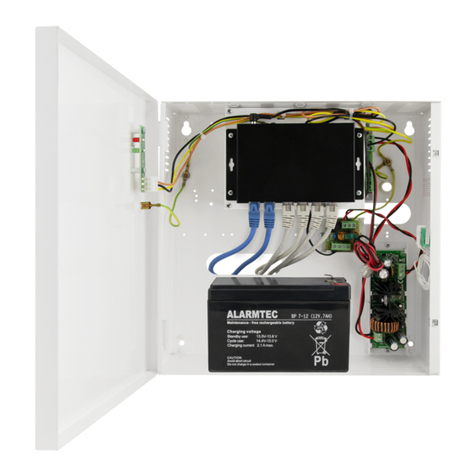
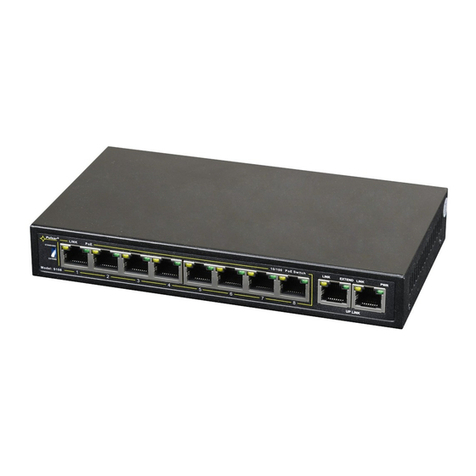
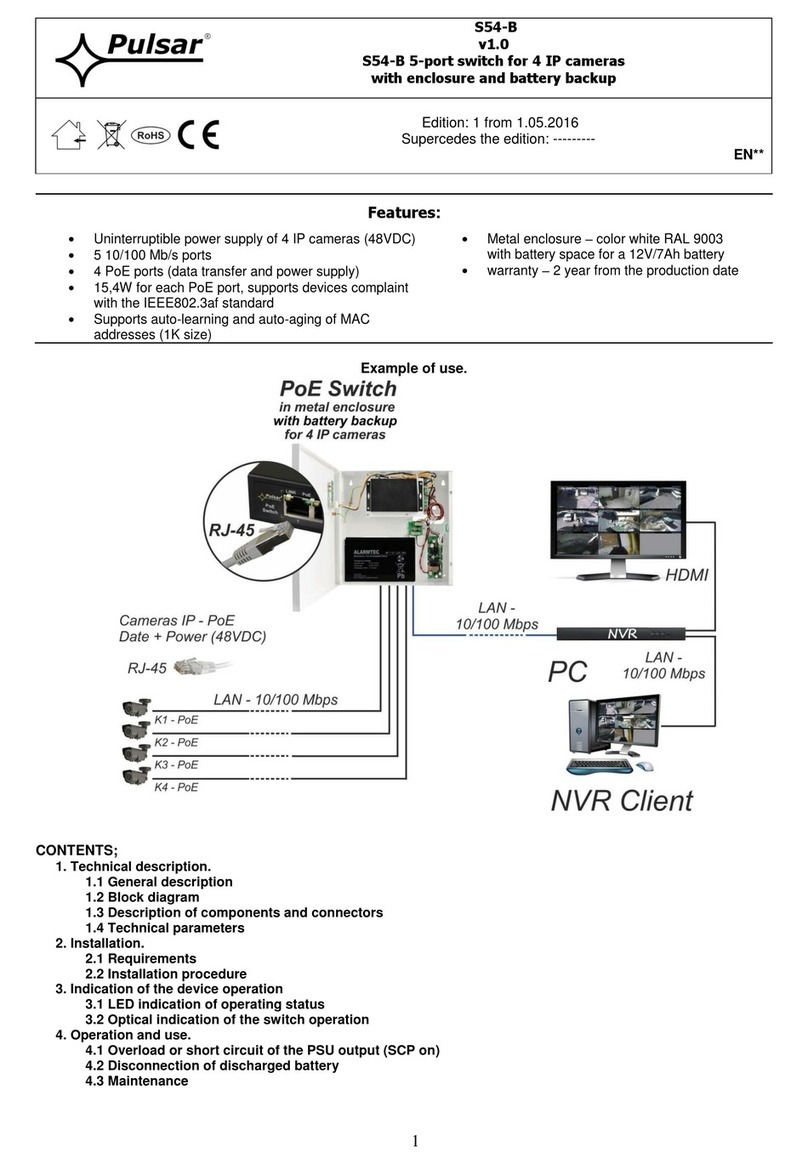
Pulsar DSB98 User manual

1
DSB98
v1.0
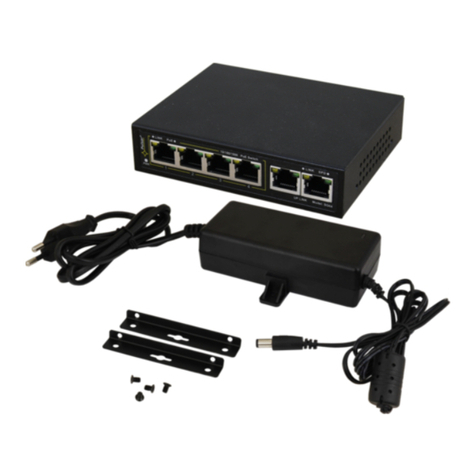
DIN rail mounted switch 9-port DSB98 with buffer power supply
for 8 IP cameras
PL
Edition: 4 from 15.11.2017
Supercedes the edition: 3 from 30.03.2017 EN**
Features:
Uninterruptible power supply of 8 IP cameras (48V DC)
9 10/100 Mb/s ports
8 PoE ports (data transfer and power supply)
Battery charge current
(batteries 2x7Ah / 2x17Ah)
15,4W for each PoE port, supports devices complaint
with the IEEE802.3af standard
Approximate backup time: 5h 30min
Metal housing - color black RAL9005 - with
optional possibility of DIN rail mounting (TH35)
Supports auto-learning and auto-aging of MAC
addresses (1K size)
warranty –2 year from the production date
Example of use.
CONTENTS
1. Technical description.
1.1 General description
1.2 Block diagram
1.3 Description of components and connectors
1.4 Technical parameters
2. Installation.
2.1 Requirements
2.2 Installation procedure
3. Indication of the device operation
3.1 Optical indication of the switch operation
4. Operation and use.
4.1 Overload or short circuit of the PSU output (SCP on)
4.2 Disconnection of discharged battery
4.3 Maintenance

2
1. Technical description
1.1. General description.
The DSB98 switch is designed for uninterruptible power supply of 8 IP cameras (48V DC voltage) and is housed
in a metal enclosure with optional possibility of DIN rail mounting (TH35).
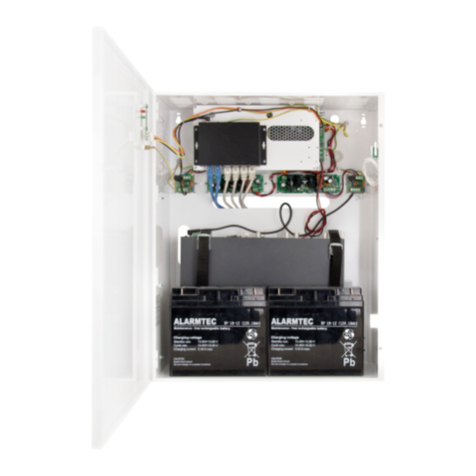
The main elements of this system include:
- 9 port PoE switch
- buffer power supply unit 27,6V which can accommodate two 2 x 17Ah/12V batteries
- a converter (DC/DC48250) increasing the voltage to 48V DC (supply of the PoE switch)
In case of power decay, a battery back-up is activated immediately.
The approximate backup time is given assuming that all output ports are used (using typical devices and 17Ah batteries).
The electricity consumption for own needs and the energy efficiency of the power intake track were taken into account. The
exact description of how to perform the calculations can be found at: "Approximate backup time - assumptions for calculations".
Automatic detection of any devices powered in the PoE standard is enabled at the 1 –8 ports of the switch. The
UPLINK port is used for connection of another network device e.g. recorder. The LEDs at the front panel indicate the operation
status (description in the table. 8).
The switch is housed in a metal enclosure (color RAL 9005) with optional possibility of DIN rail mounting
(TH-35). The switch can be mounted in horizontal or vertical position. The operating position can be adjusted by changing the
mounting position (see Fig. 2b).
The PoE technology ensures a network connection and reduces installation costs by eliminating the need to supply a
separate power cable for each device. This method allows supplying other network devices, such as IP phone, wireless
access point or router.
1.2 Block diagram.
Fig. 1. Block diagram.

3
1.3 Description of components and connectors.
Fig. 2. The view switch'a - front.
Fig. 2b. The view switch'a - rear.
Table 1. (See Fig. 2)
Component No.
(Fig. 2)
Description
[1]
Switch PoE
[2]
Power supply connector of the PSU –L, N
PE protective connector (electric shock)
[3]
BAT +, BAT - battery output
[4]
Holder for DIN rail (80x50) DRP-02
Fig. 3. The view of the switch.

4
Table 2. (See Fig.3)
Component No
(Fig. 3)
Description
[1]
8 x PoE port (1÷8)
[2]
1 x UPLINK port
1.4 Technical parameters
- parameters of the switch (tab.3)
- electrical parameters (tab.4)
- mechanical parameters (tab.5)
- operation safety (tab.6)
- operating parameters (tab.7)
Table 3. Parameters of the switch
Ports
910/100 Mb/s ports (8 x PoE + 1 x UPLINK)
with connection speed auto-negotiation and MDI/MDIX Auto Cross)
PoE power supply
IEEE 802.3af (1÷8 ports), 48V DC / 15,4W at each port *
Protocols, Standards
IEEE802.3, 802.3u, 802.3x CSMA/CD, TCP/IP
Forwarding rate
10BASE-T: 14880pps/port
100BASE-TX: 148800pps/port
Bandwidth
1,6 Gbps
Transmission method
Store-and-Forward
Optical indication of
operation
Switch power supply;
Link/Act;
PoE Status
*The given value of 15,4W per port is the maximum value. The total power consumption should not exceed 80W when all PoE ports are being used.
Table 4. Electrical parameters
Mains supply
176÷264V AC
Current up to
0,9A@230V AC max.
Supply power
90W
Output current at the PoE ports (RJ45)
8 x 0,3A ΣI=1,6A (max.)
Output voltage at the PoE ports (RJ45)
48V DC „+ ”4, 5 „- ” 7, 8
Short-circuit protection SCP and overload protection OLP
105% ÷ 150% PSU power, manual restart (the fault requires
disconnection of the DC output circuit)
PSU current consumption
0,2A
Battery charge current
(batteries 2x7Ah / 2x17Ah, connect batteries in series)
0,5A max. / 2x17Ah (+/-5%)
Approximate backup time
5h 30min
Battery circuit protection SCP and reverse
polarity connection
glass fuse
Deep discharge battery protection UVP
U<19V (± 5%) –disconnect of connection battery

5
Table 5. Mechanical parameters
Dimensions
W=245, H=110, D=191, D1=9, D2=24 [+/- 2mm]
Mounting
For DIN rail TH35
Gross/Net weight
3,1 / 3,2 kg
Enclosure
Steel plate, DC01 1,0mm color black RAL 9005
Connectors
Power supply of the cameras: RJ45 socket
battery output BAT: 6,3F-2,5
Power input: Φ0,51-2,59 (AWG 24-10)
Notes
The enclosure does not touch the assembly surface so that cables can be led.
Table 6. Operation safety
Protection class PN-EN 609501:2007
I (first)
Protection grade PN-EN 60529: 2002 (U)
IP20
Electrical strength of insulation:
- between input and output circuits of the PSU (I/P-O/P)
- between input circuit and PE protection circuit (I/P-FG)
- between output circuit and PE protection circuit (O/P-FG)
3000 V/AC min.
1500 V/AC min.
500 V/AC min.
Insulation resistance:
- between input circuit and output or protection circuit
100 MΩ, 500V/DC
Declarations, warranty
CE, 2 year from the production date
Table 7. Operating parameters
Operating temperature
-10ºC...+40ºC
Storage temperature
-20ºC...+60ºC
Relative humidity
20%...90%, without condensation
Vibrations during operation
unacceptable
Impulse waves during operation
unacceptable
Direct insulation
unacceptable
Vibrations and impulse waves during transport
According to PN-83/T-42106
2. Installation
2.1. Installation procedure
The device should be mounted by a qualified installer, holding relevant permits and licenses (applicable and
required for a given country) for 230V AC and low-voltage installations.
The device shall be mounted in confined spaces, according to the environment class II, with normal air humidity
(RH=90% max. without condensation) and the temperature from -10°C to +40°C.
The switch shall work in a vertical position that guarantees sufficient convectional air-flow through ventilating holes of
the enclosure.
Before installation, prepare a Switch'a load balance.
The given value of 15,4W per port is the maximum value referring to a single output. The total power
consumption should not exceed 80W when all PoE ports are being used. The increased demand for power is
particularly evident in the case of cameras with heaters or infrared illuminators - when launching these features, the
power consumption increases rapidly, which may adversely affect the operation of the switch. As the device is designed
for a continuous operation and is not equipped with a power-switch, therefore an appropriate overload protection shall be
guaranteed in the power supply circuit. Moreover, the user shall be informed about the method of unplugging (usually
through assigning an appropriate fuse in the fuse-box). The electrical system shall follow valid standards and regulations.
2.2. Installation procedure
1. Before installation, cut off the voltage in the 230V power-supply circuit.
2. Mount the switch DSB98 in a selected location and connect the wires.
3. Connect the power cables (~230V AC) to L-N clips of the PSU.
The shock protection circuit shall be performed with a particular care, i.e. the yellow
and green wire coat of the power cable shall stick to one side of the terminal - marked
with ‘ ‘symbol on the PSU enclosure. Operation of the PSU without the properly
made and fully operational shock protection circuit is UNACCEPTABLE! It can cause a
device failure or an electric shock.

6
4. Connect the ground wire to the terminal marked with the symbol (power supply module connector). Connect
the ground wire to the clip marked by the earth symbol PE. Use a three-core cable (with a yellow and green PE
protection wire) to make the connection. Lead the cables to the appropriate clips through the insulating bushing of
the connection board.
5. Connect the power (~230V).
6. Connect the batteries in series/parallel to the + BAT- terminals:
- battery output (+): BAT+ cable / red,
- battery output (-): BAT –cable / GND / black.

7. Connect the camera cables to the RJ45 connectors (PoE connectors) and connect the recorder to the network

(the UPLINK connector).
8. Check the optical indication of the switch operation.
3. Indication of the device operation.
3.1 Optical indication of the switch operation (see Table 8).
Table 8. Indication of the switch operation
OPTICAL INDICATION OF THE SWITCH's POWER SUPPLY
GREEN LED LIGHT (Power)
Indication of the switch's
power supply
OFF –no power supply of the switch
ON –power supply on, normal operation
OPTICAL INDICATION OF THE SWITCH's POWER SUPPLY (1÷8)
DIODA LED ZIELONA (PoE)
Indication of the PoE power
supply at the RJ45 ports
OFF- no power supply at the RJ45 port (the device is not connected or not compliant with
the IEEE802.3af standard)
ON –supply at the RJ45 port
Blinking –short-circuit or output overload
YELLOW LED LIGHT (LINK)
The connection status of LAN
devices, 10 Mb/s or 100 Mb/s
and data transmission
OFF- no connection
ON - the device is connected; 10 Mb/s or 100 Mb/s
Blinking –data transmission
OPTICAL INDICATION AT THE UPLINK PORT
GREEN LED LIGHT
OFF- no connection
ON –the device is connected; 10 Mb/s or 100 Mb/s
YELLOW LED LIGHT (LINK)
The connection status of
LAN devices, 10 Mb/s
or 100 Mb/s
and data transmission
OFF- no data transmission
ON - the device is connected: 10 Mb/s or 100 Mb/s
Blinking –data transmission
The example of mounting the DSB98 switch on a DIN rail (TH35)
(DIN rail not included)

7
4. Operation and use.
4.1 Overload or short circuit of the PSU output (SCP on).
In case of overload, the output voltage is automatically shut off. The restoration of the voltage takes place immediately
after the failure (overload) is over.
4.2 Disconnection of discharged battery.
The PSU is equipped with the discharged battery disconnection system. During the battery-assisted operation, reducing
voltage below 19V at the battery terminals will cause battery disconnection.
4.3 Maintenance.
The PSU does not require performing any specific maintenance measures.

8
WEEE LABEL
Waste electrical and electronic equipment must not be disposed of with normal household waste.
According to the European Union WEEE Directive, waste electrical and electronic equipment
should be disposed of separately from normal household waste
.
The power supply unit is adapted for a sealed lead-acid battery (SLA). After the operation period it must not be disposed of but recycled according to the
applicable law.
Pulsar
Siedlec 150, 32-744 Łapczyca, Poland
Tel. (+48) 14-610-19-40, Fax. (+48) 14-610-19-50
e-mail: biuro@pulsar.pl, sales@pulsar.pl
http:// www.pulsar.pl, www.zasilacze.pl
Table of contents
Other Pulsar Switch manuals

Pulsar
Pulsar DATAPAK III User manual

Pulsar
Pulsar SF116 User manual

Pulsar
Pulsar S54-CR User manual

Pulsar
Pulsar RS64 User manual

Pulsar
Pulsar SF116-CRB User manual

Pulsar
Pulsar SF124 User manual

Pulsar
Pulsar SG64H User manual

Pulsar
Pulsar RSFUPS116 User manual

Pulsar
Pulsar ISFG42 User manual

Pulsar
Pulsar SF116 User manual

Pulsar
Pulsar RSUPS98 User manual

Pulsar
Pulsar PSB-30012200 User manual

Pulsar
Pulsar S64H User manual

Pulsar
Pulsar SG64H User manual

Pulsar
Pulsar SWB-60 User manual

Pulsar
Pulsar SG108-CRB User manual

Pulsar
Pulsar SF116-CRB User manual

Pulsar
Pulsar SF108 User manual

Pulsar
Pulsar S108-BR User manual

Pulsar
Pulsar SF124 User manual