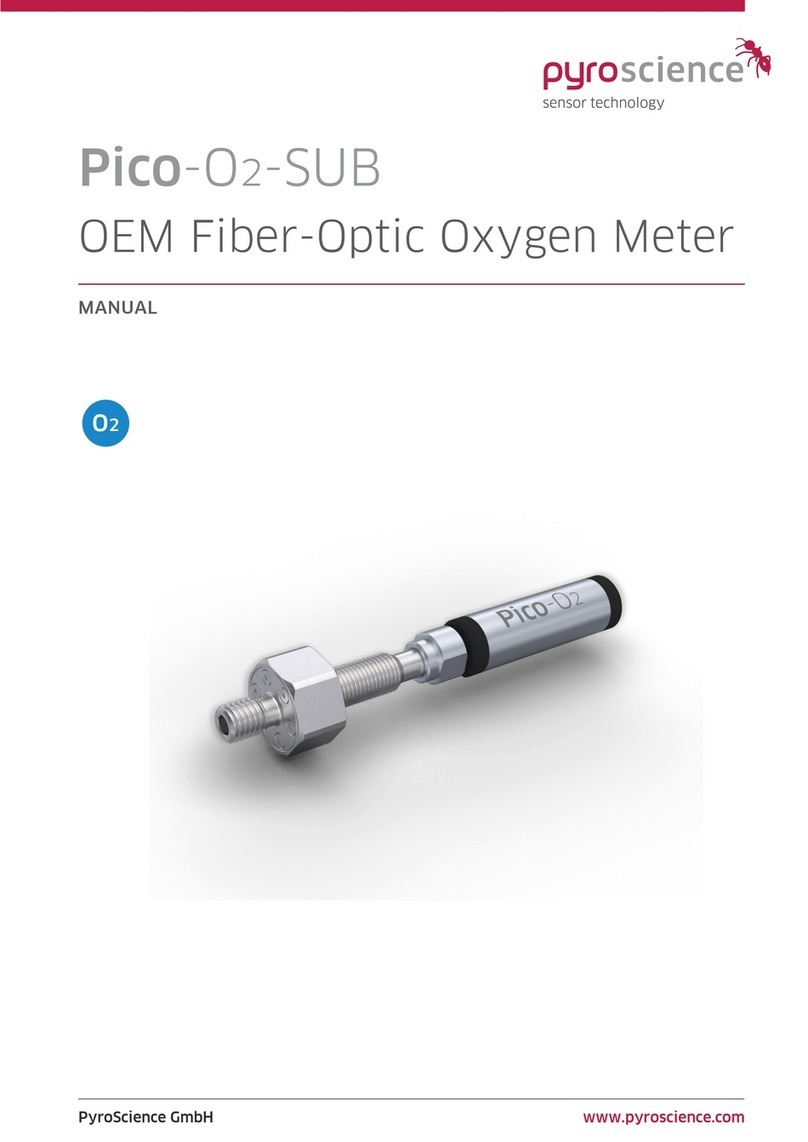
Pico-O2 | Manual
© PyroScience GmbH 3
TABLE OF CONTENT
1Introduction .....................................................................................................................................5
2Overview..........................................................................................................................................6
2.1 Oxygen sensors................................................................................................................................6
2.1.1 Robust probes .....................................................................................................................6
2.1.2 Contactless sensor spots.................................................................................................7
2.1.3 Flow-through cells.............................................................................................................7
2.1.4 Vials.........................................................................................................................................8
2.1.5 Oxygen sensitive nanoparticles...................................................................................8
2.2 Connection of probes, fibers and rods to the optical port.............................................8
2.3 External temperature sensor......................................................................................................9
2.4 Status LED .......................................................................................................................................10
2.5 USB interface cable .....................................................................................................................10
3Option 1: Operating the Module with Pyro Workbench.................................................... 11
3.1 Installing the software Pyro Workbench............................................................................11
3.2 Using the software Pyro Workbench ...................................................................................12
4Option 2: Operating the module with Pyro Developer Tool ............................................ 13
4.1 Installing the software Pyro Developer Tool....................................................................13
4.2 Using the software Pyro Developer Tool ...........................................................................14
5Option 3: Simplified Custom Integration............................................................................... 15
5.1 Configuring the Module using PyroScience Software ...................................................15
5.2 Electrical Connector for Custom Integration.....................................................................15
5.3 Configuration of the Serial Interface....................................................................................16
5.4 Communication Protocol ...........................................................................................................18
5.4.1 General Definitions.........................................................................................................18
5.4.2 MEA –Trigger Measurement ......................................................................................18
5.4.3 CHI –Calibrate oxygen Sensor at ambient air ....................................................21
5.4.4 CLO –Calibrate oxygen Sensor at 0% (anoxic)....................................................21
5.4.5 SVS –Save Configuration Permanently in Flash Memory..............................21
5.4.6 #VERS –Get Device Information ..............................................................................22
5.4.7 #IDNR –Get Unique ID Number................................................................................23