Safety Warnings
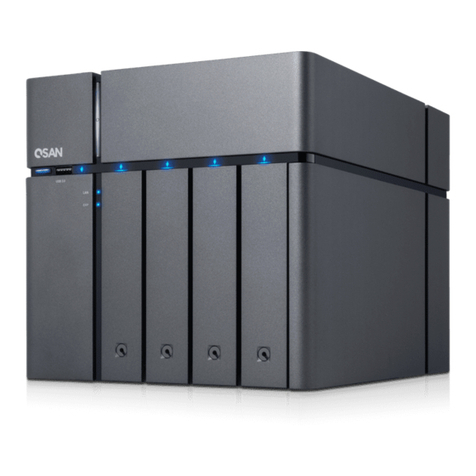
1. TheXCubeNXT can operate normallyinthetemperature of 0ºC~40ºC(31.99
~ 103.99°F). Please make sure the environment is well-ventilated.
2. The power cord x 2 and devices connected to the XCubeNXT must provide
a correct supply voltage (100-127V~/ 10A, 50-60Hz. 200-240V~/ 5A, 50-
60Hz).
3. Do not place the XCubeNXT in direct sunlight or near chemicals. Make
sure the temperature and humidity of the environment are in the optimized
level.
4. Place the product right side up at all times.
5. Unplug the power cord and all connected cables before cleaning. Wipe the
XCubeNXT with a dry towel. Do not use chemical or aerosol to clean the
storage.
6. Do not place any objectson the XCubeNXT for the server’s normaloperation
and toavoid overheat.
7. Use the screws provided in the product package to lock the hard disks in the
XCubeNXT when installing hard disks for proper operation.
8. Do not place the XCubeNXT near any liquid.
9. Do not place the XCubeNXT on any uneven surface to avoid falling off anddamage.
10. Do no place the XCubeNXT on the ground and do not step on the system
to prevent any potential damages.
11. Make sure thevoltage iscorrect in the location where the XCubeNXT is
installed.Contact the distributor or the local power supply company for the
information.
12. Do not place any object on the power cord.
13. Do not attempt to repair the XCubeNXT in any occasions. Improper
disassembly of the product may expose the users to electric shock or other
risks. For any inquiries, please contact the distributor.
14. To remove all electrical current from the device, ensure that all power cords
are disconnected from the power source.
15. The XCubeNXT should only be installed in restricted access location such
as in the server room and maintained by the qualified service person. The
server room is locked by key or keycard, or other means of security access
and only a qualified service person is allowed to enter the server room.