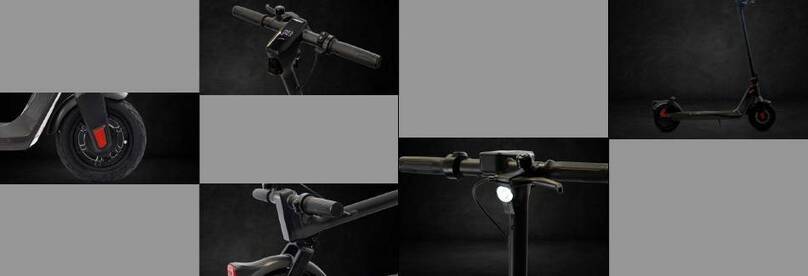
Long press the power switch button to turn on the eScooter, also turning on the front light, ambient deck lighting, tail light and rear brake
light. The control panel shows the power and speed.
After turn on, the control panel display shows "1", Indicating power mode 1. Press the button to cycle through the power modes, there
are three power modes in total and once you have reached power mode 3, pressing the button will restart the power mode cycle at 1.
Press the button twice to turn on the front light. Press the button twice again to turn it off.
Press the button three times to display the total distance. Pressing the button three times again will display the speed.
When using the brake, the rear brake light will get brighter
The battery bar at the top equates to the following: Five Bars = 100%, Four Bars = 75%, Three Bars = 50%, Two Bars = 25% and One Bar
= Less than 10 %
The Scooter will power down automatically after 15 minutes without riding and operation.
1.
2.
3.
4.
5.
6.
7.
Install the handlebars, pay attention to the installation direction. Ensure the handlebars are tightened well.
Install the brakes to the correct position with the Hex wrench (M5 in the tool bag)