Rocom Agora IP User manual

Alternative Stromversorgung Türöffner
bei PoE Versorgung der Türstation
Alternative power supply for door opener
with PoE
Alimentazione alternativa per serratura elettrica
con alimentazion PoE della pulsantiera
D
GB
I
Data
LAN OK
1 2 34
ON
OFF
DIP 1 2 3 4
ON
OFF
Res. Peer-to Peer Normal Normal
Res. SIP Server Default Default
Data IP ADD.
192.168.1.250
Agora IP Kurzbedienungsanleitung
Agora IP quick guide
Agora IP guida rapida
D
GB
I
© 2015 ROCOM GmbH. Änderungen und Verfügbarkeit vorbehalten. Für Fehler wird nicht gehaftet. Printed in Germany.
ROCOM GmbH Lessingstr. 20 D-63110 Rodgau GERMANY Telefon (+49) (0)6106-6600-0 Telefax (+49) (0)6106-6600-66 e-mail: [email protected] www.rocom-gmbh.de
29-6935-0001 Rev. 1.00
4. Telefonnummern/telephone numbers/numeri telefonici
Wenn Peer-to-Peer ausge-
wählt wurde dann wird
anstelle der Rufnummer
eine IP Adresse progammiert.
If Peer-to-Peer was selected
then an IP address will be programmed instead of a telephone number.
Se è stato selezionato Peer-to-Peer allora viene programmato un’indirizzo IP al posto del numero
telefonico.
D
GB
I
1 2 34
ON
OFF
DIP 1 2 3 4
ON
OFF
Res. Peer-to Peer Normal Normal
Res. SIP Server Default Default
Data IP ADD.
192.168.1.250
55
66
Relais 1
Relais 2
1. Anruf/call/chiamata 2.Türöffnung/door opening/apriporta
D
GB
I
Bitte beachten! Diese ist nur eine Kurzanleitung. Die komplette Beschreibung erhalten Sie unter www.rocom-gmbh.de
Please note! This is only a quick guide. The complete documentation can be downloaded under www.rocom-gmbh.de.
Nota bene! Questa è solo una breve descrizione. La guida compete può essere scaricato sott www.rocom-gmbh.de.
Quickmarks. Download reader for mobile phone: http://www.quickmark.com.tw/En/basic/download.asp
Bedienungsanleitung
Agora IP
komplett, deutsch
User guide
Agora IP
complete, english
Guida all’uso
Agora IP
completa, italiano
Agora IP Bedienung
Agora IP use Agora IP uso
DGB I

Agora IP Programmierung
Agora IP programming
Agora IP programmazione
D
GB
I
1. Login
Auf Ihrem PC
On your PC
Sul Vs. PC
Default
192.168.1.250
2. Network
3. SIP
Wählen Sie DHCP oder
feste IP Adresse
Nur wenn SIP Server
aktiviert wurde
Select DHCP or fixed
IP address
Only if SIP Server has been
selected
Selezionare DHCP o
idirizzo IP fisso
Solo se SIP Server è stato
selezionato
D
D
GB
GB
I
I
1 2 34
ON
OFF
DIP 1 2 3 4
ON
OFF
Res. Peer-to Peer Normal Normal
Res. SIP Server Default Default
Data IP ADD.
192.168.1.250
Other Rocom Intercom System manuals
Rocom
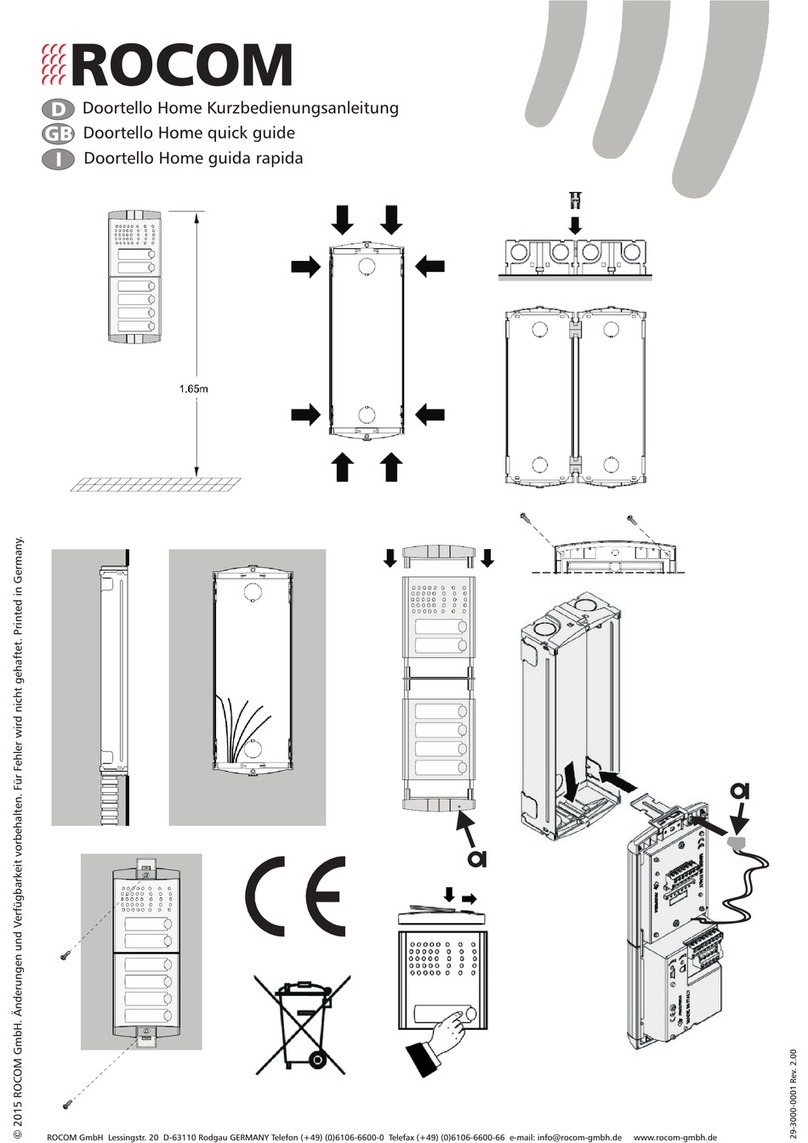
Rocom Doortello Home User manual
Rocom
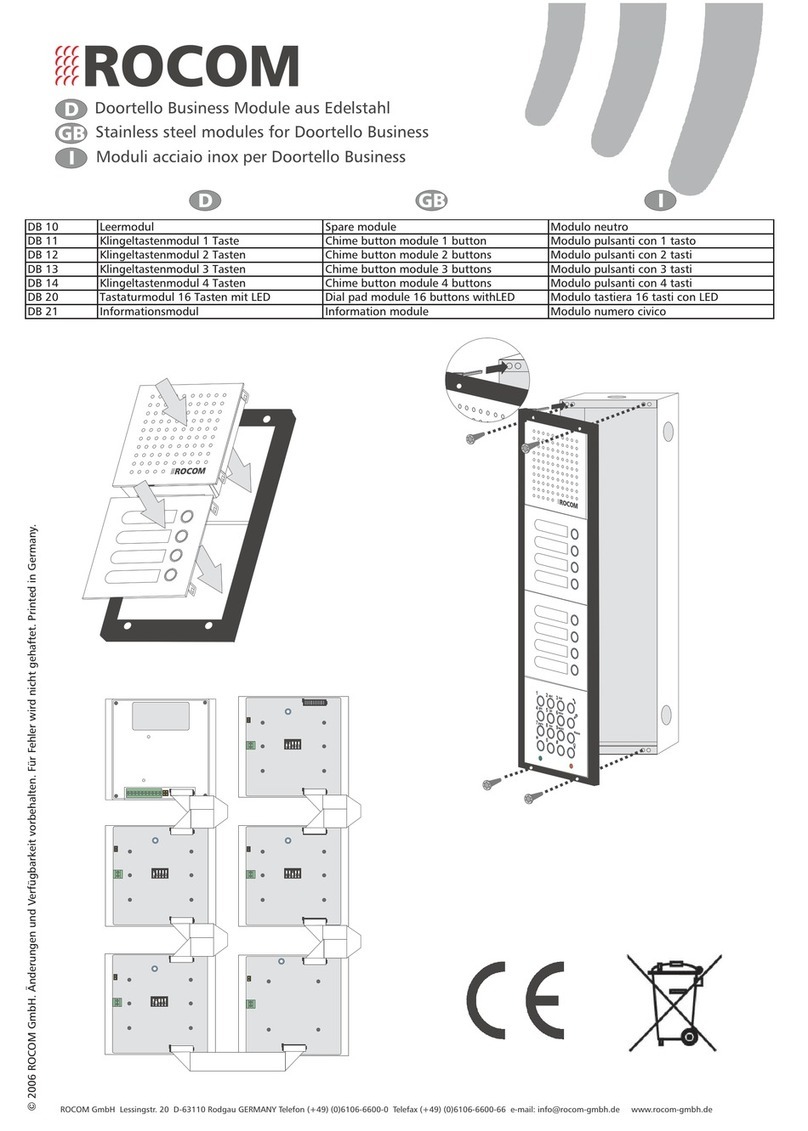
Rocom Doortello Business DB 10 User manual
Rocom
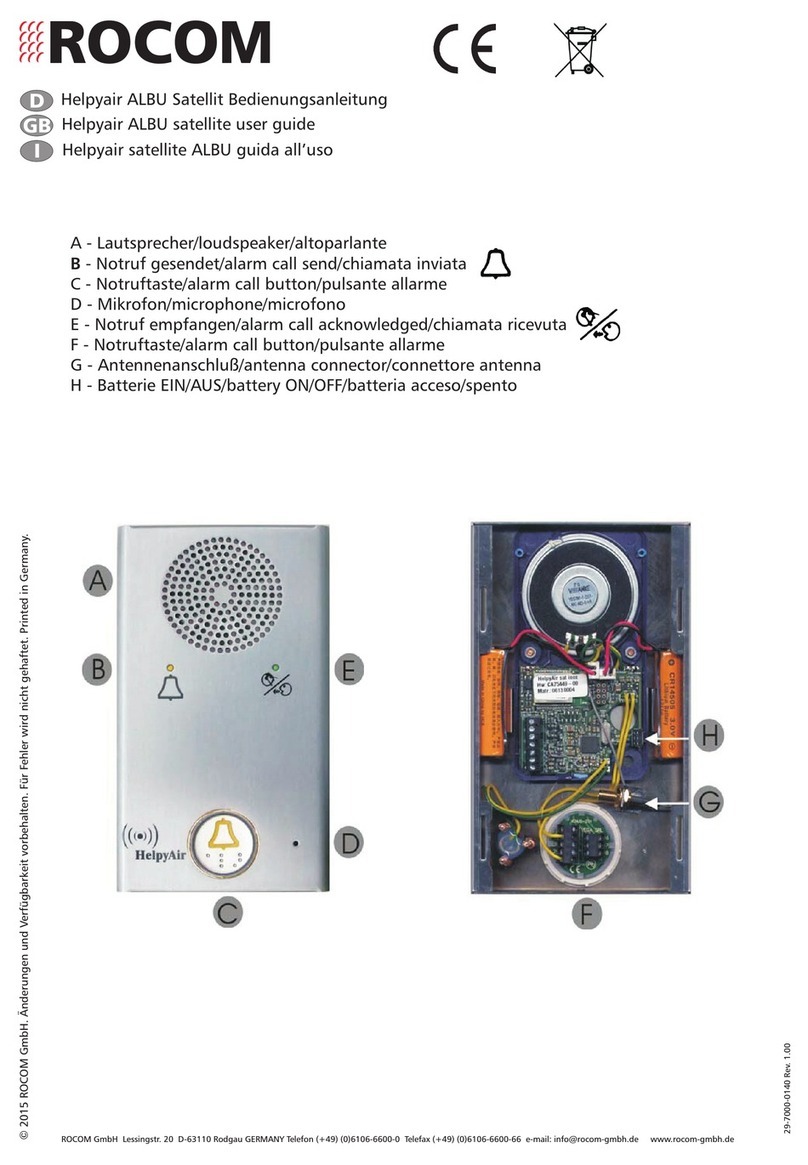
Rocom Helpyair ALBU User manual
Rocom
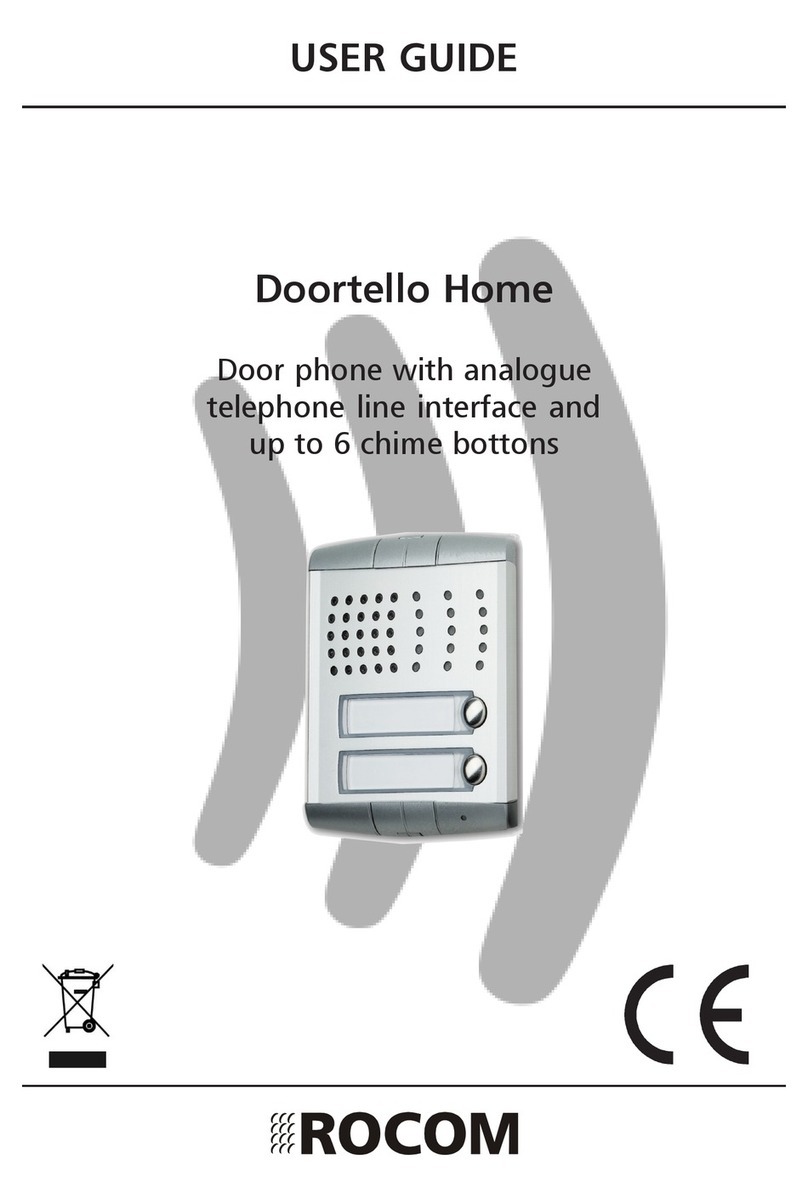
Rocom Doortello Home User manual
Rocom
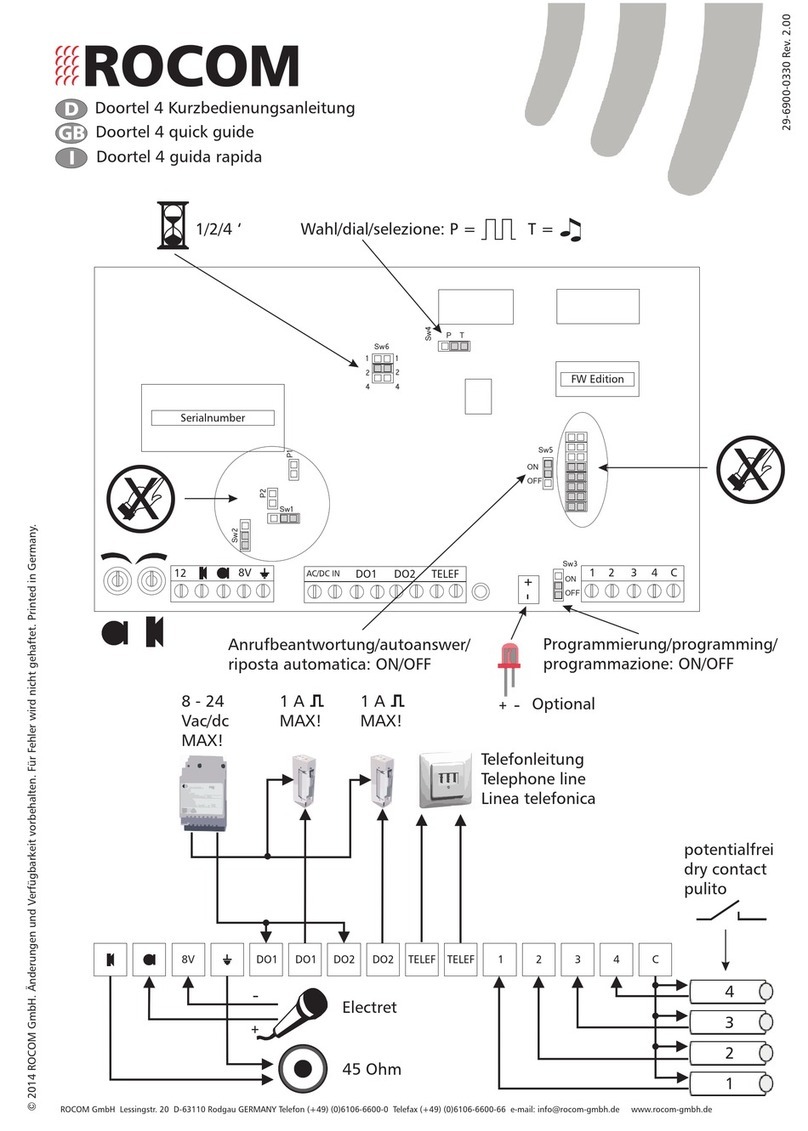
Rocom Doortel 4 User manual
Rocom
Rocom DOORTELLO LCD User manual
Rocom
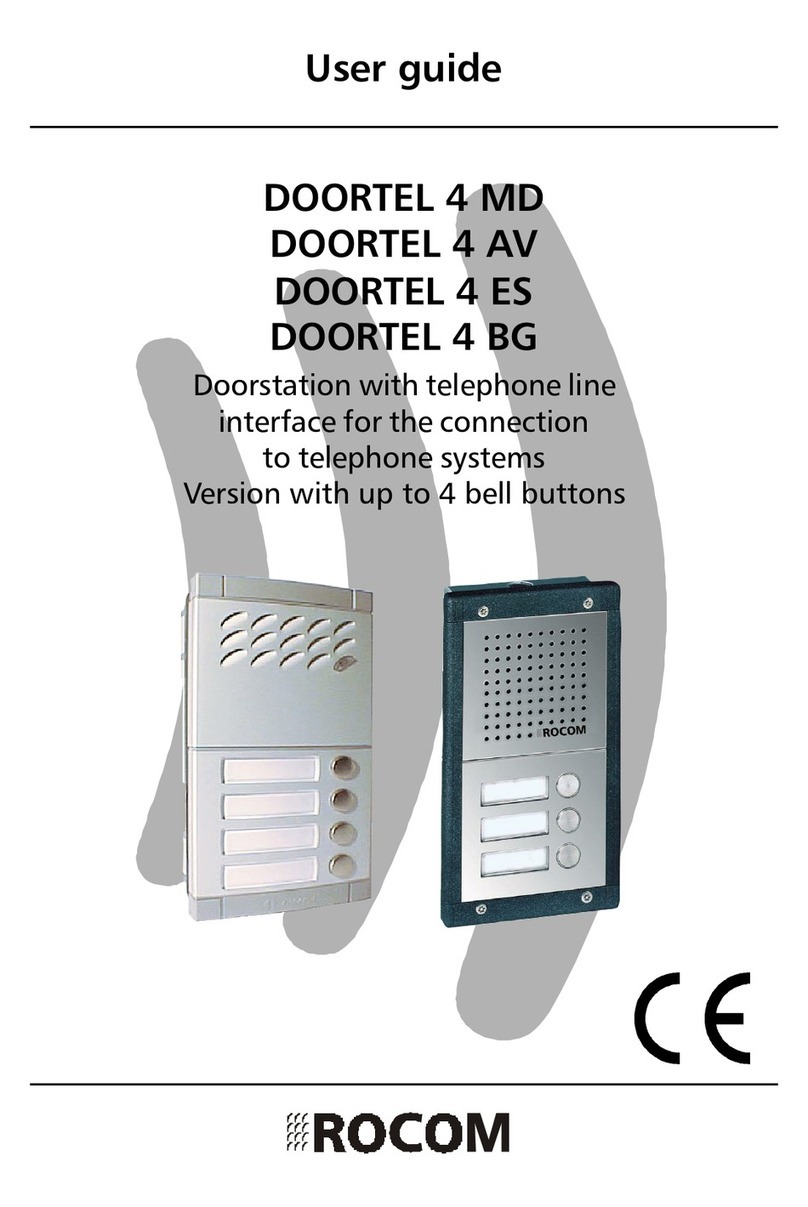
Rocom DOORTEL 4 MD User manual
Rocom
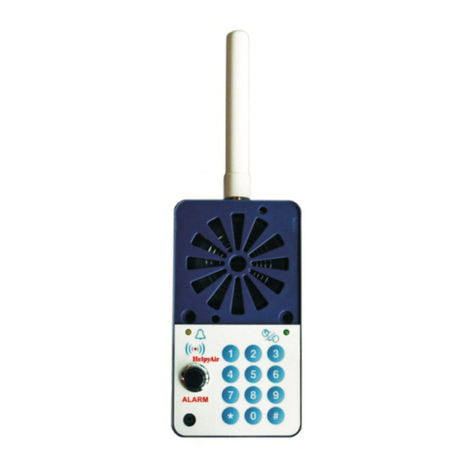
Rocom Helpyair KEY User manual
Rocom
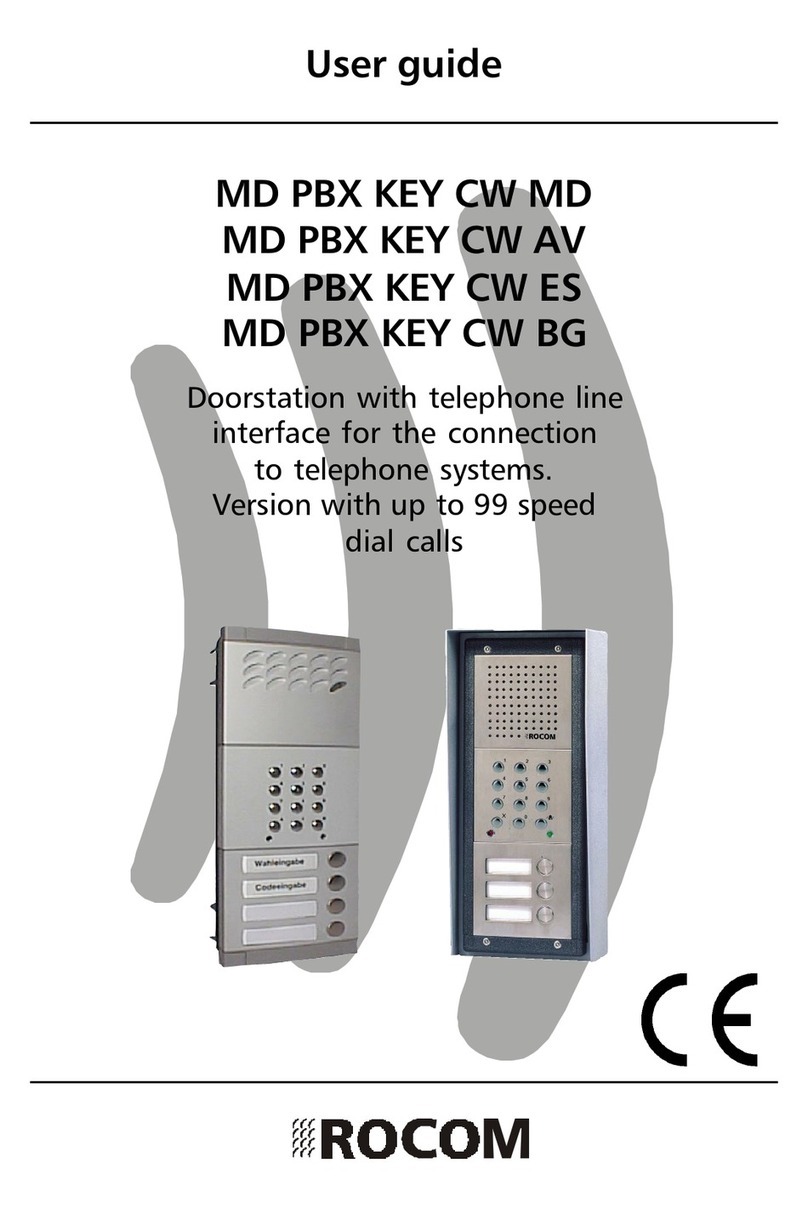
Rocom MD PBX KEY CW MD User manual
Rocom
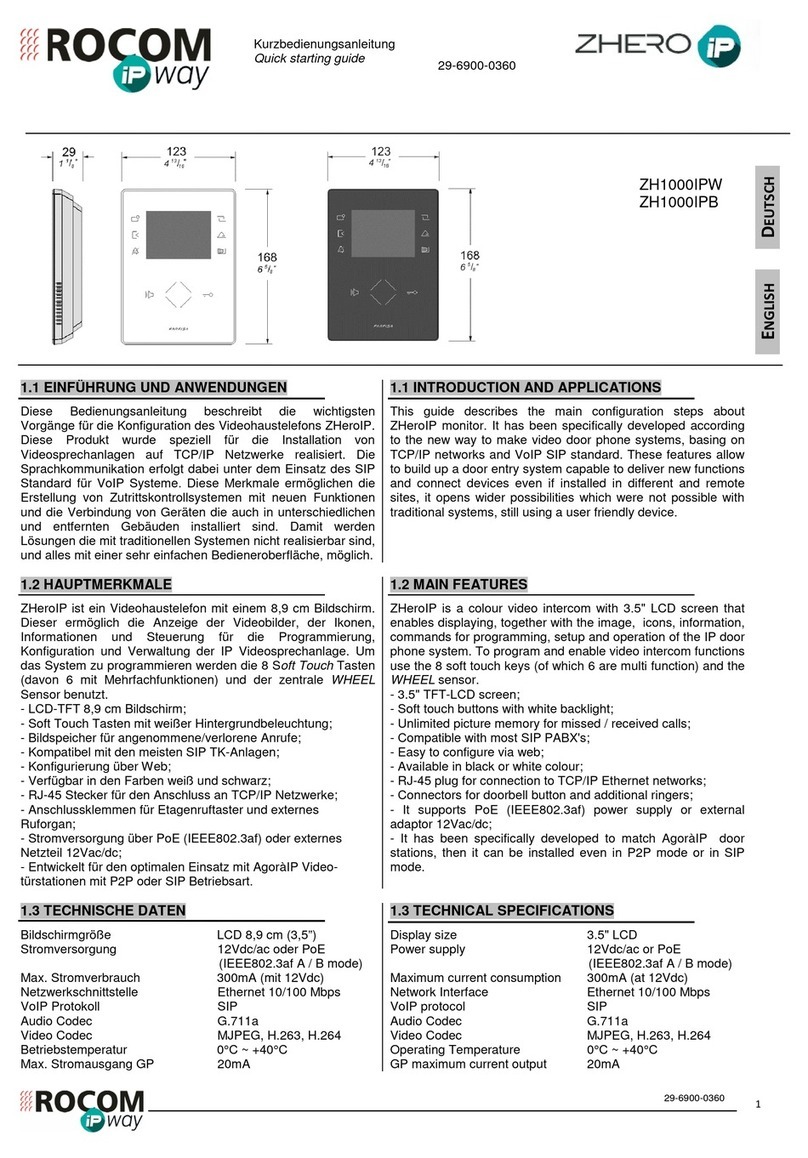
Rocom ZHeroIP Series How to use