Contents
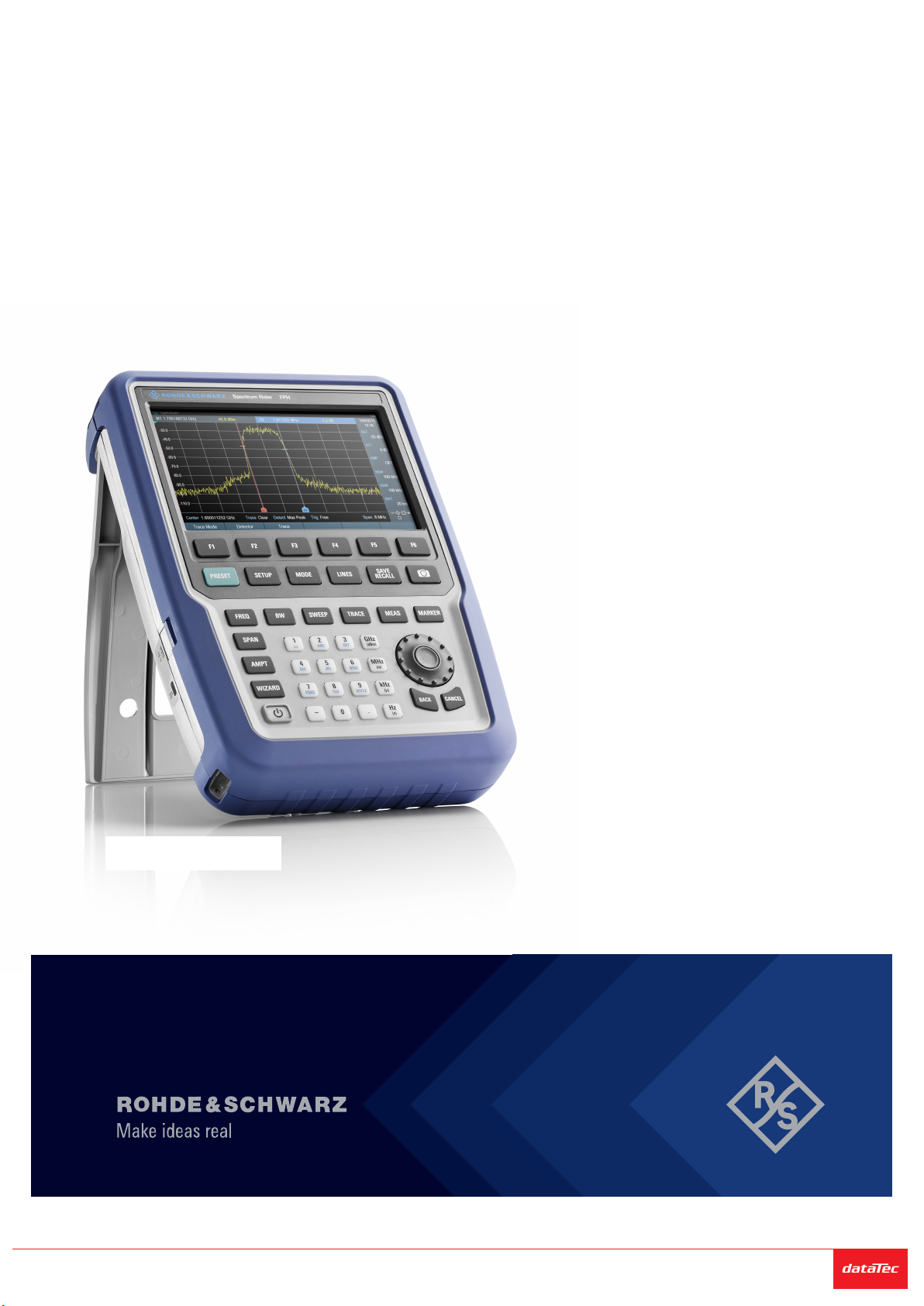
R&S®Spectrum Rider FPH
4Getting Started 1321.0996.02 ─ 12
6.1 Front view............................................................................................ 25
6.2 Top view...............................................................................................26
6.3 Left view...............................................................................................29
6.4 Right view............................................................................................ 29
6.5 Rear view............................................................................................. 30
6.6 Touchscreen display...........................................................................30
6.6.1 Title bar................................................................................................. 32
6.6.2 Measurement result view...................................................................... 33
6.6.3 Measurement trace window.................................................................. 34
6.6.4 Parameter view..................................................................................... 35
6.6.4.1 Configuration overview......................................................................... 36
6.7 On-screen keyboard........................................................................... 39
6.8 Front panel keys................................................................................. 39
6.8.1 POWER key..........................................................................................39
6.8.2 Screenshot key..................................................................................... 40
6.8.3 Softkey.................................................................................................. 40
6.8.4 System keys..........................................................................................40
6.8.5 Function keys........................................................................................41
6.8.6 Keypad..................................................................................................42
6.8.7 Navigation controls............................................................................... 43
6.9 Managing options............................................................................... 44
6.9.1 Enabling options................................................................................... 44
6.9.2 Checking options.................................................................................. 45
6.9.3 Managing options with R&S license manager...................................... 45
6.10 Configuring the R&S Spectrum Rider...............................................47
6.10.1 Configuring the hardware......................................................................48
6.10.2 Configuring antennas............................................................................49