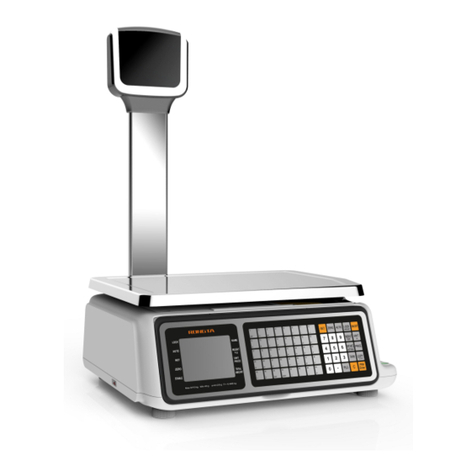
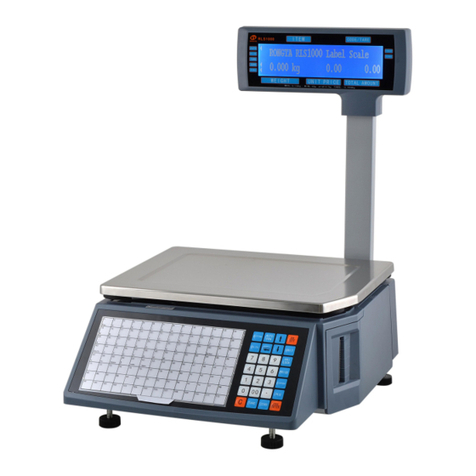
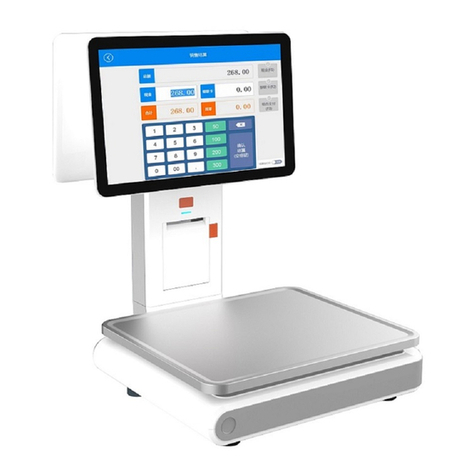
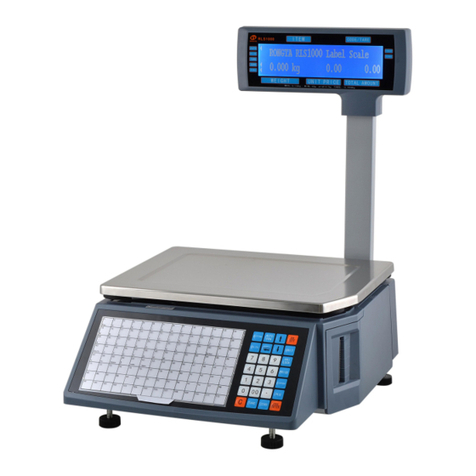
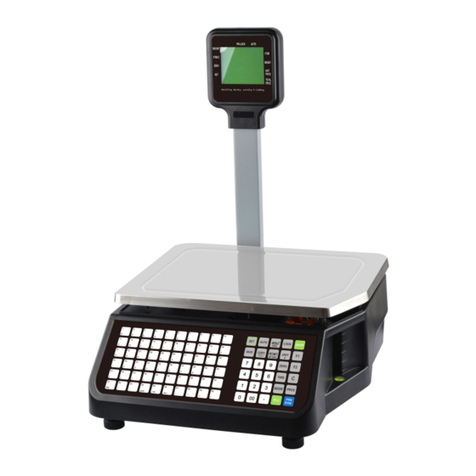
Label Scale
Reasons: Setting label type error. Usually the label type computer download is D0, so label type
of label scale printing should be set D0. Or the printed label is blank.
Solutions: a. adjust the settings in following key order (on the scale)
[SETTING] Enter the system setting Press hotkey[ L ] Enter the select label
type(0:D0;1:D1)Press [PRN/Enter]
b. It’s also available to adjust software on computer. Open label scale, input serial
number of the scale. Change label type to D0in set function, then carry out function
set command.
Print half or a half label, paper orientation is abnormal.
Reasons: a. Set paper type detection error.
b. Printer rear photoelectric has slanting direction or is dust.
c. Photovoltaic panels is bad.
d. Photoelectric pair of printer rear photoelectric is bad.
Solutions: a. adjust the settings in following key order on the scale
[SETTING] Enter the system setting Press hotkey[S] Enter the select label type
(0:label;1:receipt 2: label, without recycle paper roll)Press [PRN/ENTER]
It’s also available to adjust software on computer. Open label scale , set paper type to “Label”
in set function, the pass the setting to error scale.
b. Check whether printer rear photoelectric has slanting direction or is dust.
c. If the problem still can’t be solved, consider changing photoelectric pair. It is
better to handle this step by professional person of our company.
Fuzzy print and it is not black enough
Reasons: a. printer head has not been fasten well.
b. Thermal head is dirty
c. Print density is too low.
Solutions: a. Re-fasten the printer head well.
b. Wipe the thermal head with a soft cloth glued alcohol gently
c. Increase print density
Print a label with half clear and half fuzzy or even blank.
Reasons: a. printer head has not been fasten well.
b. Thermal head is dirty
c. The print head deformation
Solutions: a. Re-fasten the printer head well.
b. Wipe the thermal head with a soft cloth glued alcohol gently
c. If the problem still can’t be solved by above method, then cause of the error is the
print head deformation, need to change printer. Bad printer should be handled by
professional person of our company.
Weird character show on label or character can’t be printed out(including Chinese and English)
Reasons: a. Haven’t download fonts or single-byte character.
b. Font conflict
Solutions: a. Re-download fonts (including single-byte and double-byte character.)
b. Re-select single-byte and double-byte fonts by files/option/label scale fonts, then
download Chinese and English fonts.