4Smart Home Monitoring | Smart Thermostat | Touchpad Set-Up
Pairing the Smart Thermostat
with your Touchpad
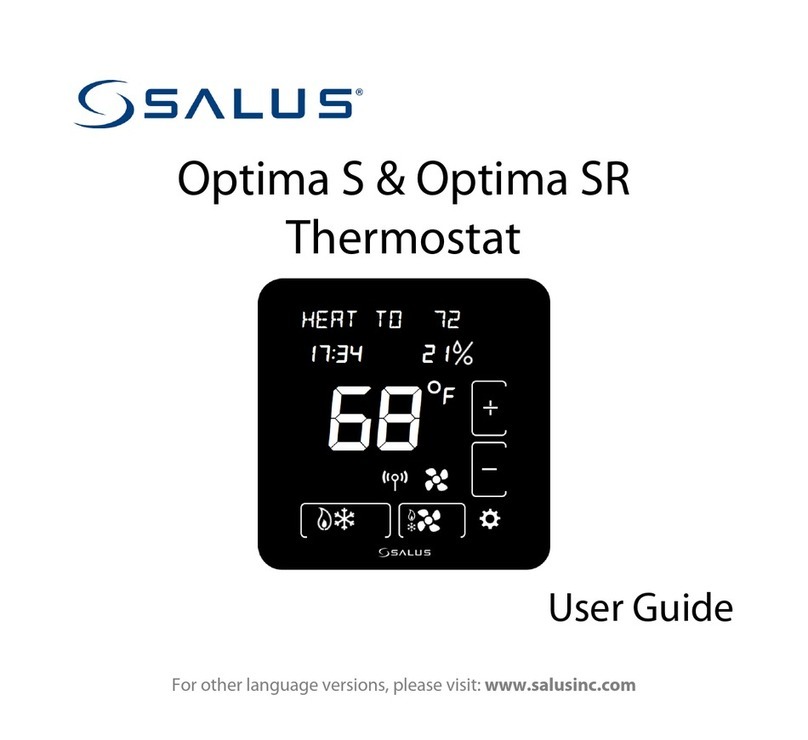
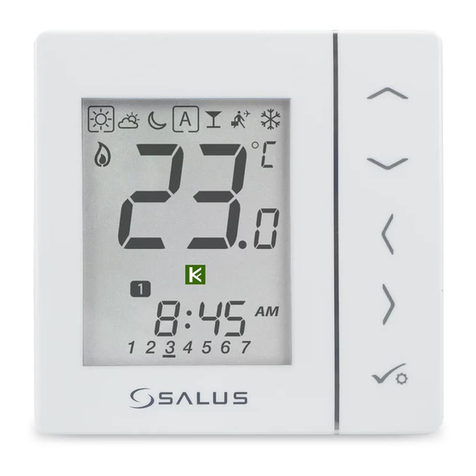
1. Remove the back plate from the Smart Thermostat and insert 2 AA batteries.
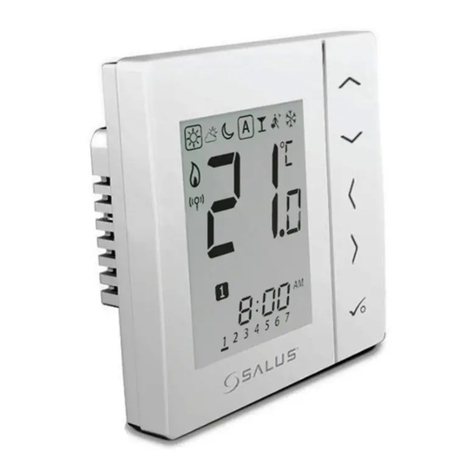
After inserting the batteries, the display will flash all the segments, followed by the
firmware version number, then displays US/CA with a blinking US.
To configure the Smart Thermostat to the desired values, press the the +or -button or use
the slider ring to select the desired value, then press on Mode.
Using the table below, select your country, then your type of system.
Blinking Value Description
US United States - Configuring thermostat for use in the US.
CA Canada
HP Heat Pump
NON-HP Non Heat Pump - Gas, electric, or oil heat
O Heat Pump with O reverse valve
B Heat Pump with B reverse valve
HE Electric Heat
HG Gas or Oil Heat
After the inital configuration, the Smart Thermostat will display the Home Screen.
2. Replace the back plate.
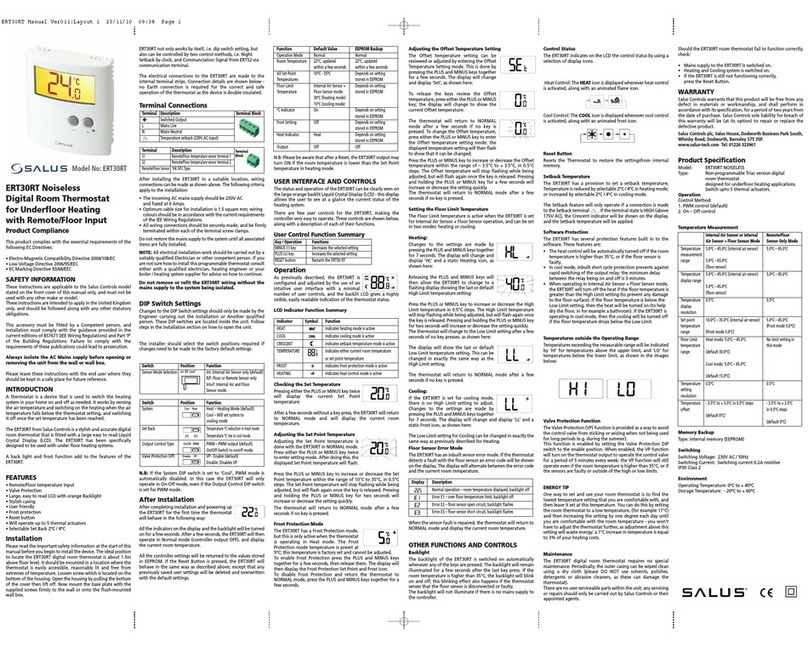
3. Press and hold down on the word Mode on the face of the Smart Thermostat for
5 seconds.
4. The Smart Thermostat will flash the word Clock.
5. Using the sliding ring on the face of the Smart Thermostat, scroll to the option Pair and
press the Mode button to select this option.