8
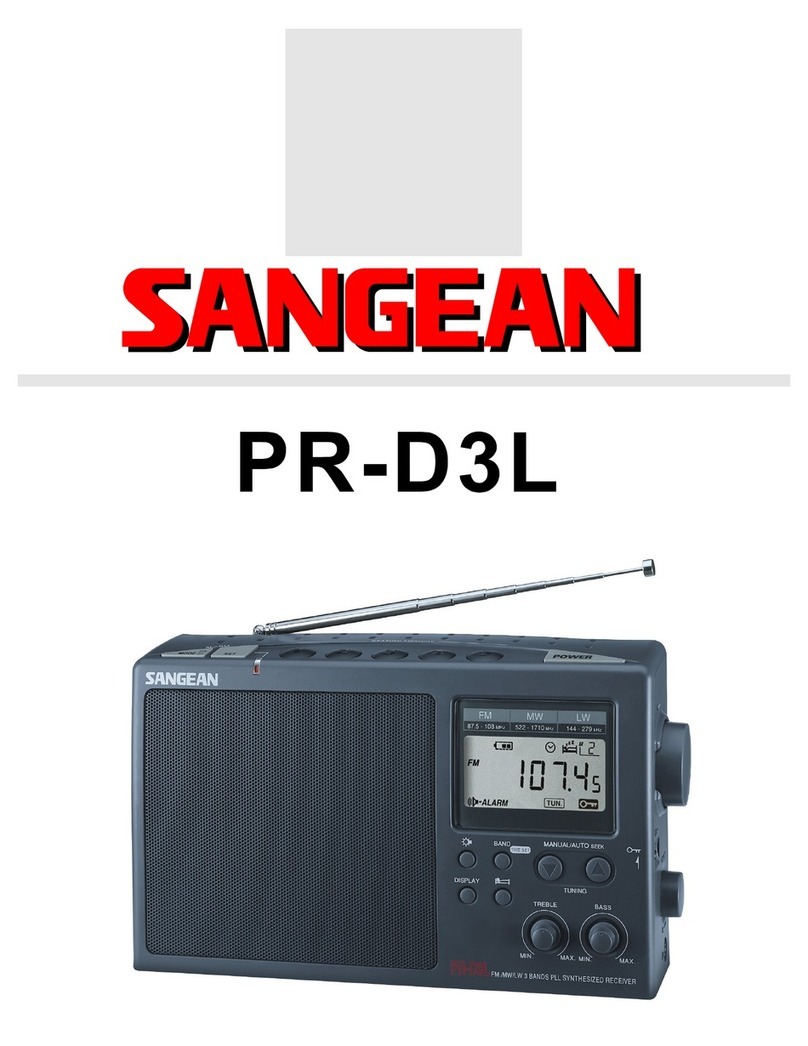
Sleep function –Auto Off
The sleep timer will automatically switch off your radio after a preset
time has elapsed.
1. Press and continue to hold down the Power button, the display will
cycle through the available sleep times in the order 50-40-30-20-
10-60-50………… Release the button when the required
sleep time appears in the display.Display will appearAUTO OFF
and radio will play the last station selected.
2. To cancel the sleep function , press the Power button,
theAUTO OFF will disappear and the radio will switch off.
Nap timer ( short timer )
You can set theNap timer ( short timer ) either radio is on or off.
PressNap timer button , display will appear and flash last
nap timer time. PressTuning up/down button to select required nap
timer time, pressNap timer button again to complete setting.
Nap timer will start to count by second, display will show and
remaining nap timer time ( when radio is off ). The buzzer will sound
for 3 minutes when it reaches the period of time which you have set.
Press Power button to turn the buzzer off.
To turn off theNap timer before the time is up, simply press and
release theNap timer button. will disappear from display.
You can also memory the nap timer time by long pressing Preset
1-5 button for the timer time you require ( same procedures you
store the station ) and recall it whenever you need to set timer. e.g.
you can store 10 minutes timer in preset 1 and 20 minutes timer in
preset 2, so each time after you need to select short timer time,
press short timer button then preset 1 to get 10 minutes timer and
preset 2 to get 20 minutes timer and so on.
GB