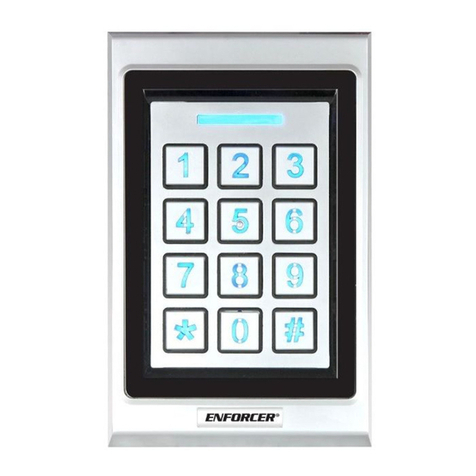
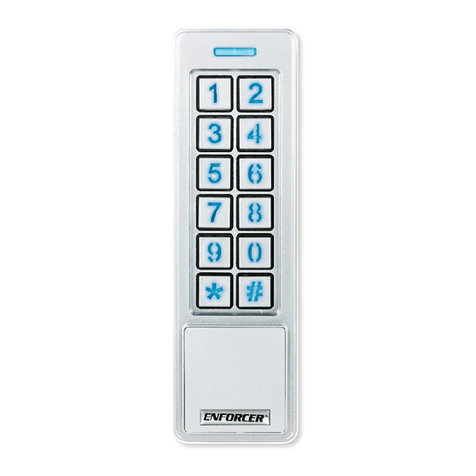
ENFORCER Bluetooth
®
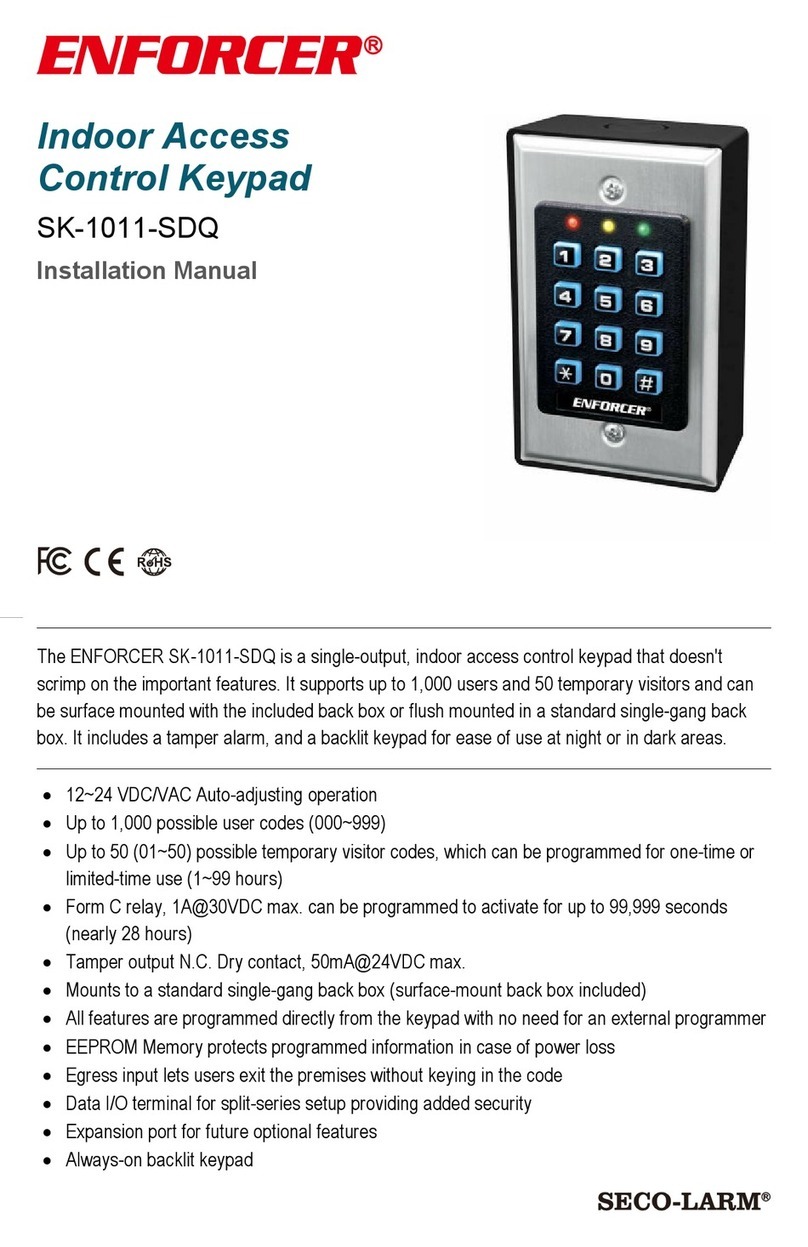
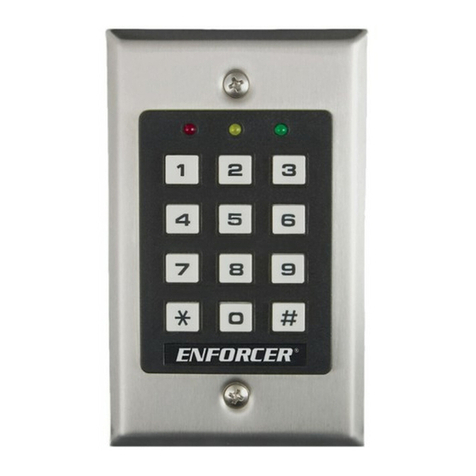
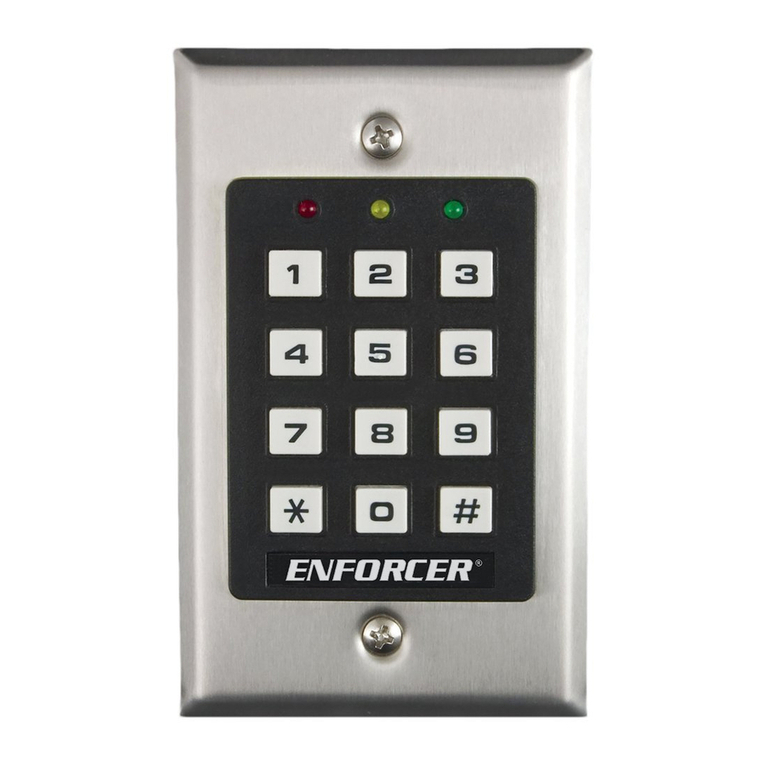
Single-Gang Keypad with Reader
2SECO-LARM U.S.A., Inc.
Installation and Mounting:
Using the security bit, remove
the screw and housing cover.
Using the base, mark mounting holes.
Remove and measure wiring hole.
Drill the five holes. The wiring hole
should be about ø11/4" (ø 3cm).
Approximately
11/4" (3cm)
5
16
13/
" (30mm)
19/16"
(40mm)
23/16"
(55mm)
23/8" (60mm)
SECO-LARM
® U.S.A., Inc.
16842 Millikan Avenue, Irvine, CA 92606
Phone: (949) 261-2999 | (800) 662-0800 Email: sales seco-larm.com
PITGW1
MA_PR-B1124-PQ_210818.docx
LARM policy is one of continual development and improvement. For that reason, SECO
LARM reserves the right to change specifications without notice.
SECO-LARM is also not responsible for misprints. All trademarks are the property of SECO--LARM U.S.A., Inc. or their respective owners. Copyright © 2021
SECO-LARM U.S.A., Inc. All rights reserved.
WARRANTY: This SECO-LARM product is warranted against defects in material and workmanship while used in normal service for one (1)
year from the date of sale to the original
customer. SECO-LARM’s obligation is limited to the repair or replacement of any defective part if the unit is returned, transportation prepaid, to SECO-
LARM. This Warranty is void
if damage is caused by or attributed to acts of God, physical or electrical misuse or abuse, neglect, repair or alteration, improper or abnormal usage, or faulty insta
other reason SECO-LARM determines that such equipment is not operating properly as a result of causes other than defects in material and workma
nship. The sole obligation of
SECO-LARM and the purchaser’s exclusive remedy, shall be limited to the replacement or repair only, at SECO-LARM’s option. In no event shall SECO-
special, collateral, incidental, or consequential personal or property damage of any kind to the purchaser or anyone else.
FCC/IC COMPLIANCE STATEMENT FOR BLUETOOTH MODULE FCC ID: K7TRB8762 IC ID: 2377ARB8762
THIS DEVICE COMPLIES WITH PART 15 OF THE FCC RULES. OPERATION IS SUBJECT TO THE FOLLOWING TWO CONDITIONS: (1) THIS DEVICE MAY NOT CAUSE
HARMFUL INTERFERENCE AND (2) THIS DEVICE MUST ACCEPT ANY INTERFERENCE RECEIVED, INCLUDING INTERFERENCE THAT MAY CAUSE UNDESIRED
OPERATION.
Notice: The changes or modifications not expressly approved by the party responsible for compliance could void the user’s authority to operate the equipment.
IMPORTANT NOTE: To comply with the FCC RF exposure compliance requirements, no change to the antenna or the device is permitted. Any change to the antenna or the device
could result in the device exceeding the RF exposure requirements and void user’s authority to operate the device.
This device complies with Industry Canada licence-exempt RSS standard(s). Operation is subject to the following two conditions: (1) this device may not cause interference, and
(2) this device must accept any interference, including interference that may cause undesired operation of the device.
Le présent appareil est conforme aux CNR d'Industrie Canada applicables aux appareils radio exempts de licence. L'exploitation est autorisée aux deux conditions suivantes:
(1) l'appareil ne doit pas produire de brouillage, et (2) l'utilisateur de l'appareil doit accepter tout brouillage radioélectrique subi, même si le brouillage est susceptible d'en
compromettre le fonctionnement.
Users and installers of this product are responsible for ensurin
g that the installation and configuration of this product complies with all national, state, and local laws
and codes related to locking and egress devices. SECO-LARM will not be held responsible for the use of this product in violation of any current laws or codes.
resistant installation, ensure that the housing back is installed tightly against the wall and properly sealed. Incorrect mou
exposure to rain or moisture in the enclosure which could cause
a dangerous electric shock, damage the device, and void the warranty. Users and installers are responsible for
ensuring that this product is properly installed and sealed
®
word mark and logos are registered trademarks owned by Bluetooth SIG, Inc. and any use of such marks by SECO
LARM is under license. Other trademarks and
trade names are those of their respective owners.
Connect wires and push
the hole in the wall, taking care
not to loosen any connectors.
Mount the device to the wall
using the supplied screws and
wall anchors or other screws.
Slide the cover to engage the
tab on the top of the device
secure with the security screw.
California Proposition 65 Warning:
These products may contain chemicals which ar
e known to the State of California to cause cancer and birth defects or other reproductive harm.
For more information, go to www.P65Warnings.ca.gov.