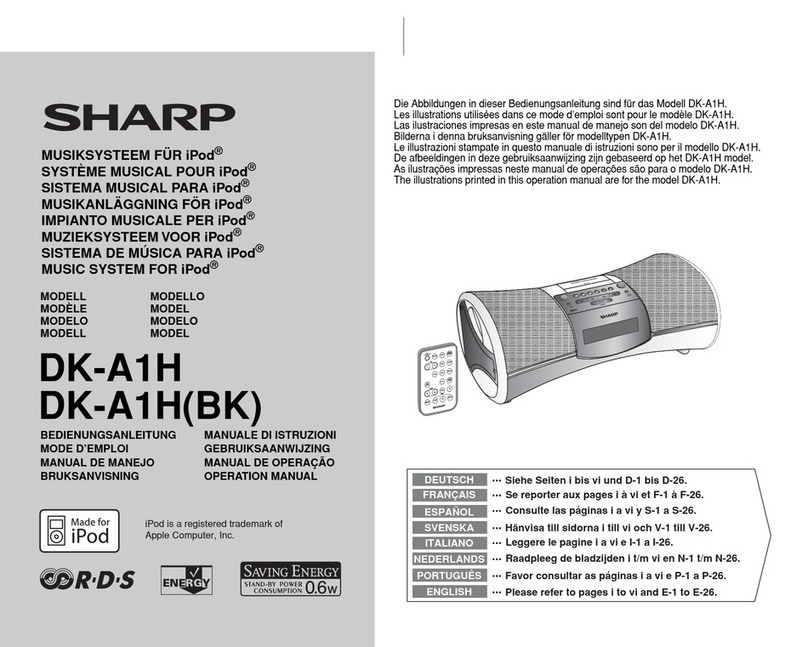
Sharp DK-A1H User manual

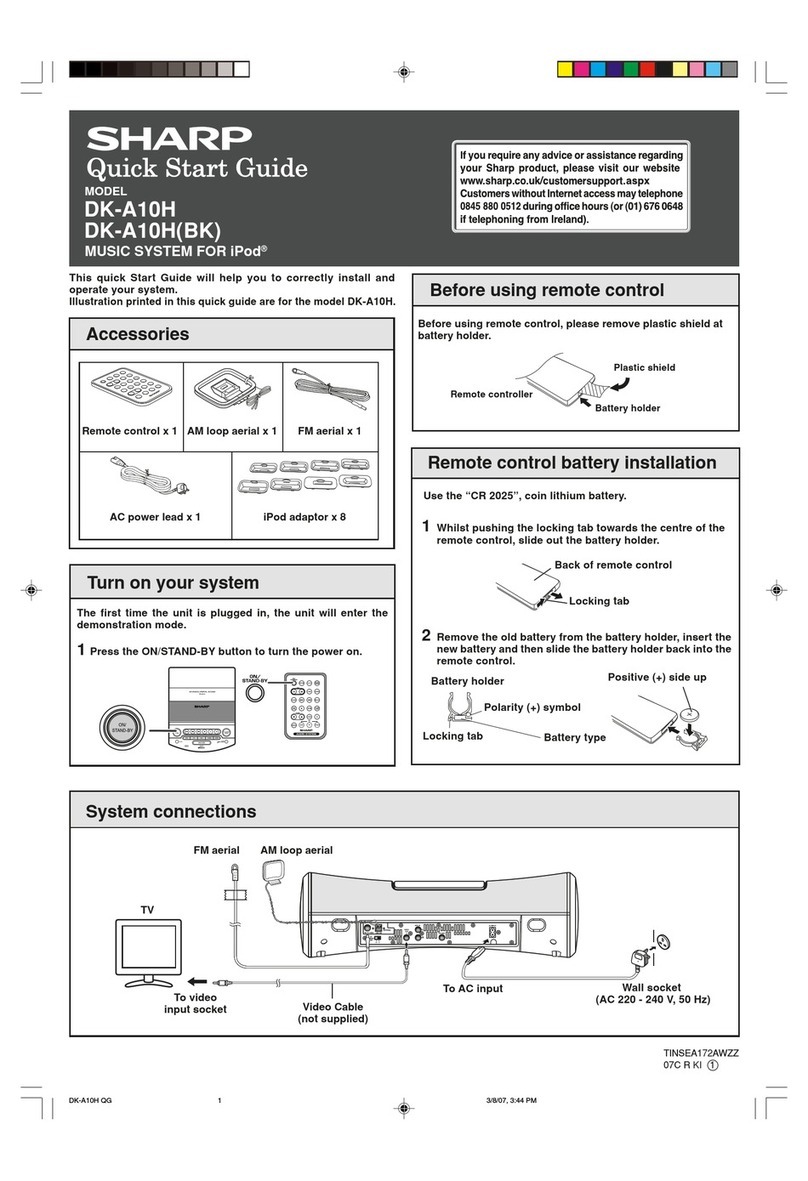
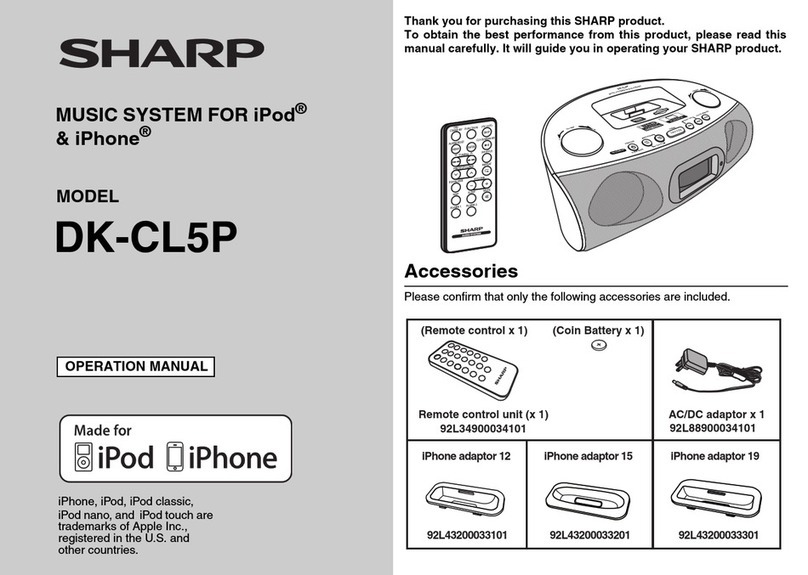
Accessories
TINSEA181AWZZ
07C R AS 1
System connections
MUSIC SYSTEM FOR iPod®
Wall socket
(AC 220 - 240 V, 50 Hz)
To AC input
AM loop aerial x 1Remote control x 1 FM aerial x 1
Turn on your system
The first time the unit is plugged in, the unit will enter the
demonstration mode.
1Press the ON/STAND-BY button to turn the power on.
AM loop aerialFM aerial
AC power lead x 1 iPod adaptor x 8
Before using remote control
Battery holder
Plastic shield
Remote controller
Before using remote control, please remove plastic shield at
battery holder.
DK-A1H
DK-A1H(BK)
This quick Start Guide will help you to correctly install and
operate your system.
Illustration printed in this quick guide are for the model DK-A1H.
MODEL
1Whilst pushing the locking tab towards the centre of the
remote control, slide out the battery holder.
2Remove the old battery from the battery holder, insert the
new battery and then slide the battery holder back into the
remote control.
Use the “CR 2025”, coin lithium battery.
Remote control battery installation
Back of remote control
Locking tab
Positive (+) side up
Battery holder
Polarity (+) symbol
Battery type
Locking tab
TV
Video Cable
(not supplied)
To video
input socket
DK-A1H QG 3/8/07, 3:46 PM1

HH
HH
H
iPod adaptor connection
1Push the iPod sliding door until end.
2Insert the iPod adaptor into unit and connect your iPod.
Listening to the radio
1Press the ON/STAND-BY button to turn the power on.
2Press the TUNER button on main unit or FUNCTION button on remote control repeatedly to select the desired frequency
band (FM or AM).
3Press the TUNING (44
44
4
or 33
33
3) button on the remote control to tune in to the desired station.
Manual tuning: Press the TUNING (44
44
4or 33
33
3) button as many times as required to tune in to the desired station.
Auto tuning: When the TUNING (44
44
4or 33
33
3) button is pressed for more than 0.5 seconds, scanning will start
automatically and the tuner will stop at the first receivable broadcast station.
HH
HH
HTo remove iPod adaptor
Hold this tip and pull as direction shown to remove adaptor.
HH
HH
HiPod playback
1Press the ON/STAND-BY button to turn the power on.
2Press the iPod button on main unit once or FUNCTION button
on remote control repeatedly to select iPod function.
3Open the iPod terminal door and insert iPod unit in iPod dock
of main unit.
EQ
-
+
iPod
AUX
E S
OUN
4Press the
00
00
0
/
66
66
6
button to start playback.
iPod
iPod adaptor
Note: For details, refer iPod adaptor table on page 14 in the
operation manual.
Listening to the iPod
EQ
-
+
iPod
AUX
EQ
-
+
iPod
AUX
E S
OUN
E S
OUN
E S
OUN
iPod (bottom)
Dock connector
iPod dock
iPod connector
iPod adaptor
iPod
DK-A1H QG 3/8/07, 3:46 PM2
Other manuals for DK-A1H
1
This manual suits for next models
1
Table of contents
Other Sharp Docking Station manuals
Sharp
Sharp DK-AP2 User manual
Sharp
Sharp DK-E7P User manual
Sharp
Sharp DKA10 - I-Elegance Boombox User manual
Sharp
Sharp DK-AP8P User manual
Sharp
Sharp DK-AP2(BK) User manual
Sharp
Sharp DKA10 - I-Elegance Boombox User manual

Sharp
Sharp DK-KP95P Installation guide
Sharp
Sharp DK-KP80P User manual
Sharp
Sharp DK-AP7N(R) User manual
Sharp
Sharp DK-AP7P - Portable Speakers With Digital Player... User manual